Cartesian
The Cartesian family contains 13 renderer-backed chart variants. Use this page as the entry point for choosing the right variant, then open the variant page for the screenshot, data shape, Rust API notes, and example code.
The chart family is still ordinary Fission UI. Each variant is constructed from typed Rust data, participates in layout and theme decisions, and can be driven by app state, reducers, resources, jobs, or services just like any other widget.
Variants
| Chart | Data shape | Use when |
|---|---|---|
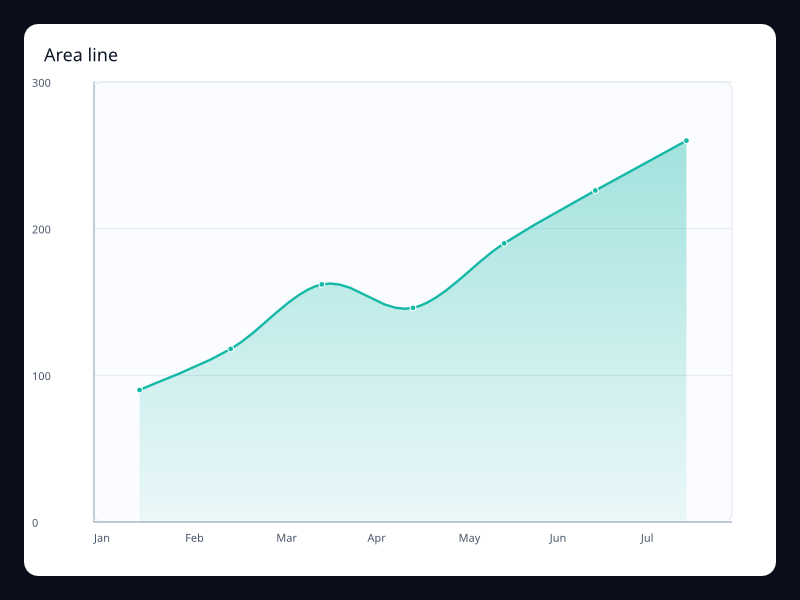
| Area line | Vec<f32> plus area style. | Use it when total volume is as important as the outline. |
| Bar with background | BarSeries values plus background and border-radius styling. | Use it for progress-like category comparisons where the maximum should remain visible. |
| Basic bar | Vec<f32> aligned to category labels. | Use it when individual values need easy comparison. |
| Basic line | Vec<f32> on a category, value, or time axis. | Use it when the shape of change matters more than individual bars. |
| Grouped bar | Multiple bar series sharing the same category axis. | Use it to compare related measures within each group. |
| Horizontal bar | BarSeries values with a category y-axis and value x-axis. | Use it when category labels are long or ranking order is more important than time order. |
| Large line | A longer Vec<f32> aligned to ordered category samples. | Use it for telemetry, monitoring, and sampled metrics where the trend matters more than every label. |
| Pictorial bar | Numeric values plus symbol choice. | Use it when the chart should feel branded without giving up scale. |
| Positive and negative bar | BarSeries values that may be positive or negative. | Use it for deltas, profit/loss, variance, and month-over-month movement. |
| Smooth line | Vec<f32> with smooth interpolation enabled. | Use it for dashboards where the series is sampled often enough to justify interpolation. |
| Stacked area | Several line series sharing one stack key. | Use it to show composition over time without losing the total. |
| Stacked bar | Multiple bar series sharing one stack key. | Use it to show composition and total at the same time. |
| Step line | Vec<f32> with start, middle, or end step behavior. | Use it for counters, states, quotas, and event-driven changes. |
Choosing within this family
Start with the user's question, not the visual effect. Pick the simplest variant that makes the answer clear, add interaction only when it reduces work for the user, and keep animation purposeful enough that it explains a change rather than decorating the page.