3D graph
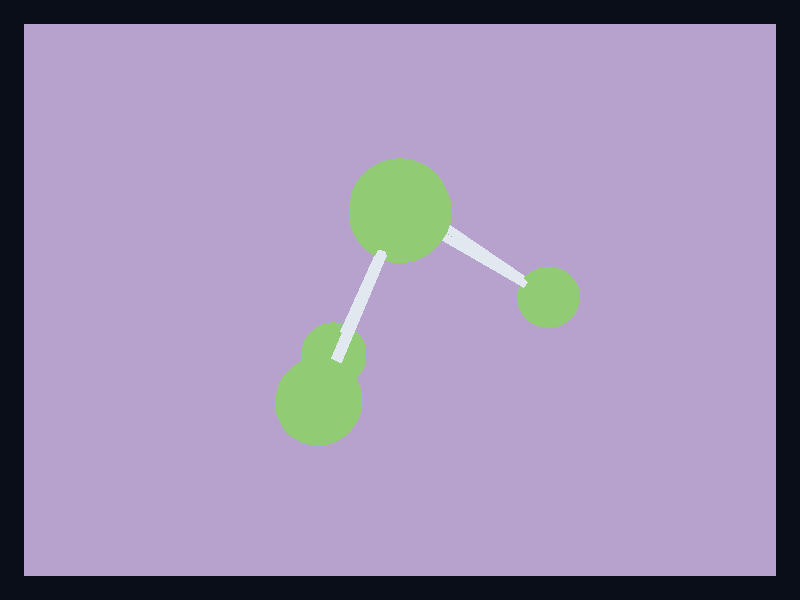
Relationship nodes placed in a native 3D scene. Use it when topology benefits from depth or when the graph is part of a 3D product surface. The screenshot is captured from the native Fission chart gallery.
What the chart is for
3D graph belongs to the 3D and GL family. Its job is to make this data shape readable: Node positions and values lowered into Scene3D primitives. In a production interface, choose this chart when spatial data is genuinely easier to understand in a 3D viewport.
Avoid it when a two-dimensional chart answers the question more directly; 3D should clarify spatial data, not decorate ordinary comparisons.
Data model
Node positions and values lowered into Scene3D primitives. The example is built from Scene3D and Primitive3D, which means it stays in the normal Fission widget tree and is rendered by the shell rather than a browser canvas island.
Rust API
| Field | Type | Notes |
|---|---|---|
scene | Scene3D | Owns the retained native 3D chart viewport. |
primitive | Primitive3D | Uses spheres, cuboids, or meshes for chart geometry. |
width / height | f32 | Optional fixed size; omit them when the chart should flex inside Fission layout. |
Example
use fission_3d::{Point3D, Primitive3D, Scene3D};
use fission_core::op::Color;

let scene = Scene3D::new()
    .add_primitive(Primitive3D::Sphere {
        center: Point3D::new(0.0, 0.0, 0.0),
        radius: 0.4,
        color: Color { r: 20, g: 184, b: 166, a: 255 },
    });
Interaction and animation
3D chart examples use the same Fission widget lifecycle as other charts. As the 3D chart model grows, interaction should continue to use typed events and reducers rather than ad-hoc callback registries.
Testing guidance
For this chart, test the generated geometry first, then test lowering, then capture a live screenshot when visual output changes. The screenshot for this page is refreshed with npm run charts:generate from the website package.
Tags: 3d, graph.