Beautiful charts in the same Rust app model
Fission Charts is the native charting layer for Fission applications. It is designed for the same product work as the rest of the framework: dashboards, finance views, operational consoles, analytics surfaces, live status panels, and dense internal tools that need to run on desktop, web, Android, and iOS without becoming a separate JavaScript island.
A chart is just another Fission widget. It participates in layout, themes, state updates, tests, and platform hosts. You do not switch to a second runtime to draw a line chart or a network diagram. You describe the chart with typed Rust structures, Fission lowers it into its render model, and the host draws it through the normal rendering pipeline.
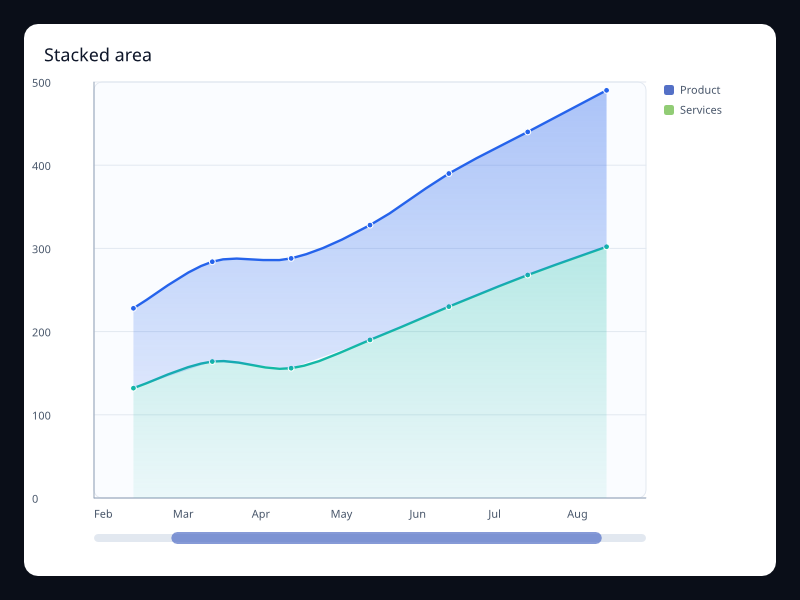
Cartesian
Stacked area
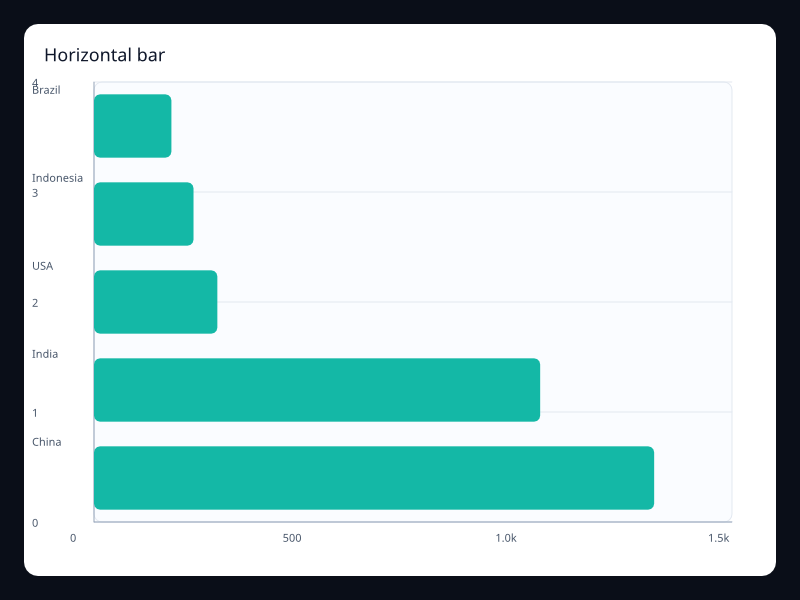
Cartesian
Horizontal bar
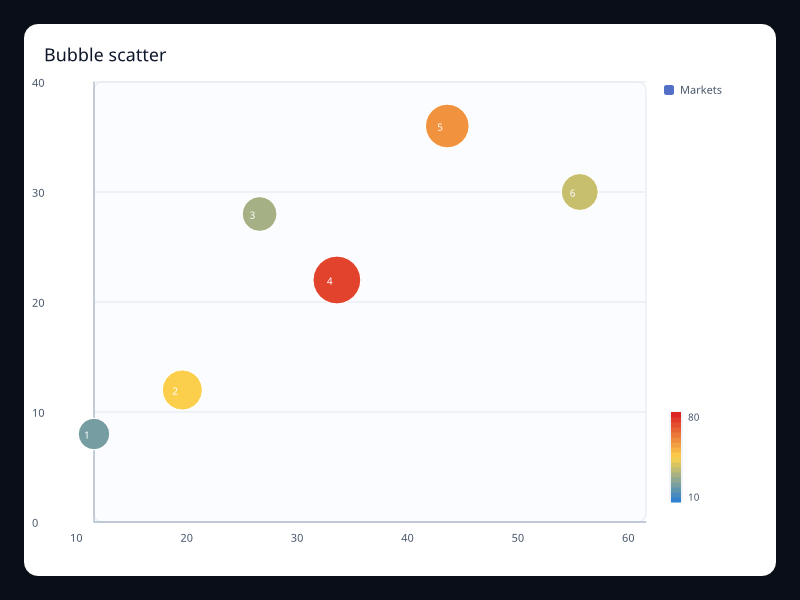
Statistical and finance
Bubble scatter
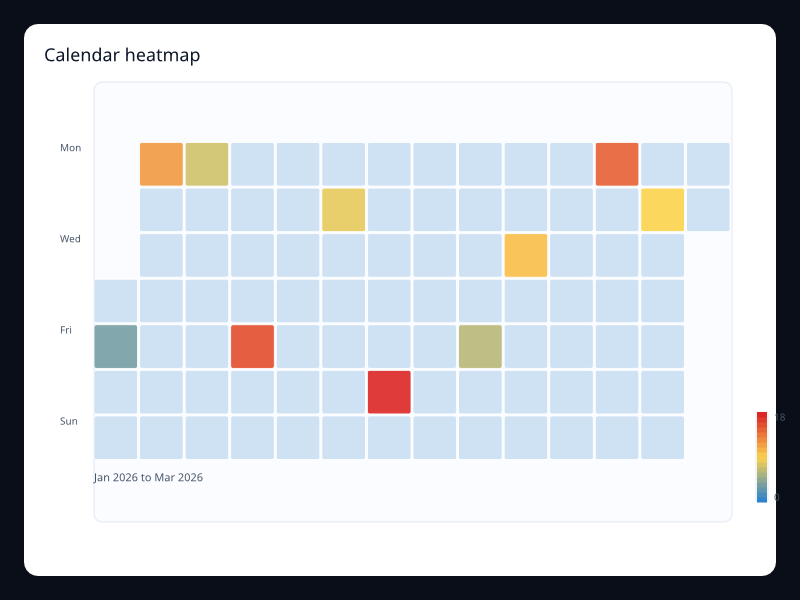
Coordinates
Calendar heatmap
Coordinates
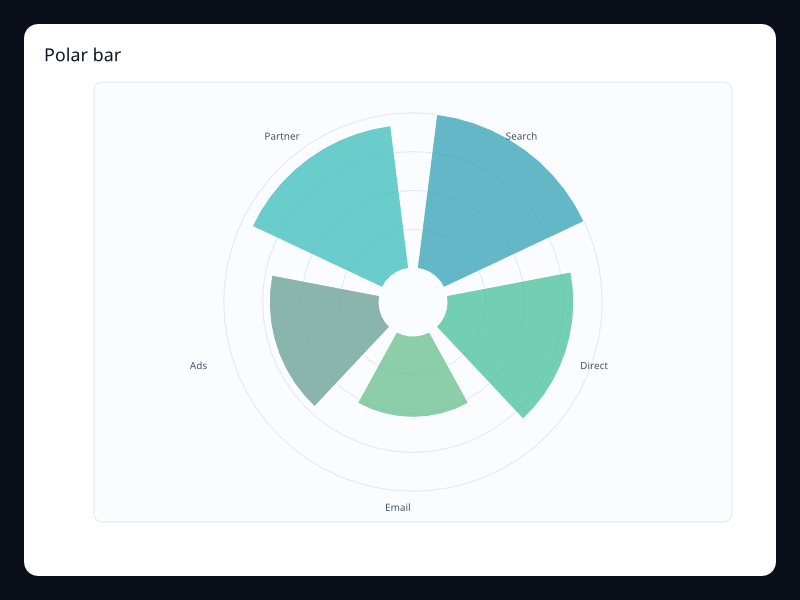
Polar bar
3D and GL
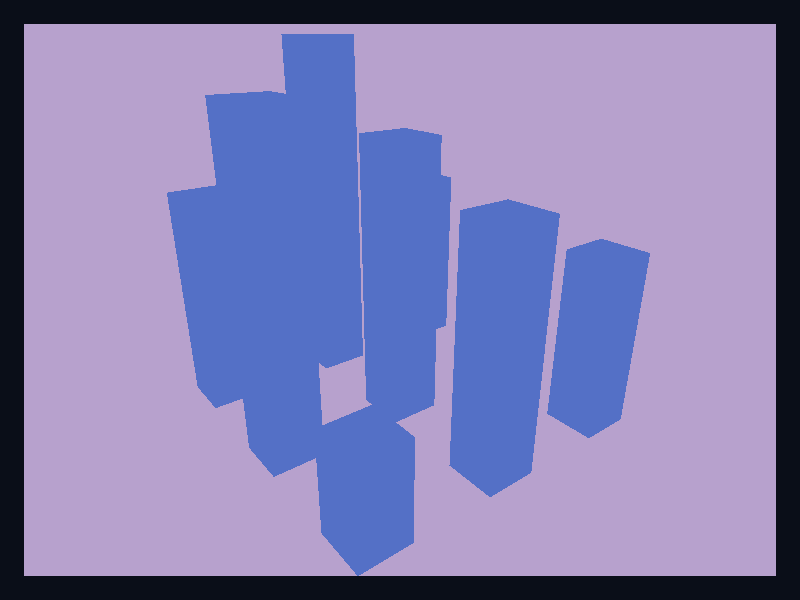
3D bar
What you can build today
The current production slice covers more than 400 renderer-backed chart variants across the families most apps need first: line, large line, bar, horizontal bar, negative bar, area, step line, pie, donut, rose, scatter, bubble scatter, boxplot, candlestick, heatmap, calendar heatmap, radar, funnel, gauge, tree, treemap, sunburst, graph, sankey, theme river, parallel coordinates, choropleth maps backed by GeoJSON, route lines, pictorial bars, effect scatter, liquid fill, word cloud, dataset encoding, polar coordinates, single-axis event plots, legends, visual maps, mark points, mark lines, mark areas, data zoom, timeline, toolbox, brush selection, graphic overlays, and native 3D scene-backed chart examples for bars, scatter, lines, point clouds, globes, graphs, terrain, and surfaces.
Those features are intentionally implemented through the Fission chart model rather than copied from another charting API. The public surface is Rust-native, the rendering output is Fission-native, and unsupported series report diagnostics instead of pretending to work. The interaction and animation APIs are also typed Rust: charts can expose hit-tested events, selection/brush configuration, and deterministic animation timing without requiring a browser runtime.
13 variants
Cartesian
Open the family reference9 variants
Radial and polar
Open the family reference6 variants
Statistical and finance
Open the family reference9 variants
Relationships and hierarchy
Open the family reference4 variants
Geographic and route
Open the family reference3 variants
Data pipeline and interaction
Open the family reference23 variants
Components and interaction
Open the family reference4 variants
Coordinates
Open the family reference44 variants
3D and GL
Open the family reference36 variants
Line
Open the family reference38 variants
Bar
Open the family reference12 variants
Pie and radial
Open the family reference14 variants
Scatter and statistical
Open the family reference12 variants
Heatmap and calendar
Open the family reference14 variants
Hierarchy and flow
Open the family reference10 variants
Geo and route
Open the family reference16 variants
Dataset and dynamic
Open the family reference20 variants
Statistical
Open the family reference20 variants
Radial
Open the family reference20 variants
Heatmap
Open the family reference19 variants
Hierarchy
Open the family reference20 variants
Geo
Open the family reference20 variants
Interaction
Open the family reference20 variants
Dataset
Open the family reference20 variants
Monitoring
Open the family reference20 variants
Analytics
Open the family referenceEach family card opens the reference entry for that family. Use the guide pages to learn the concepts, then use the reference pages when you need a specific chart variant, screenshot, data shape, and API notes.
A chart is ordinary Fission UI
The shortest useful chart creates axes, adds one or more series, and returns the chart from your widget build function. The surrounding screen can still use normal Fission layout widgets, reducers, commands, resources, and services.
use fission::prelude::*;
use fission_charts::{Axis, BarSeries, Chart, Legend, LineSeries, Tooltip};

#[derive(Default, Clone)]
struct DashboardState;

impl AppState for DashboardState {}

struct Dashboard;

impl Widget<DashboardState> for Dashboard {
    fn build(&self, ctx: &mut BuildCtx<DashboardState>, view: &View<DashboardState>) -> Node {
        Chart::new()
            .title("Weekly revenue")
            .x_axis(Axis::category(vec!["Mon", "Tue", "Wed", "Thu", "Fri", "Sat", "Sun"]))
            .y_axis(Axis::value())
            .legend(Legend::top_right())
            .tooltip(Tooltip::axis_trigger())
            .series(vec![
                BarSeries::new("Orders")
                    .data(vec![320.0, 332.0, 301.0, 334.0, 390.0, 330.0, 320.0])
                    .into(),
                LineSeries::new("Revenue")
                    .smooth(true)
                    .data(vec![120.0, 132.0, 101.0, 134.0, 90.0, 230.0, 210.0])
                    .into(),
            ])
            .build(ctx, view)
    }
}
The important part is the chart itself: typed axes, typed series, and a predictable model that the renderer can inspect and test.
Interaction and animation model
Charts participate in Fission input like other custom widgets. The chart model exposes typed interaction configuration for item events, selection modes, brush configuration, tooltip intent, toolbox actions, and keyboard focus. When event emission is enabled, the chart performs hit testing against the resolved chart model and dispatches a ChartInteractionEvent that tells your reducer which series item or plot area was targeted.
Animation is represented as chart data too. A ChartAnimation describes the animation kind, duration, delay, stagger, easing, and reduced-motion behavior. That keeps animated chart behavior deterministic and testable instead of hiding it behind ad-hoc timers. Renderer-specific animation effects are being added family by family so line growth, bar growth, radial sweeps, route effects, and data-update morphs all share the same timing model.
How to choose the right chart
Start with the question the user needs to answer. If the question is "how did this change over time?", start with line or area. If the question is "which category is larger?", start with bar. If the question is "how are parts contributing to a whole?", use stacked bars, stacked areas, pie, donut, treemap, or sankey depending on whether the structure is linear, radial, hierarchical, or flow-based.
Do not use a dramatic chart just because it looks impressive. A gauge is useful when the reader expects an instrument-like current state. It is a poor replacement for a line when the user needs history. A rose chart can be effective in a presentation, but a bar chart is often easier to compare. Fission Charts gives you expressive options, but production interfaces still need charts that answer the right question quickly.
Where the docs go next
The catalog documents the chart surface that is implemented today. Every entry uses a chart-only screenshot captured from the Fission chart gallery so readers see real renderer output rather than the gallery application shell. The interactive WebAssembly gallery is the next website step: the docs keep the screenshots for fast scanning, then offer a live editable demo for deeper exploration when the website backend is ready.