Chart catalog
This catalog only lists chart variants that are implemented in the current native chart renderer and backed by real Fission screenshot assets. Future chart families stay out of the public catalog until the renderer, gallery, tests, and screenshots exist.
Each card includes a chart-only screenshot captured from the Fission chart gallery, the data shape the chart expects, and the product situation where the chart belongs. That is deliberate. A chart reference should help you choose the right visualization before you start writing code.
Chart family
Cartesian
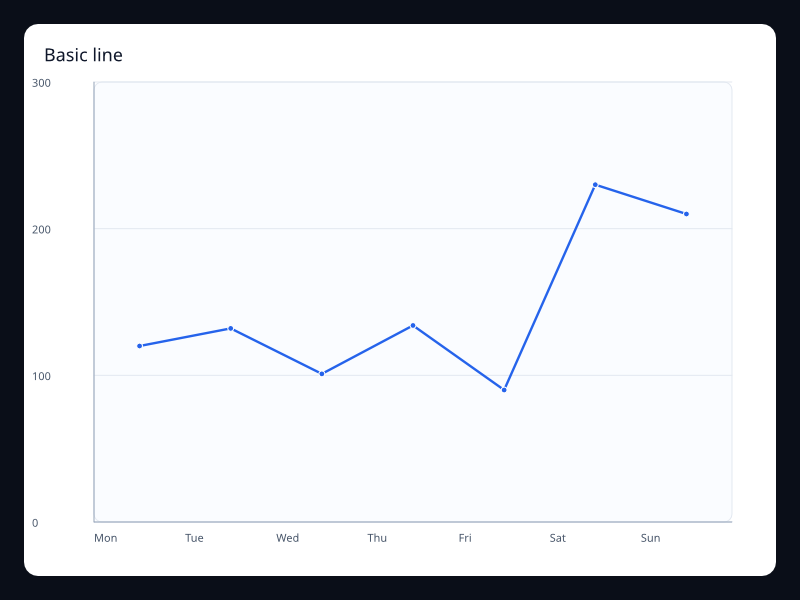
Basic line
A single ordered numeric series with a clear trend line.
- Data
- Vec<f32> on a category, value, or time axis.
- Use when
- Use it when the shape of change matters more than individual bars.
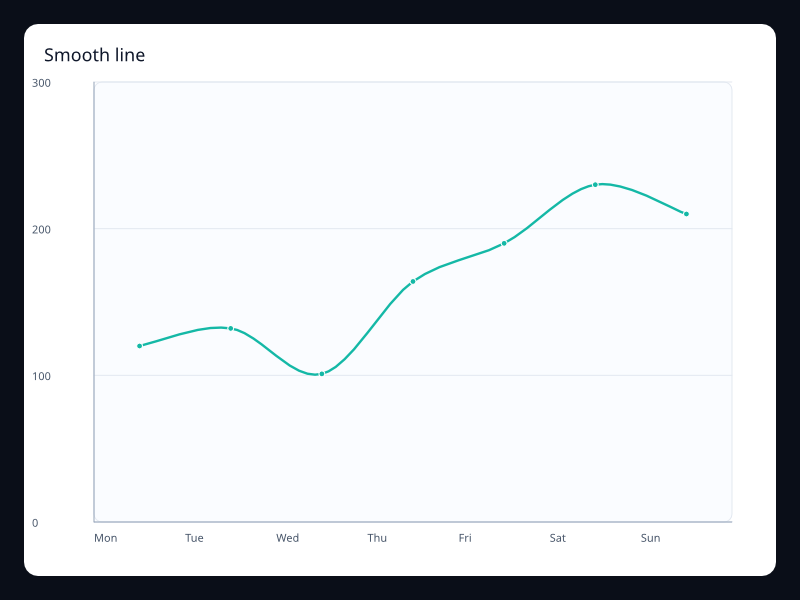
Smooth line
A continuous line with curve interpolation for softer trend reading.
- Data
- Vec<f32> with smooth interpolation enabled.
- Use when
- Use it for dashboards where the series is sampled often enough to justify interpolation.
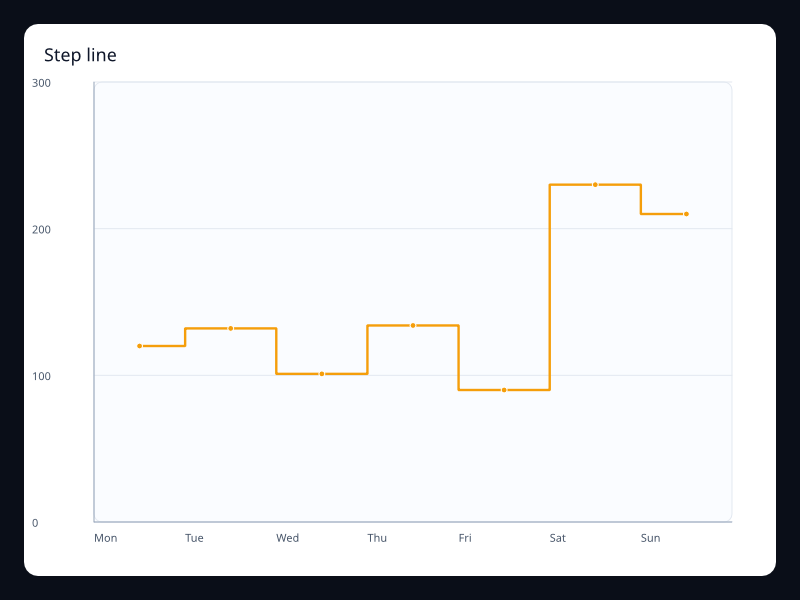
Step line
A line that changes in discrete jumps instead of continuous slopes.
- Data
- Vec<f32> with start, middle, or end step behavior.
- Use when
- Use it for counters, states, quotas, and event-driven changes.
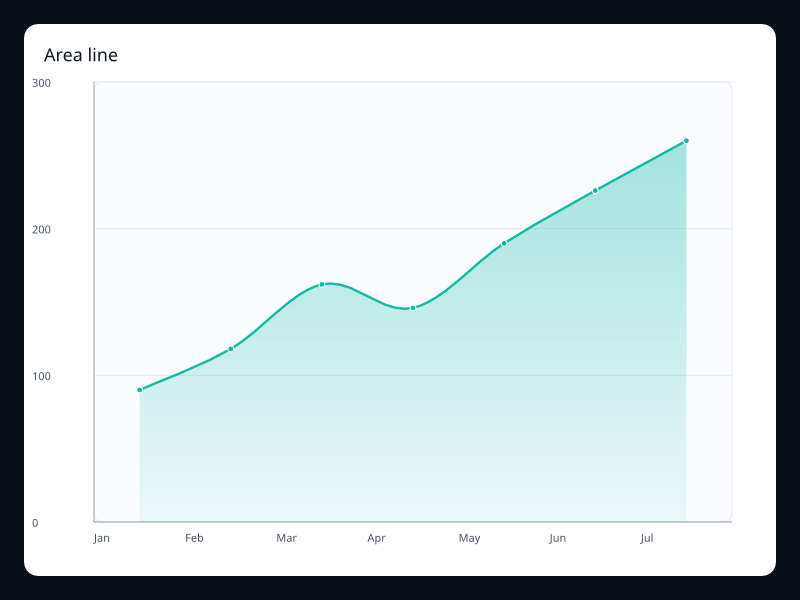
Area line
A line with filled area to emphasize magnitude over time.
- Data
- Vec<f32> plus area style.
- Use when
- Use it when total volume is as important as the outline.
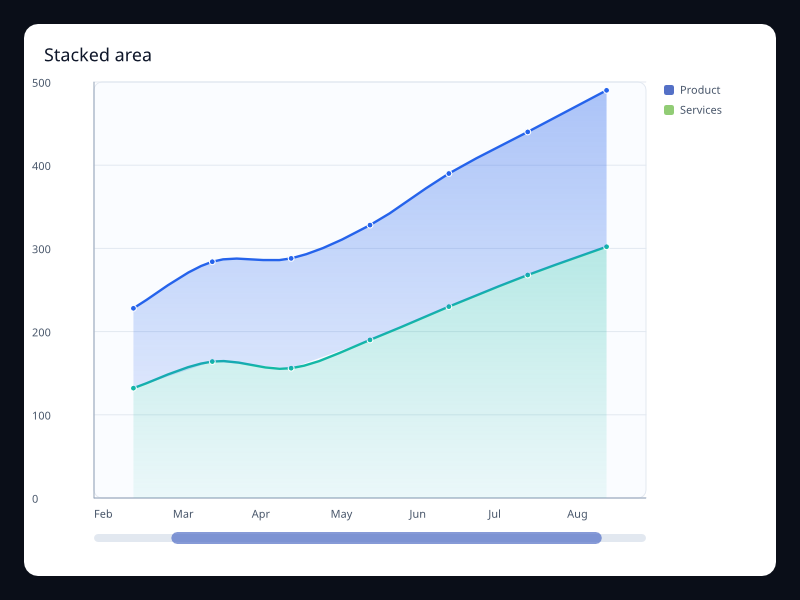
Stacked area
Multiple area series stacked into one total.
- Data
- Several line series sharing one stack key.
- Use when
- Use it to show composition over time without losing the total.
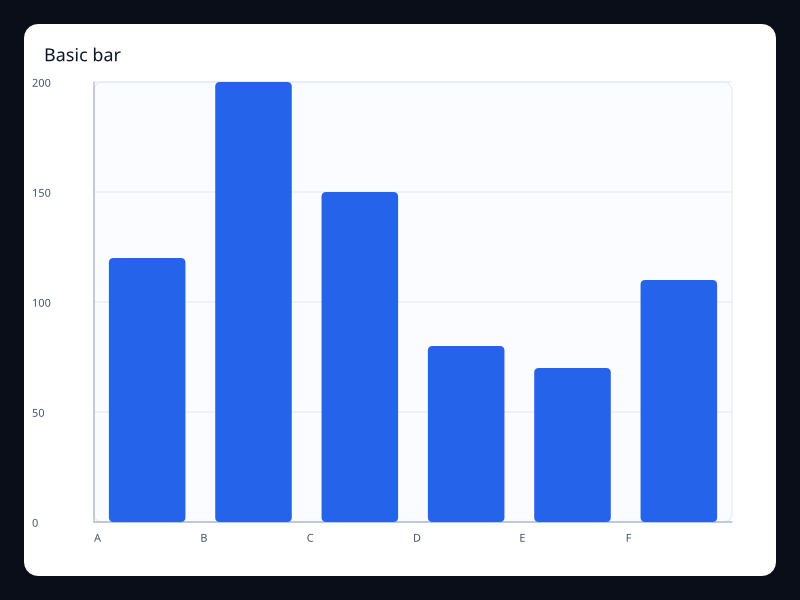
Basic bar
A category comparison using rectangular bars.
- Data
- Vec<f32> aligned to category labels.
- Use when
- Use it when individual values need easy comparison.
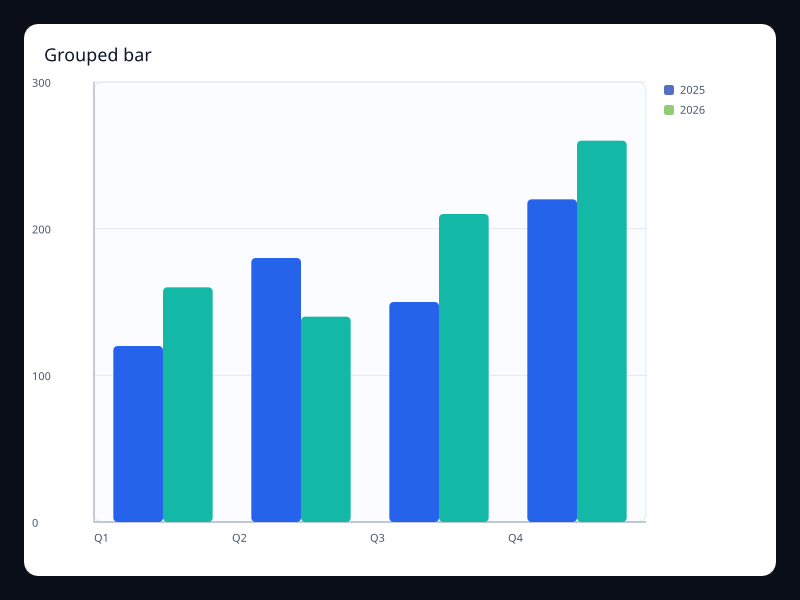
Grouped bar
Several bar series shown side by side for each category.
- Data
- Multiple bar series sharing the same category axis.
- Use when
- Use it to compare related measures within each group.
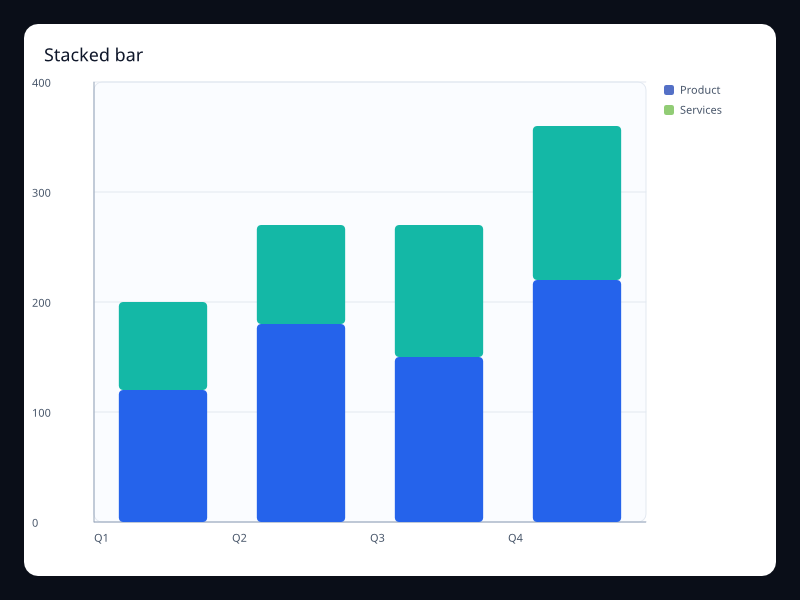
Stacked bar
Bars stacked into a cumulative total for each category.
- Data
- Multiple bar series sharing one stack key.
- Use when
- Use it to show composition and total at the same time.
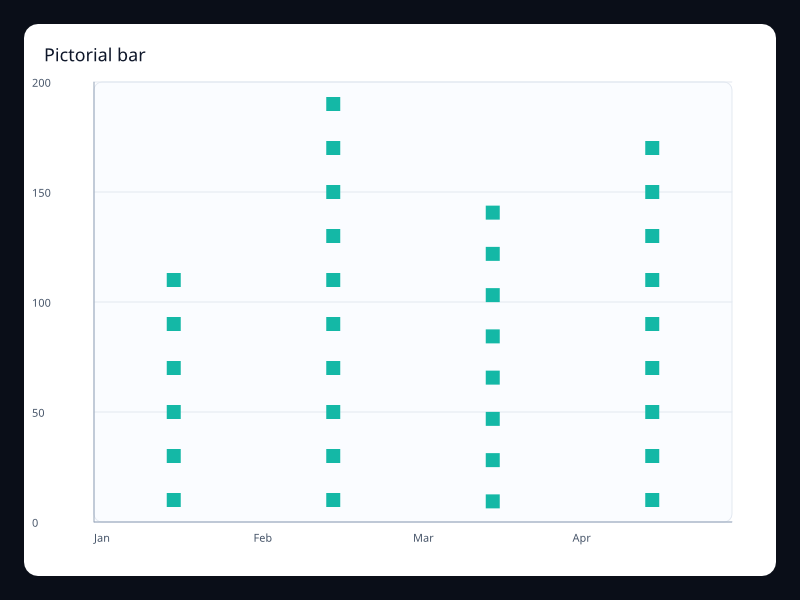
Pictorial bar
Bars represented by repeated symbols or a custom path.
- Data
- Numeric values plus symbol choice.
- Use when
- Use it when the chart should feel branded without giving up scale.
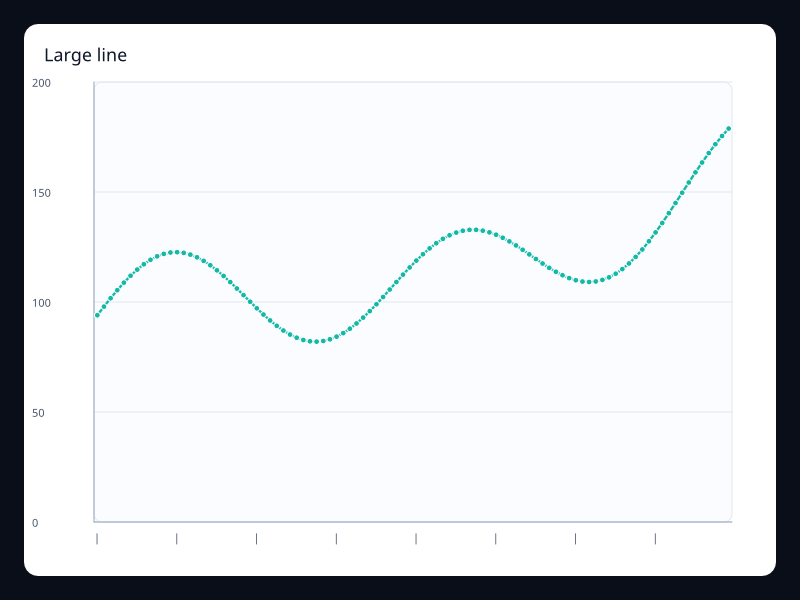
Large line
A dense ordered series rendered as a continuous trend without changing the app model.
- Data
- A longer Vec<f32> aligned to ordered category samples.
- Use when
- Use it for telemetry, monitoring, and sampled metrics where the trend matters more than every label.
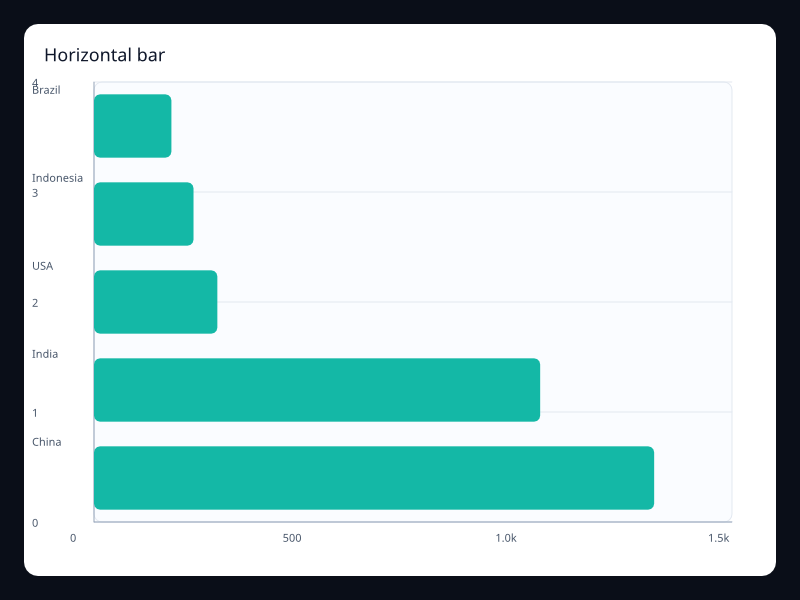
Horizontal bar
A category comparison with value length running left to right.
- Data
- BarSeries values with a category y-axis and value x-axis.
- Use when
- Use it when category labels are long or ranking order is more important than time order.
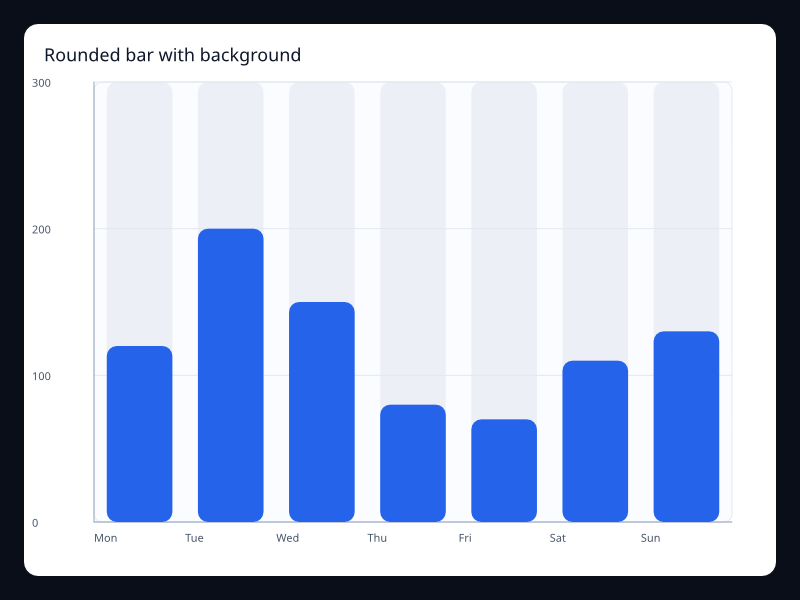
Bar with background
Rounded bars drawn over a full-range background track.
- Data
- BarSeries values plus background and border-radius styling.
- Use when
- Use it for progress-like category comparisons where the maximum should remain visible.
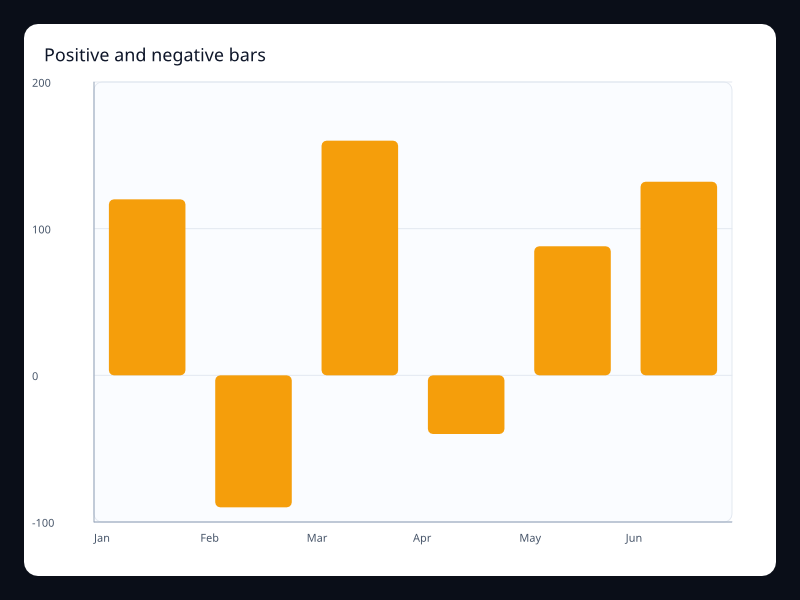
Positive and negative bar
Bars extending above and below the zero baseline.
- Data
- BarSeries values that may be positive or negative.
- Use when
- Use it for deltas, profit/loss, variance, and month-over-month movement.
Chart family
Radial and polar
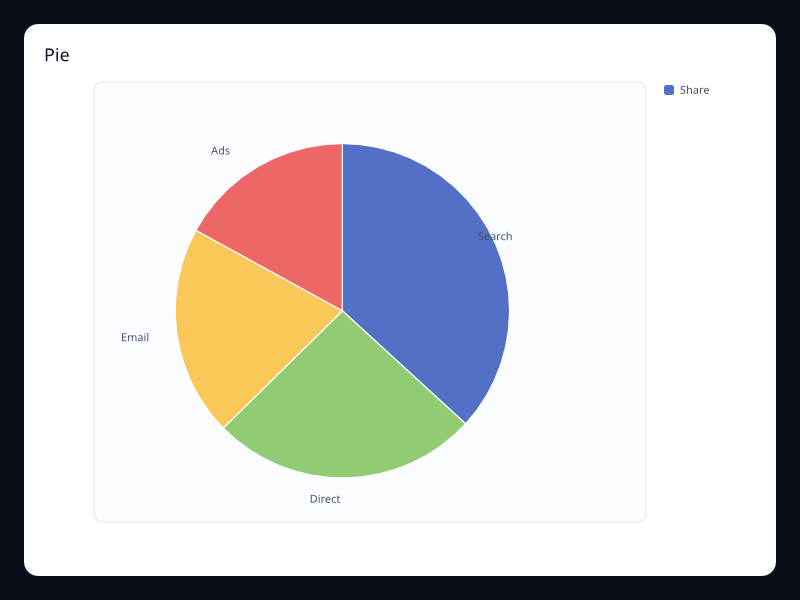
Pie
A circular part-to-whole chart.
- Data
- Label/value pairs.
- Use when
- Use it for a small number of categories where the whole matters.
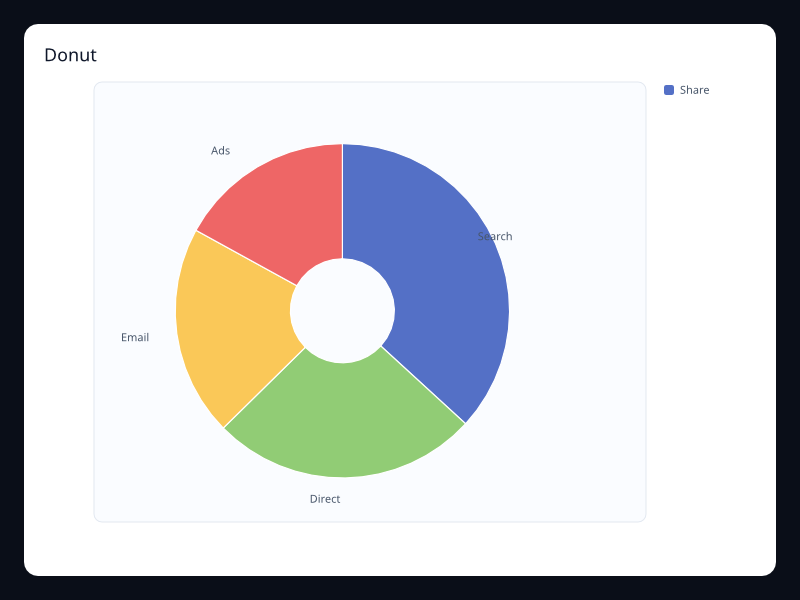
Donut
A pie chart with an open center for a total or primary label.
- Data
- Label/value pairs plus inner radius.
- Use when
- Use it when the whole needs a central value or status.
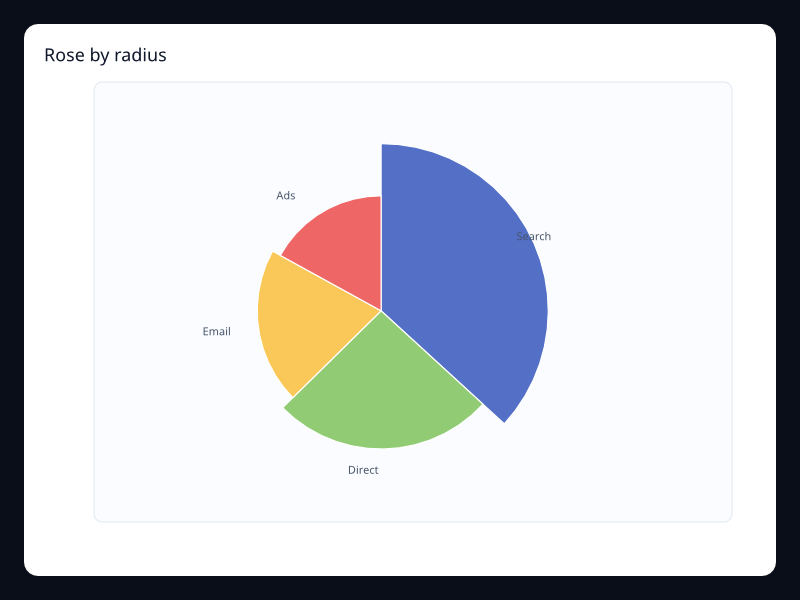
Rose by radius
Slices use radius to make category differences more expressive.
- Data
- Label/value pairs plus radius rose mode.
- Use when
- Use it for presentation-heavy part-to-whole views.
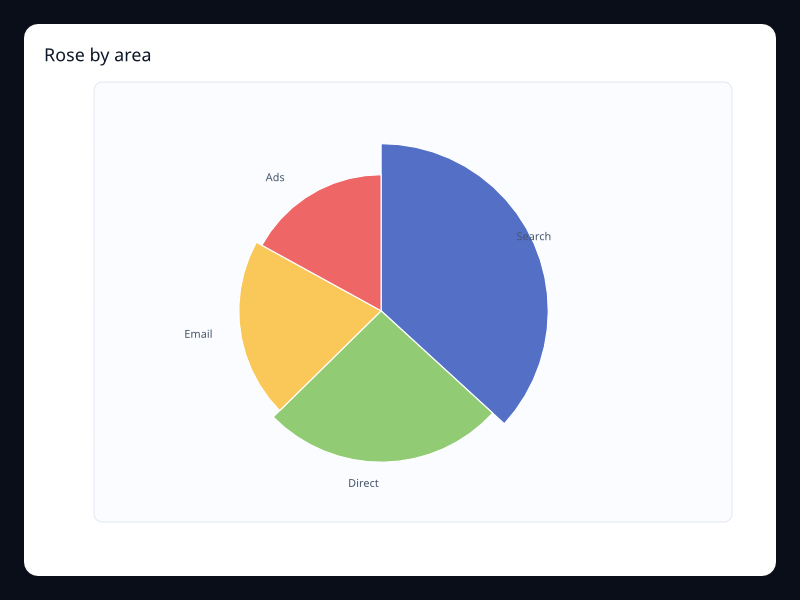
Rose by area
Slices use area-oriented radius scaling for a softer rose chart.
- Data
- Label/value pairs plus area rose mode.
- Use when
- Use it when rose slices should emphasize difference without making small values disappear.
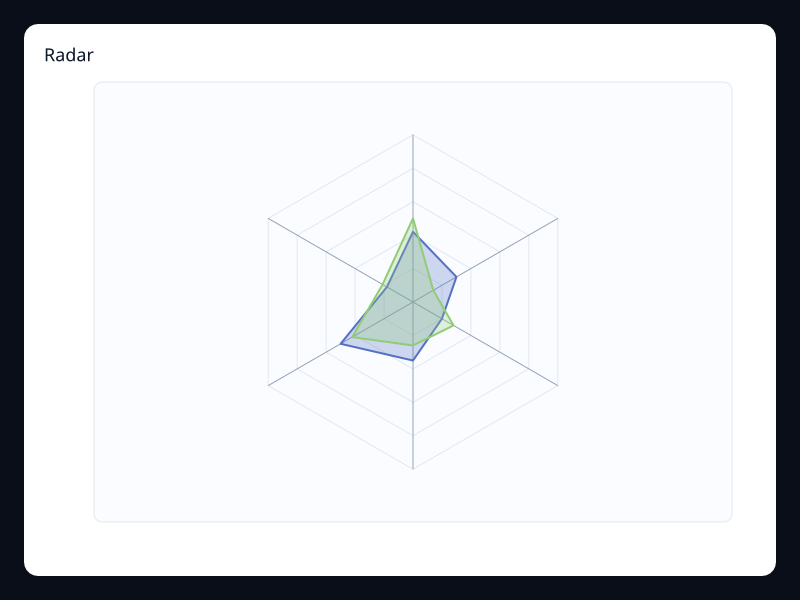
Radar
Multiple metrics plotted around a circular axis set.
- Data
- Vec<Vec<f32>> where each row is one profile.
- Use when
- Use it for profile comparison across a fixed set of dimensions.
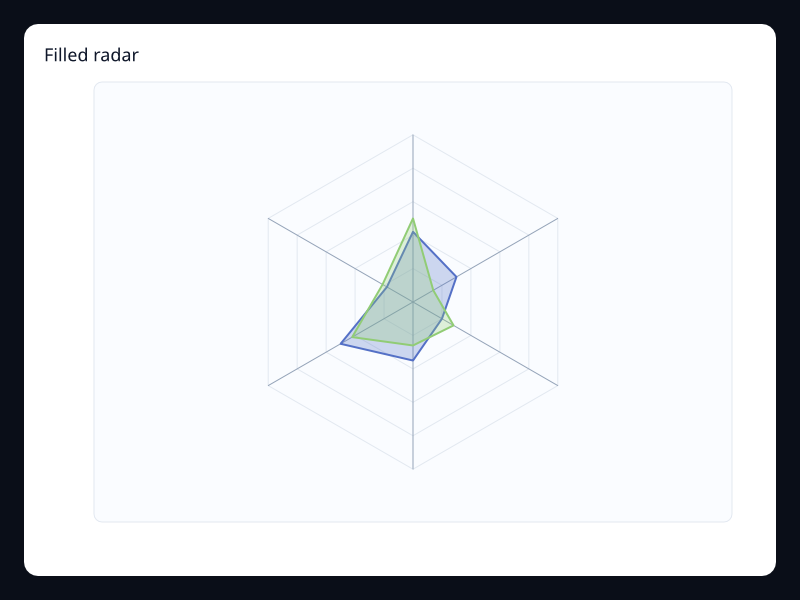
Filled radar
A radar chart with filled polygons for easier shape comparison.
- Data
- Metric profiles plus fill style.
- Use when
- Use it when profile area and overlap should be visible.
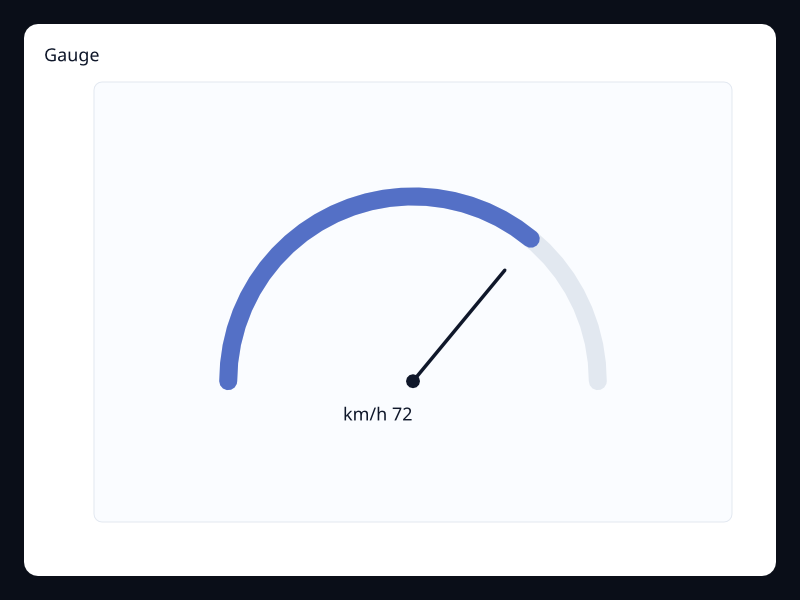
Gauge
A dial-style chart for one bounded measure.
- Data
- One label/value pair with an expected range.
- Use when
- Use it when the value is read as a current instrument state.
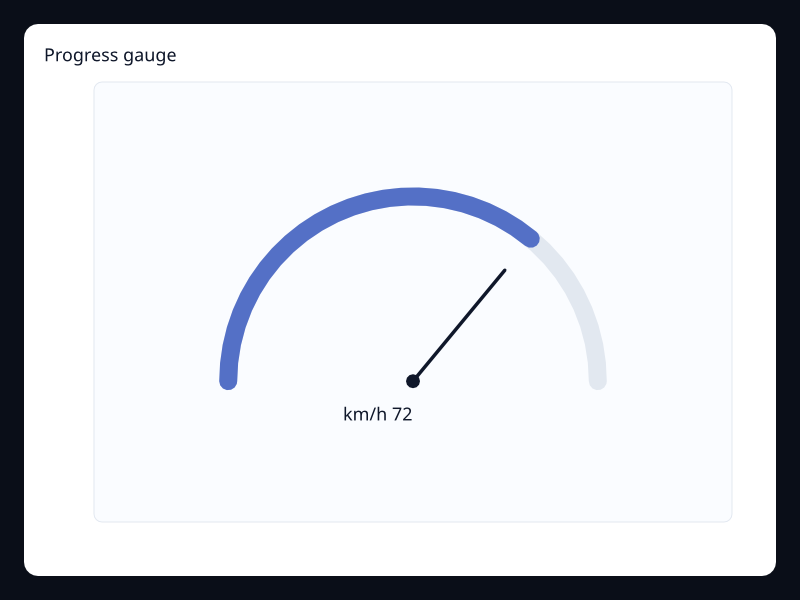
Progress gauge
A gauge emphasizing completed amount rather than a raw number.
- Data
- One or more bounded values.
- Use when
- Use it for operational progress and service health panels.
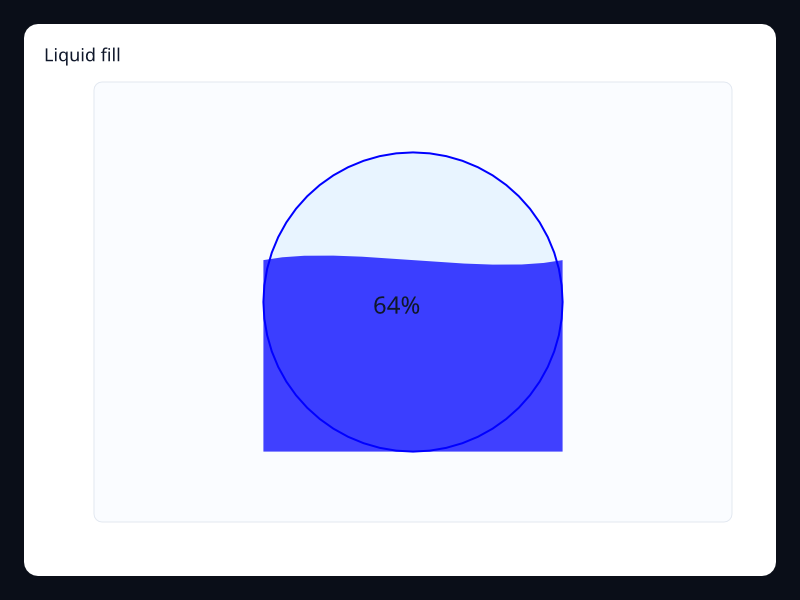
Liquid fill
A circular fill indicator with a wave-shaped level.
- Data
- One or more percentages.
- Use when
- Use it for capacity, completion, or quota states.
Chart family
Statistical and finance
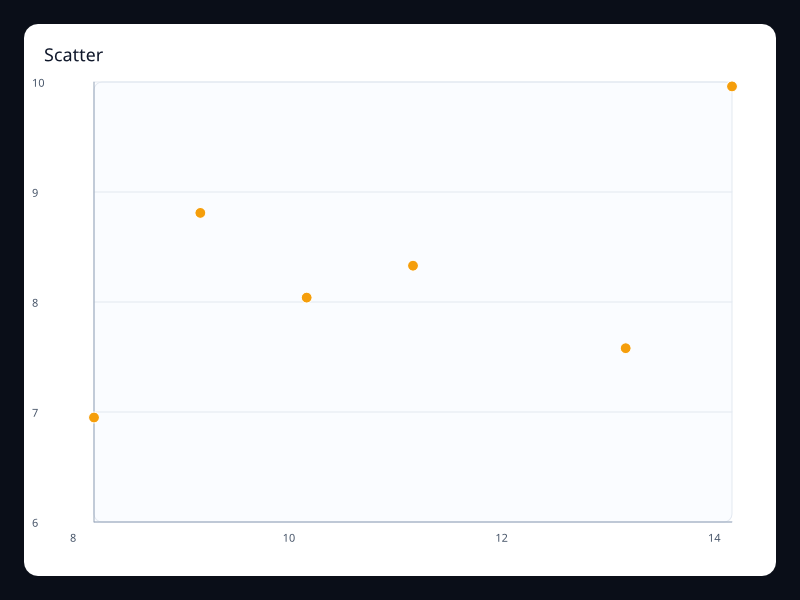
Scatter
Points plotted by two numeric dimensions.
- Data
- Vec<(f32, f32)>.
- Use when
- Use it to find relationship, clustering, or outliers.
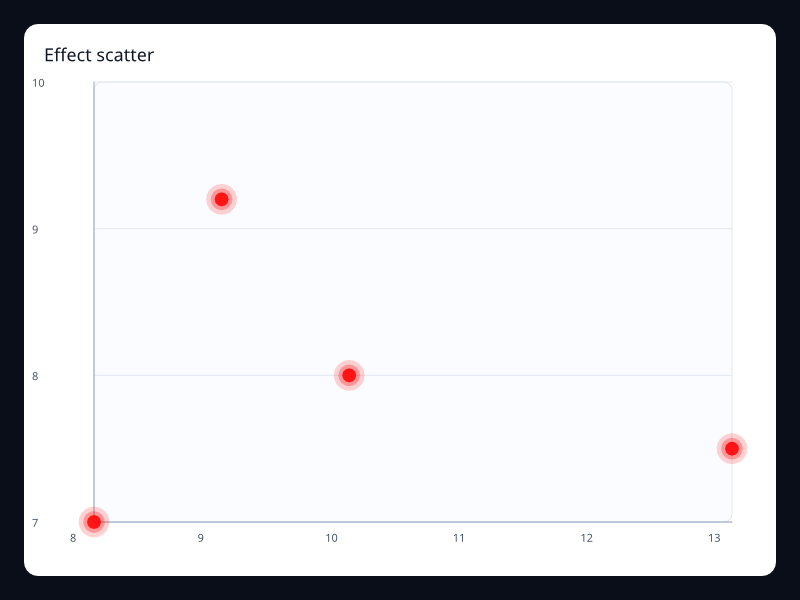
Effect scatter
Scatter points with emphasis rings for important observations.
- Data
- Vec<(f32, f32)> plus emphasis styling.
- Use when
- Use it to mark active locations, alerts, or selected results.
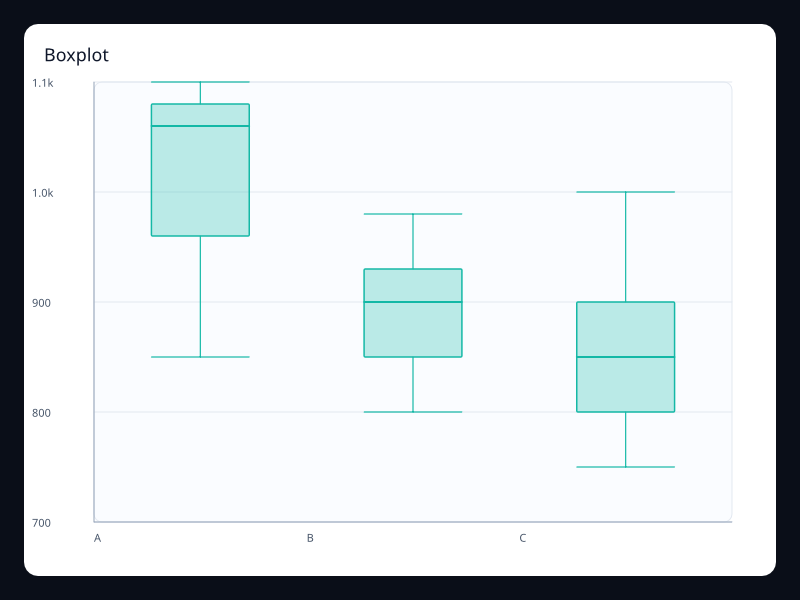
Boxplot
A distribution summary showing min, quartiles, median, and max.
- Data
- Rows of five-number summaries or raw groups.
- Use when
- Use it when distribution matters more than a single average.
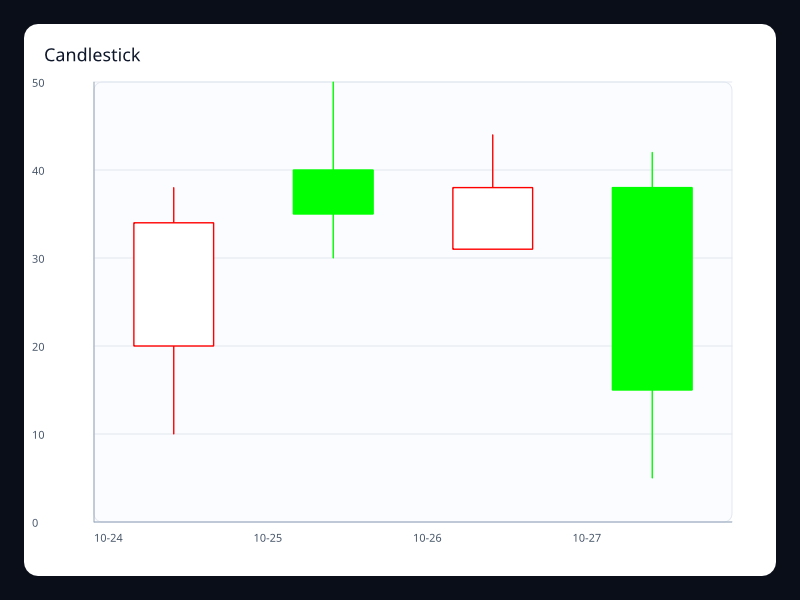
Candlestick
Open, close, low, and high values drawn as market candles.
- Data
- Rows of open, close, low, high values.
- Use when
- Use it for finance and other range-over-time data.
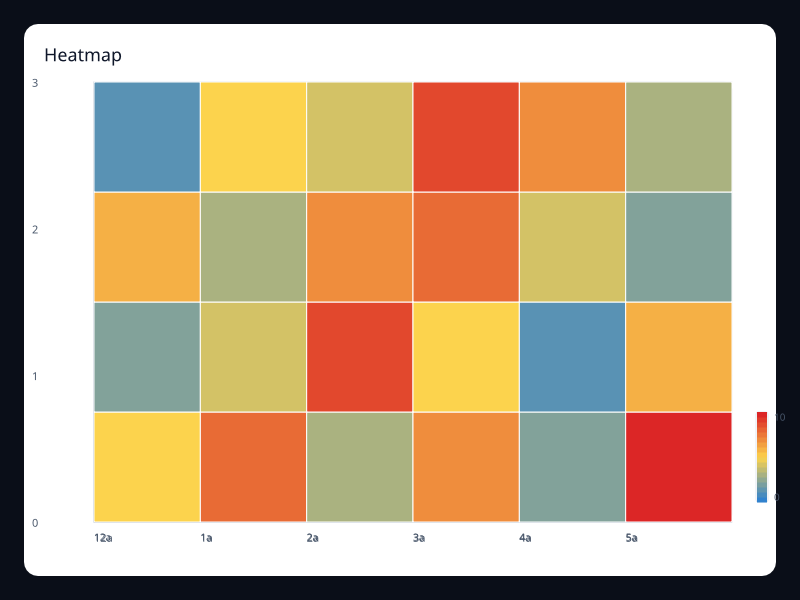
Cartesian heatmap
A rectangular value matrix rendered with a color scale.
- Data
- x index, y index, and value triples.
- Use when
- Use it for density, activity, and matrix-style comparison.
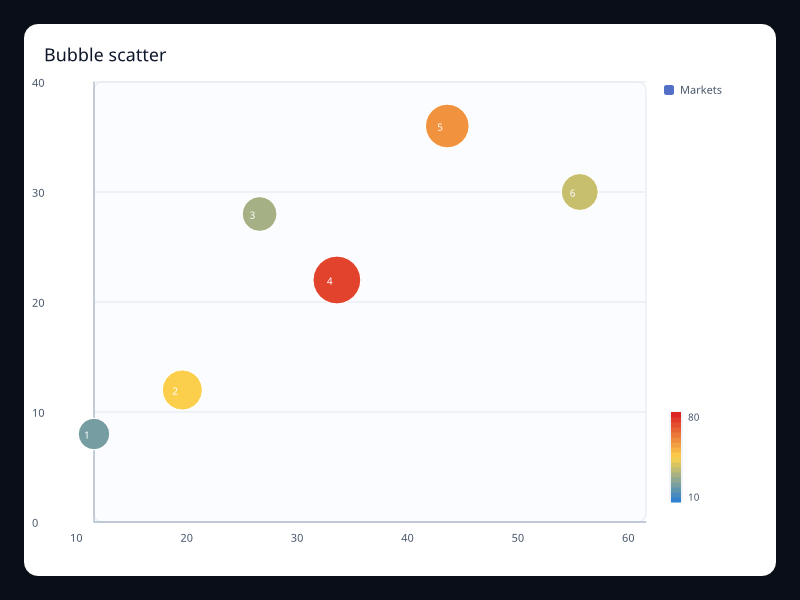
Bubble scatter
Scatter points where bubble size carries a third numeric dimension.
- Data
- Vec<(x, y, size)>.
- Use when
- Use it when two axes are not enough and size can encode importance or volume.
Chart family
Relationships and hierarchy
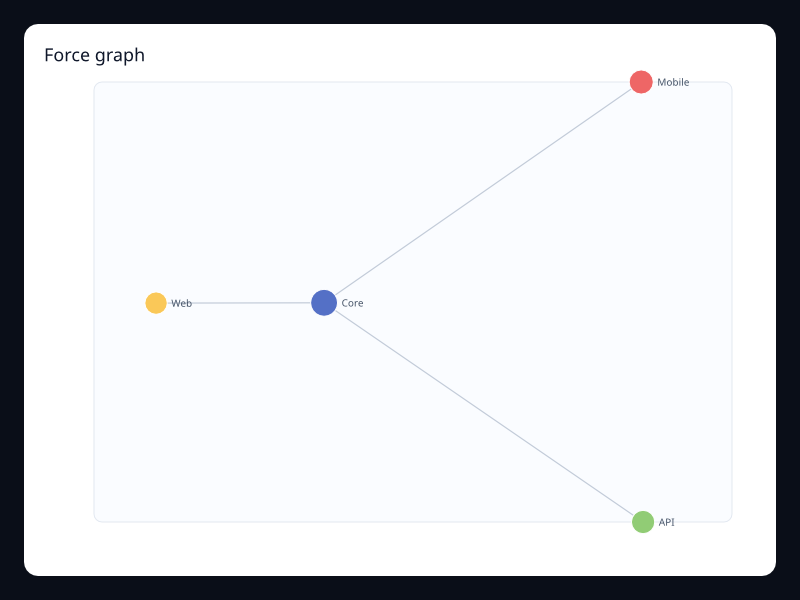
Force graph
Nodes and edges arranged into a readable network.
- Data
- Node list plus edge list.
- Use when
- Use it for dependency, social, and topology diagrams.
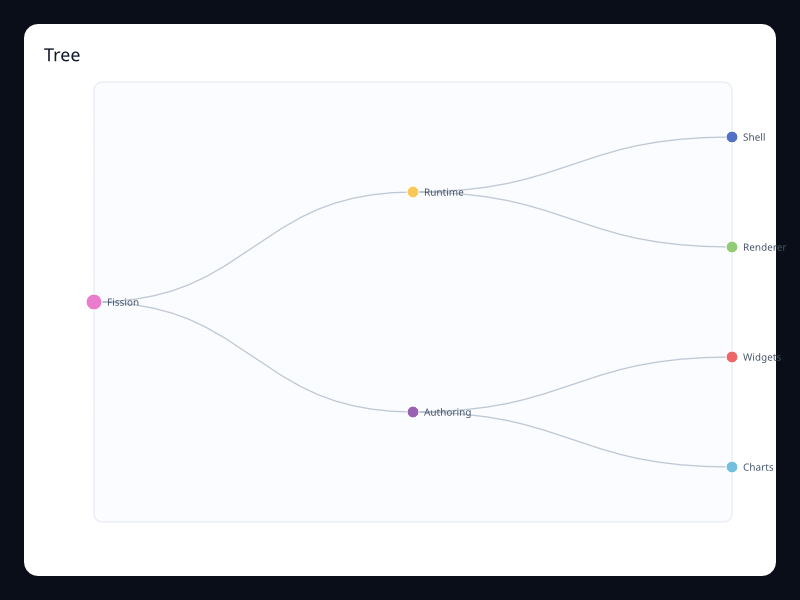
Tree
A rooted hierarchy drawn with parent-child links.
- Data
- Nested nodes with optional values.
- Use when
- Use it for navigation structures, ownership trees, and dependency drilldown.
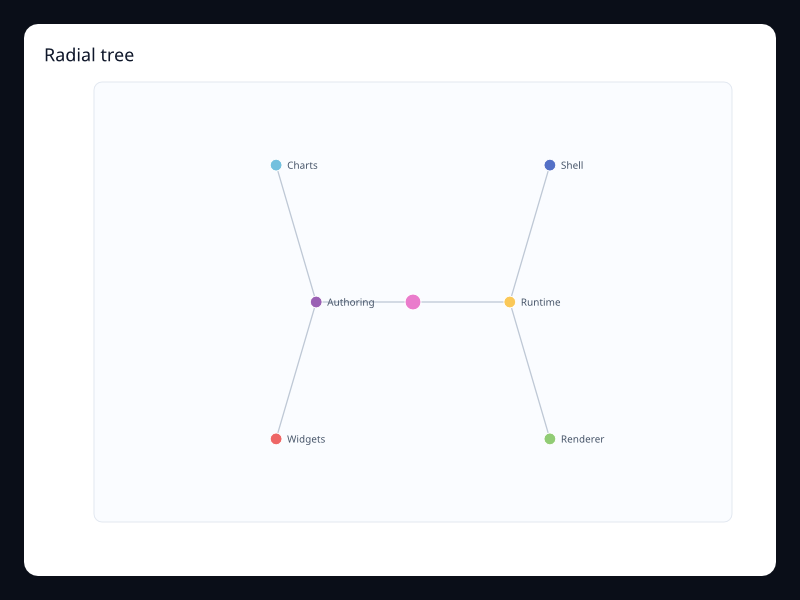
Radial tree
A tree layout arranged around a circle.
- Data
- Nested nodes with optional values.
- Use when
- Use it when the hierarchy is shallow and symmetry matters more than linear reading.
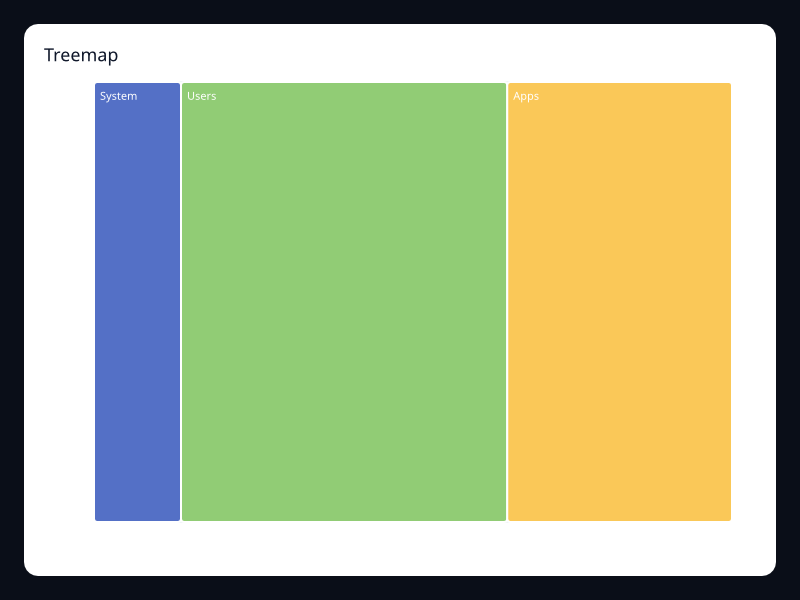
Treemap
Hierarchical values packed into rectangles.
- Data
- Nested nodes with values.
- Use when
- Use it for storage, budgets, or part-to-whole hierarchy.
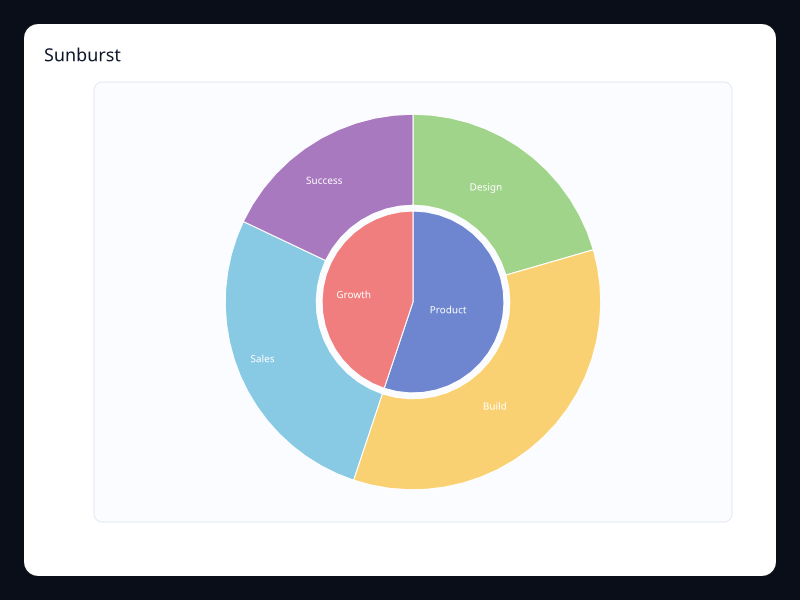
Sunburst
A hierarchy drawn as concentric rings.
- Data
- Nested nodes with values.
- Use when
- Use it when hierarchy depth should remain visible.
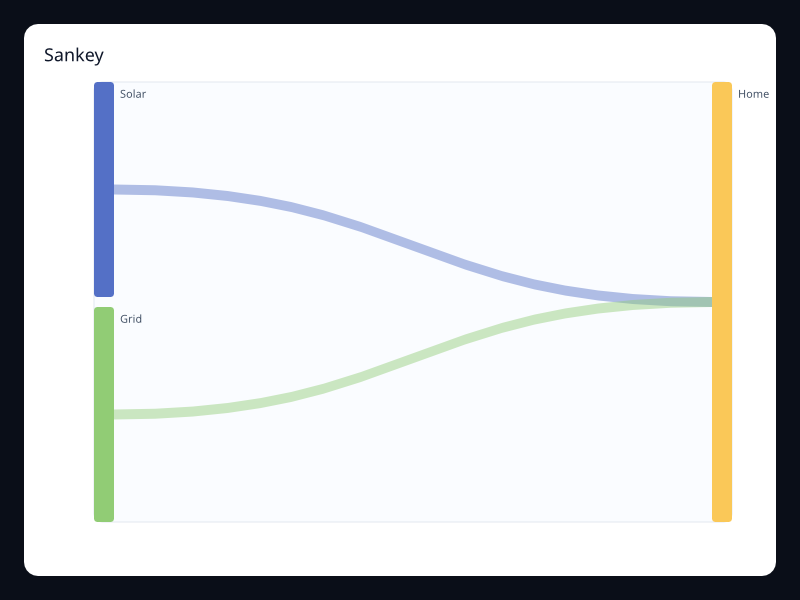
Sankey
Flow between stages using bands with width.
- Data
- Node list plus weighted edges.
- Use when
- Use it for energy, revenue, and conversion flows.
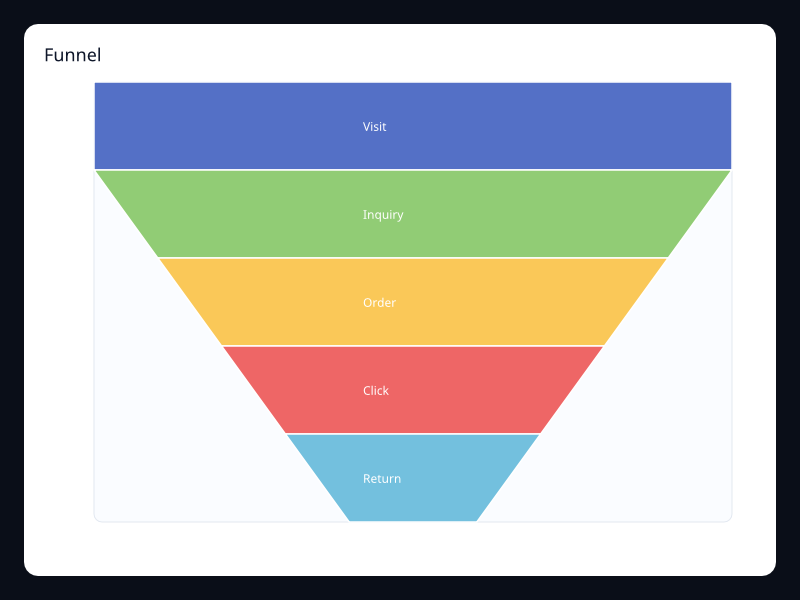
Funnel
Stage values drawn as narrowing bands.
- Data
- Ordered label/value pairs.
- Use when
- Use it for conversion stages and pipeline health.
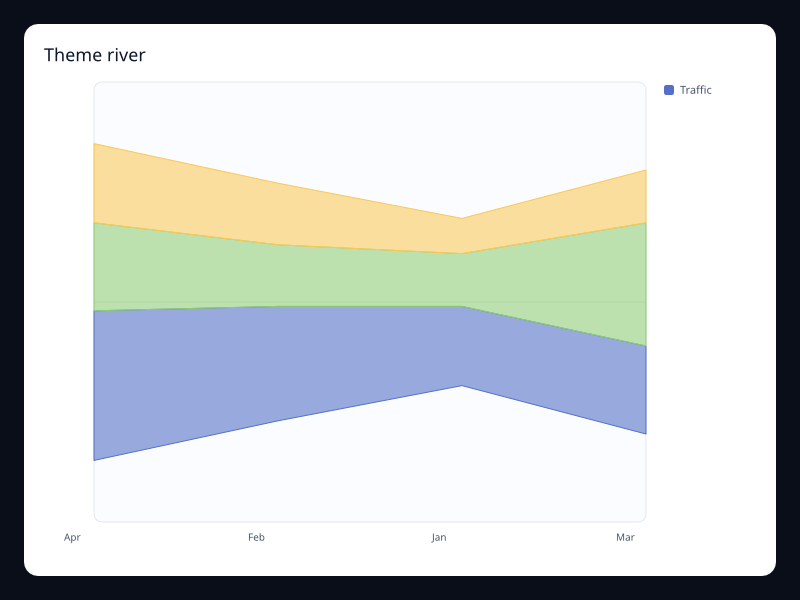
Theme river
Stacked flowing bands over time.
- Data
- Time, value, and category tuples.
- Use when
- Use it when composition changes continuously over time.
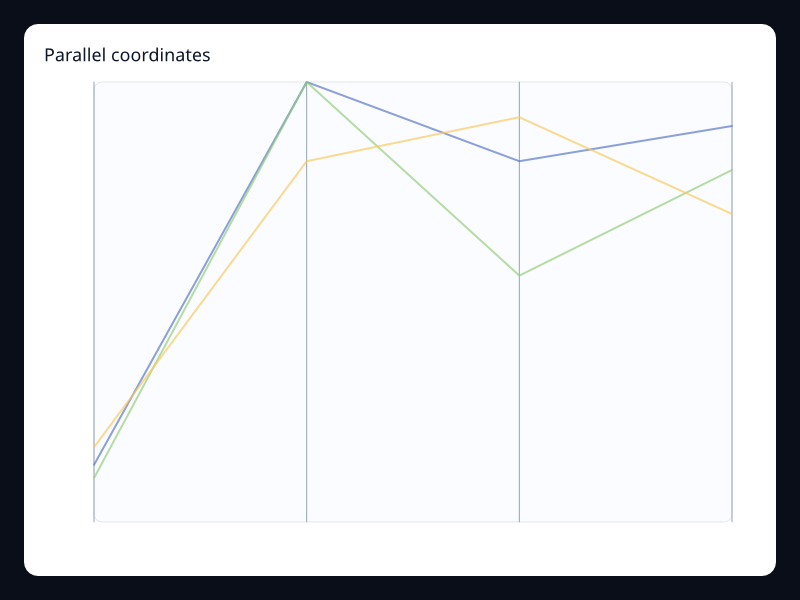
Parallel coordinates
Rows drawn across multiple vertical axes.
- Data
- Vec<Vec<f32>> with one row per observation.
- Use when
- Use it for high-dimensional filtering and comparison.
Chart family
Geographic and route
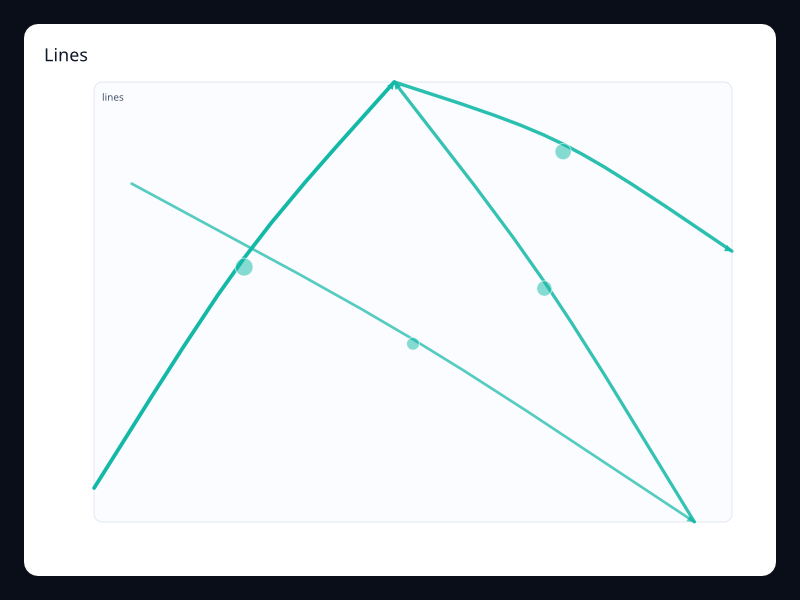
Lines
Curved line segments with direction and optional emphasis.
- Data
- Line segments with from/to points and a value.
- Use when
- Use it for routes, movement, and connection flow.
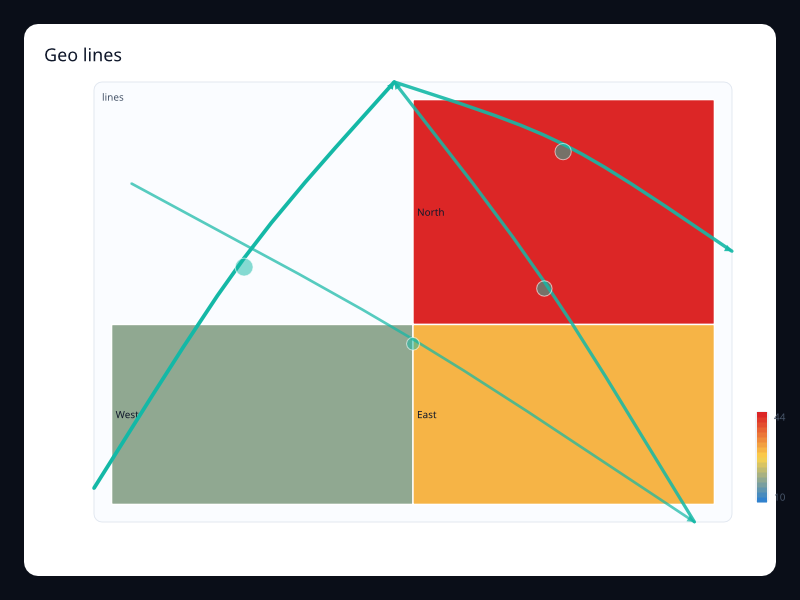
Geo lines
Route lines drawn over a GeoJSON-backed map.
- Data
- GeoJSON regions plus route line segments.
- Use when
- Use it when geography and movement need to be read together.
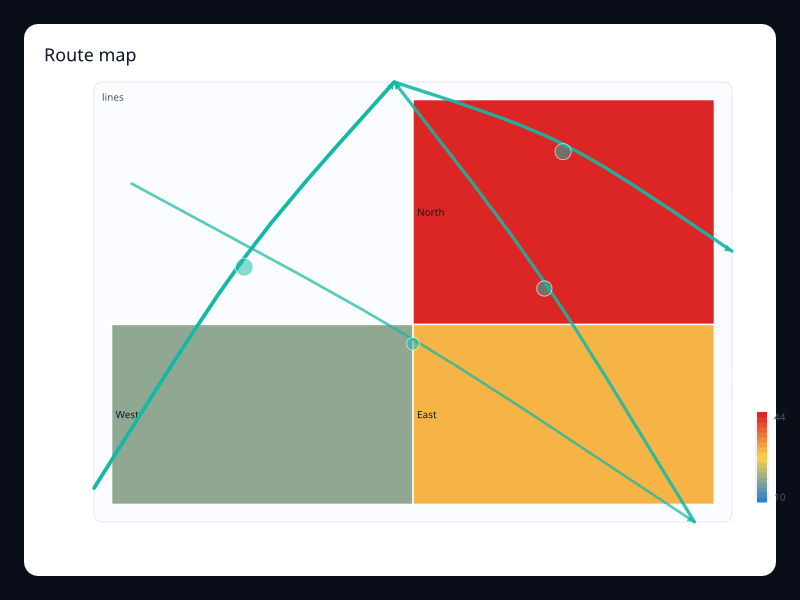
Route map
A map-focused route view with animated-looking line emphasis.
- Data
- Regions plus route segments.
- Use when
- Use it for logistics, traffic, or service coverage views.
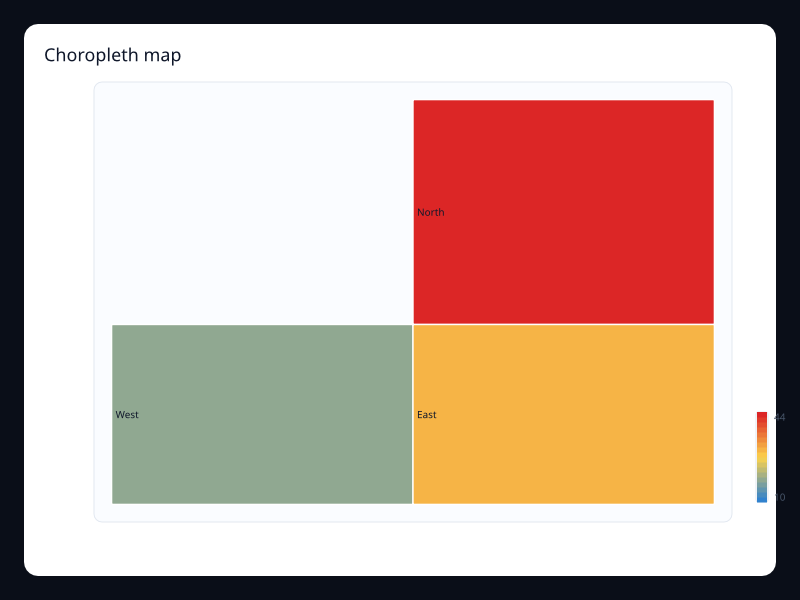
Choropleth map
Regions colored by a numeric value.
- Data
- Region identifiers plus values and GeoJSON geometry.
- Use when
- Use it for geography-first comparison.
Chart family
Data pipeline and interaction
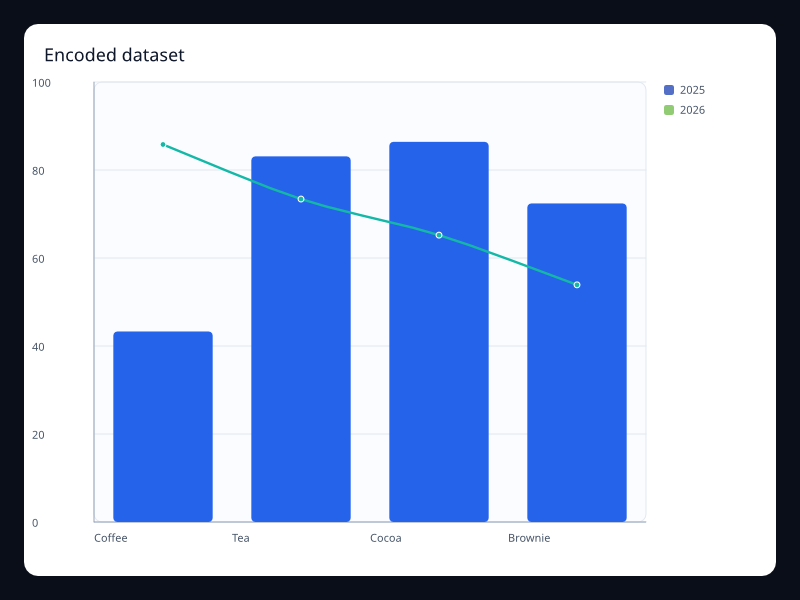
Encoded dataset
Line and bar series bound to named dataset dimensions.
- Data
- Dataset rows, dimensions, and encode mappings.
- Use when
- Use it when chart code should name fields instead of copying arrays.
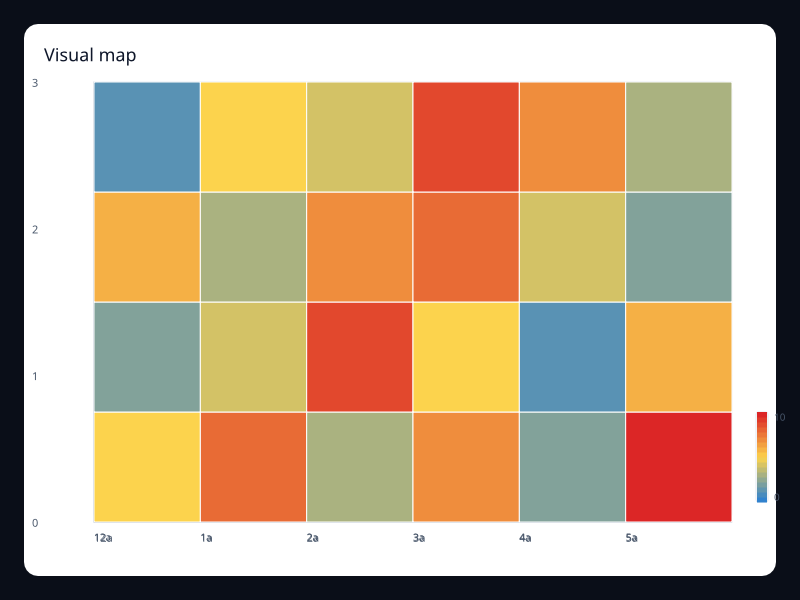
Visual map
Color encodes a numeric range consistently across a chart.
- Data
- Numeric values plus a color scale.
- Use when
- Use it for heatmap and scatter intensity.
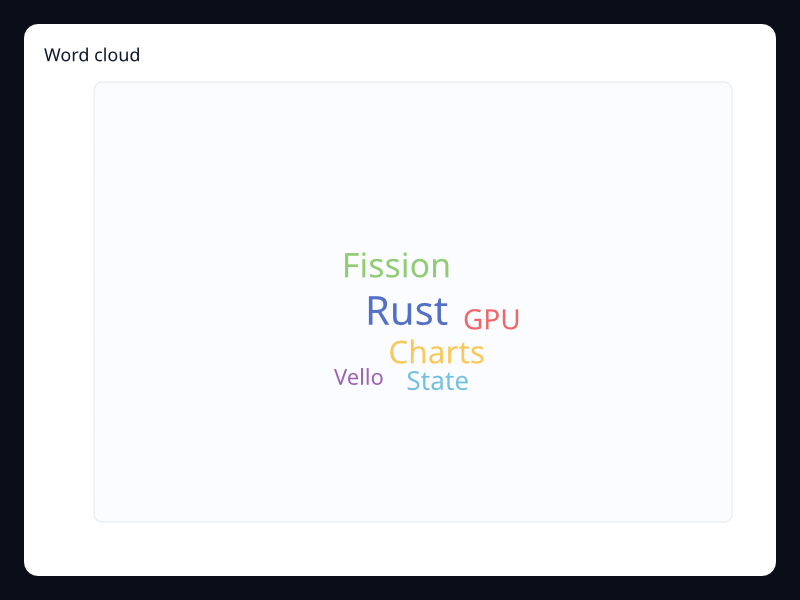
Word cloud
Words sized by weight inside the chart area.
- Data
- Label/value pairs where the label is the word and the value controls size.
- Use when
- Use it for qualitative summaries where exact numeric comparison is less important than emphasis.
Chart family
Components and interaction
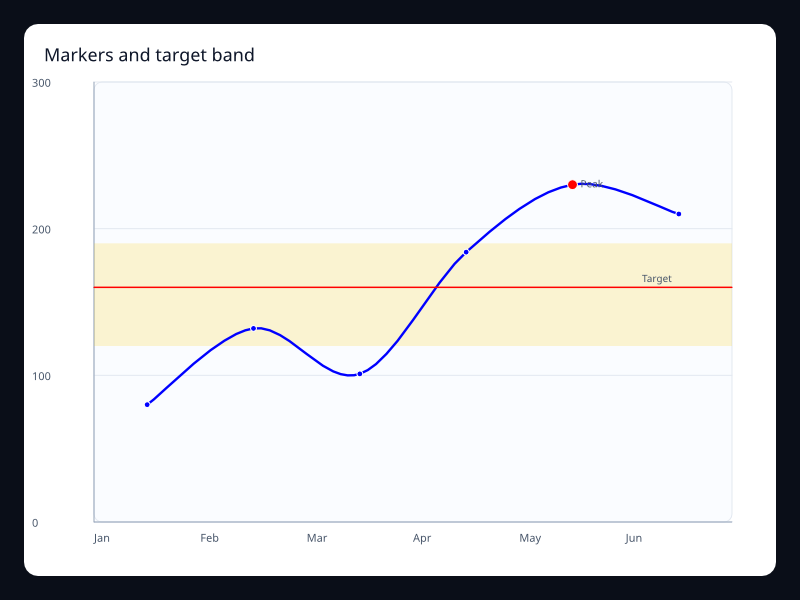
Mark line and point
Target bands, threshold lines, and named points layered over cartesian data.
- Data
- MarkArea, MarkLine, and MarkPoint records attached to a chart.
- Use when
- Use it to explain thresholds, goals, anomalies, or operational bands directly on the chart.
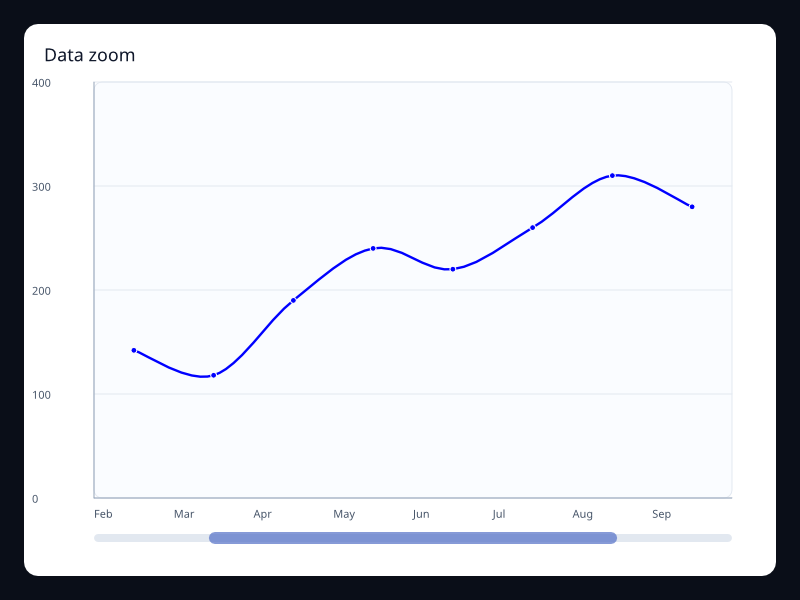
Data zoom
A slider selection that limits the visible portion of ordered data.
- Data
- DataZoom start and end percentages plus ordered series data.
- Use when
- Use it when the user needs to inspect a slice of a longer series without leaving context.
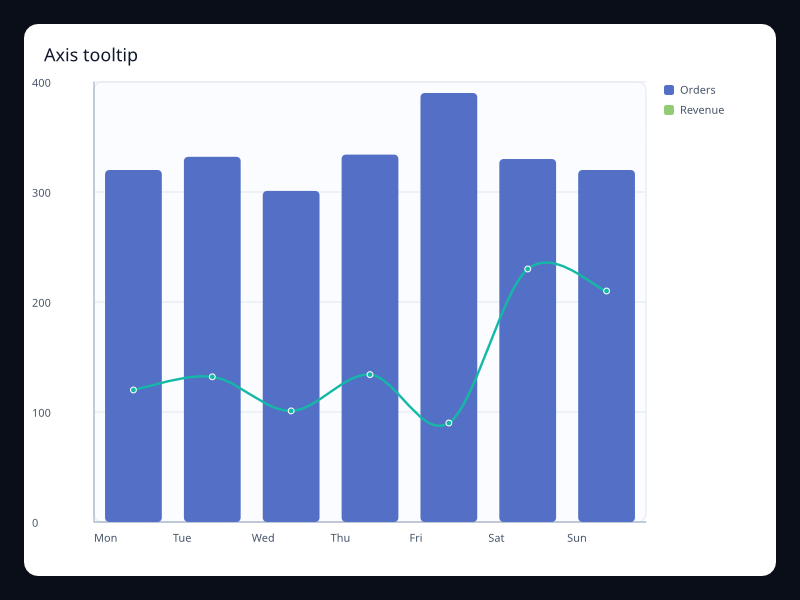
Axis tooltip
Axis-oriented tooltip configuration and hit-tested chart events.
- Data
- Tooltip::axis_trigger plus series data under shared axes.
- Use when
- Use it when several series share one x position and the user needs exact values.
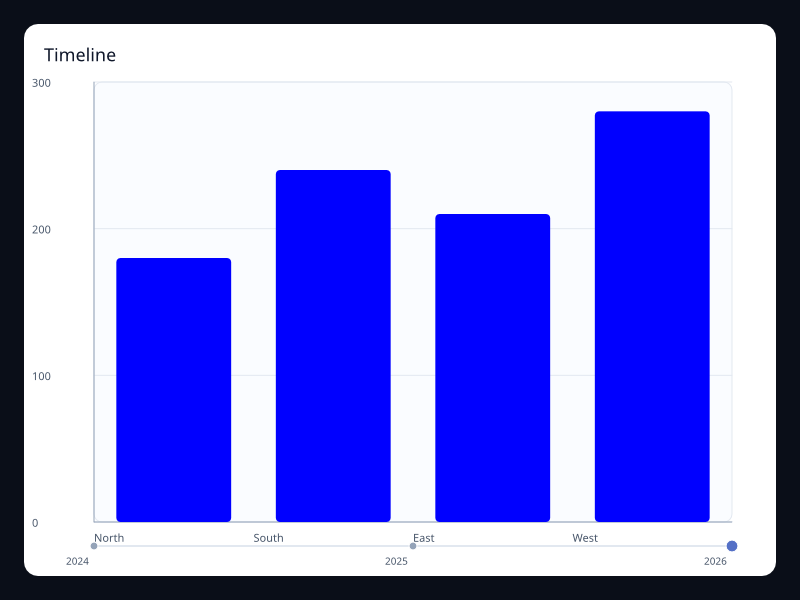
Timeline
A timeline control rendered with active state and labeled stops.
- Data
- ChartTimeline labels and current index.
- Use when
- Use it to show snapshots, scenario years, deployment phases, or step-based playback.
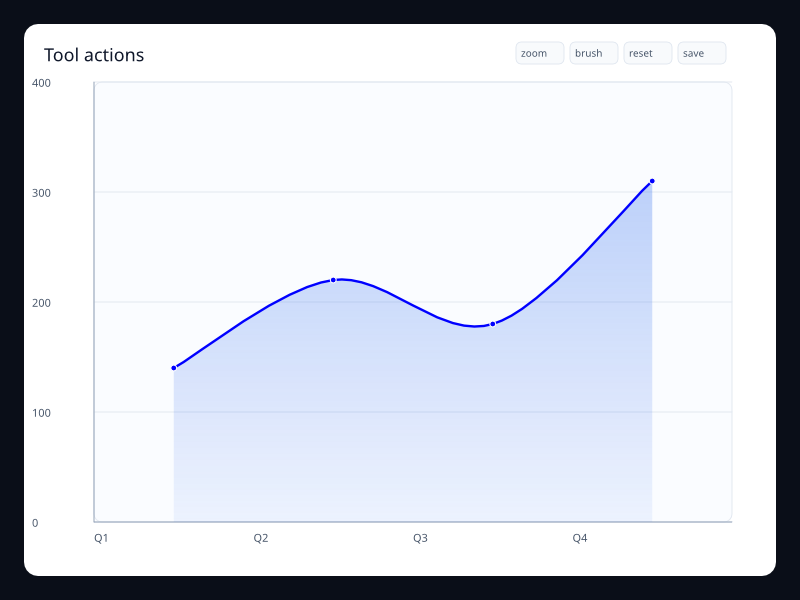
Toolbox actions
Chart-level tool buttons for restore, save, zoom, and brush actions.
- Data
- ChartInteraction toolbox action list.
- Use when
- Use it when a chart has explicit utility operations that should remain close to the data.
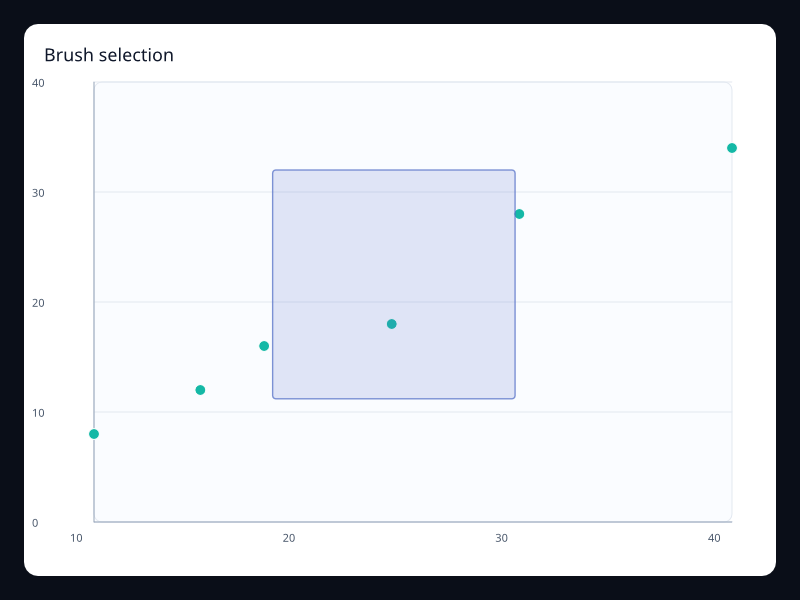
Brush selection
A visible brush region over a scatter plot.
- Data
- ChartBrush configuration plus hit-testable series data.
- Use when
- Use it when users need to select or inspect a region of points.
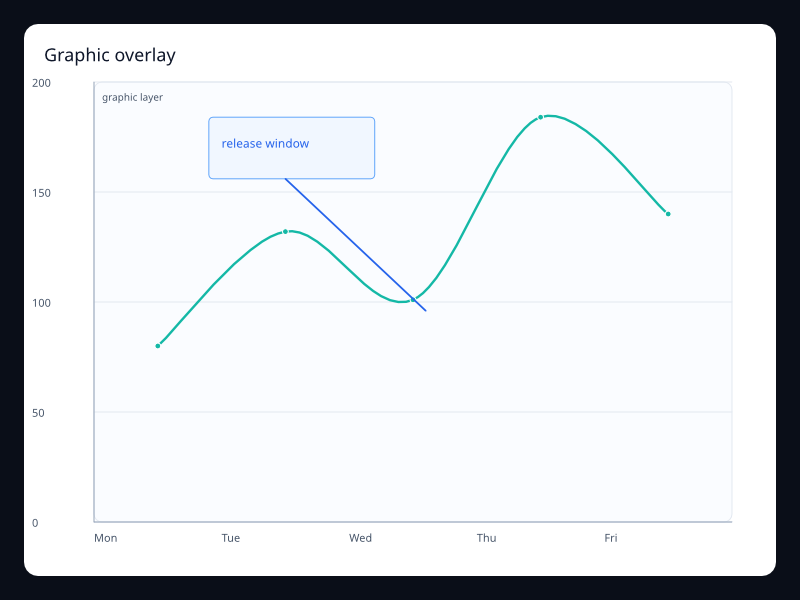
Graphic overlay
Typed graphic shapes and text layered over the chart plot area.
- Data
- ChartGraphic rect, text, line, or circle records.
- Use when
- Use it for callouts, annotations, labels, and lightweight explanatory overlays.
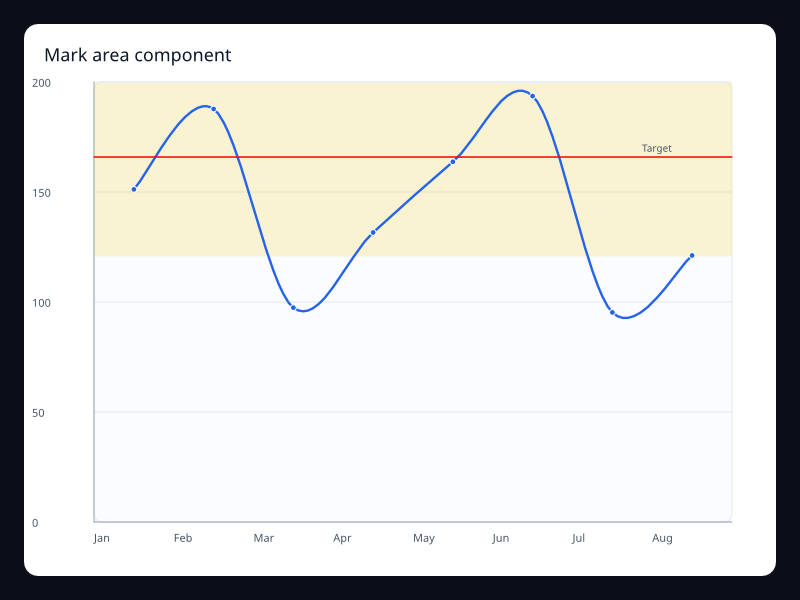
Mark area component
Line chart with a highlighted range.
- Data
- MarkArea plus LineSeries.
- Use when
- Use it for safe operating zones.
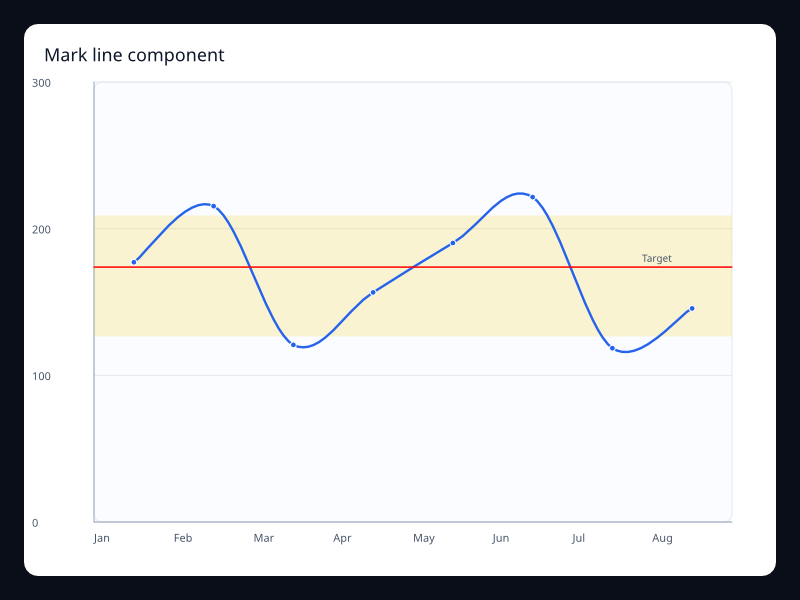
Mark line component
Line chart with target threshold line.
- Data
- MarkLine plus LineSeries.
- Use when
- Use it for goals and alert thresholds.
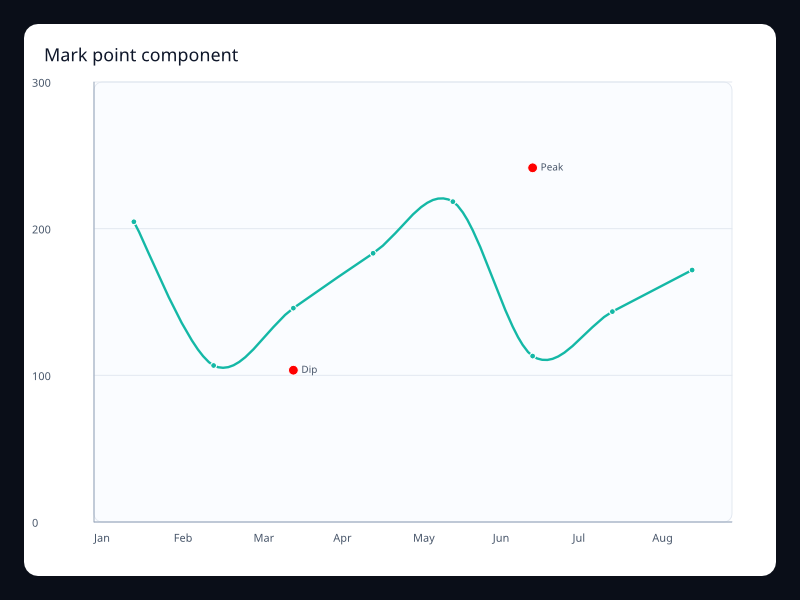
Mark point component
Line chart with named event points.
- Data
- MarkPoint plus LineSeries.
- Use when
- Use it for incidents and milestones.
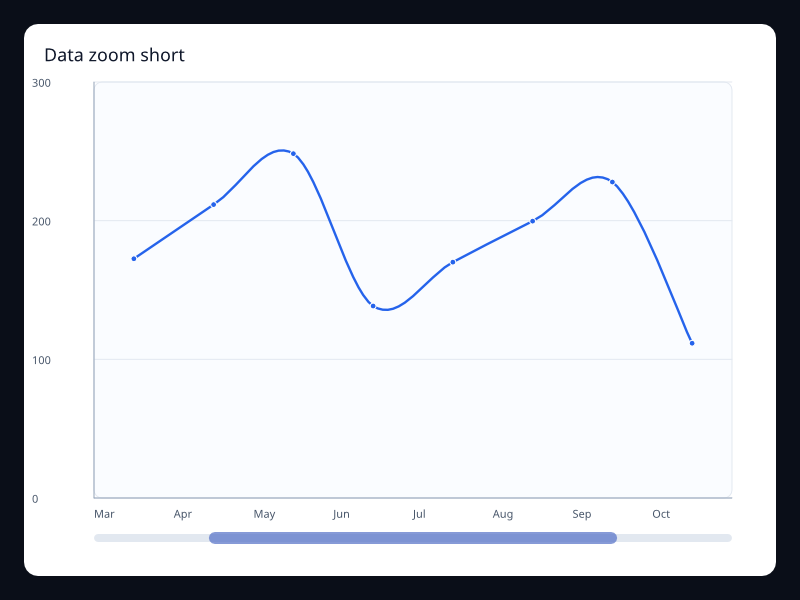
Data zoom short
Small data zoom window over ordered data.
- Data
- DataZoom plus LineSeries.
- Use when
- Use it for local inspection of long series.
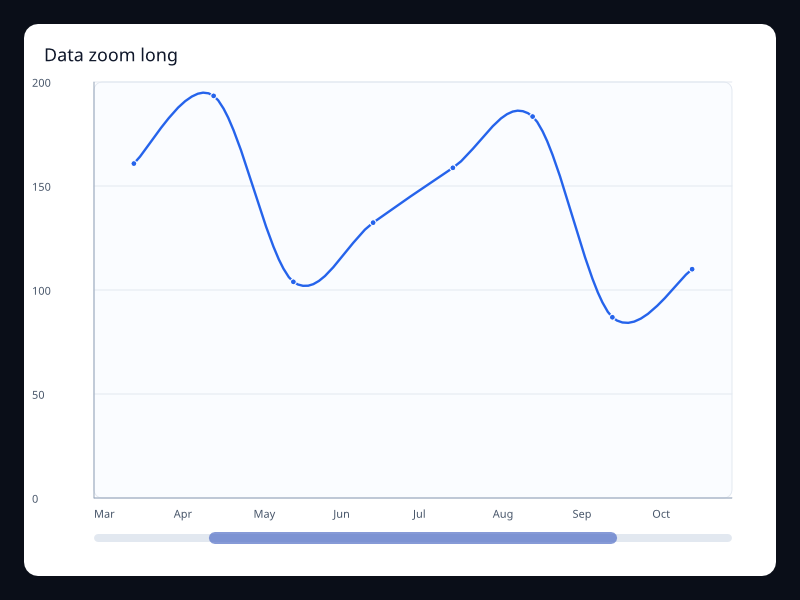
Data zoom long
Wide data zoom window over ordered data.
- Data
- DataZoom plus LineSeries.
- Use when
- Use it for dashboards with focus ranges.
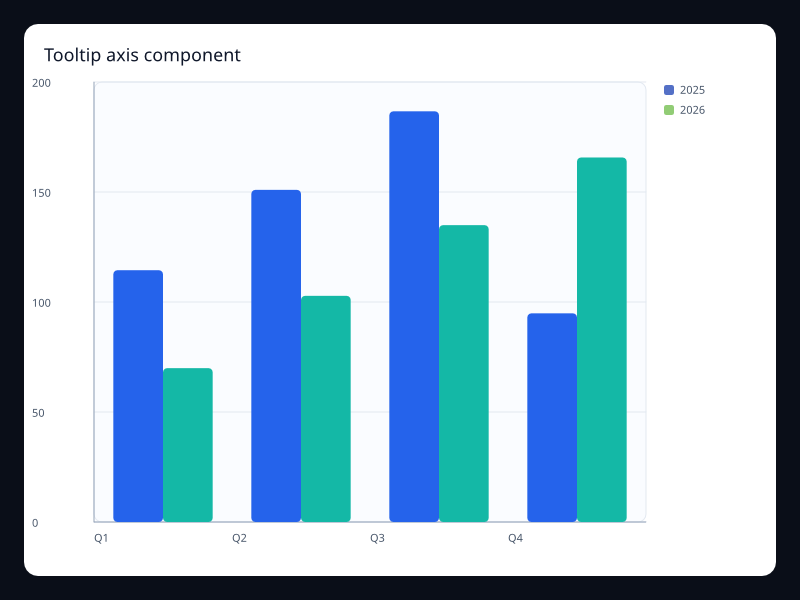
Tooltip axis component
Axis tooltip over shared bar and line data.
- Data
- Tooltip plus ChartInteraction.
- Use when
- Use it for exact values across series.
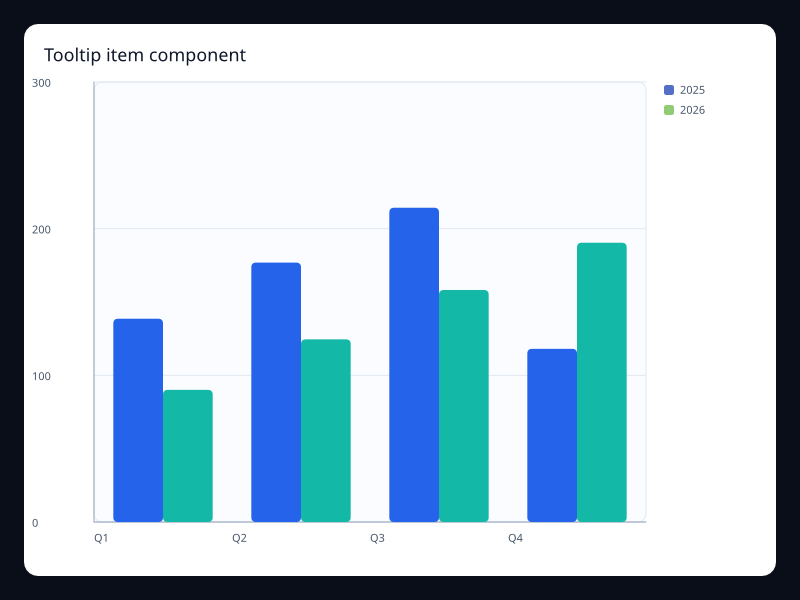
Tooltip item component
Item tooltip over single series data.
- Data
- Tooltip item trigger.
- Use when
- Use it for exact item readout.
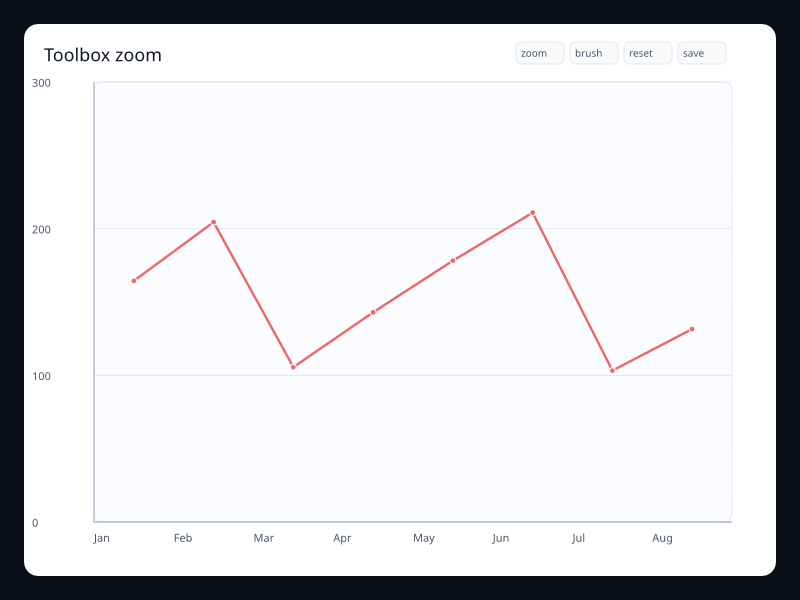
Toolbox zoom
Toolbox actions rendered near the chart.
- Data
- ChartInteraction toolbox actions.
- Use when
- Use it for chart utility operations.
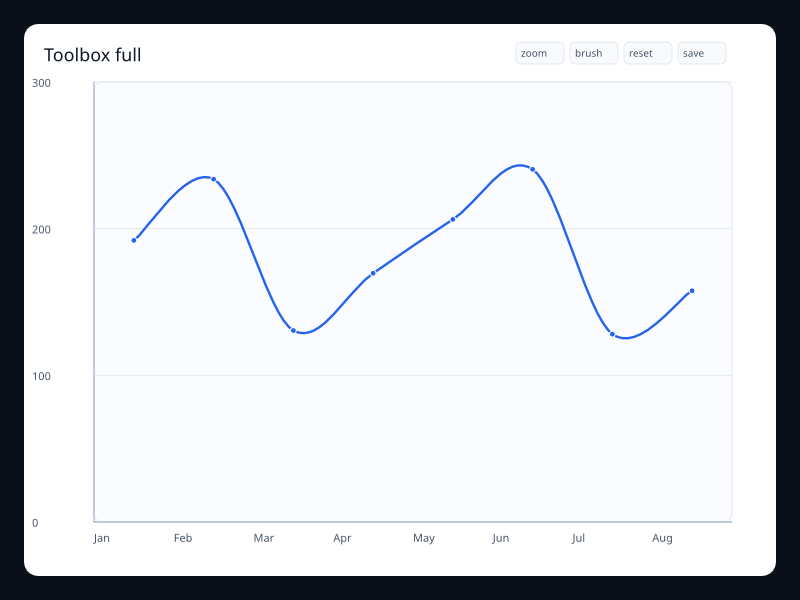
Toolbox full
Full toolbox action set.
- Data
- ChartInteraction toolbox actions.
- Use when
- Use it when a chart supports several operations.
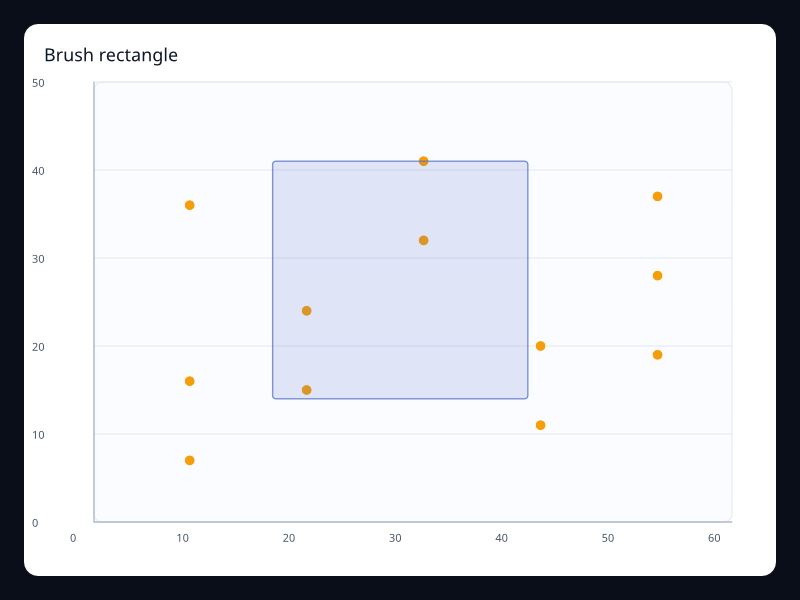
Brush rectangle
Rectangular brush preview over a scatter plot.
- Data
- ChartBrush plus ScatterSeries.
- Use when
- Use it for region selection.
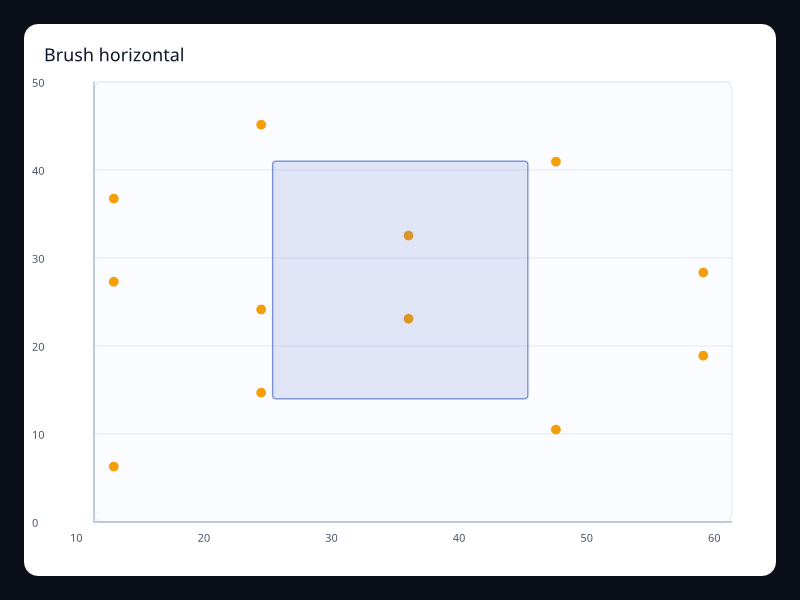
Brush horizontal
Horizontal brush preview over scatter data.
- Data
- ChartBrush plus ScatterSeries.
- Use when
- Use it for x-range selection.
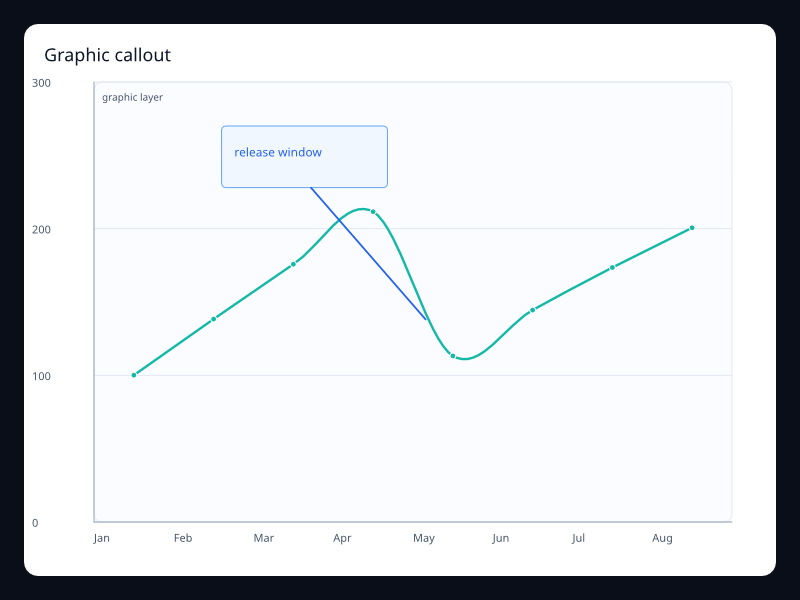
Graphic callout
Graphic annotation overlay on a line chart.
- Data
- ChartGraphic plus LineSeries.
- Use when
- Use it to explain a change in context.
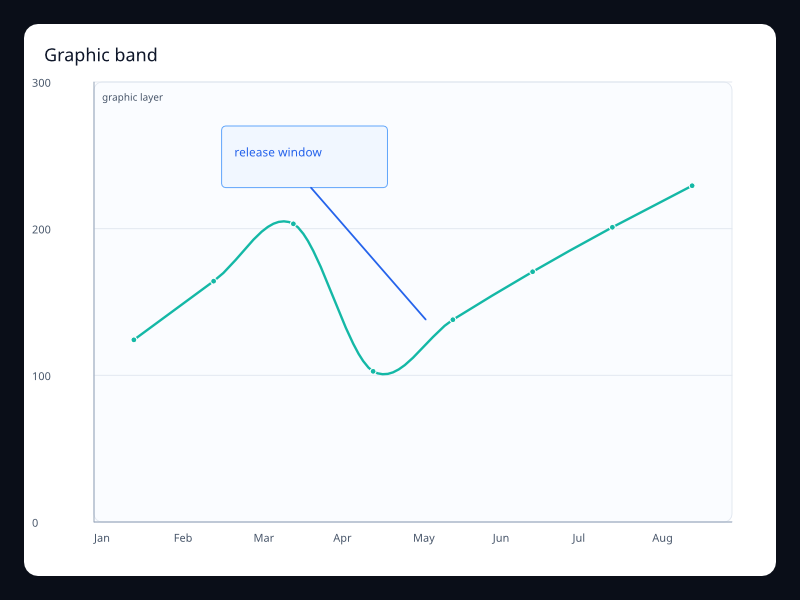
Graphic band
Graphic highlight and label overlay.
- Data
- ChartGraphic plus LineSeries.
- Use when
- Use it for release windows and custom callouts.
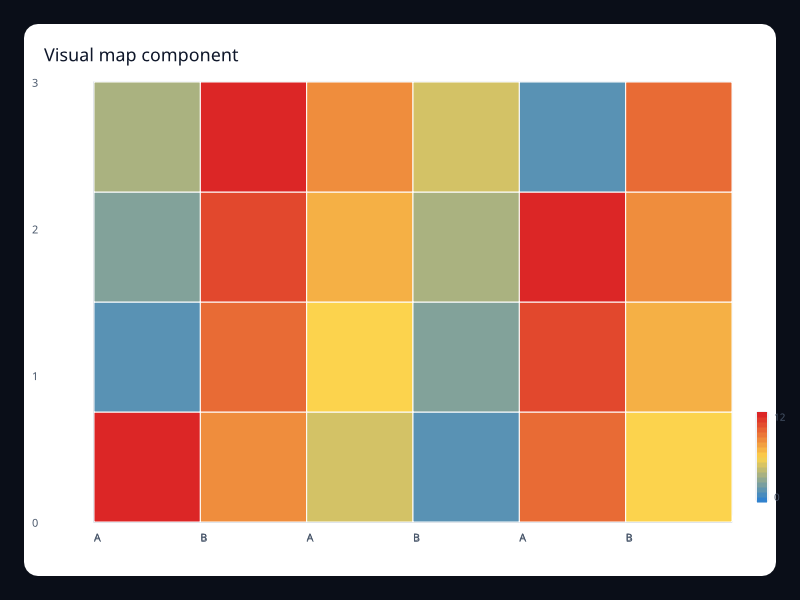
Visual map component
Visible color scale for heatmap values.
- Data
- VisualMap plus HeatmapSeries.
- Use when
- Use it where color represents a numeric value.
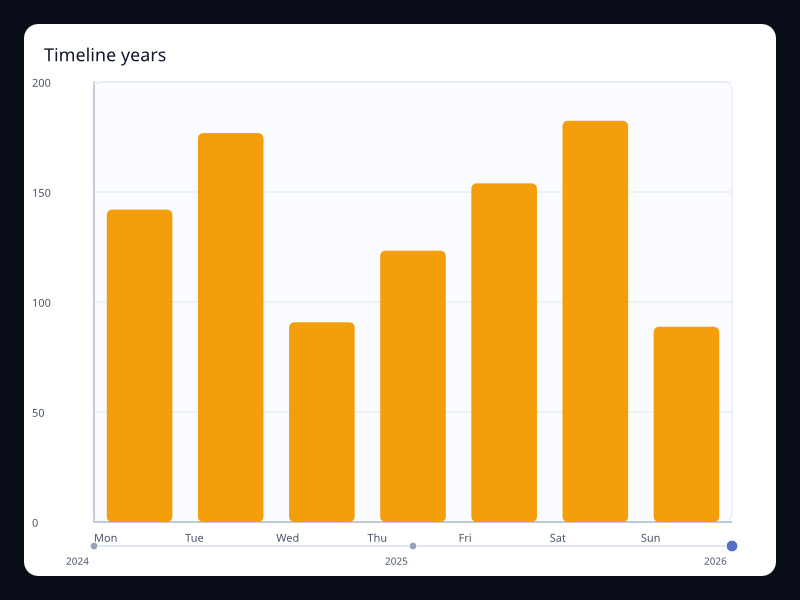
Timeline years
Timeline component selecting a year.
- Data
- ChartTimeline plus series.
- Use when
- Use it for step-based snapshots.
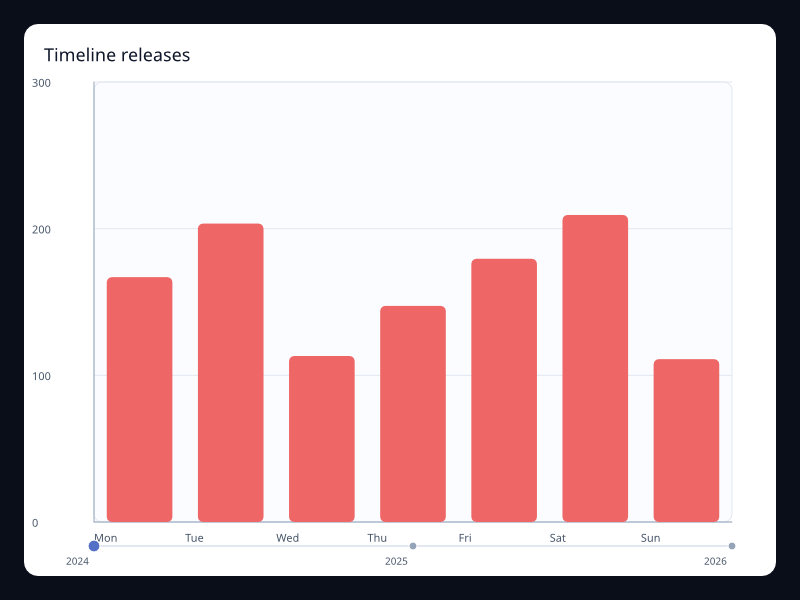
Timeline releases
Timeline component for release phases.
- Data
- ChartTimeline plus series.
- Use when
- Use it for phase or scenario playback.
Chart family
Coordinates
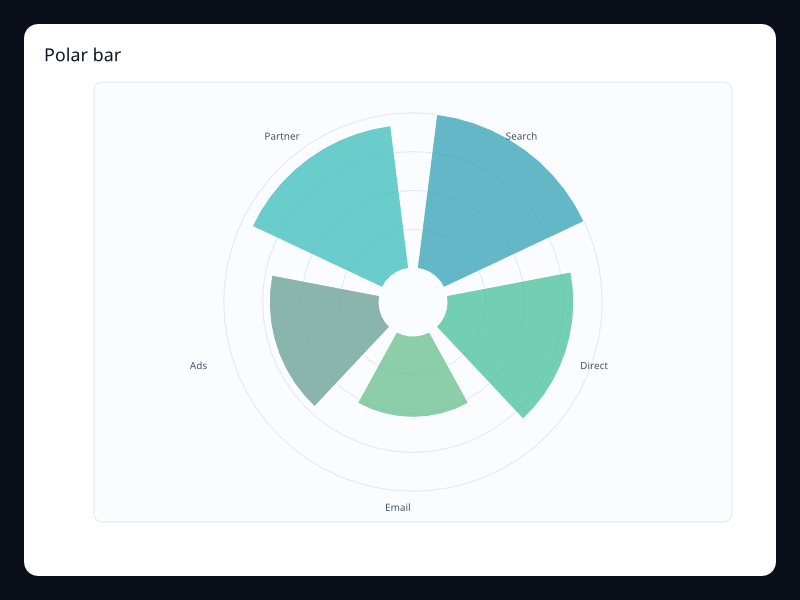
Polar bar
Radial bars placed around a polar coordinate system.
- Data
- Label/value pairs rendered as radial bar segments.
- Use when
- Use it when cyclical comparison benefits from circular layout.
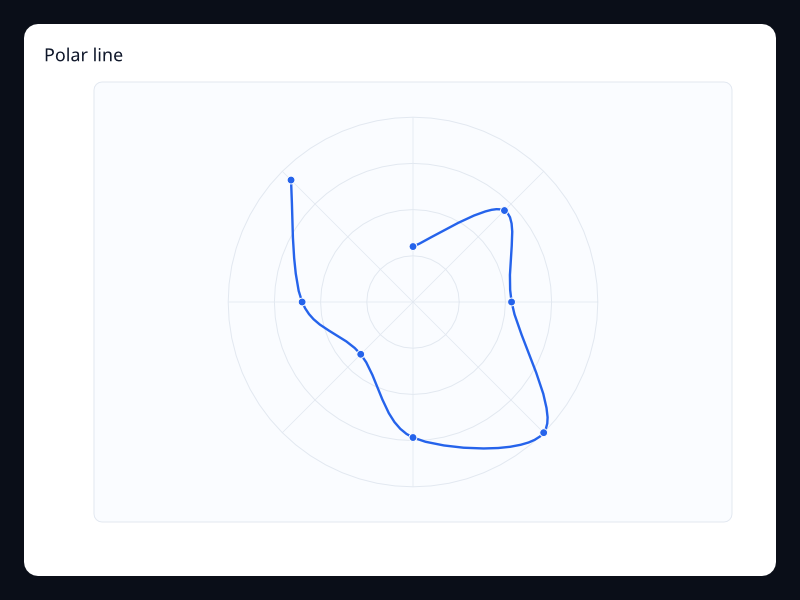
Polar line
A line series mapped by angle and radius.
- Data
- Vec<(angle_degrees, radius)>.
- Use when
- Use it for wind, direction, periodic signals, and angular measurements.
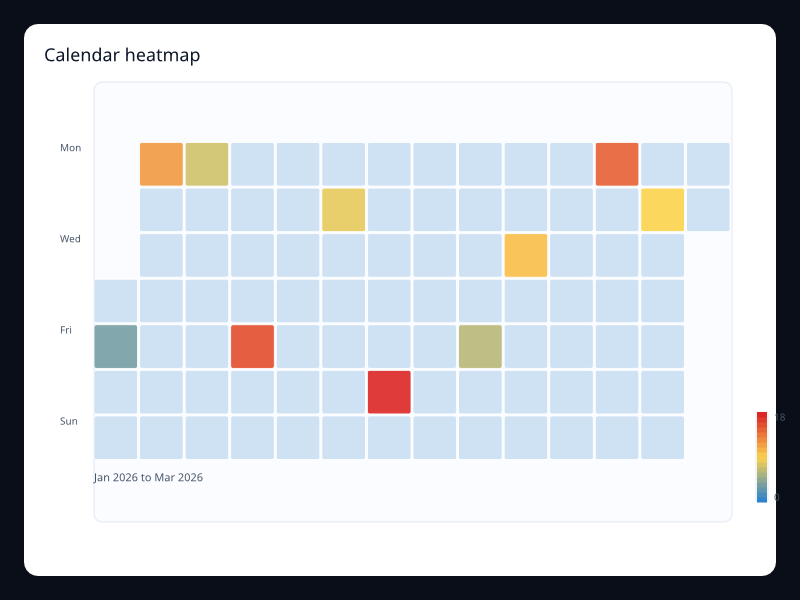
Calendar heatmap
Date values placed into a week-by-day calendar grid.
- Data
- Date/value pairs using YYYY-MM-DD dates.
- Use when
- Use it for contribution, activity, incident, and habit patterns over weeks or months.
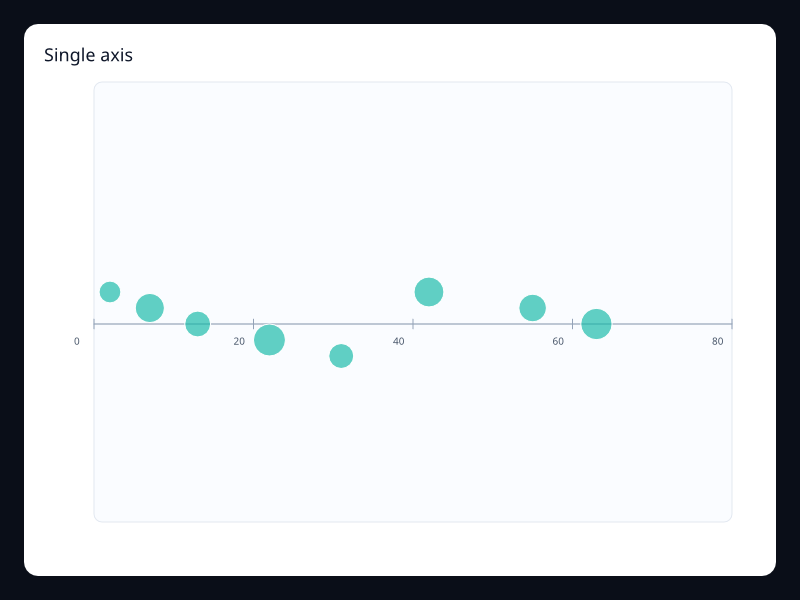
Single axis
Events or weighted points arranged along one numeric axis.
- Data
- Vec<(value, size)> on a single horizontal scale.
- Use when
- Use it for timelines, distributions, and event density when a second axis would add noise.
Chart family
3D and GL
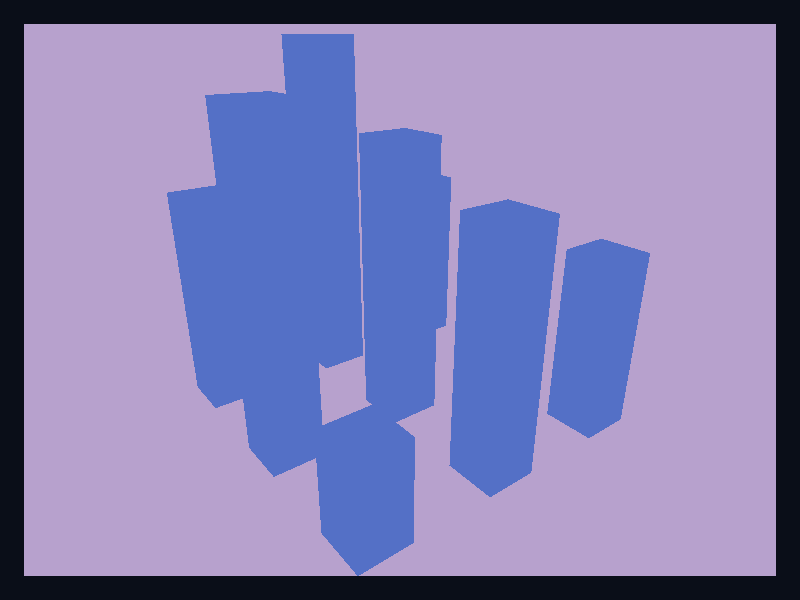
3D bar
Bar values represented as retained native 3D scene primitives.
- Data
- A grid of values lowered into Scene3D mesh cuboids.
- Use when
- Use it when depth and spatial grouping are part of the story, not as a default bar replacement.
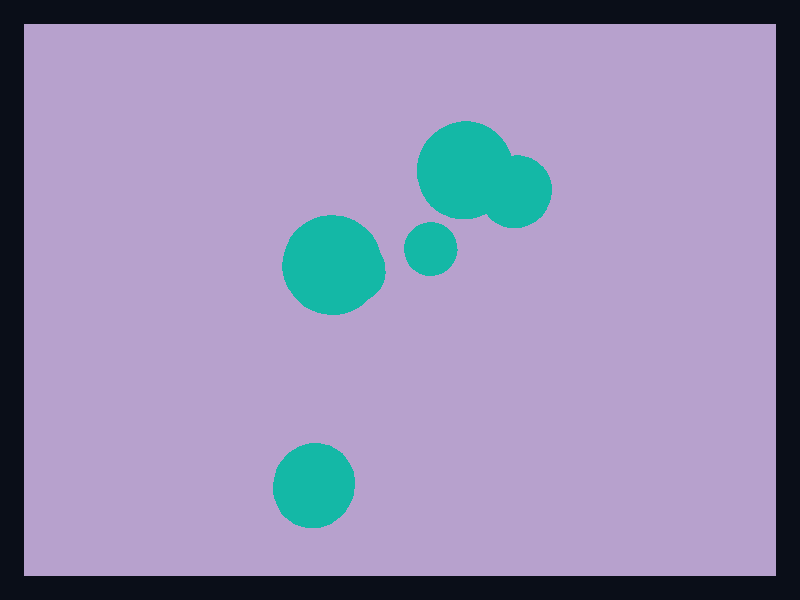
3D scatter
Points positioned in three dimensions with native scene primitives.
- Data
- Vec<(x, y, z, radius)> lowered into Scene3D spheres.
- Use when
- Use it when all three dimensions are meaningful and the app benefits from spatial inspection.

3D surface
A gridded surface lowered into a native 3D mesh.
- Data
- Mesh vertices and triangle indices generated from sampled z values.
- Use when
- Use it for terrain, response surfaces, and continuous two-variable functions.
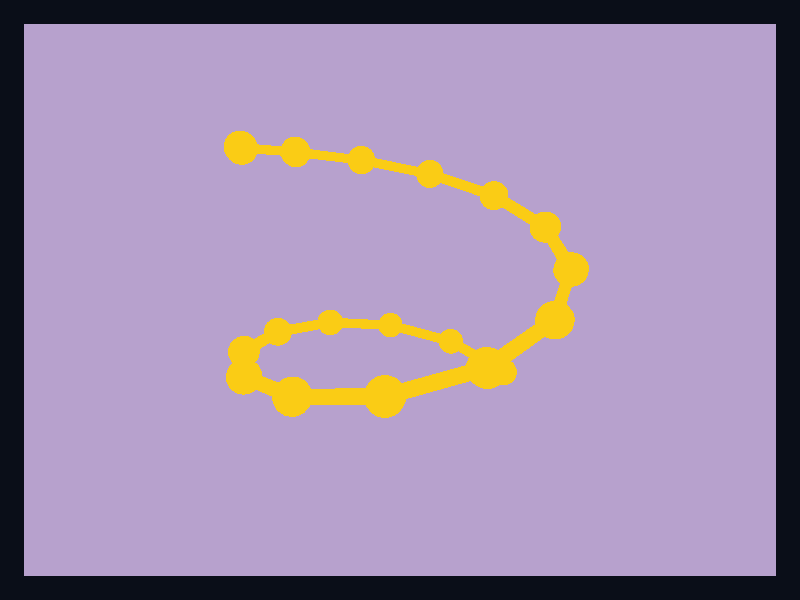
3D line
A trajectory drawn through a native 3D scene using sampled points.
- Data
- Ordered 3D positions lowered into Scene3D primitives.
- Use when
- Use it for paths, movement, and ordered spatial traces.
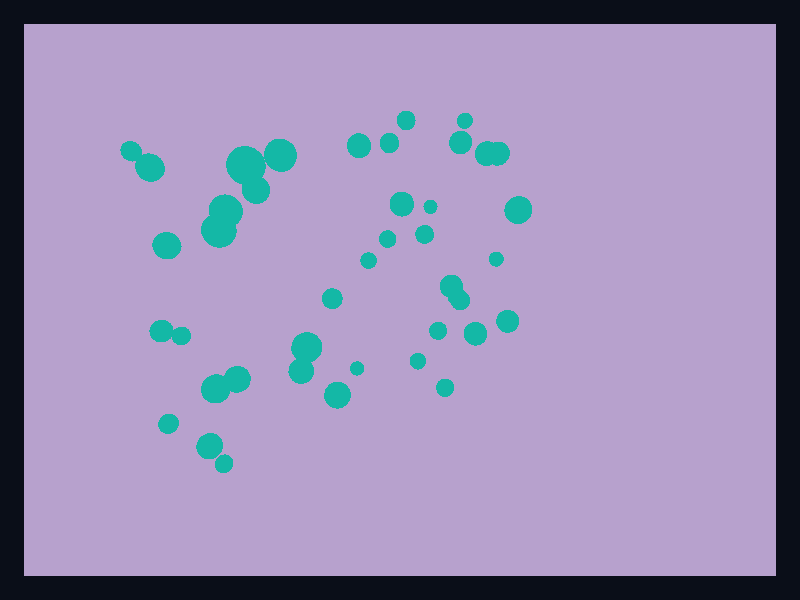
Point cloud
Many small points distributed in three-dimensional space.
- Data
- A collection of x, y, z positions with point radii.
- Use when
- Use it for spatial samples, scan data, and dense 3D observations.
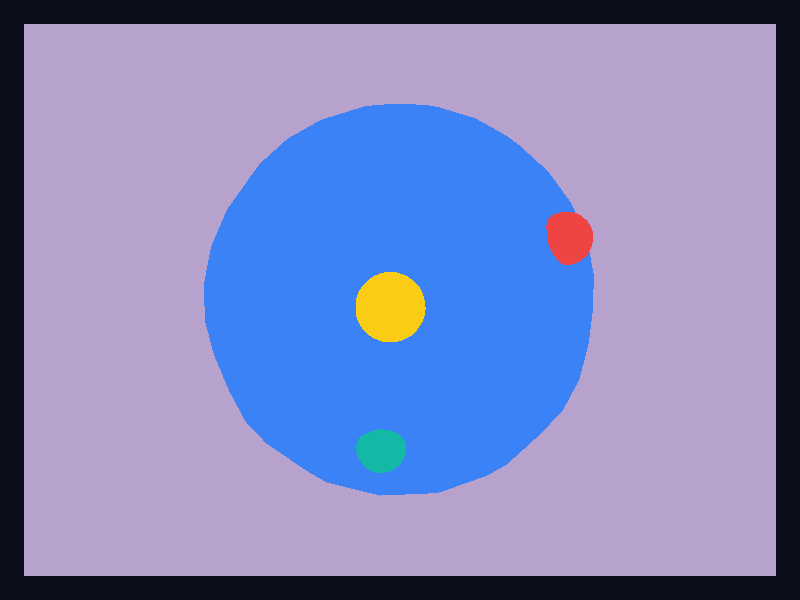
Globe
A spherical world-style chart primitive with highlighted locations.
- Data
- Scene3D sphere primitives plus marker primitives.
- Use when
- Use it when global shape and spatial orientation matter to the reader.
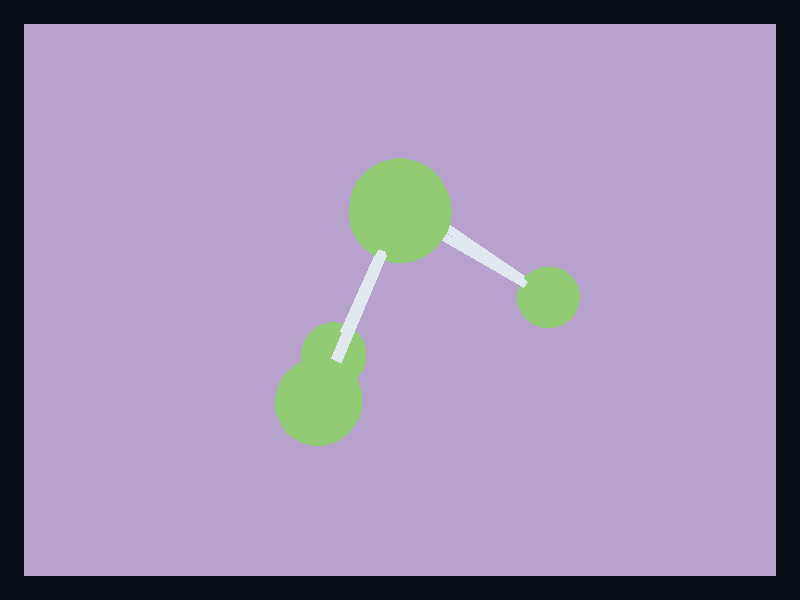
3D graph
Relationship nodes placed in a native 3D scene.
- Data
- Node positions and values lowered into Scene3D primitives.
- Use when
- Use it when topology benefits from depth or when the graph is part of a 3D product surface.

Terrain surface
A raised mesh surface for terrain-like continuous data.
- Data
- Grid-generated mesh vertices and triangle indices.
- Use when
- Use it for terrain, elevation, and other continuous spatial fields.

3D grid bars
3D bars over a grid.
- Data
- Scene3D mesh cuboids.
- Use when
- Use it when depth and grouping are part of the data.

3D capacity bars
3D bar scene for capacity values.
- Data
- Scene3D mesh cuboids.
- Use when
- Use it for spatial capacity displays.
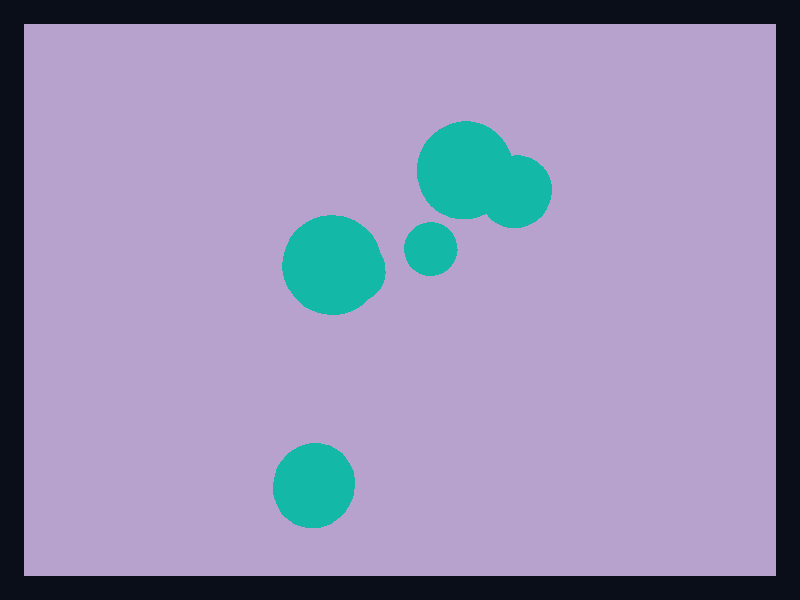
3D scatter cluster
3D scatter points in a native scene.
- Data
- Scene3D spheres.
- Use when
- Use it for spatial sample clusters.
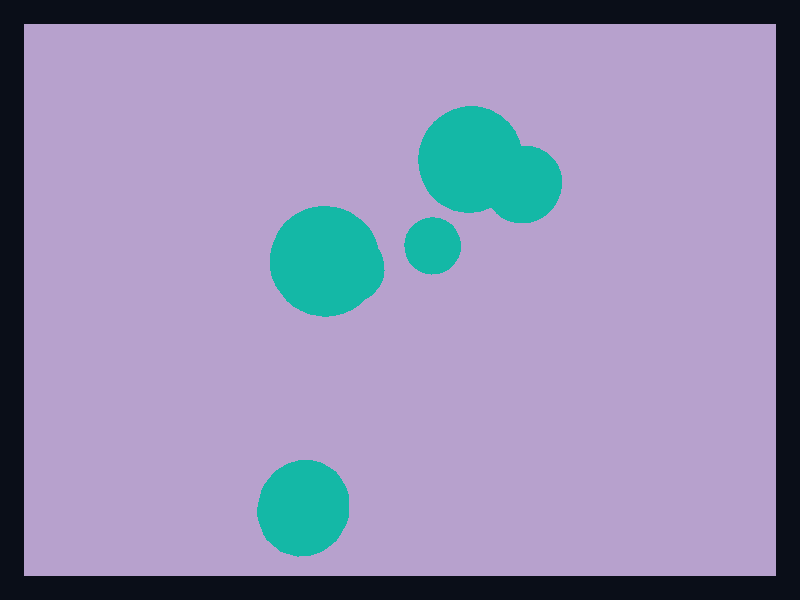
3D scatter outliers
3D scatter variant with separated points.
- Data
- Scene3D spheres.
- Use when
- Use it for spatial outlier inspection.
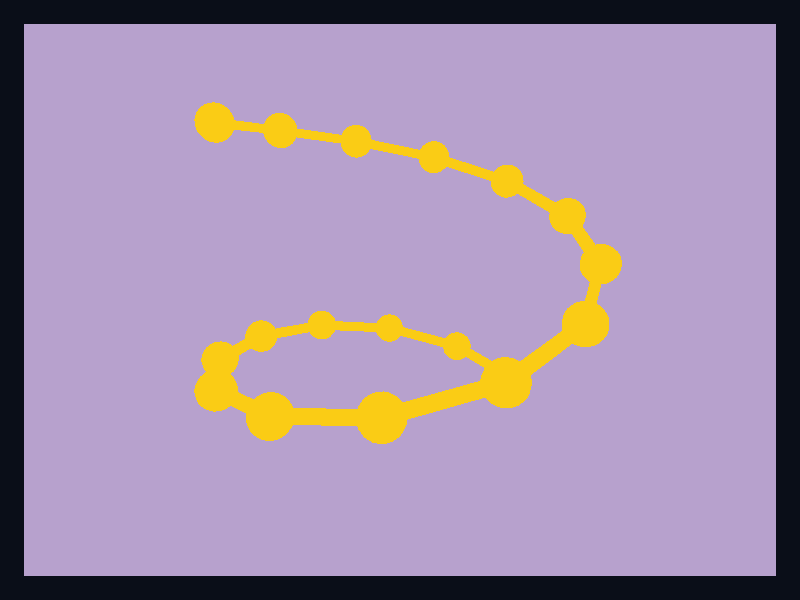
3D trajectory
3D trajectory through sampled points.
- Data
- Scene3D mesh segments plus spheres.
- Use when
- Use it for movement paths.
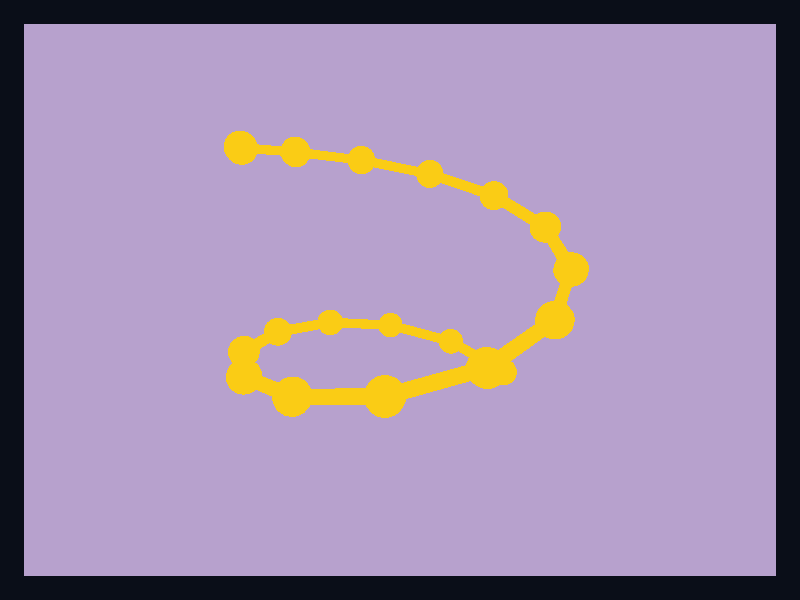
3D spiral line
Spiral-like 3D line path.
- Data
- Scene3D mesh segments plus points.
- Use when
- Use it for ordered spatial signals.

3D wave surface
Smooth mesh surface.
- Data
- Scene3D mesh vertices and indices.
- Use when
- Use it for sampled surfaces.

3D terrain mesh
Terrain-like green surface mesh.
- Data
- Scene3D mesh vertices and indices.
- Use when
- Use it for elevation and terrain fields.
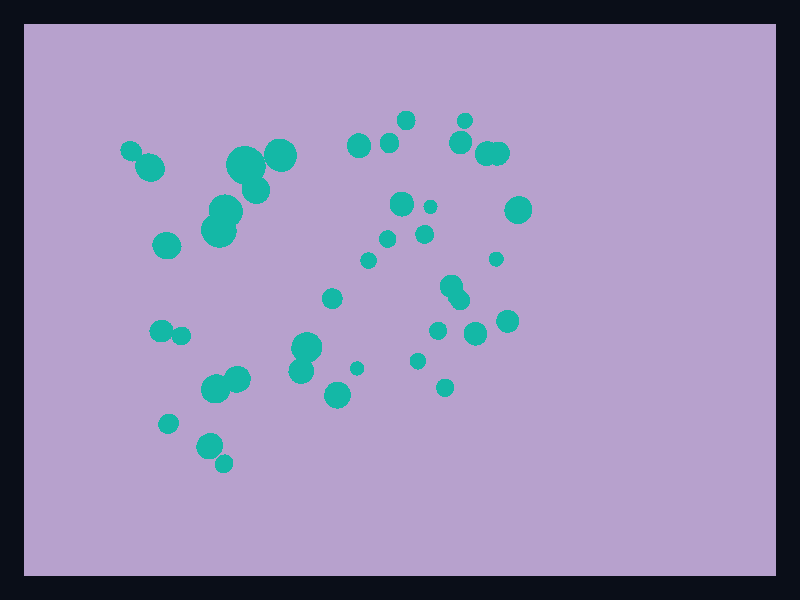
Dense point cloud
Dense cloud of spatial samples.
- Data
- Scene3D spheres.
- Use when
- Use it for scan-like data.
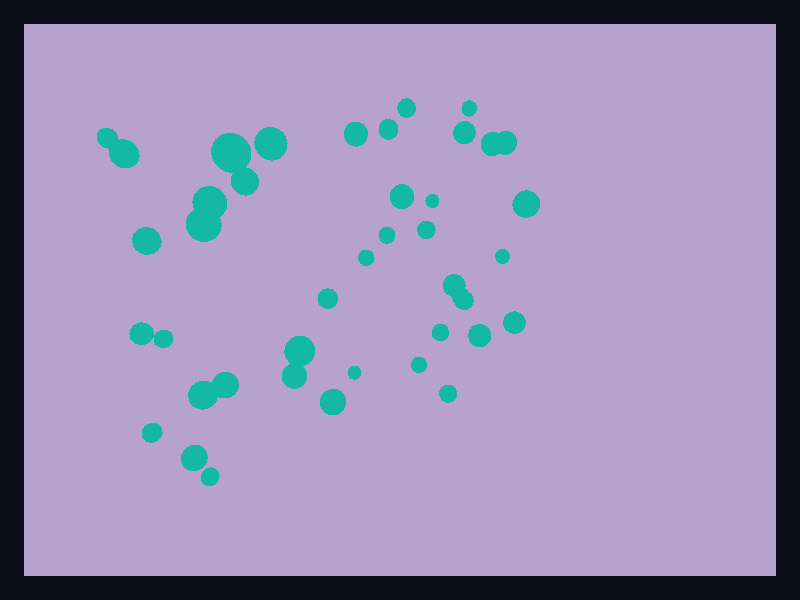
Sparse point cloud
Sparse point cloud in 3D space.
- Data
- Scene3D spheres.
- Use when
- Use it for sampled spatial observations.
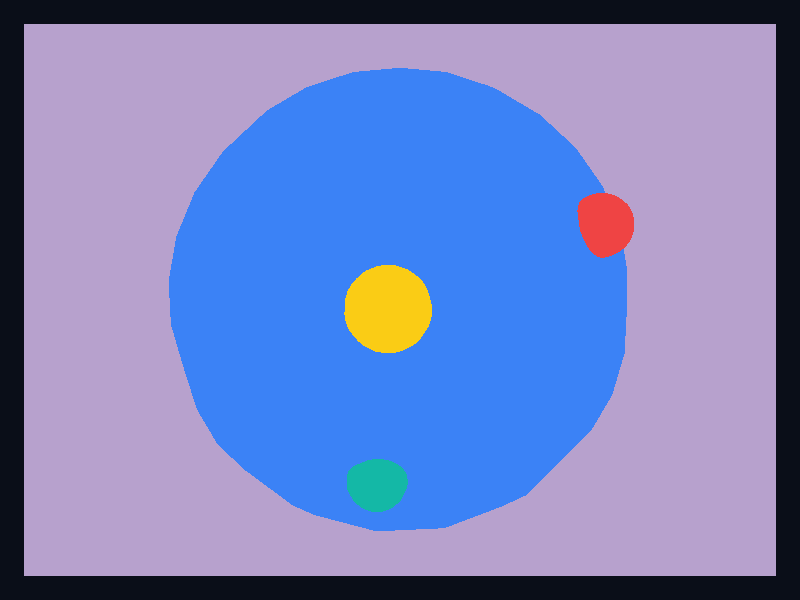
Globe markers
Globe primitive with marker locations.
- Data
- Scene3D spheres.
- Use when
- Use it for global context.
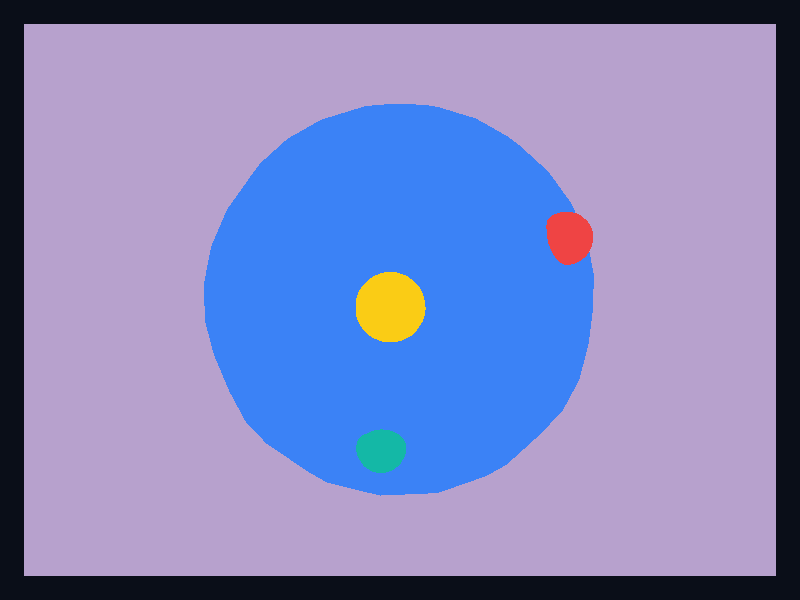
Globe coverage
Globe variant for coverage displays.
- Data
- Scene3D spheres.
- Use when
- Use it for global product surfaces.
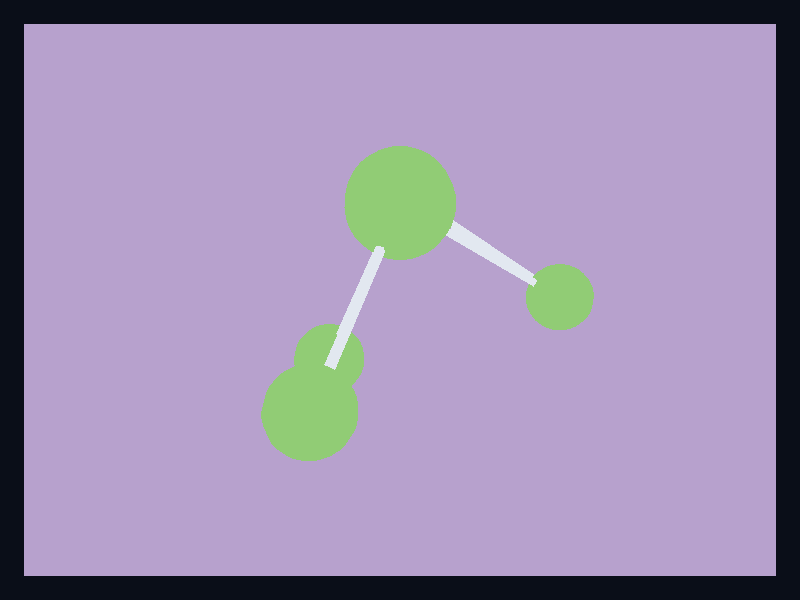
3D network
3D graph nodes and links.
- Data
- Scene3D nodes and segment meshes.
- Use when
- Use it for topology in depth.
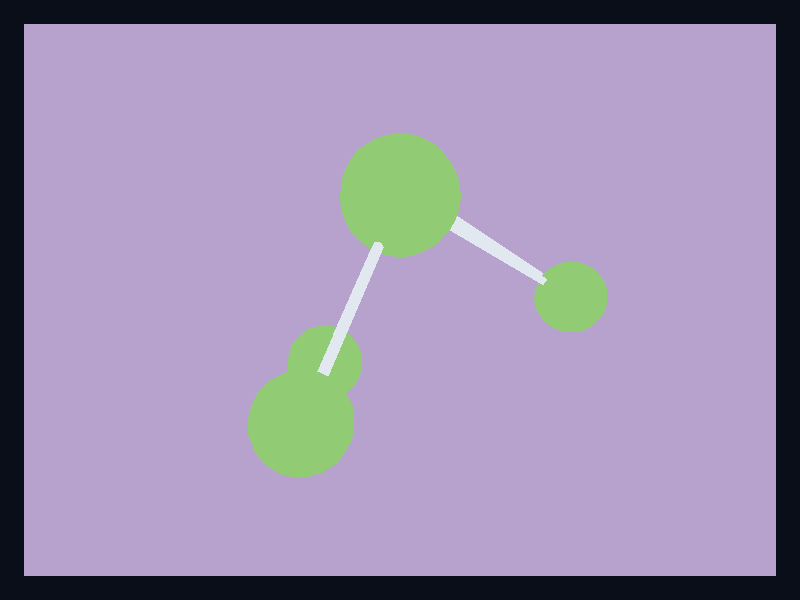
3D topology
3D topology graph variant.
- Data
- Scene3D nodes and segment meshes.
- Use when
- Use it for spatial relationship maps.

Mesh surface
Generic mesh-rendered surface.
- Data
- Scene3D mesh primitive.
- Use when
- Use it for custom mesh data.
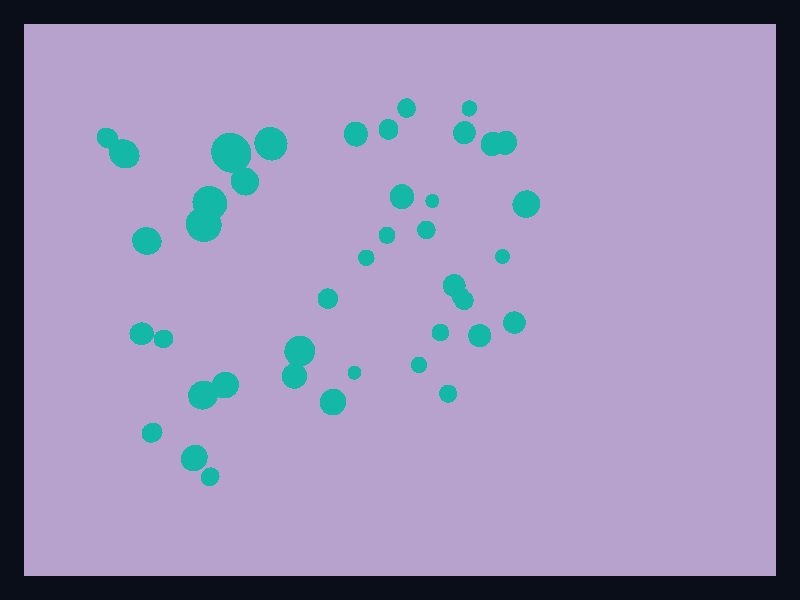
Volume-style point field
Dense point field suggesting volume data.
- Data
- Scene3D spheres.
- Use when
- Use it as the current native path toward volume-style visualization.
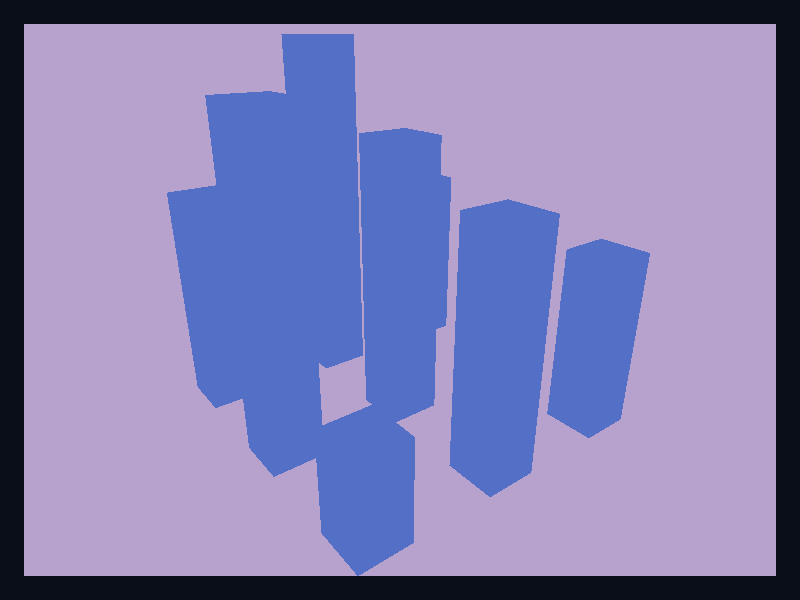
3D capacity bars
3D capacity bars uses Fission Charts typed Rust data to render a production-ready 3d and gl view.
- Data
- Scene3D cuboids representing numeric height.
- Use when
- Use it when depth is part of the visual story.

3D grid bars
3D grid bars uses Fission Charts typed Rust data to render a production-ready 3d and gl view.
- Data
- Grid of cuboids in a native 3D scene.
- Use when
- Use it for spatial bar comparisons.

3D cluster scatter
3D cluster scatter uses Fission Charts typed Rust data to render a production-ready 3d and gl view.
- Data
- Spheres positioned in 3D space.
- Use when
- Use it for spatial point clusters.
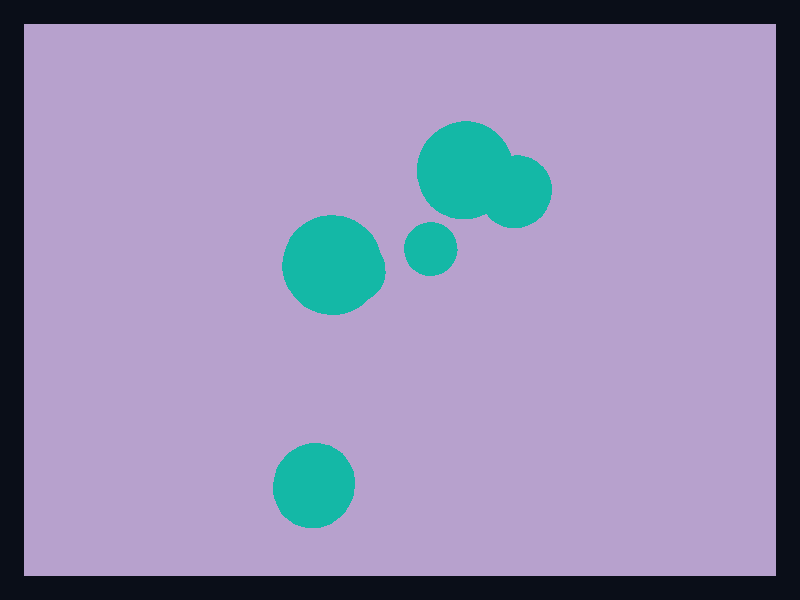
3D outlier scatter
3D outlier scatter uses Fission Charts typed Rust data to render a production-ready 3d and gl view.
- Data
- 3D points with varied position and radius.
- Use when
- Use it to show outliers in a point cloud.

3D response surface
3D response surface uses Fission Charts typed Rust data to render a production-ready 3d and gl view.
- Data
- Mesh vertices and indices forming a surface.
- Use when
- Use it for continuous spatial fields.

3D terrain response
3D terrain response uses Fission Charts typed Rust data to render a production-ready 3d and gl view.
- Data
- Raised terrain-like mesh.
- Use when
- Use it for elevation and field surfaces.
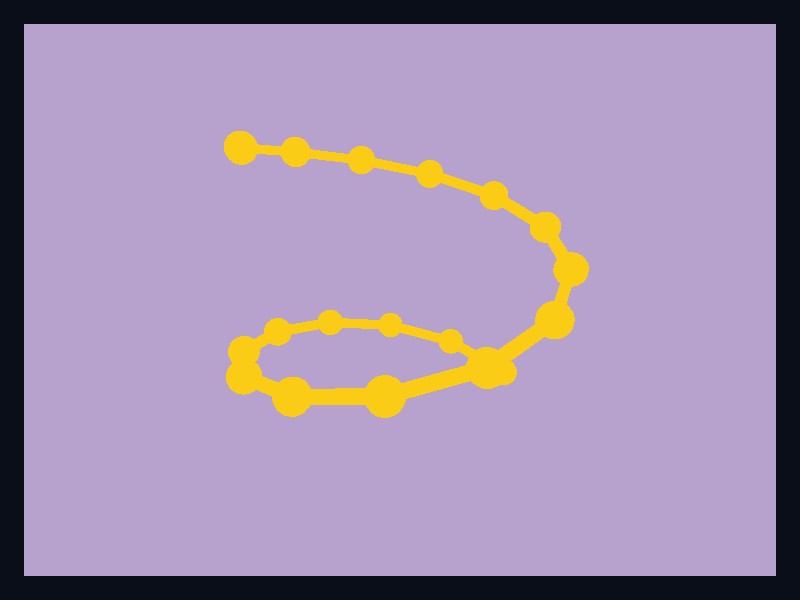
3D line path
3D line path uses Fission Charts typed Rust data to render a production-ready 3d and gl view.
- Data
- Spheres and segment meshes forming a path.
- Use when
- Use it for trajectories and movement.
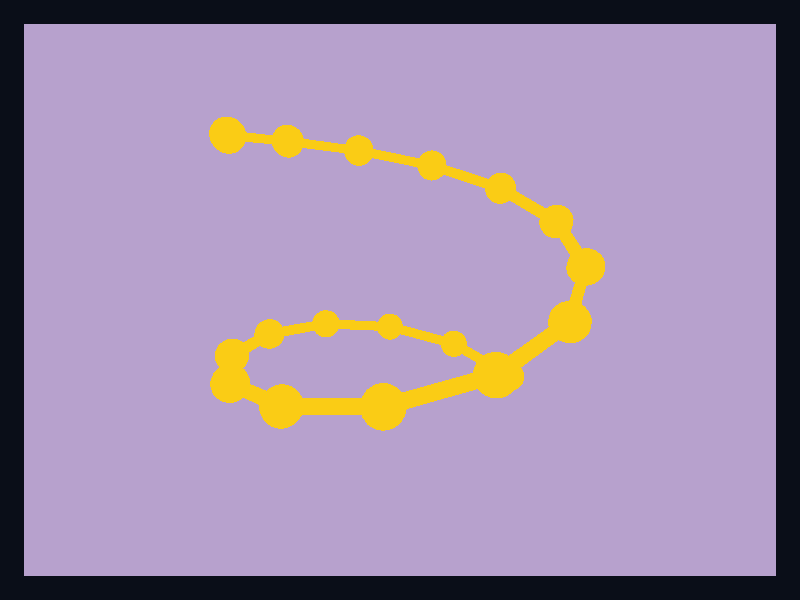
3D spiral path
3D spiral path uses Fission Charts typed Rust data to render a production-ready 3d and gl view.
- Data
- Line path through depth.
- Use when
- Use it for trajectory demos and spatial flows.
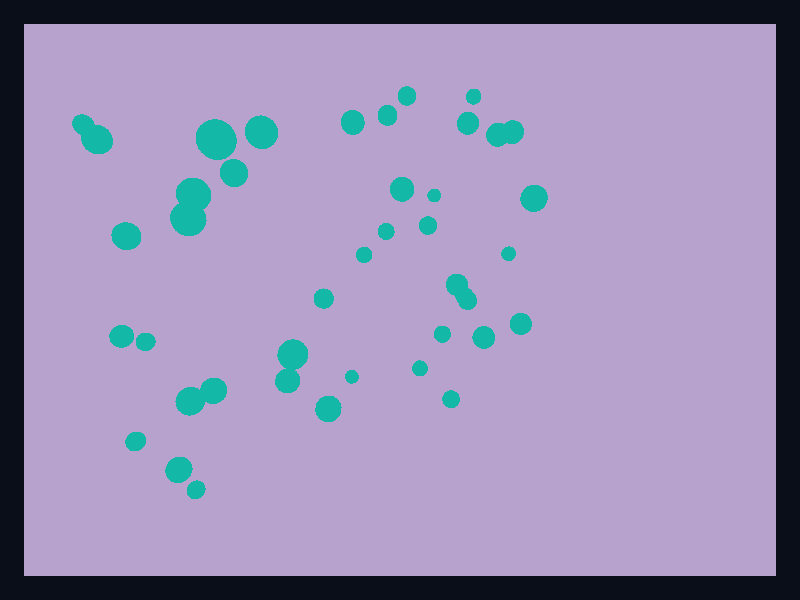
Dense 3D point cloud
Dense 3D point cloud uses Fission Charts typed Rust data to render a production-ready 3d and gl view.
- Data
- Many small spheres in 3D space.
- Use when
- Use it for point fields and early volume-style views.
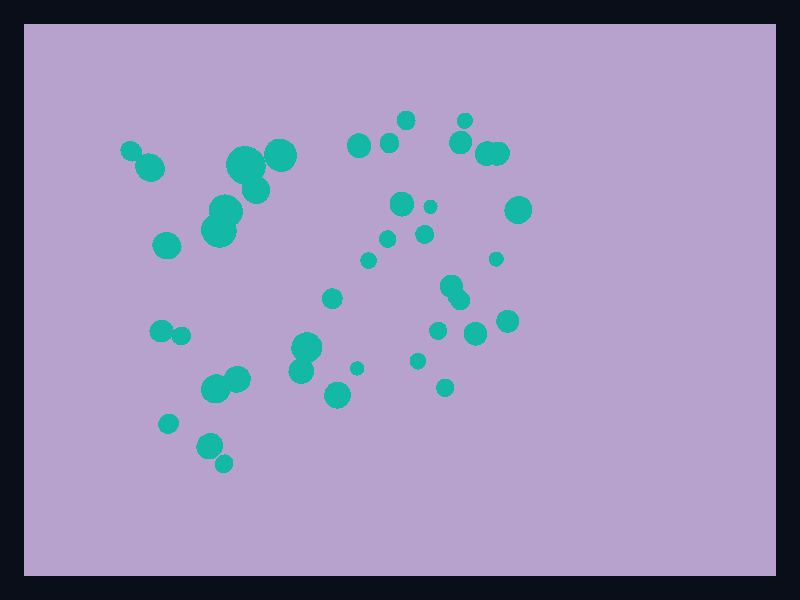
Sparse 3D point cloud
Sparse 3D point cloud uses Fission Charts typed Rust data to render a production-ready 3d and gl view.
- Data
- Sparse spatial points.
- Use when
- Use it when individual 3D observations need separation.
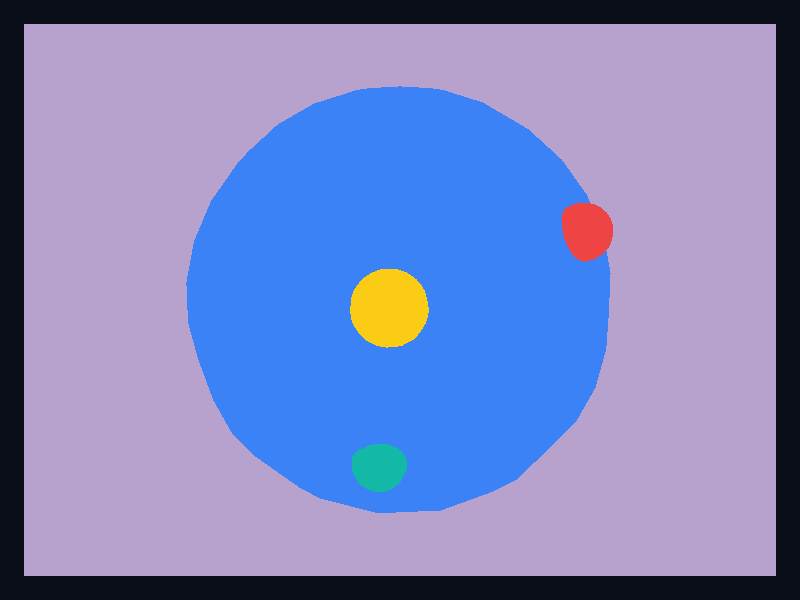
3D globe status
3D globe status uses Fission Charts typed Rust data to render a production-ready 3d and gl view.
- Data
- Globe sphere with visible markers.
- Use when
- Use it when global context matters.
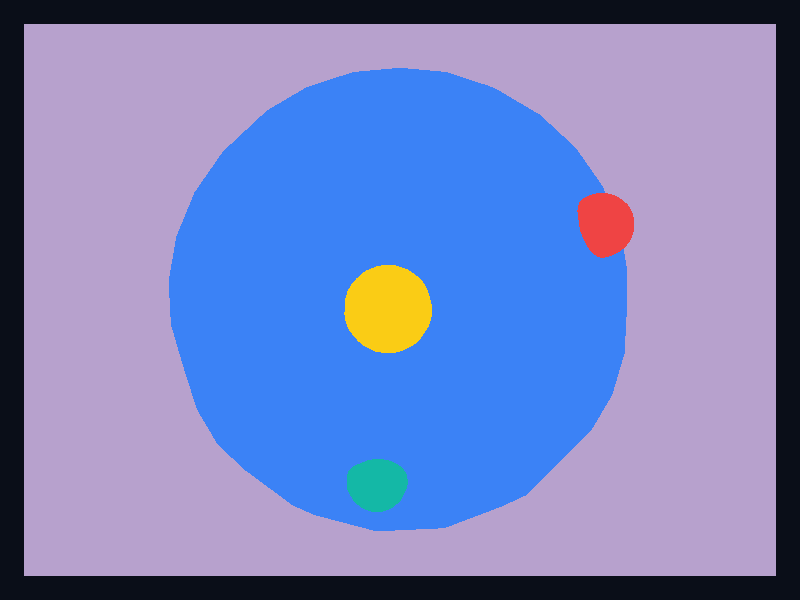
3D globe coverage
3D globe coverage uses Fission Charts typed Rust data to render a production-ready 3d and gl view.
- Data
- Globe primitive with highlighted locations.
- Use when
- Use it for coverage and status over a globe.
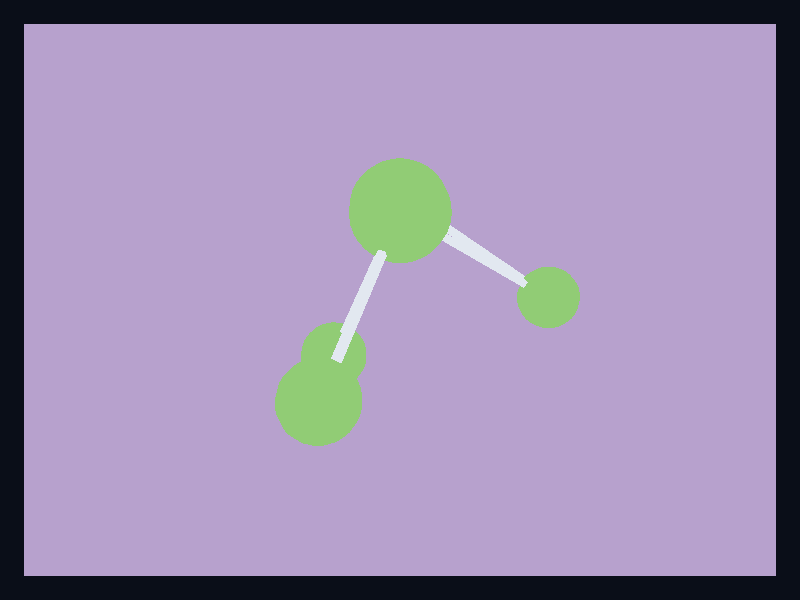
3D network scene
3D network scene uses Fission Charts typed Rust data to render a production-ready 3d and gl view.
- Data
- Node spheres connected by segment meshes.
- Use when
- Use it for spatial network views.
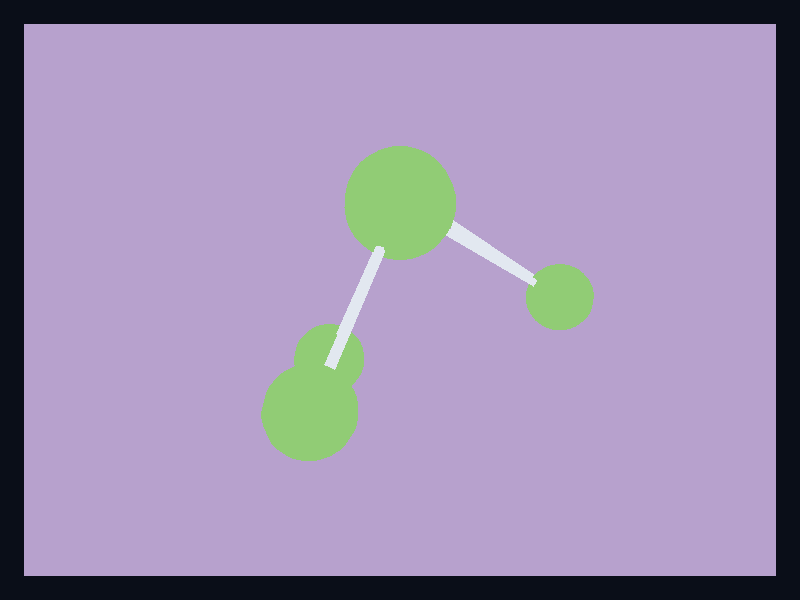
3D topology scene
3D topology scene uses Fission Charts typed Rust data to render a production-ready 3d and gl view.
- Data
- 3D graph nodes and links.
- Use when
- Use it when topology benefits from depth.

3D mesh field
3D mesh field uses Fission Charts typed Rust data to render a production-ready 3d and gl view.
- Data
- Mesh surface primitive.
- Use when
- Use it for custom mesh data.
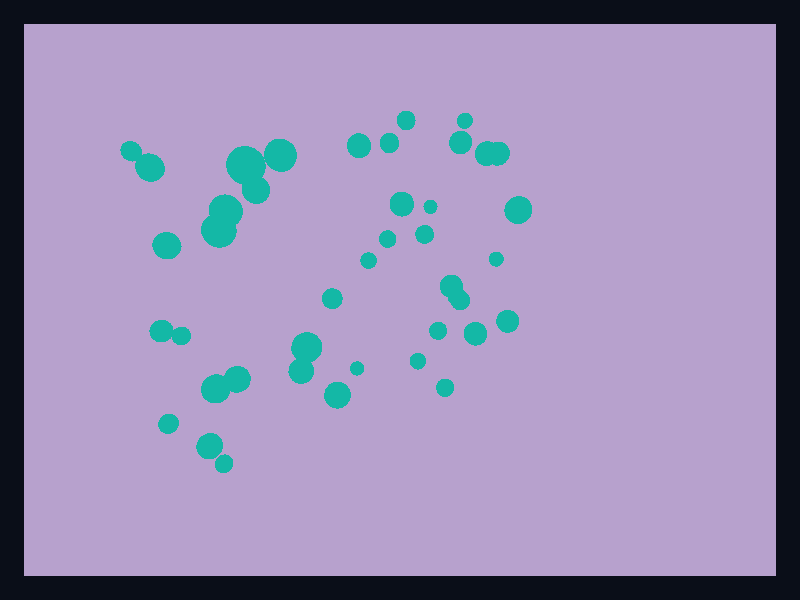
3D volume points
3D volume points uses Fission Charts typed Rust data to render a production-ready 3d and gl view.
- Data
- Point field suggesting volume data.
- Use when
- Use it as the native point-based volume path.

3D operations bars
3D operations bars uses Fission Charts typed Rust data to render a production-ready 3d and gl view.
- Data
- 3D bars over an operational grid.
- Use when
- Use it when spatial placement helps compare operational metrics.

3D service cloud
3D service cloud uses Fission Charts typed Rust data to render a production-ready 3d and gl view.
- Data
- Service points in 3D space.
- Use when
- Use it to visualize clusters of service observations.

3D risk terrain
3D risk terrain uses Fission Charts typed Rust data to render a production-ready 3d and gl view.
- Data
- Terrain surface using native mesh rendering.
- Use when
- Use it for risk and elevation-like surfaces.

3D wave surface
3D wave surface uses Fission Charts typed Rust data to render a production-ready 3d and gl view.
- Data
- Surface mesh with wave-like height variation.
- Use when
- Use it for continuous response fields.
Chart family
Line
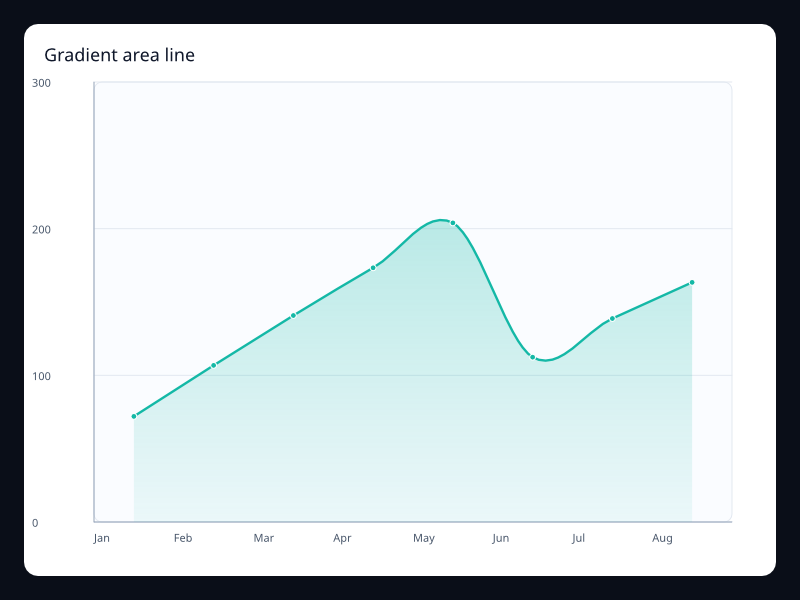
Gradient area line
Line chart with translucent area fill for volume emphasis.
- Data
- Vec<f32> with area style.
- Use when
- Use it when magnitude and trend should be read together.
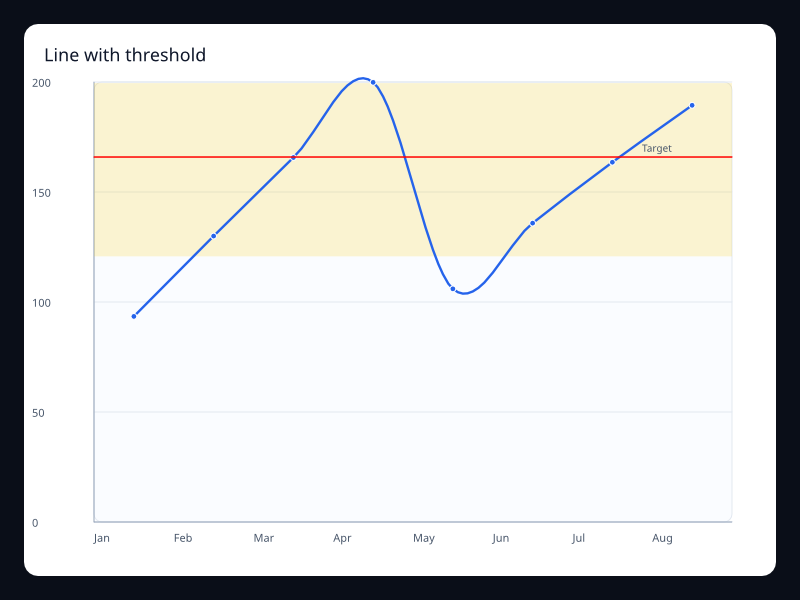
Line with threshold
Line chart with a target line and highlighted operating band.
- Data
- Vec<f32> plus MarkLine and MarkArea.
- Use when
- Use it for service levels, quotas, and alert thresholds.
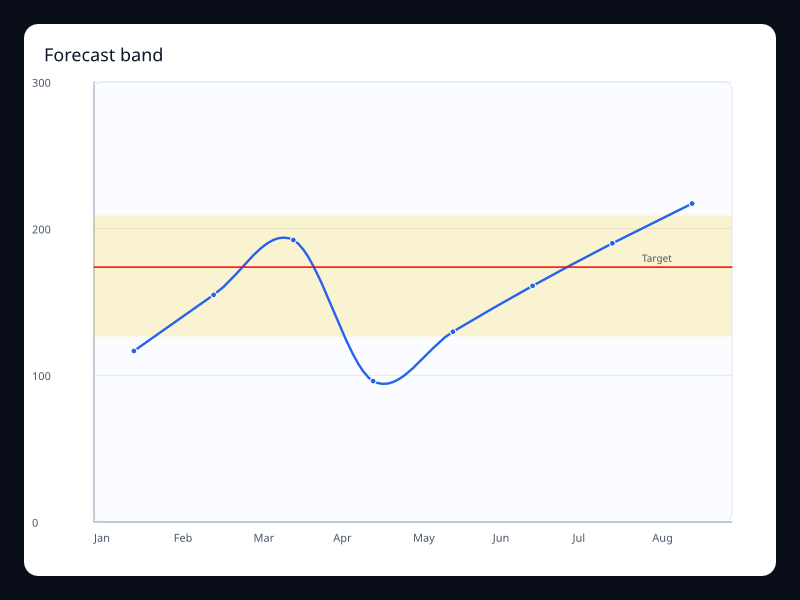
Forecast band
Line chart with an expected range behind the observed values.
- Data
- Vec<f32> plus MarkArea.
- Use when
- Use it when forecasts need uncertainty context.
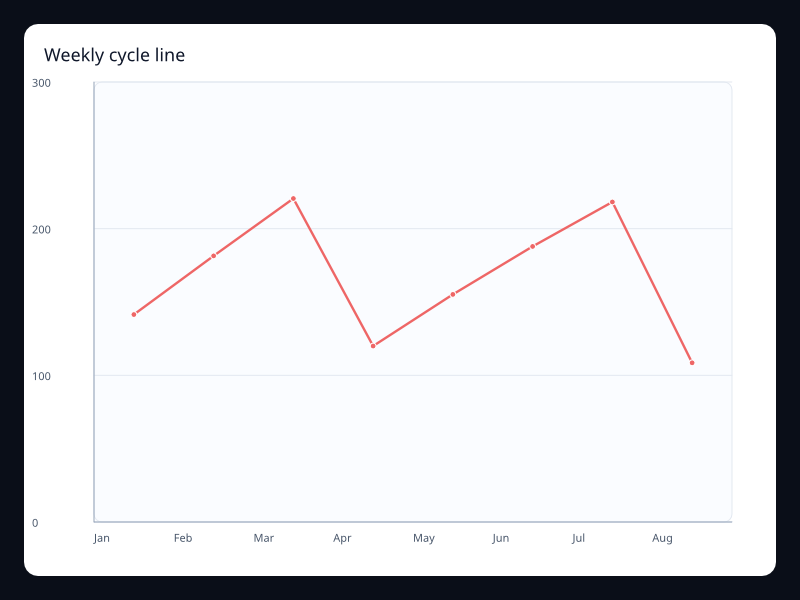
Weekly cycle line
Ordered samples over a repeating weekly cycle.
- Data
- Vec<f32> aligned to weekdays.
- Use when
- Use it for operational rhythms and weekly dashboards.
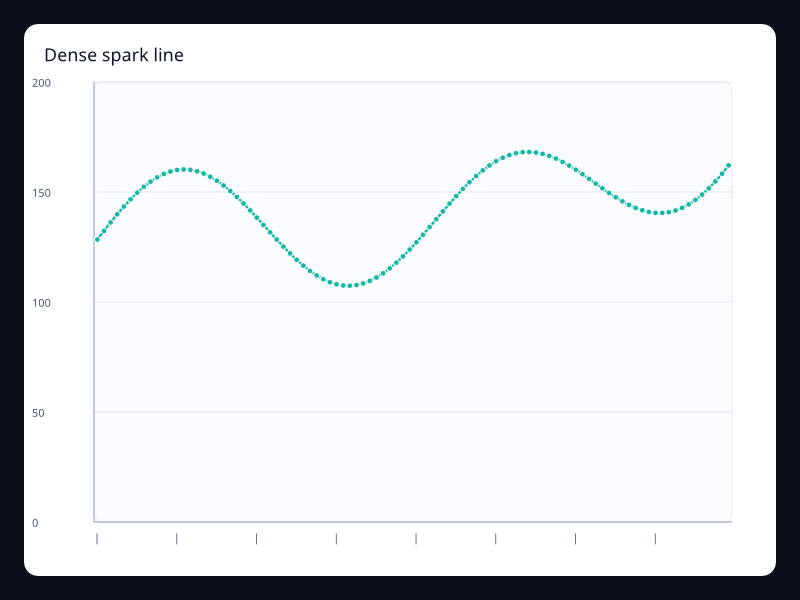
Dense spark line
Compact dense line with many telemetry samples.
- Data
- Long Vec<f32> on ordered categories.
- Use when
- Use it for monitoring and telemetry surfaces.
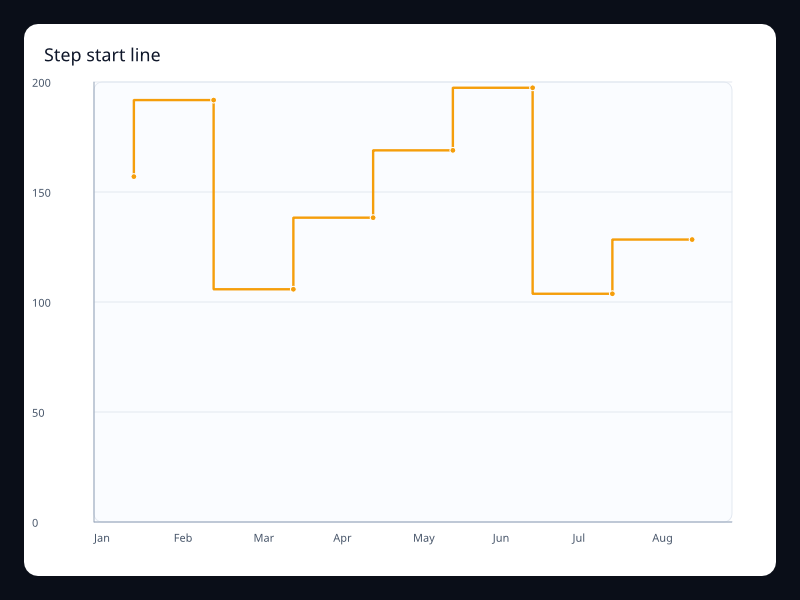
Step start line
Discrete state changes drawn as step segments.
- Data
- Vec<f32> with start step behavior.
- Use when
- Use it when values jump at the start of each interval.
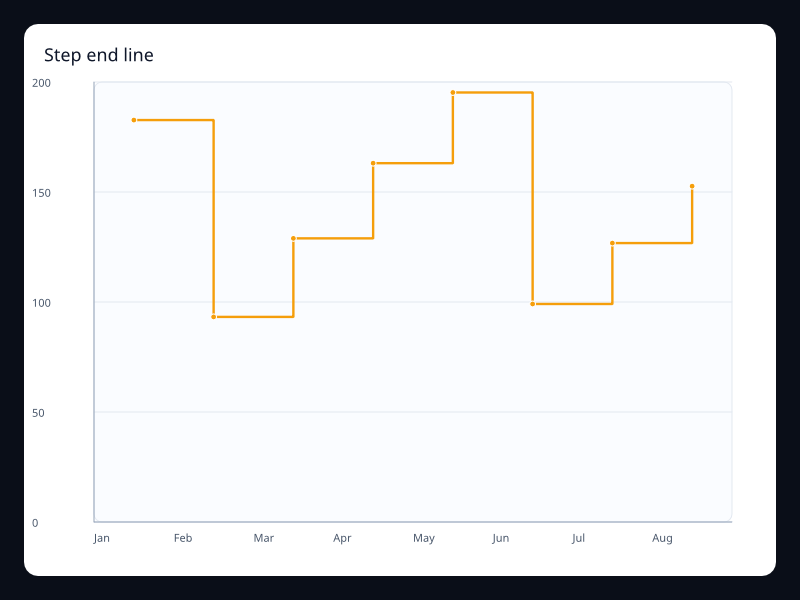
Step end line
Discrete state changes drawn at interval ends.
- Data
- Vec<f32> with end step behavior.
- Use when
- Use it when values settle at the end of each interval.
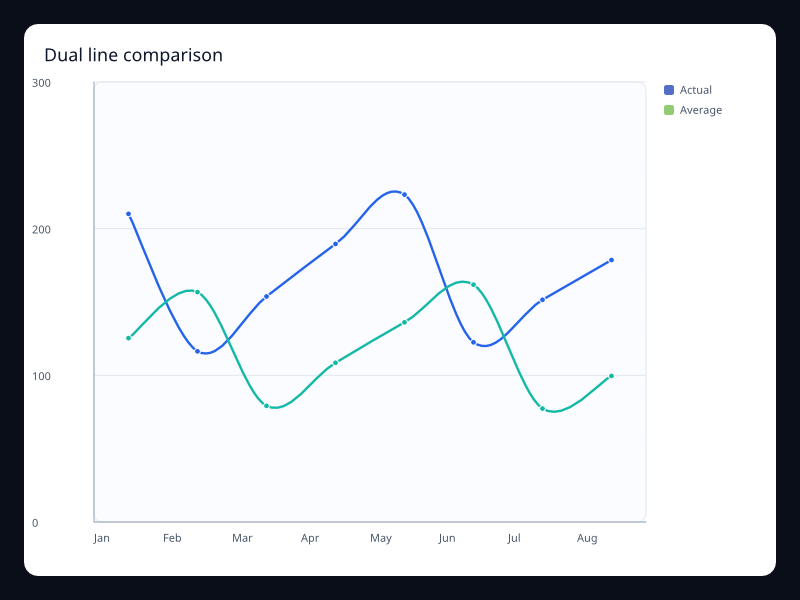
Dual line comparison
Two related line series sharing one chart.
- Data
- Two Vec<f32> series on shared axes.
- Use when
- Use it to compare two trends without changing units.
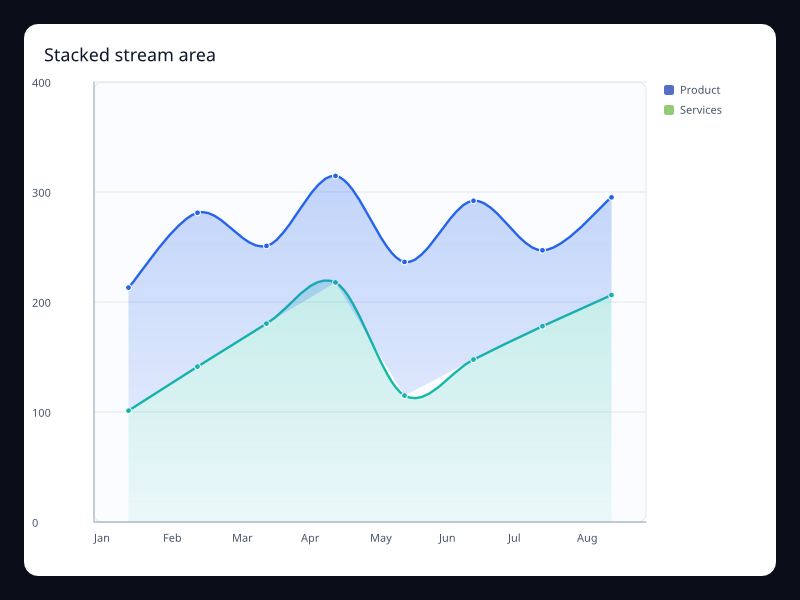
Stacked stream area
Stacked area series showing total and composition.
- Data
- Multiple LineSeries with one stack key.
- Use when
- Use it for composition over time.
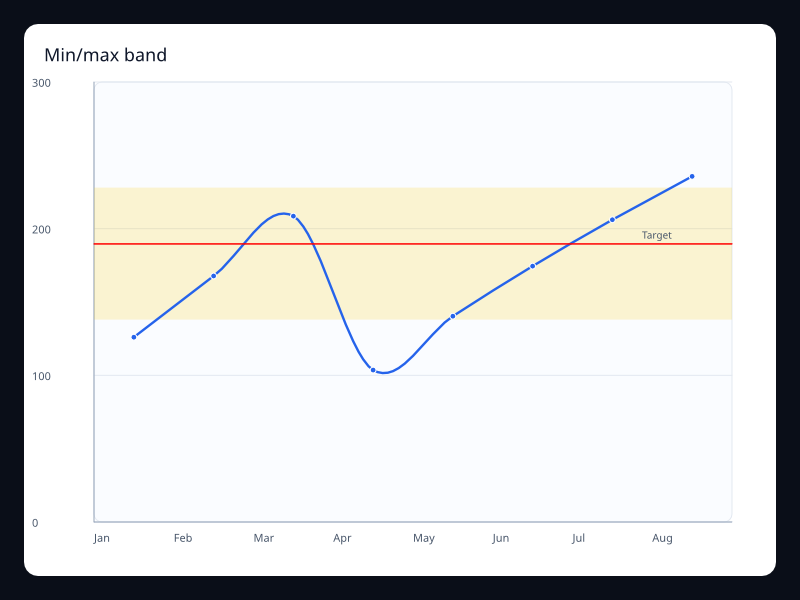
Min/max band
Trend line with upper and lower guide marks.
- Data
- Vec<f32> plus mark lines.
- Use when
- Use it to show expected bounds around a metric.
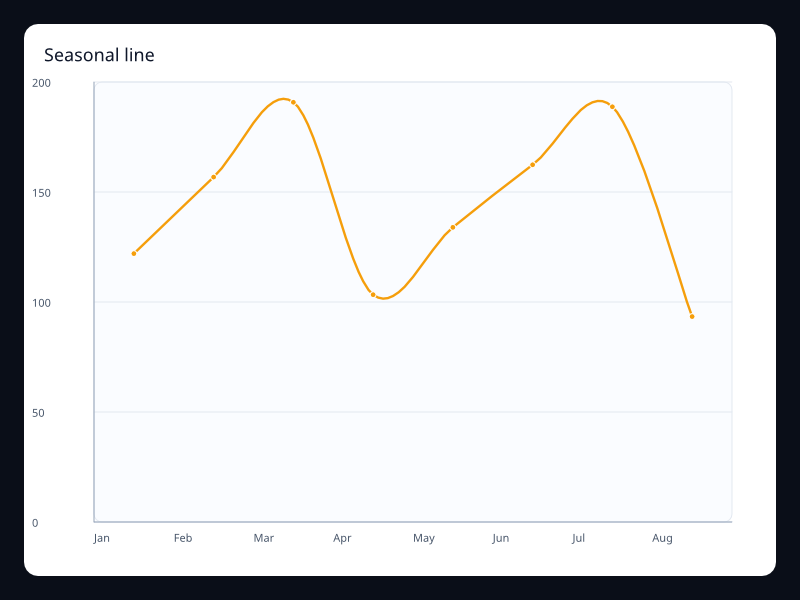
Seasonal line
Trend samples shaped as a seasonal curve.
- Data
- Vec<f32> over ordered periods.
- Use when
- Use it for seasonal demand and capacity planning.
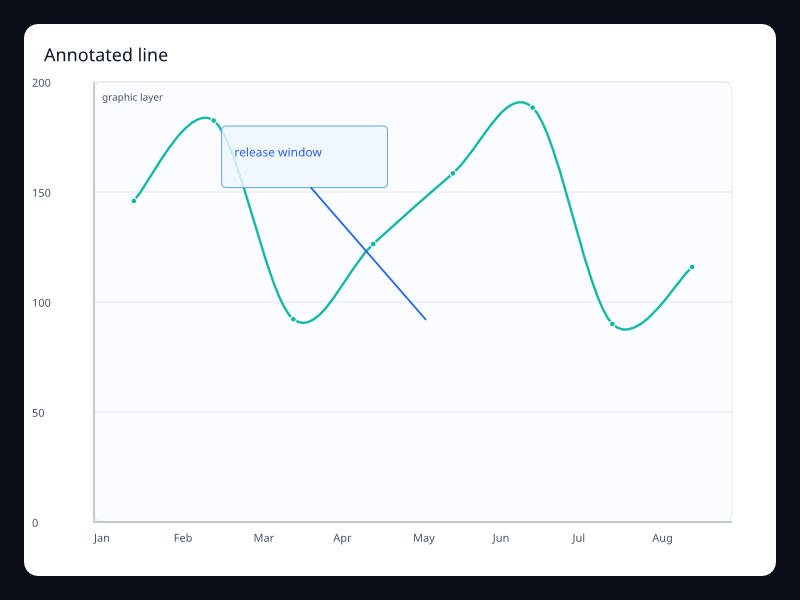
Annotated line
Line chart with a callout annotation in the plot area.
- Data
- LineSeries plus ChartGraphic.
- Use when
- Use it to explain a visible change directly on the chart.
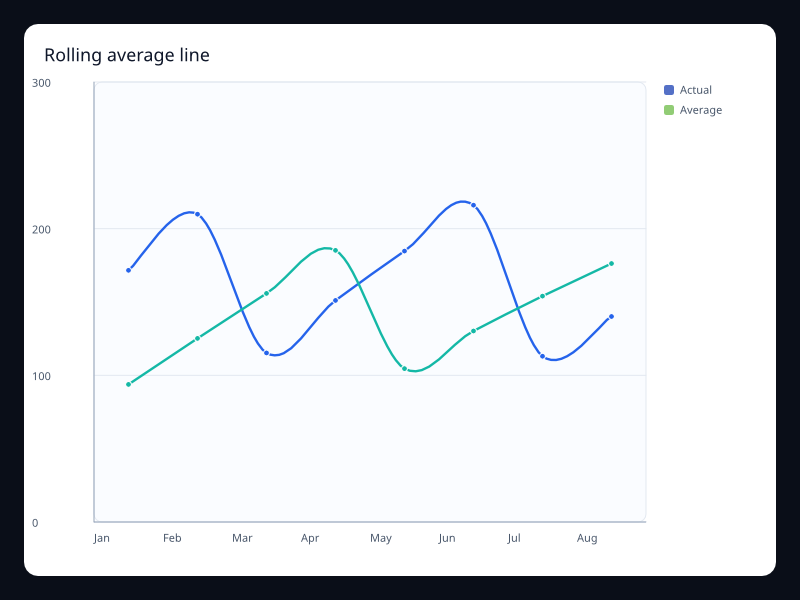
Rolling average line
Raw metric and smoothed average on one chart.
- Data
- Two Vec<f32> series.
- Use when
- Use it when readers need both movement and trend.
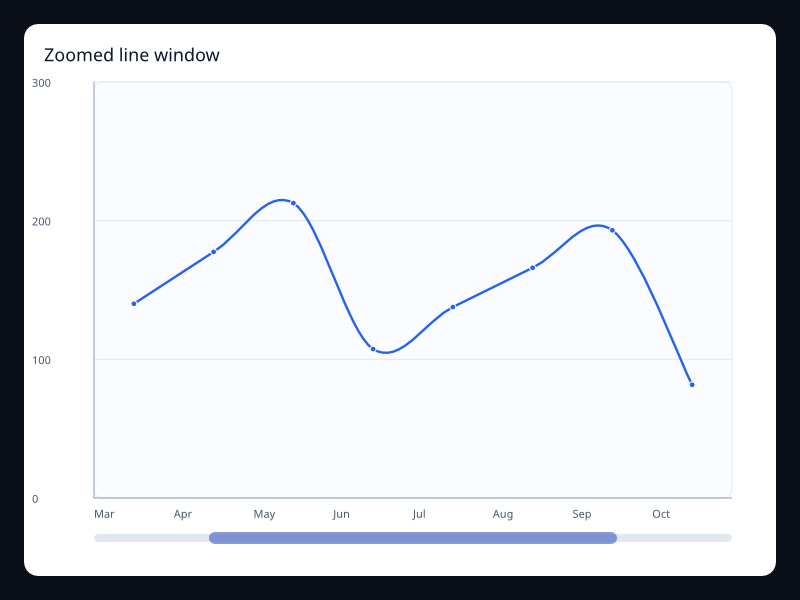
Zoomed line window
Ordered line data filtered through a data zoom window.
- Data
- LineSeries plus DataZoom.
- Use when
- Use it for long series with local inspection.
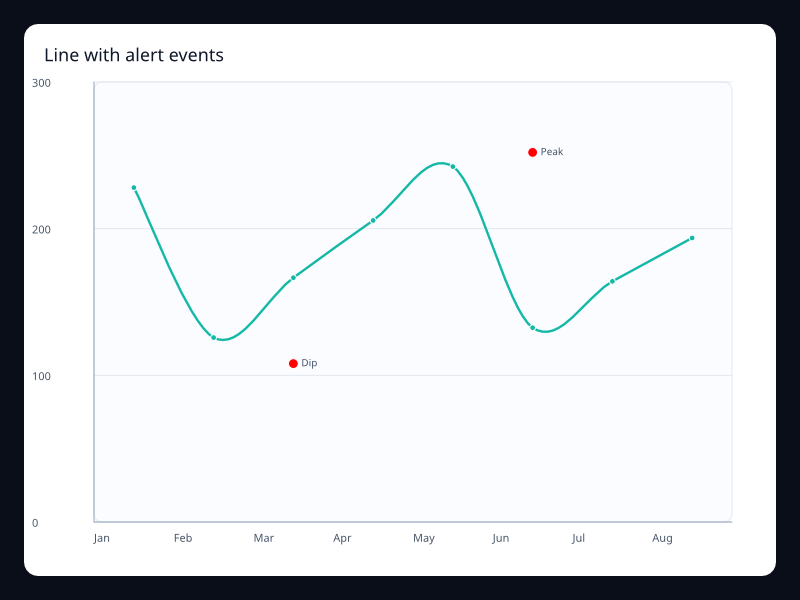
Line with alert events
Line chart with named event points.
- Data
- LineSeries plus MarkPoint.
- Use when
- Use it to label incidents or releases on a metric.
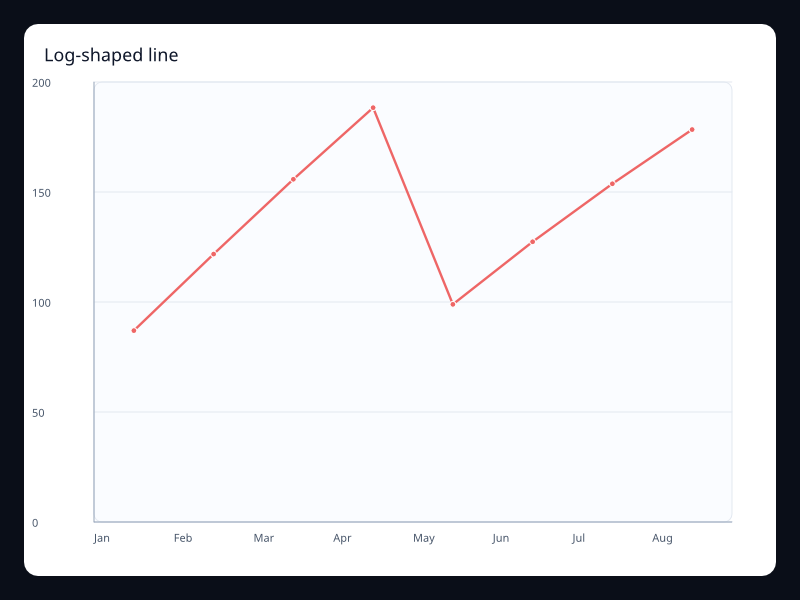
Log-shaped line
A line with rapid early growth and slower later growth.
- Data
- Vec<f32> with nonlinear values.
- Use when
- Use it for adoption curves and saturation effects.
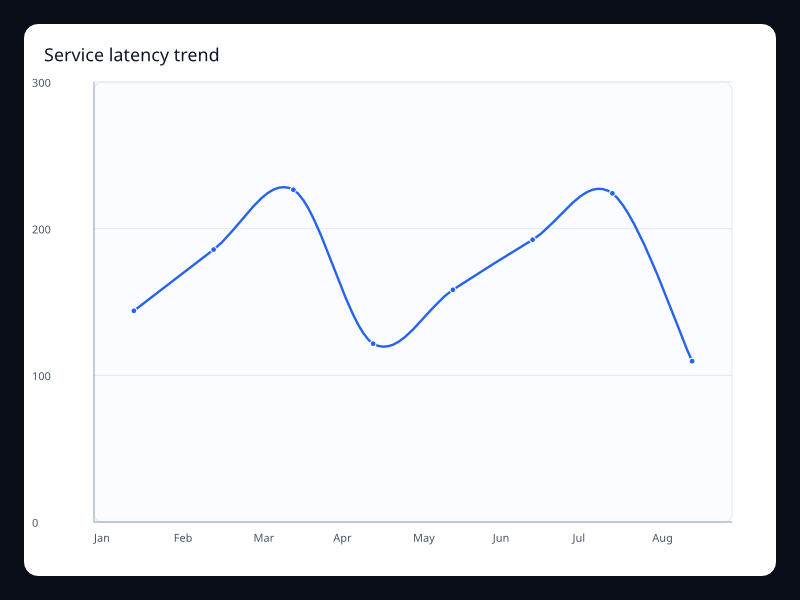
Service latency trend
Service latency trend uses Fission Charts typed Rust data to render a production-ready line view.
- Data
- Latency samples over ordered time buckets.
- Use when
- Use it for operations screens that need drift and spikes in one glance.
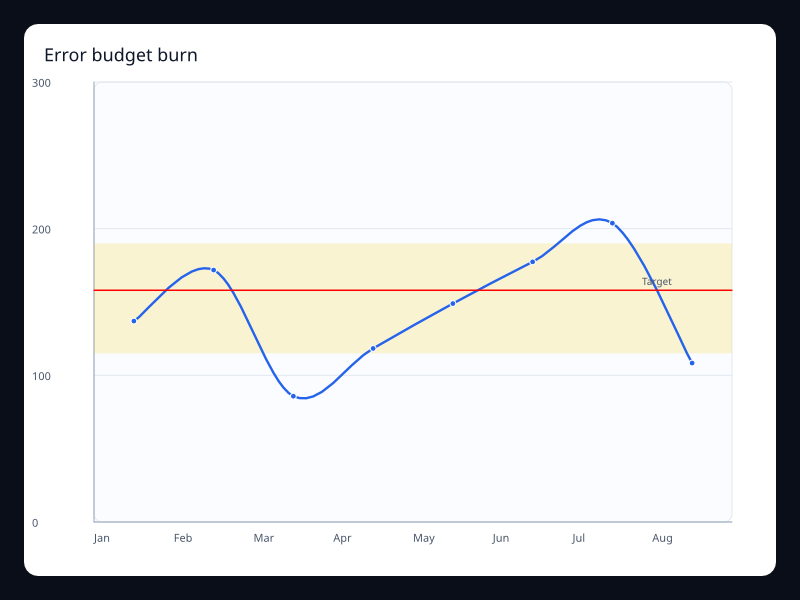
Error budget burn
Error budget burn uses Fission Charts typed Rust data to render a production-ready line view.
- Data
- Budget percentage samples plus threshold marks.
- Use when
- Use it when teams need to see whether a service is inside its operating band.
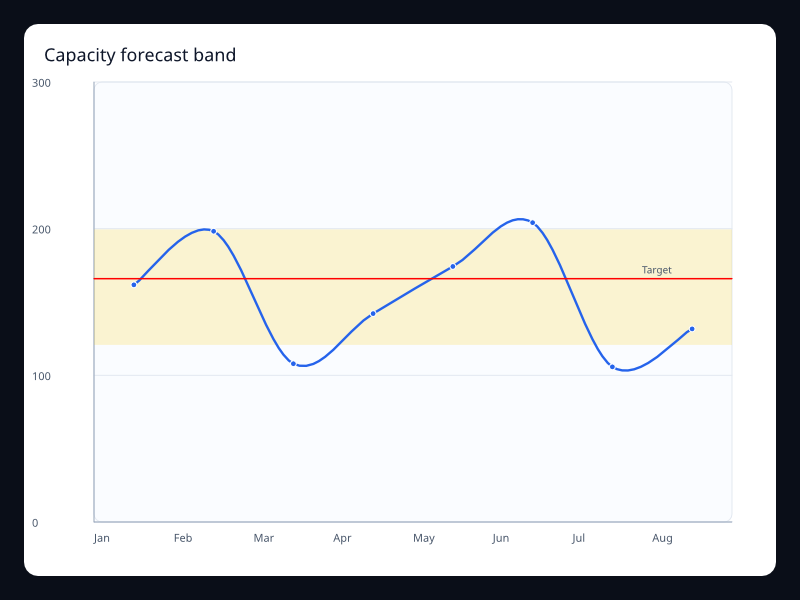
Capacity forecast band
Capacity forecast band uses Fission Charts typed Rust data to render a production-ready line view.
- Data
- Observed values with a highlighted expected range.
- Use when
- Use it when a forecast needs both the line and the safe range.
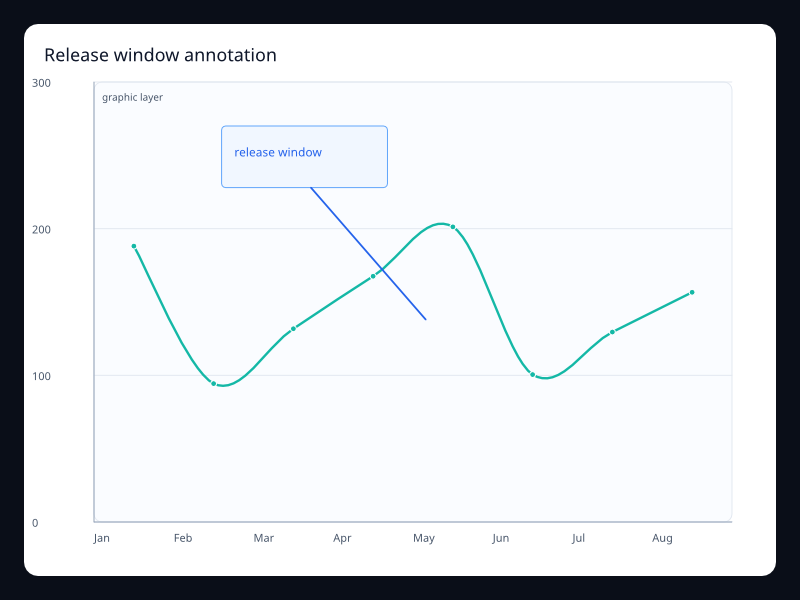
Release window annotation
Release window annotation uses Fission Charts typed Rust data to render a production-ready line view.
- Data
- Ordered samples with a graphic callout over the plot.
- Use when
- Use it when a chart needs to explain why a trend changed.
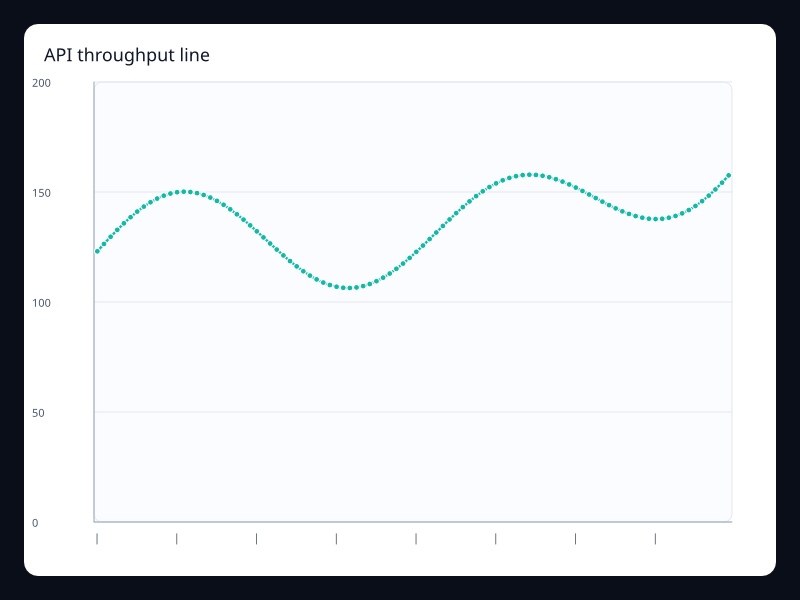
API throughput line
API throughput line uses Fission Charts typed Rust data to render a production-ready line view.
- Data
- Dense ordered samples from a service counter.
- Use when
- Use it for telemetry panels with many points.
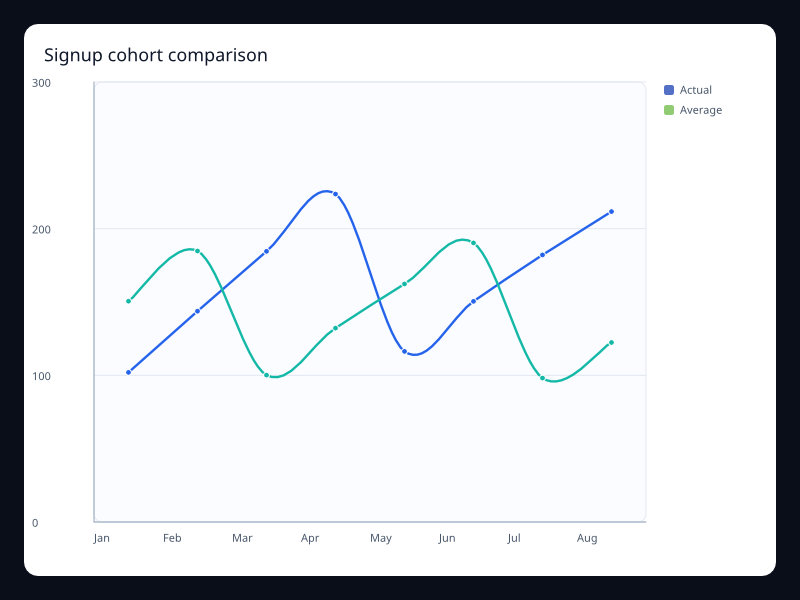
Signup cohort comparison
Signup cohort comparison uses Fission Charts typed Rust data to render a production-ready line view.
- Data
- Two ordered series sharing the same axis.
- Use when
- Use it when users need to compare cohorts over the same time range.
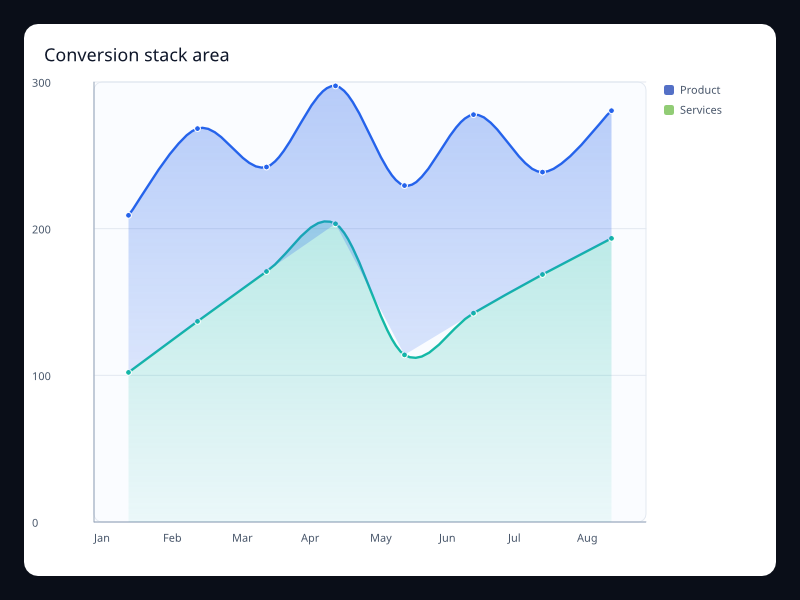
Conversion stack area
Conversion stack area uses Fission Charts typed Rust data to render a production-ready line view.
- Data
- Several ordered series sharing a stack key.
- Use when
- Use it to explain how categories make up a total over time.
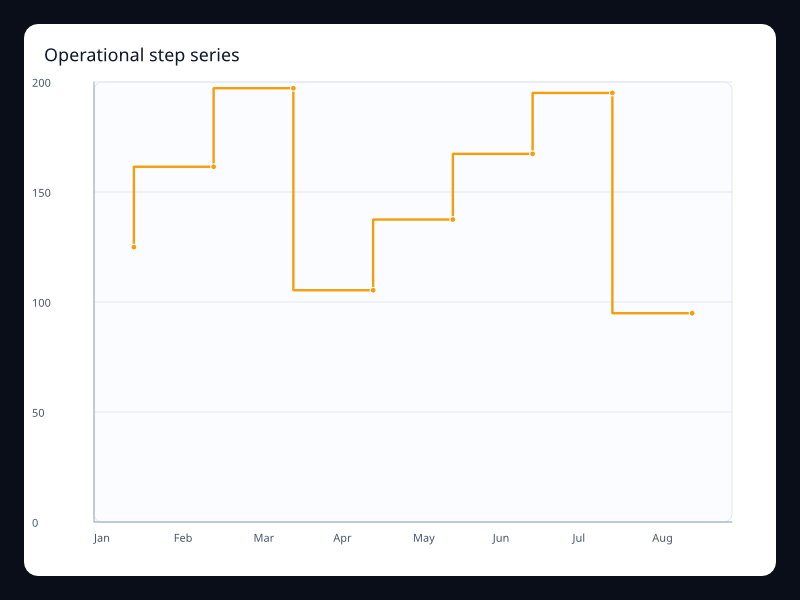
Operational step series
Operational step series uses Fission Charts typed Rust data to render a production-ready line view.
- Data
- Discrete states represented as stepped values.
- Use when
- Use it for state changes, quotas, or inventory counts.
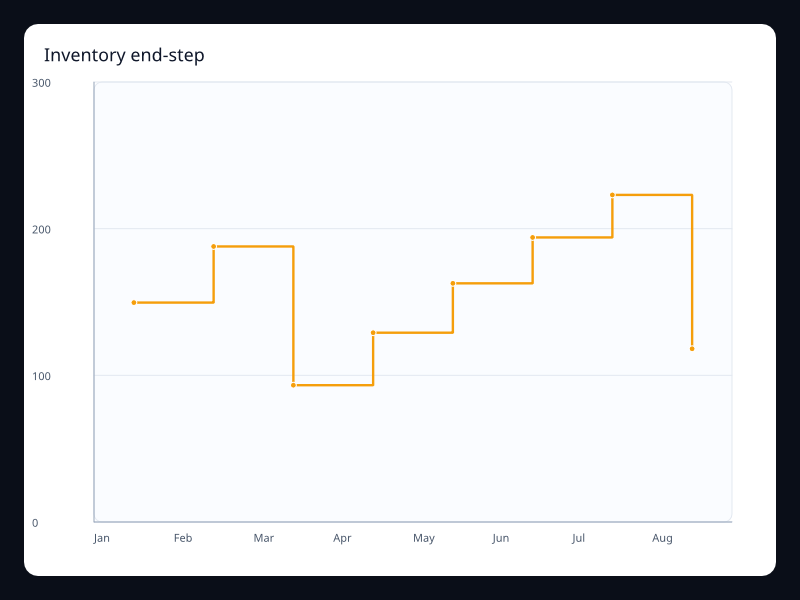
Inventory end-step
Inventory end-step uses Fission Charts typed Rust data to render a production-ready line view.
- Data
- Discrete samples that update at the end of each interval.
- Use when
- Use it when the value changes after the period closes.
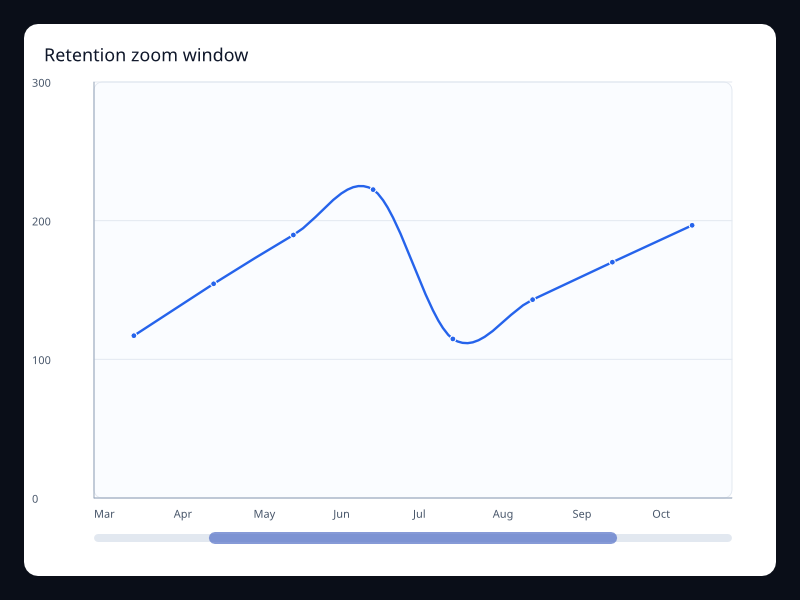
Retention zoom window
Retention zoom window uses Fission Charts typed Rust data to render a production-ready line view.
- Data
- Long ordered samples with a visible zoom window.
- Use when
- Use it when the primary view should focus on one time range.
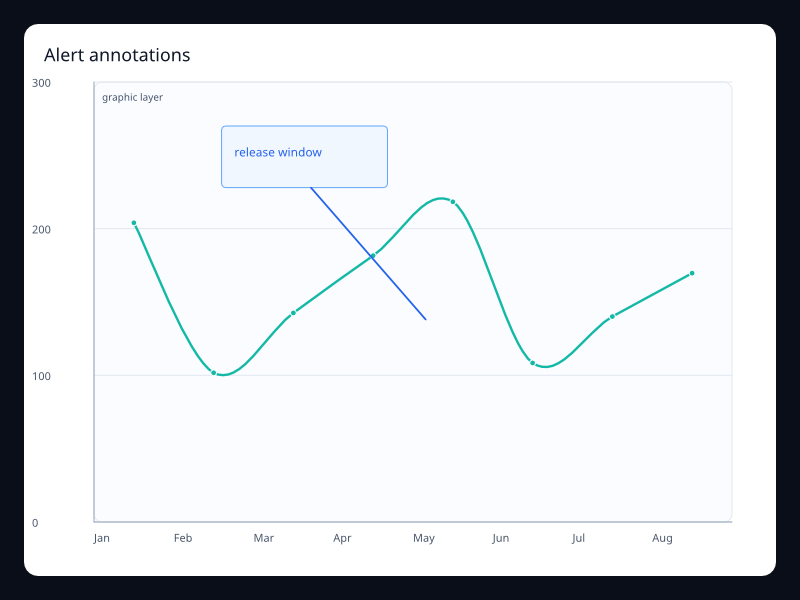
Alert annotations
Alert annotations uses Fission Charts typed Rust data to render a production-ready line view.
- Data
- Ordered values with event markers.
- Use when
- Use it when incidents or milestones need to stay attached to the trend.
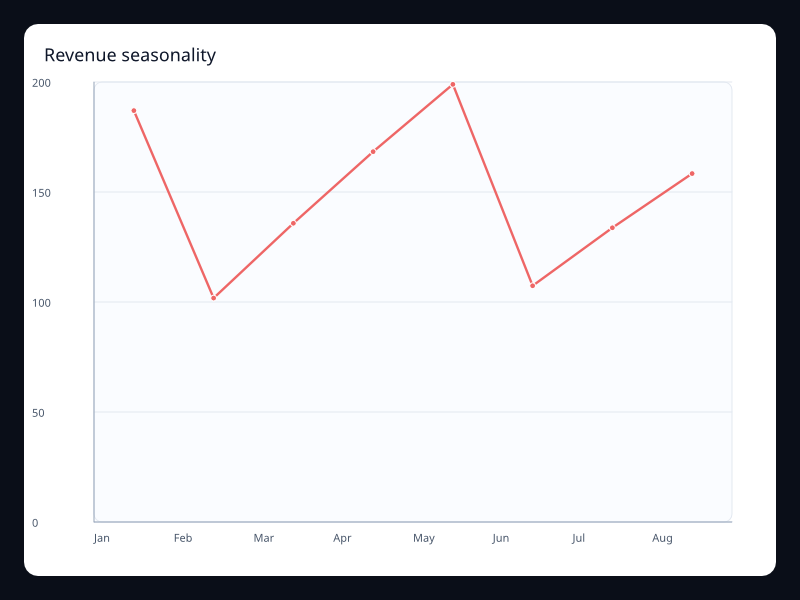
Revenue seasonality
Revenue seasonality uses Fission Charts typed Rust data to render a production-ready line view.
- Data
- Ordered samples over a repeated seasonal interval.
- Use when
- Use it when weekly or monthly rhythm is the main signal.
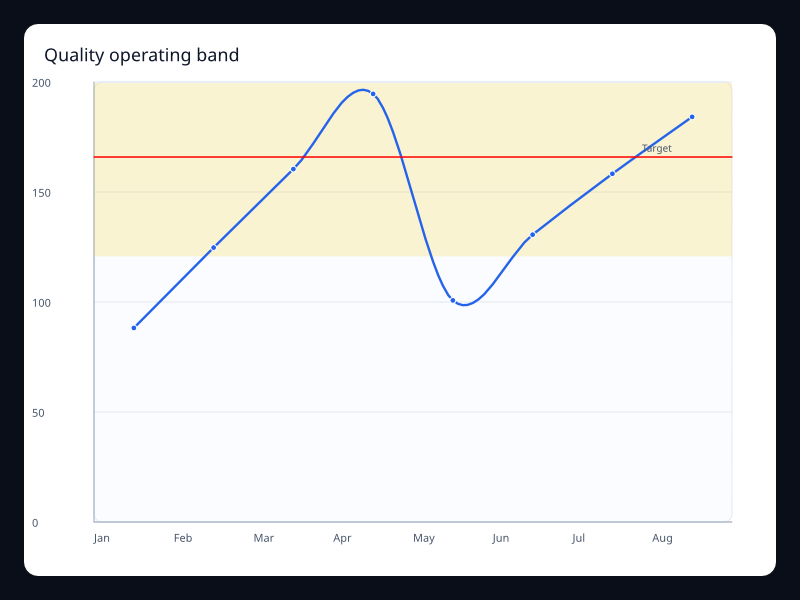
Quality operating band
Quality operating band uses Fission Charts typed Rust data to render a production-ready line view.
- Data
- Samples with a target and acceptable range.
- Use when
- Use it for production quality metrics with explicit guardrails.
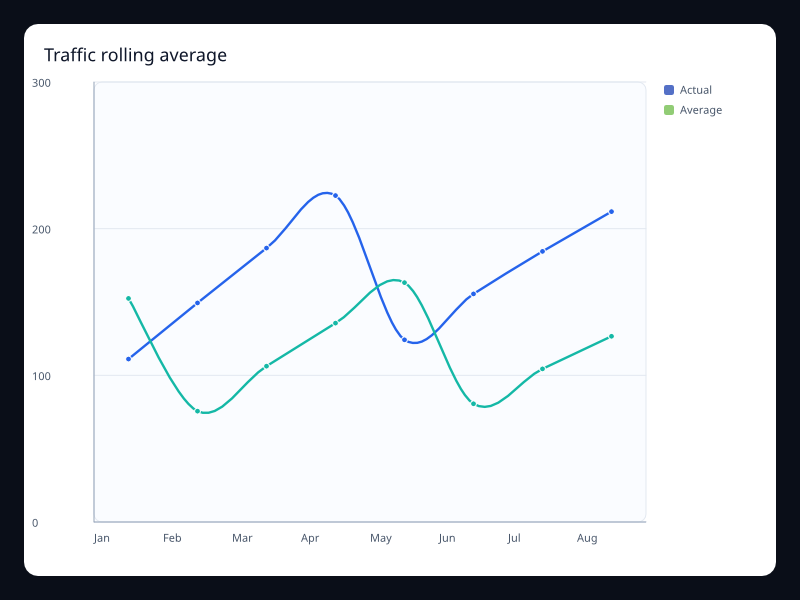
Traffic rolling average
Traffic rolling average uses Fission Charts typed Rust data to render a production-ready line view.
- Data
- Raw and smoothed ordered series.
- Use when
- Use it when the user needs the current signal and the trend baseline.
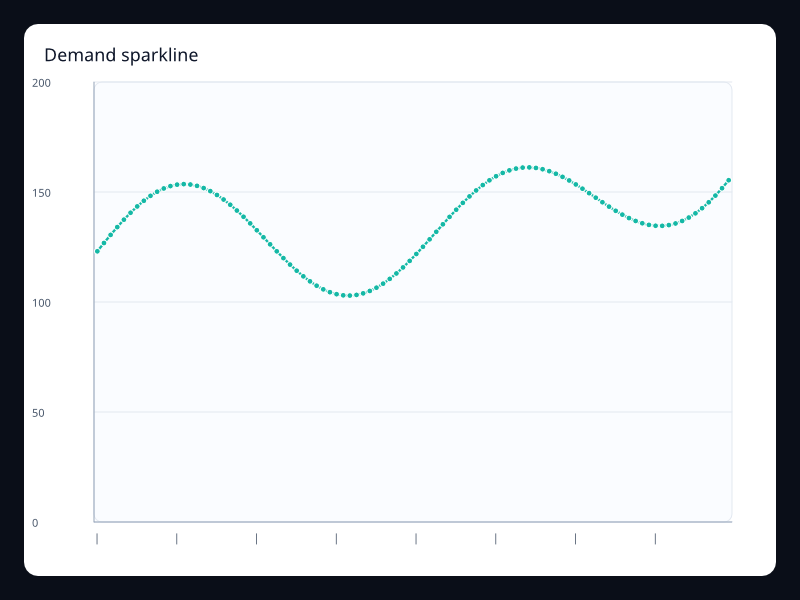
Demand sparkline
Demand sparkline uses Fission Charts typed Rust data to render a production-ready line view.
- Data
- Compact dense ordered values.
- Use when
- Use it inside dense dashboard cards.
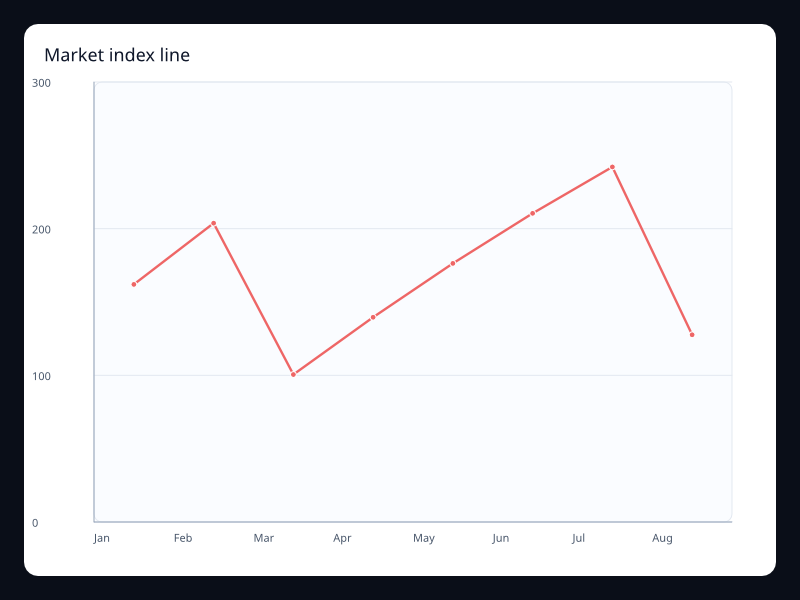
Market index line
Market index line uses Fission Charts typed Rust data to render a production-ready line view.
- Data
- Indexed ordered values on a value axis.
- Use when
- Use it when direction and volatility matter more than individual samples.
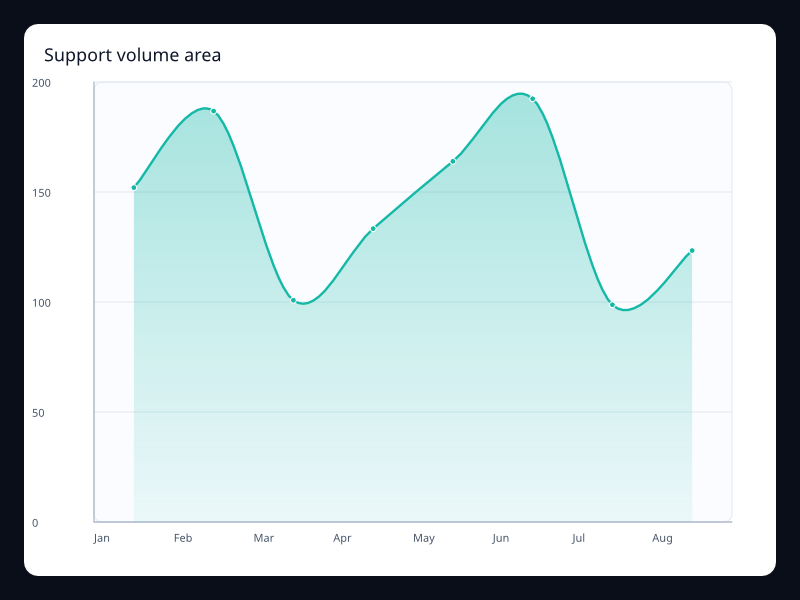
Support volume area
Support volume area uses Fission Charts typed Rust data to render a production-ready line view.
- Data
- Support counts with an area fill.
- Use when
- Use it when volume should be visible at a glance.
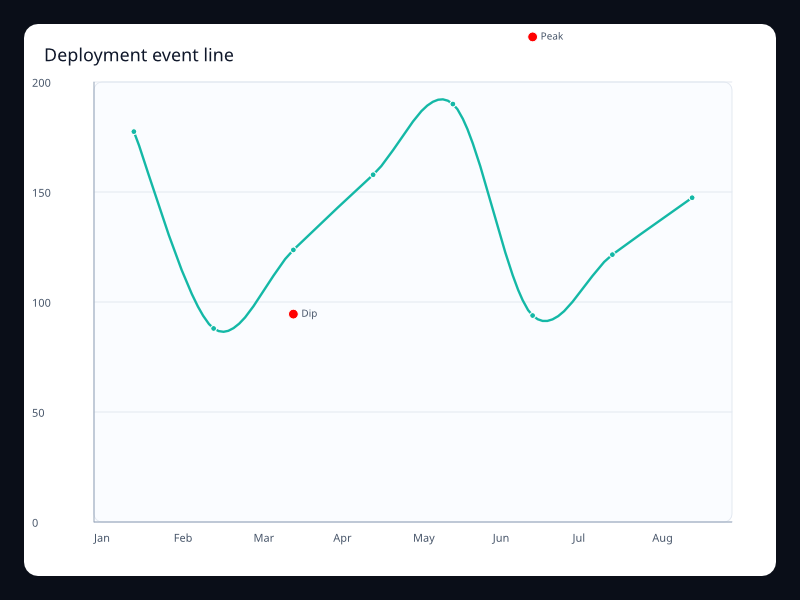
Deployment event line
Deployment event line uses Fission Charts typed Rust data to render a production-ready line view.
- Data
- Trend values with deployment markers.
- Use when
- Use it to connect product changes to metric movement.
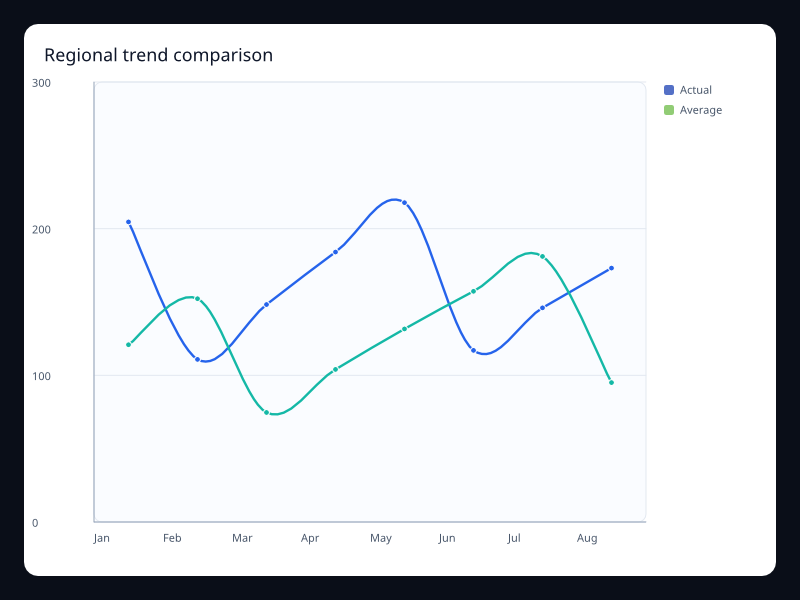
Regional trend comparison
Regional trend comparison uses Fission Charts typed Rust data to render a production-ready line view.
- Data
- Two regional series on shared axes.
- Use when
- Use it when teams compare regions over the same period.
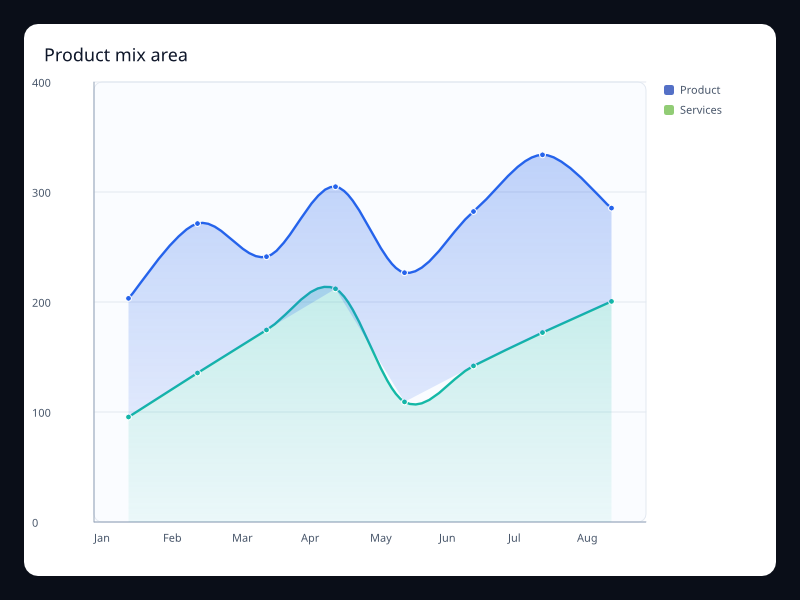
Product mix area
Product mix area uses Fission Charts typed Rust data to render a production-ready line view.
- Data
- Stacked product series over ordered buckets.
- Use when
- Use it when the total and category mix both matter.
Chart family
Bar
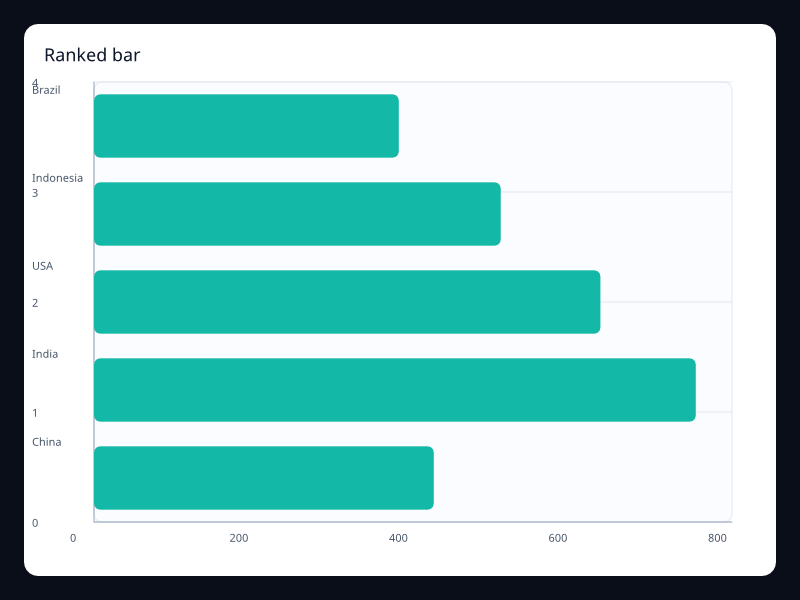
Ranked bar
Horizontal bars sorted by value.
- Data
- BarSeries with horizontal orientation.
- Use when
- Use it for rankings with long labels.
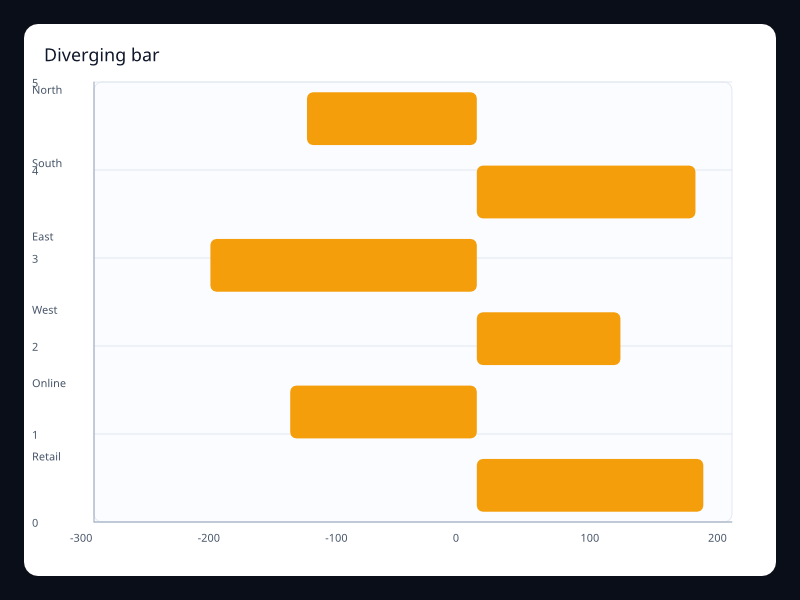
Diverging bar
Horizontal bars extending in both directions from zero.
- Data
- Positive and negative BarSeries values.
- Use when
- Use it for sentiment, deltas, and balance views.
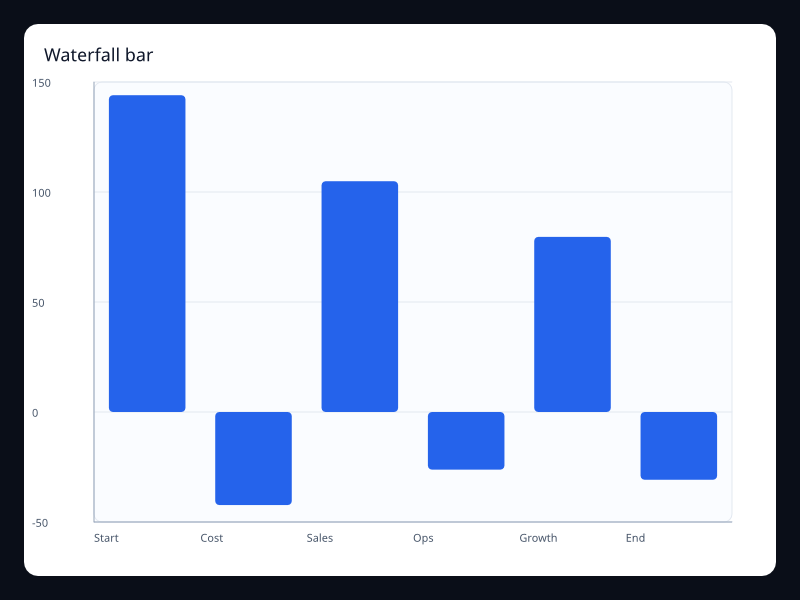
Waterfall bar
Sequential changes displayed as rising and falling bars.
- Data
- Delta values over ordered categories.
- Use when
- Use it for profit bridges and cumulative change explanations.
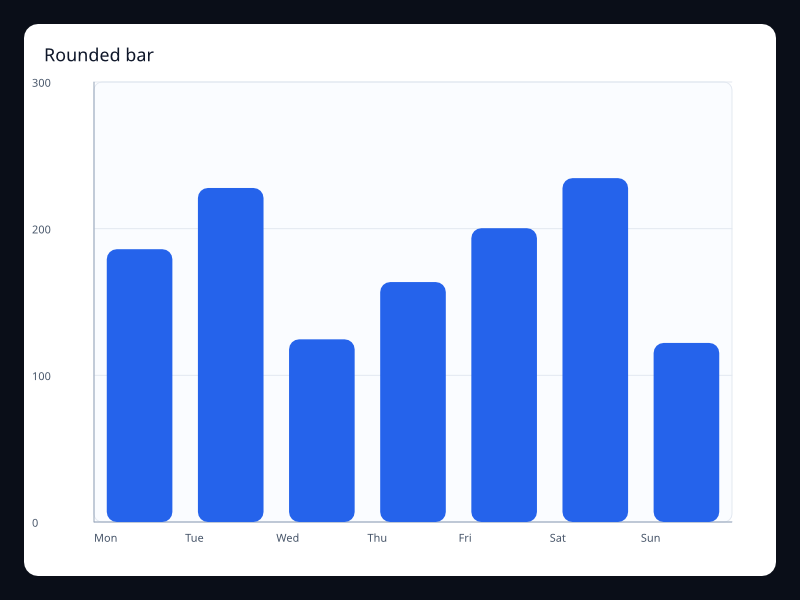
Rounded bar
Bars with rounded corners for dashboard presentation.
- Data
- BarSeries with border radius.
- Use when
- Use it when the chart sits in a polished product dashboard.
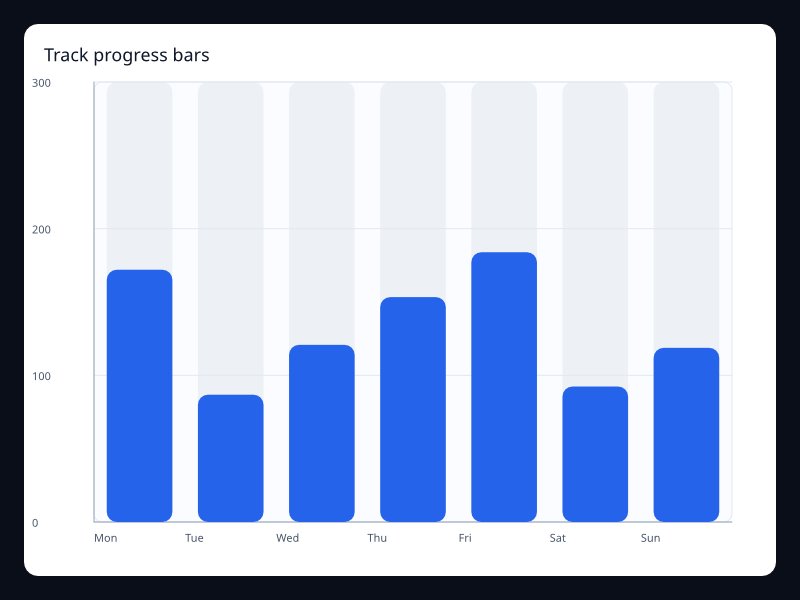
Track progress bars
Bars shown against full-range tracks.
- Data
- BarSeries with background color.
- Use when
- Use it for completion and capacity comparisons.
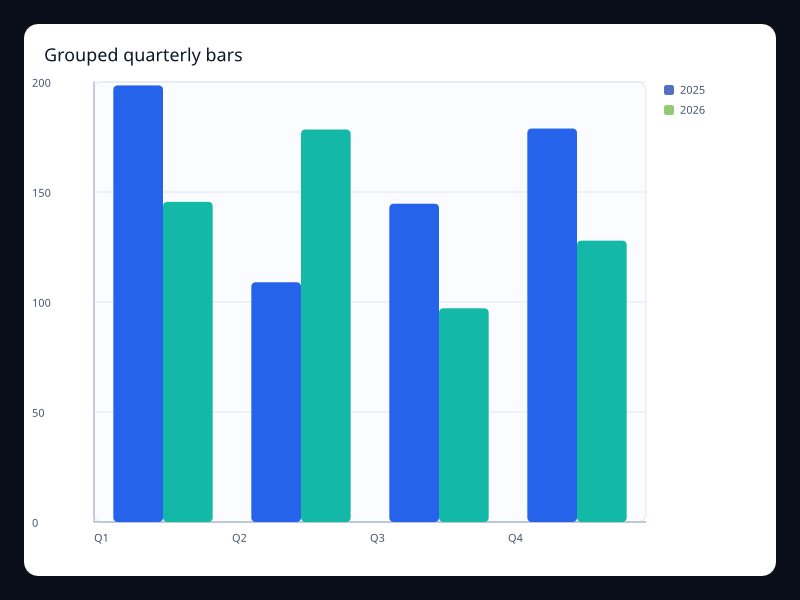
Grouped quarterly bars
Grouped bars comparing several periods per category.
- Data
- Multiple BarSeries on the same categories.
- Use when
- Use it for side-by-side period comparisons.
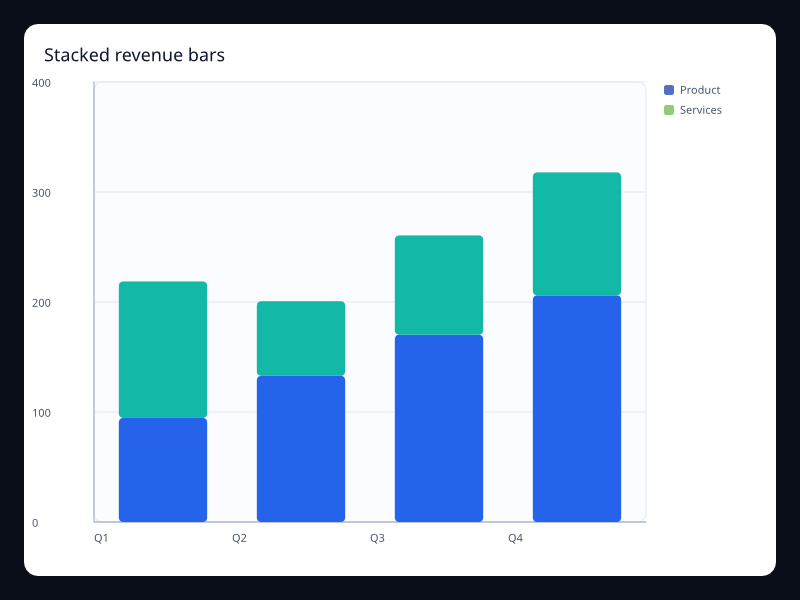
Stacked revenue bars
Stacked bars showing total and contribution.
- Data
- Multiple BarSeries sharing a stack key.
- Use when
- Use it when totals and composition matter together.
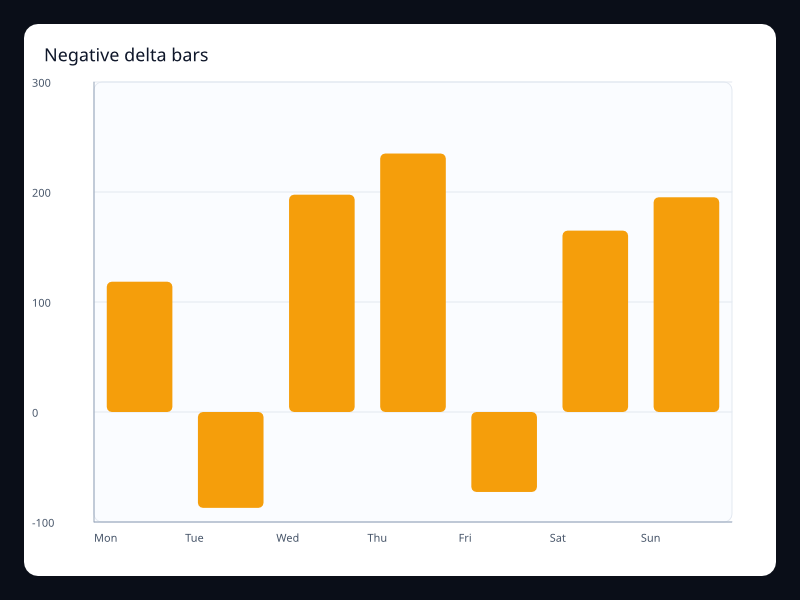
Negative delta bars
Vertical bars with positive and negative changes.
- Data
- BarSeries values crossing zero.
- Use when
- Use it for variance and profit/loss dashboards.
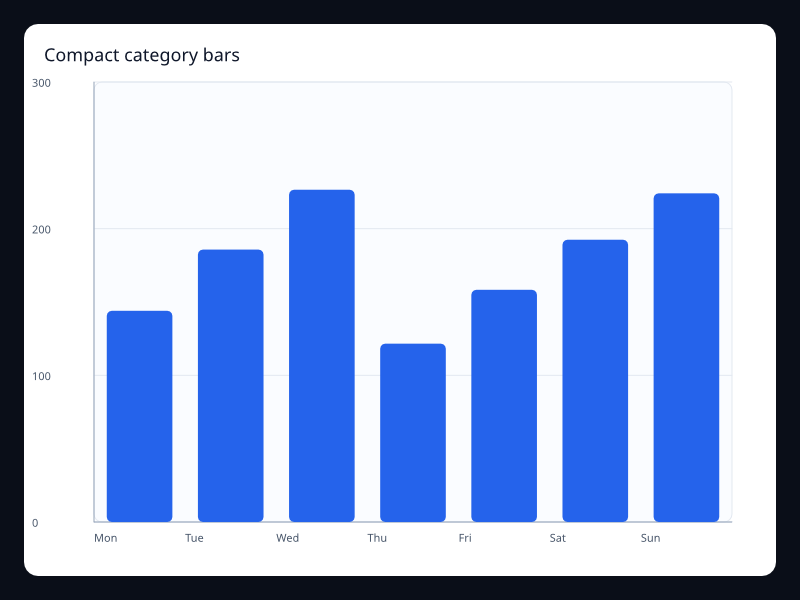
Compact category bars
Small category comparison with a clean vertical bar layout.
- Data
- Vec<f32> aligned to categories.
- Use when
- Use it for short lists and cards.
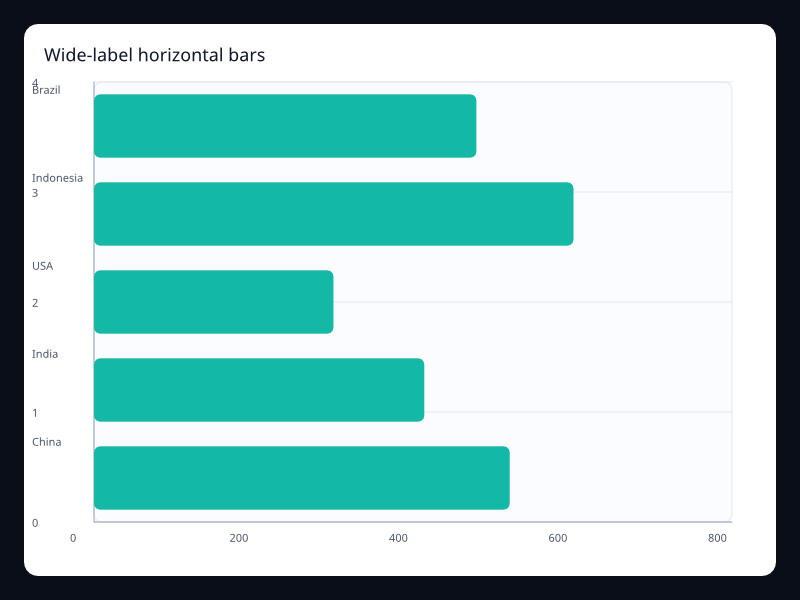
Wide-label horizontal bars
Horizontal layout preserving long category labels.
- Data
- BarSeries with category y-axis.
- Use when
- Use it when labels would collide on the x-axis.
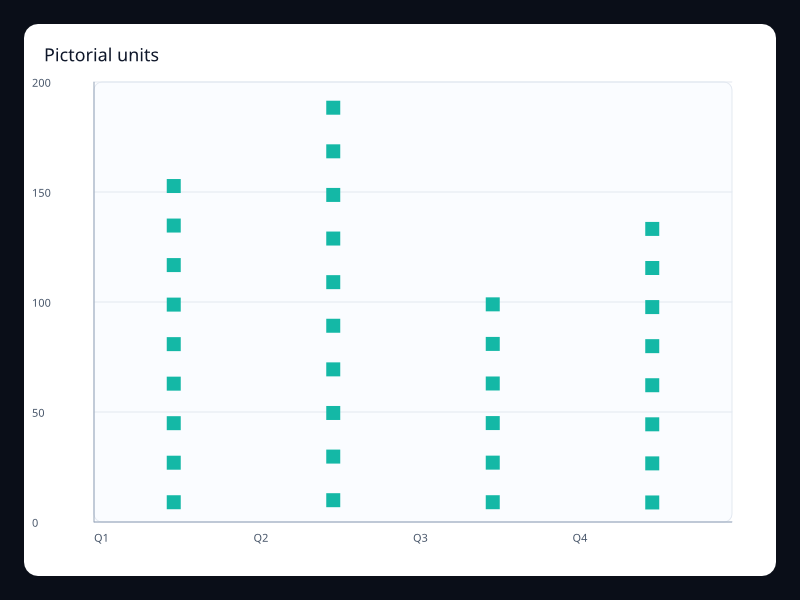
Pictorial units
Repeated symbols representing category values.
- Data
- PictorialBarSeries values.
- Use when
- Use it for branded but still quantitative category displays.
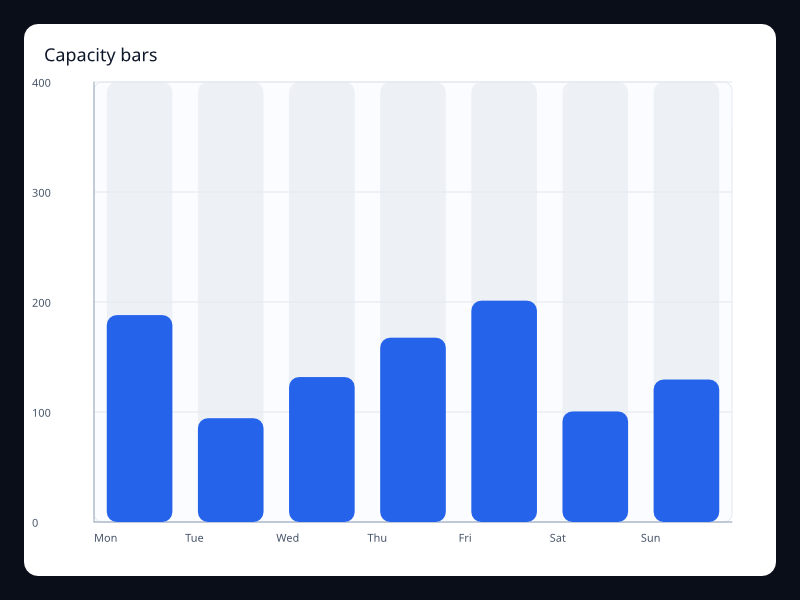
Capacity bars
Bars drawn inside visible capacity tracks.
- Data
- BarSeries plus maximum axis and background.
- Use when
- Use it for quota and inventory screens.
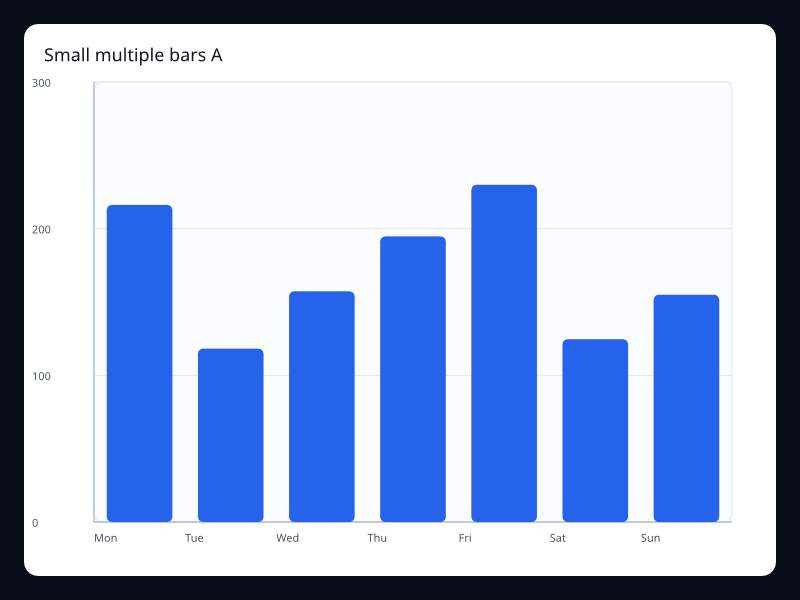
Small multiple bars A
A focused bar chart variant for compact dashboards.
- Data
- BarSeries values on a category axis.
- Use when
- Use it in repeated dashboard cards.
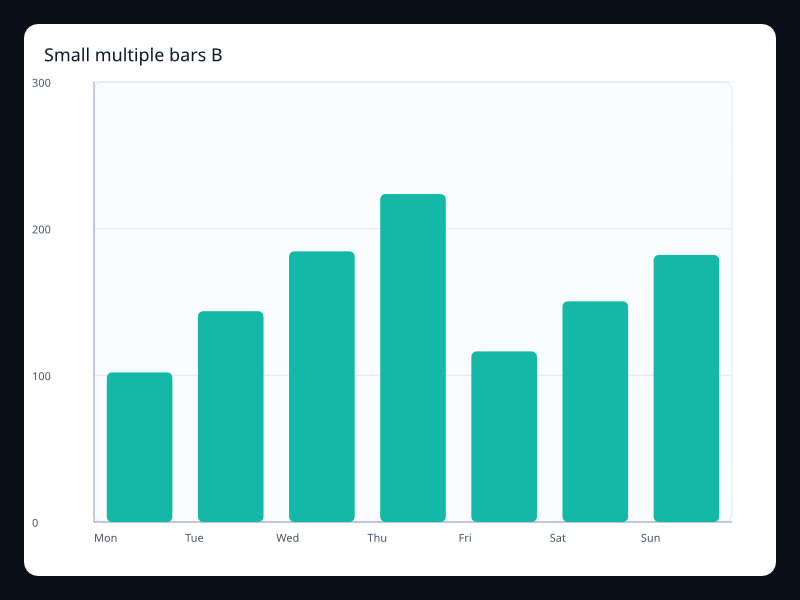
Small multiple bars B
A second compact bar chart with different distribution.
- Data
- BarSeries values on a category axis.
- Use when
- Use it when multiple products use the same visual scale.
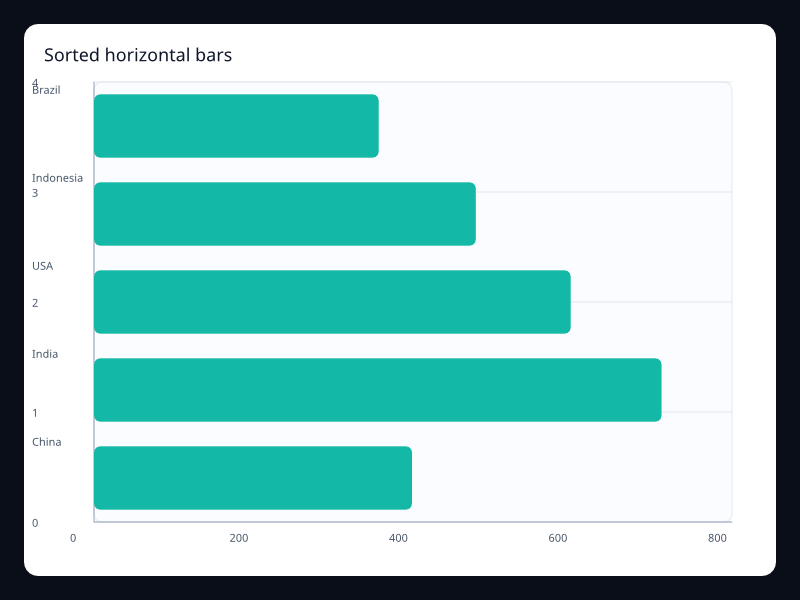
Sorted horizontal bars
Horizontal ranking sorted largest to smallest.
- Data
- BarSeries with category y-axis.
- Use when
- Use it for top-N views.
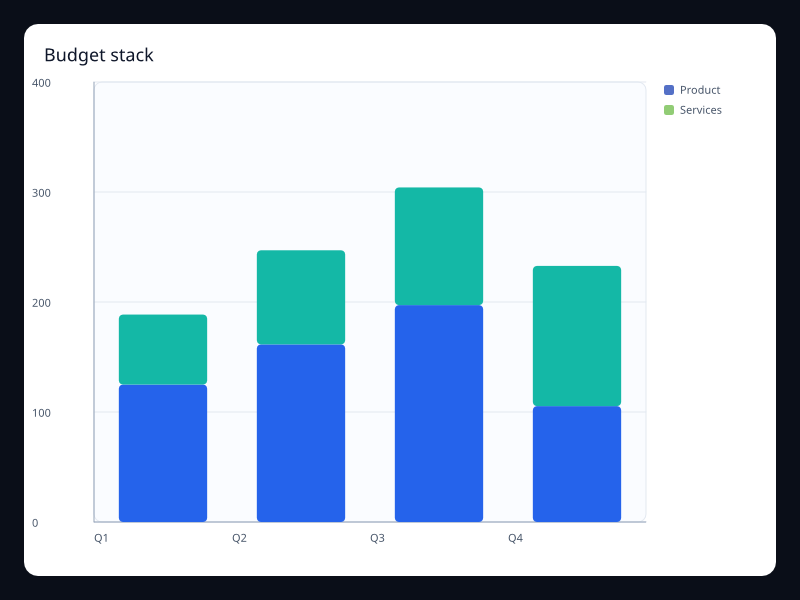
Budget stack
Stacked bars for budget contribution by department.
- Data
- Stacked BarSeries values.
- Use when
- Use it for departmental totals and breakdowns.
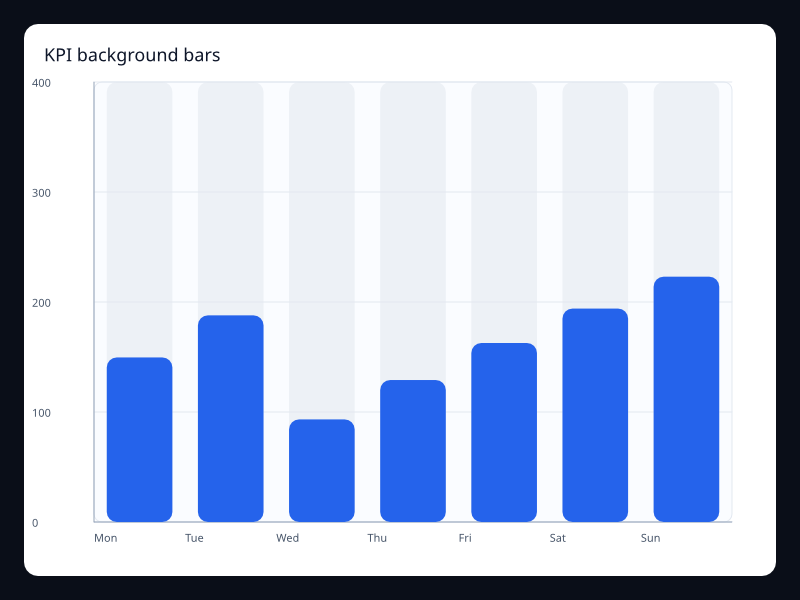
KPI background bars
KPI bars with background tracks.
- Data
- BarSeries with background styling.
- Use when
- Use it for KPI completion panels.
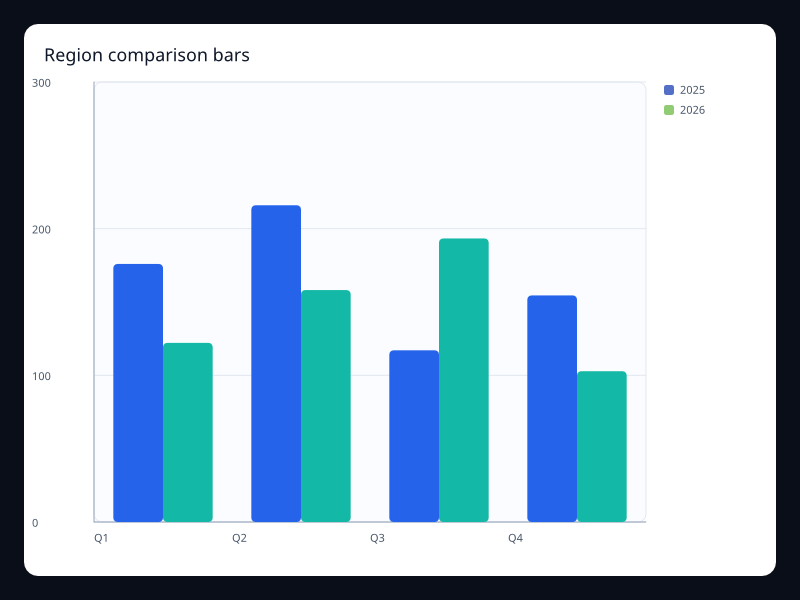
Region comparison bars
Grouped regional values over shared categories.
- Data
- Multiple BarSeries.
- Use when
- Use it for region-by-period comparisons.
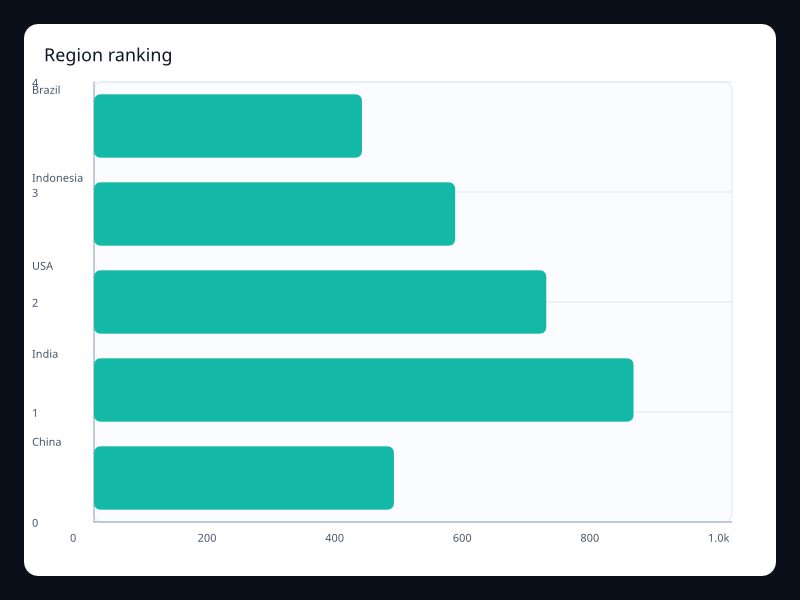
Region ranking
Region ranking uses Fission Charts typed Rust data to render a production-ready bar view.
- Data
- Category/value pairs sorted for comparison.
- Use when
- Use it when exact rank is the product question.
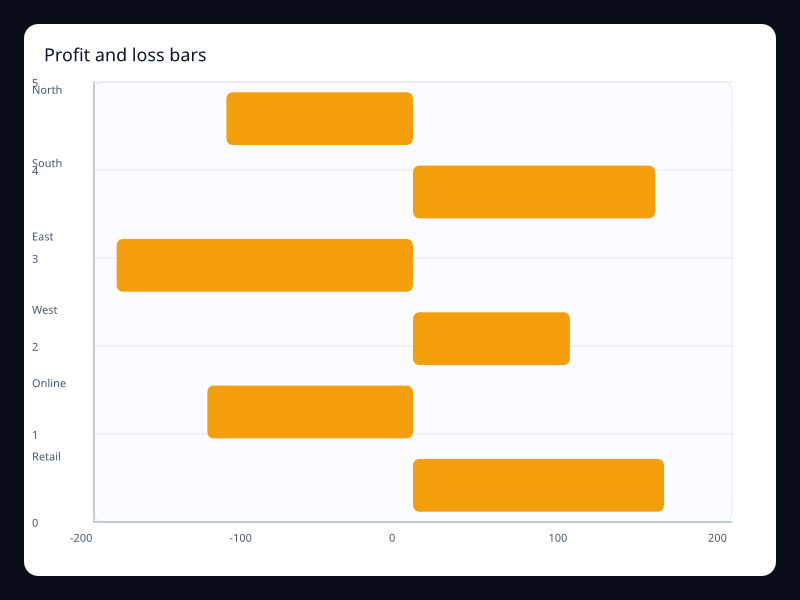
Profit and loss bars
Profit and loss bars uses Fission Charts typed Rust data to render a production-ready bar view.
- Data
- Positive and negative values on one value axis.
- Use when
- Use it when gains and losses must share one baseline.
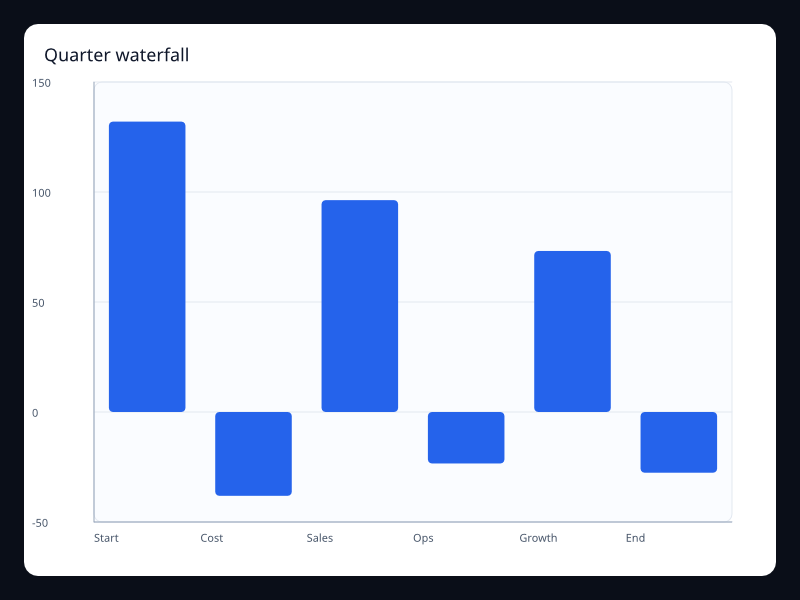
Quarter waterfall
Quarter waterfall uses Fission Charts typed Rust data to render a production-ready bar view.
- Data
- Sequential deltas that explain a final value.
- Use when
- Use it for financial bridge and variance analysis.
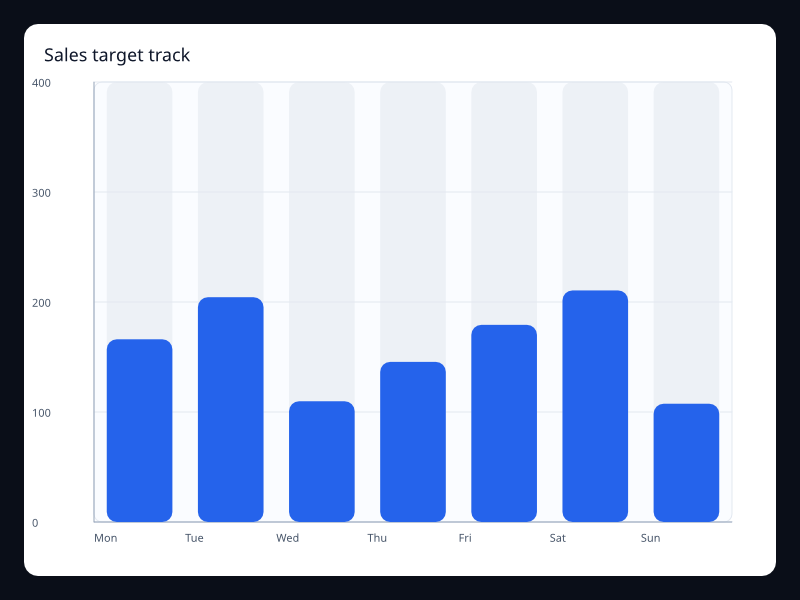
Sales target track
Sales target track uses Fission Charts typed Rust data to render a production-ready bar view.
- Data
- Values against a fixed target background.
- Use when
- Use it when completion against capacity is more important than raw count.
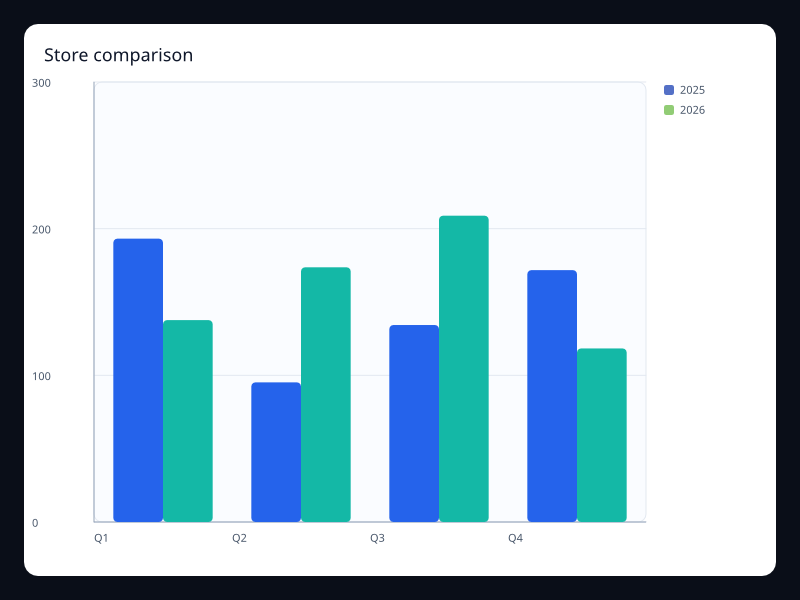
Store comparison
Store comparison uses Fission Charts typed Rust data to render a production-ready bar view.
- Data
- Grouped category values across periods.
- Use when
- Use it to compare periods inside each category.
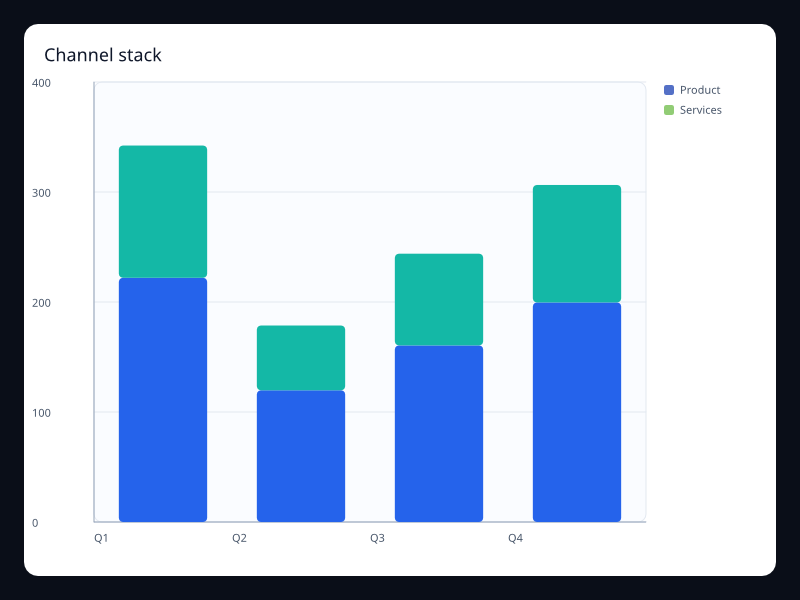
Channel stack
Channel stack uses Fission Charts typed Rust data to render a production-ready bar view.
- Data
- Multiple series stacked per category.
- Use when
- Use it when total and contribution both matter.
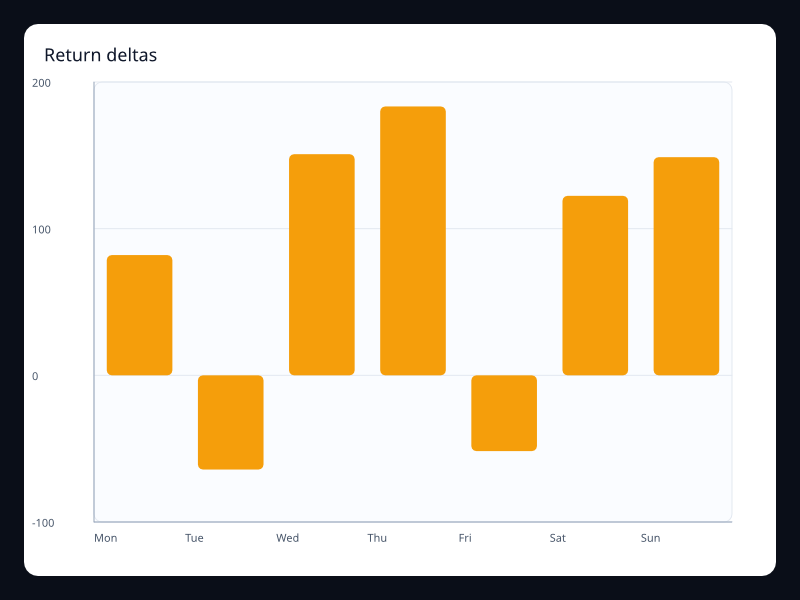
Return deltas
Return deltas uses Fission Charts typed Rust data to render a production-ready bar view.
- Data
- Category deltas with negative values.
- Use when
- Use it for change analysis around zero.
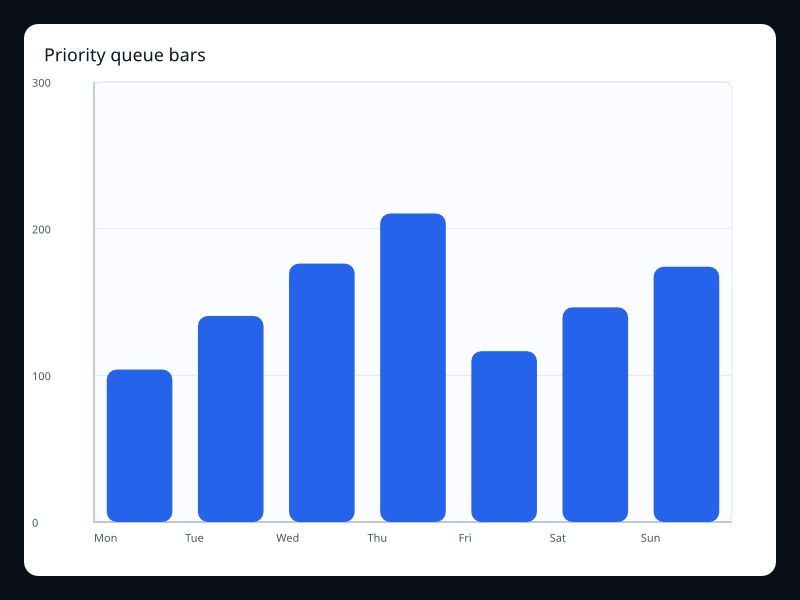
Priority queue bars
Priority queue bars uses Fission Charts typed Rust data to render a production-ready bar view.
- Data
- Rounded bars for a compact queue view.
- Use when
- Use it when bars sit inside a polished app surface.
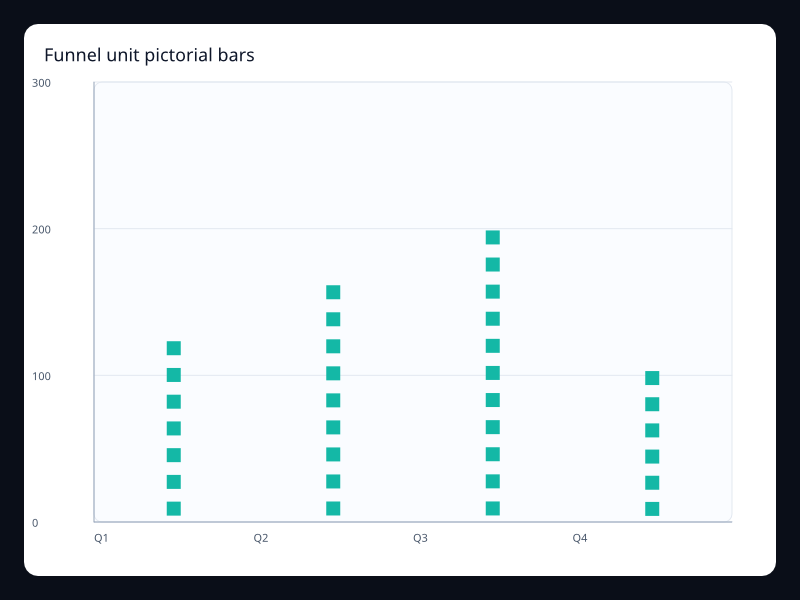
Funnel unit pictorial bars
Funnel unit pictorial bars uses Fission Charts typed Rust data to render a production-ready bar view.
- Data
- Values represented by repeated symbols.
- Use when
- Use it when unit counts should feel more tactile than rectangles.
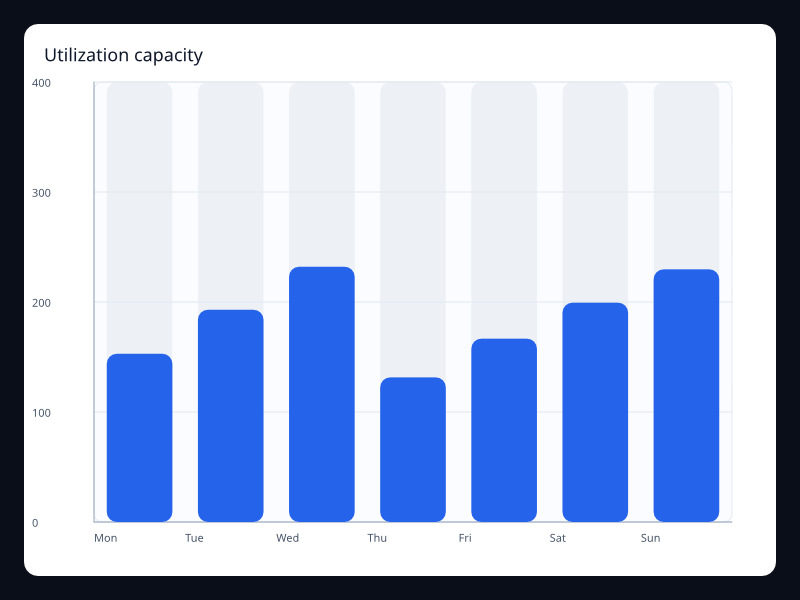
Utilization capacity
Utilization capacity uses Fission Charts typed Rust data to render a production-ready bar view.
- Data
- Usage bars with capacity tracks.
- Use when
- Use it for infrastructure and quota dashboards.
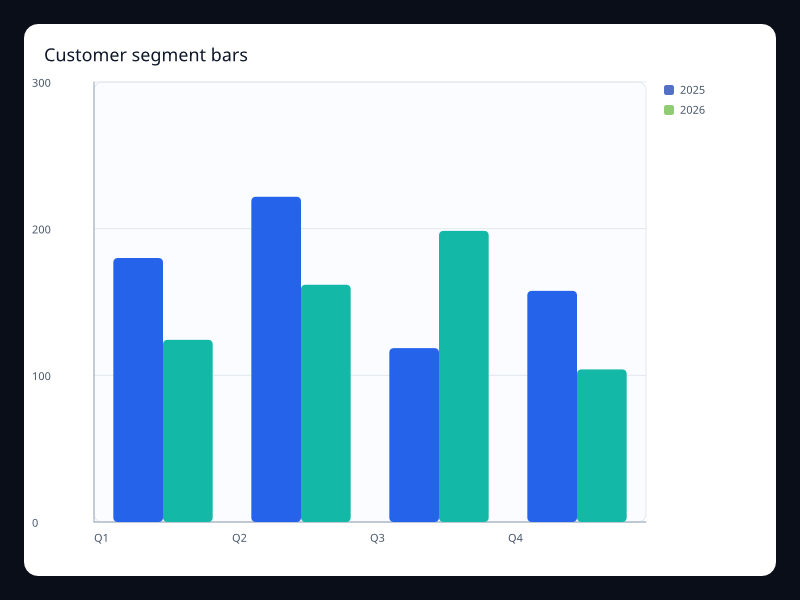
Customer segment bars
Customer segment bars uses Fission Charts typed Rust data to render a production-ready bar view.
- Data
- Segment values grouped by period.
- Use when
- Use it to compare segments without splitting the page.
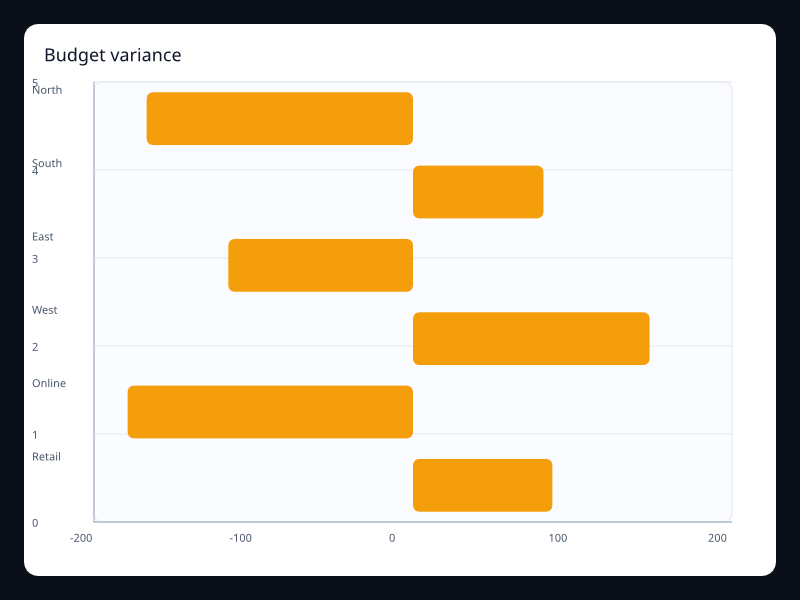
Budget variance
Budget variance uses Fission Charts typed Rust data to render a production-ready bar view.
- Data
- Signed budget variances on a horizontal axis.
- Use when
- Use it when over and under budget must be symmetric.
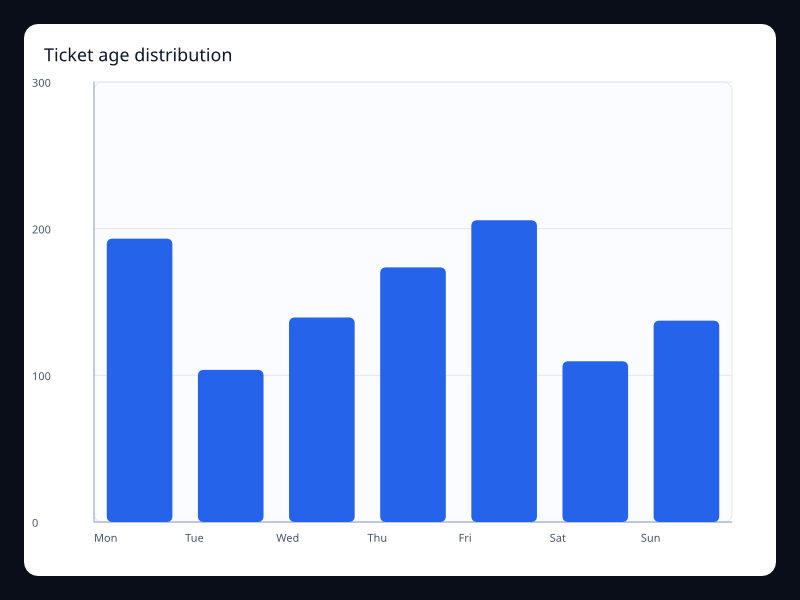
Ticket age distribution
Ticket age distribution uses Fission Charts typed Rust data to render a production-ready bar view.
- Data
- Buckets with counts per age range.
- Use when
- Use it when the reader needs the shape of a queue.
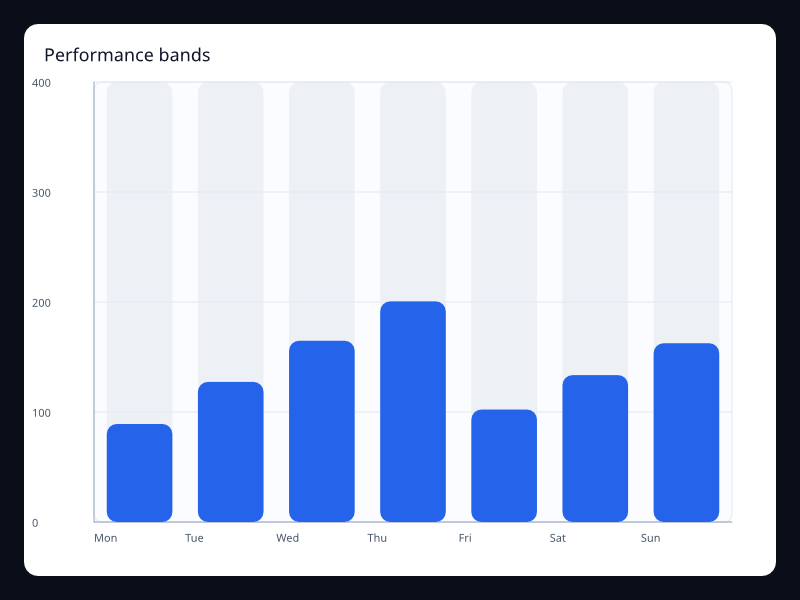
Performance bands
Performance bands uses Fission Charts typed Rust data to render a production-ready bar view.
- Data
- Values shown against a visual capacity track.
- Use when
- Use it for scorecards where progress is the dominant signal.
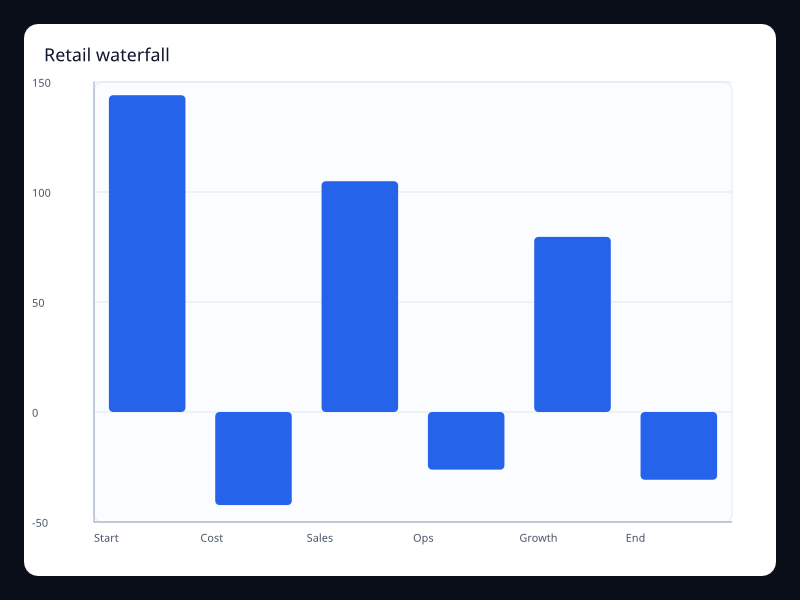
Retail waterfall
Retail waterfall uses Fission Charts typed Rust data to render a production-ready bar view.
- Data
- Sequential sales and cost changes.
- Use when
- Use it for retail contribution analysis.
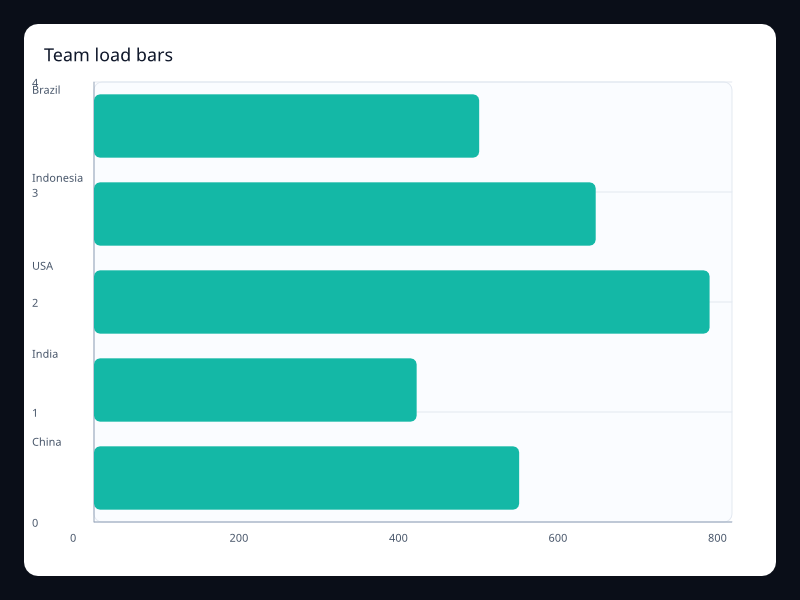
Team load bars
Team load bars uses Fission Charts typed Rust data to render a production-ready bar view.
- Data
- Team categories ranked by workload.
- Use when
- Use it when managers need quick capacity comparison.
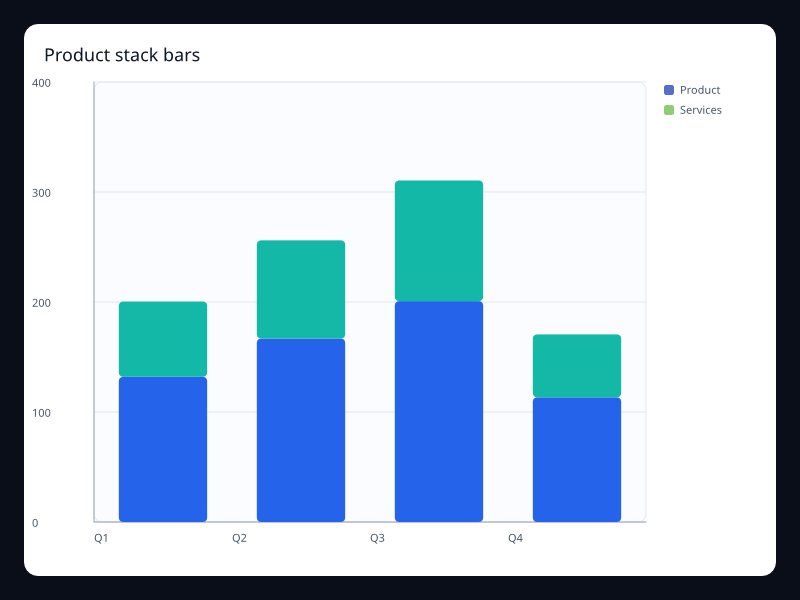
Product stack bars
Product stack bars uses Fission Charts typed Rust data to render a production-ready bar view.
- Data
- Product values stacked into category totals.
- Use when
- Use it for portfolio composition.
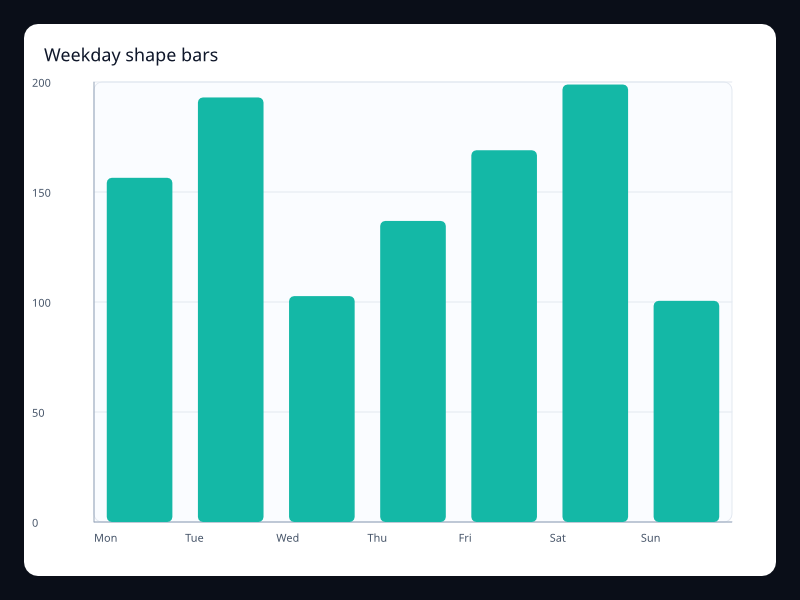
Weekday shape bars
Weekday shape bars uses Fission Charts typed Rust data to render a production-ready bar view.
- Data
- Seven ordered weekday values.
- Use when
- Use it when the weekly rhythm is easier as bars than a line.
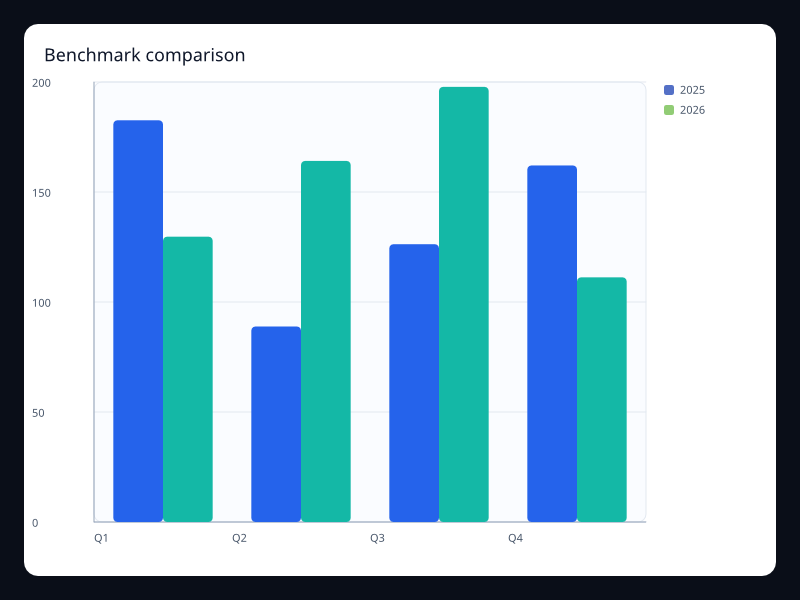
Benchmark comparison
Benchmark comparison uses Fission Charts typed Rust data to render a production-ready bar view.
- Data
- Actual and benchmark values side by side.
- Use when
- Use it when each category needs a direct benchmark.
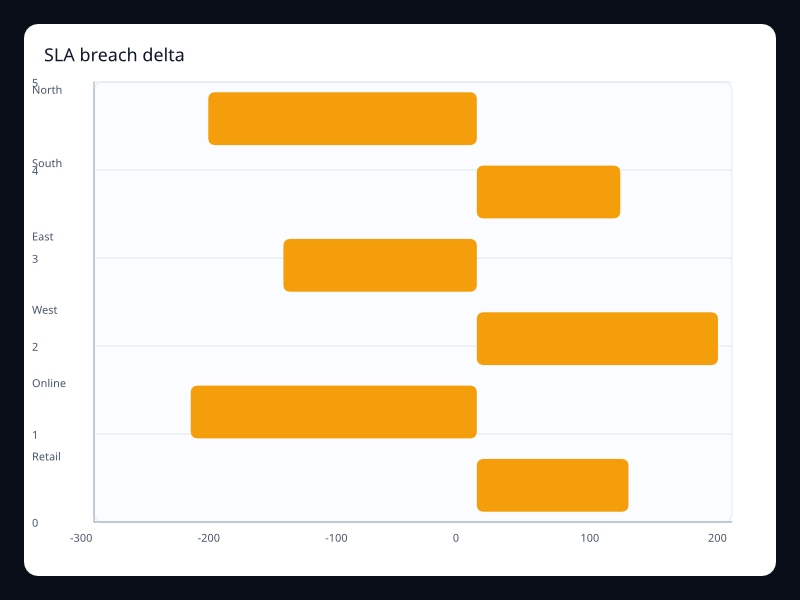
SLA breach delta
SLA breach delta uses Fission Charts typed Rust data to render a production-ready bar view.
- Data
- Deltas above and below a service baseline.
- Use when
- Use it for operational exception reporting.
Chart family
Pie and radial
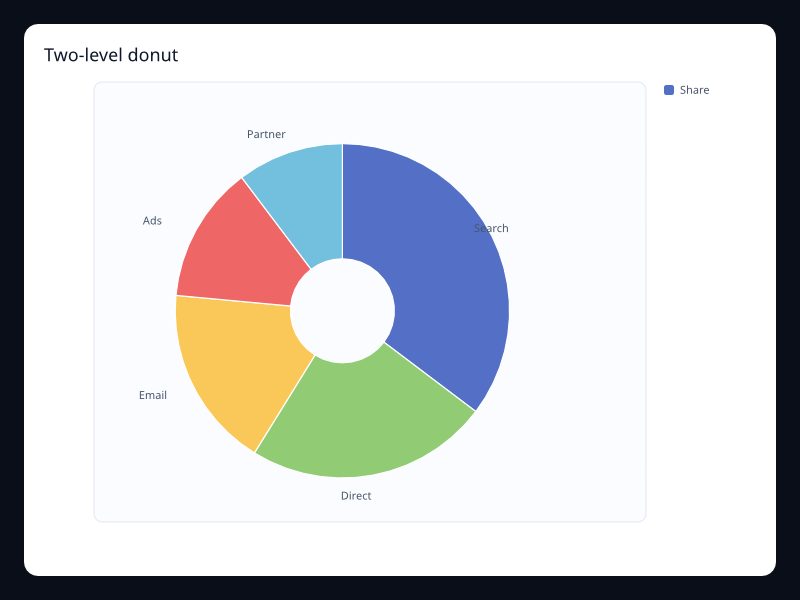
Two-level donut
Donut chart for a small part-to-whole breakdown.
- Data
- Label/value pairs plus inner radius.
- Use when
- Use it for compact composition summaries.
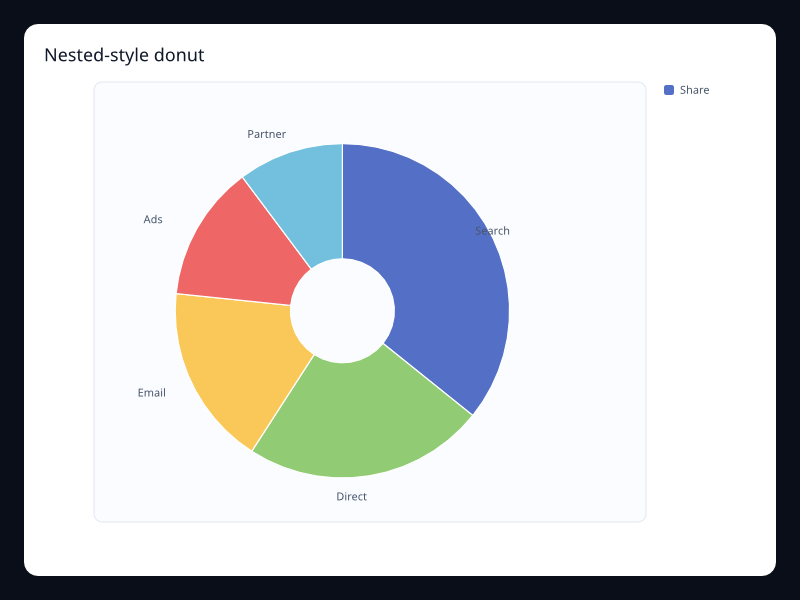
Nested-style donut
Donut-style chart with more categories and central whitespace.
- Data
- Label/value pairs plus inner radius.
- Use when
- Use it when a central status label will be added by surrounding UI.
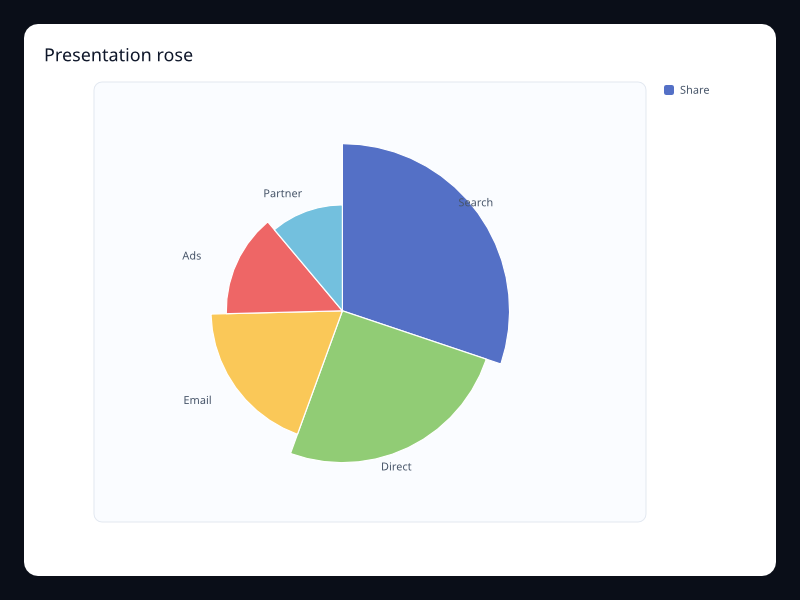
Presentation rose
Rose chart emphasizing category differences with radius.
- Data
- Label/value pairs with rose radius mode.
- Use when
- Use it for presentation views with few categories.
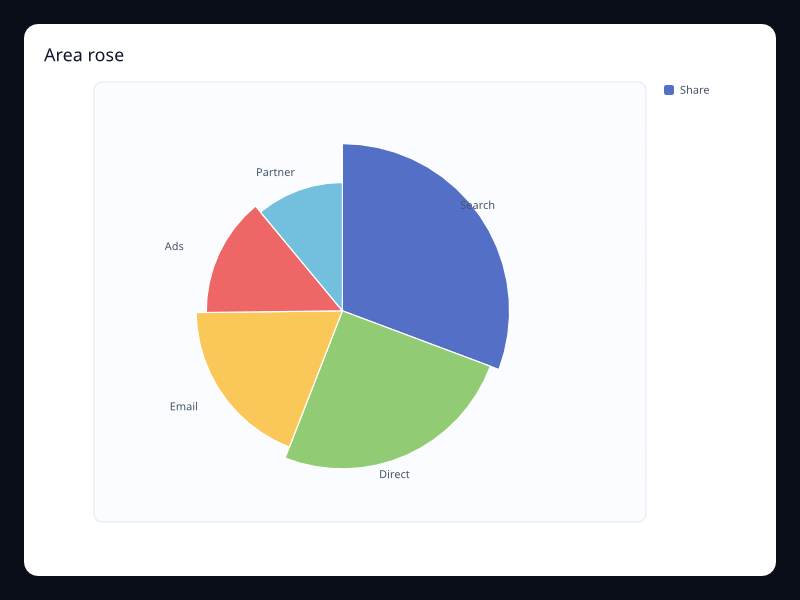
Area rose
Rose chart using area-oriented radius scaling.
- Data
- Label/value pairs with rose area mode.
- Use when
- Use it when small values should remain visible.
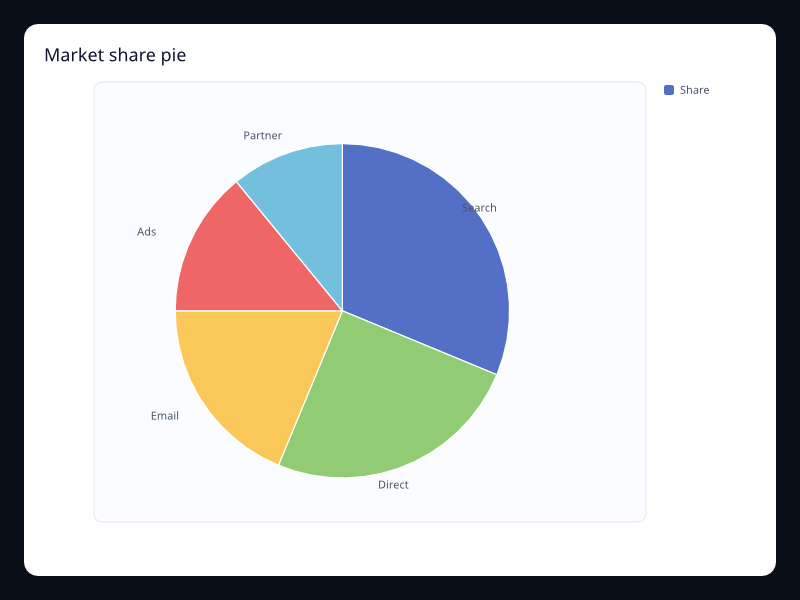
Market share pie
Part-to-whole chart for a small market mix.
- Data
- Label/value pairs.
- Use when
- Use it for small composition snapshots.
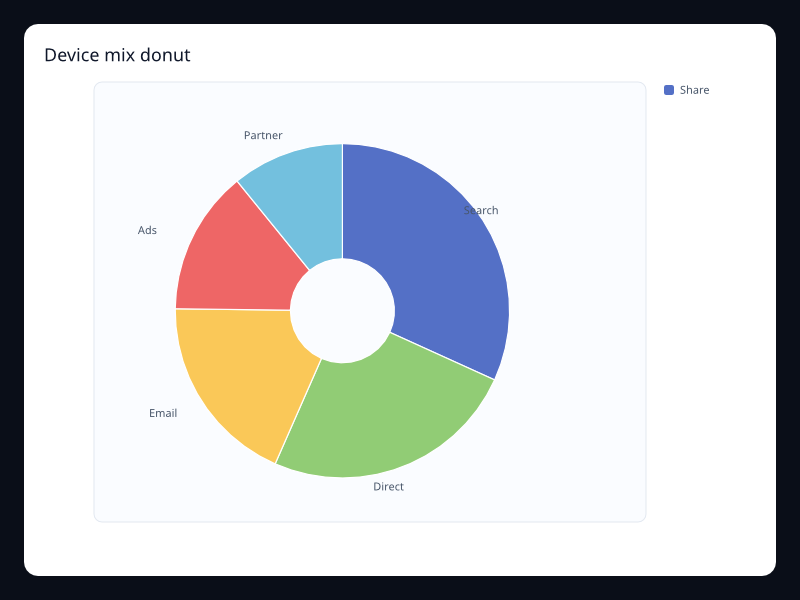
Device mix donut
Donut chart for device or channel mix.
- Data
- Label/value pairs plus inner radius.
- Use when
- Use it when the total belongs in the center of the chart.
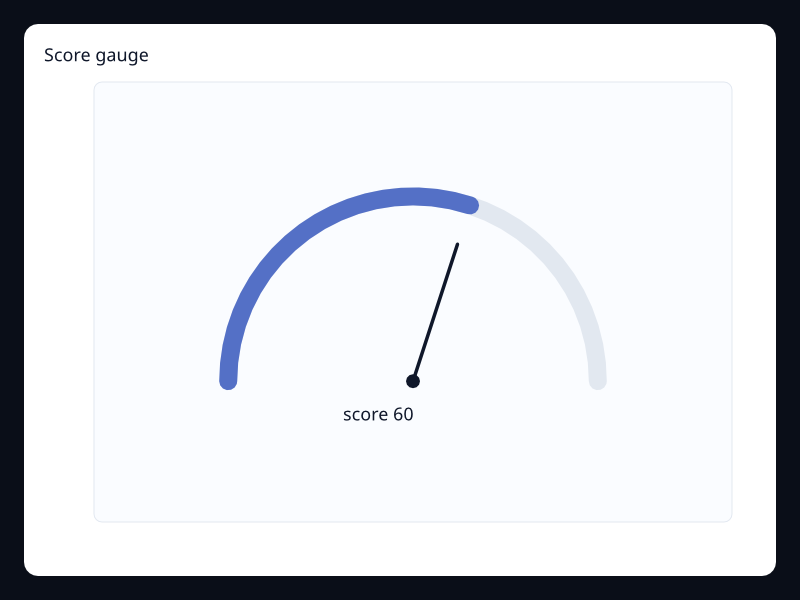
Score gauge
Bounded score shown as an instrument state.
- Data
- One label/value pair.
- Use when
- Use it for health or readiness scores.
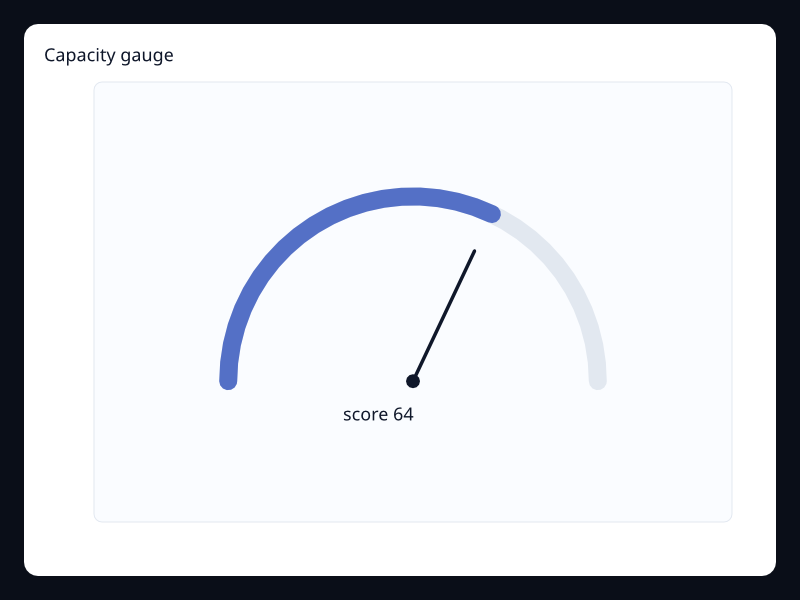
Capacity gauge
Gauge showing capacity consumed.
- Data
- One bounded value.
- Use when
- Use it for operational capacity panels.
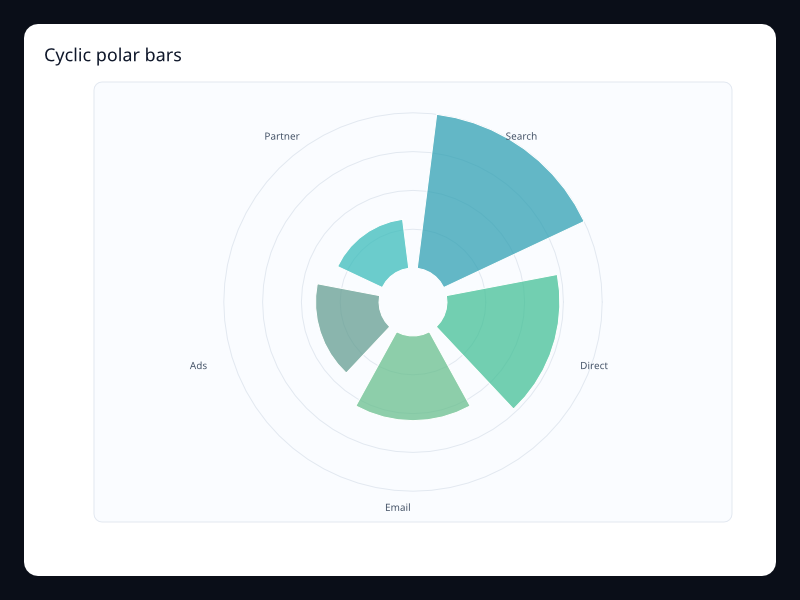
Cyclic polar bars
Radial bars around a cycle.
- Data
- Label/value pairs in polar coordinates.
- Use when
- Use it for cyclical categories.
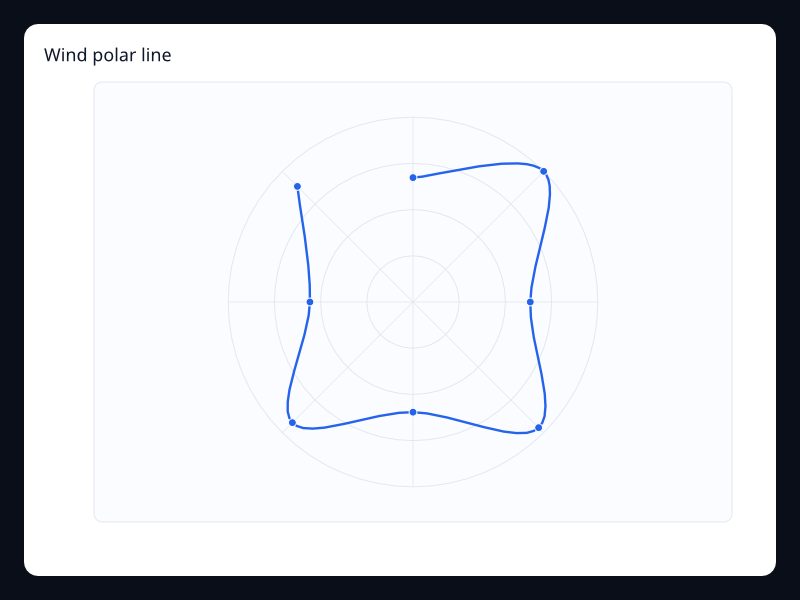
Wind polar line
Directional values on a polar line.
- Data
- Angle/radius samples.
- Use when
- Use it for direction and magnitude data.
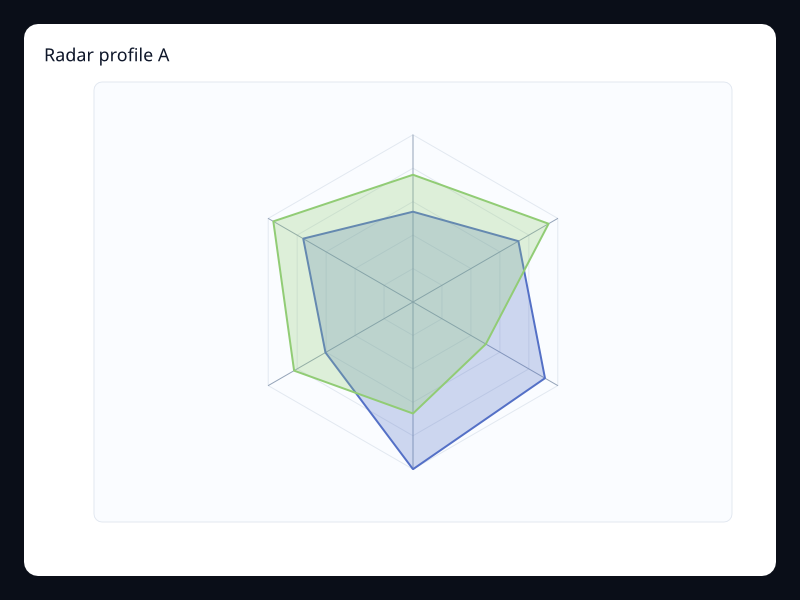
Radar profile A
Profile comparison across fixed dimensions.
- Data
- Vec<Vec<f32>> metric profiles.
- Use when
- Use it for capability or budget profiles.
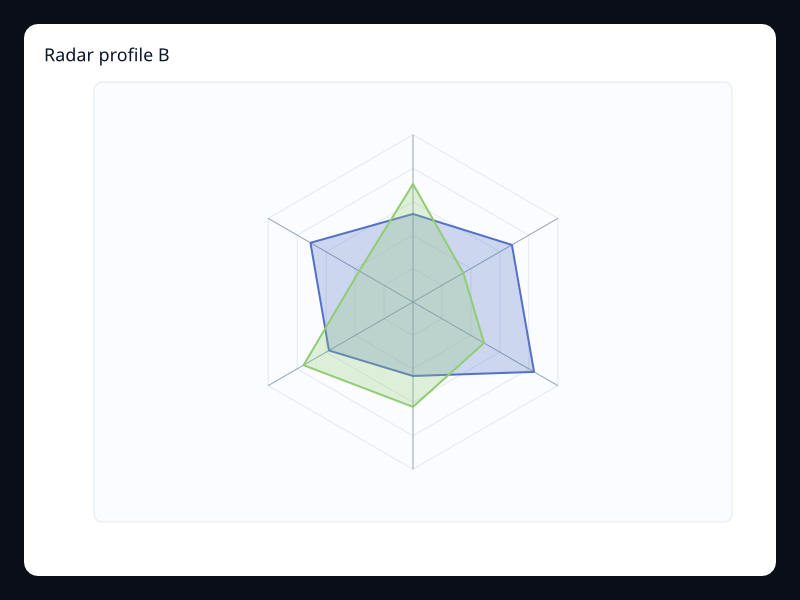
Radar profile B
Filled radar chart for overlapping profile comparison.
- Data
- Vec<Vec<f32>> metric profiles.
- Use when
- Use it when the profile shape matters.
Chart family
Scatter and statistical
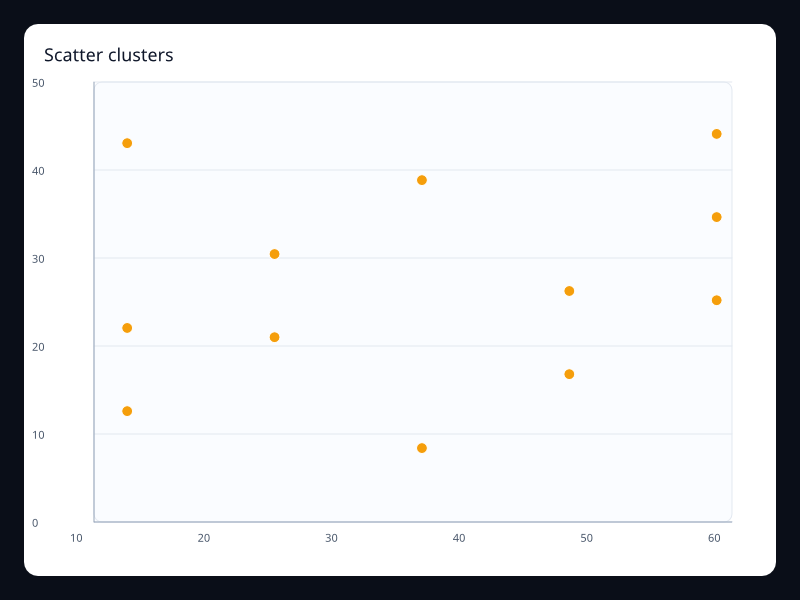
Scatter clusters
Point cloud showing clustered observations.
- Data
- Vec<(f32, f32)>.
- Use when
- Use it for correlation and clustering.
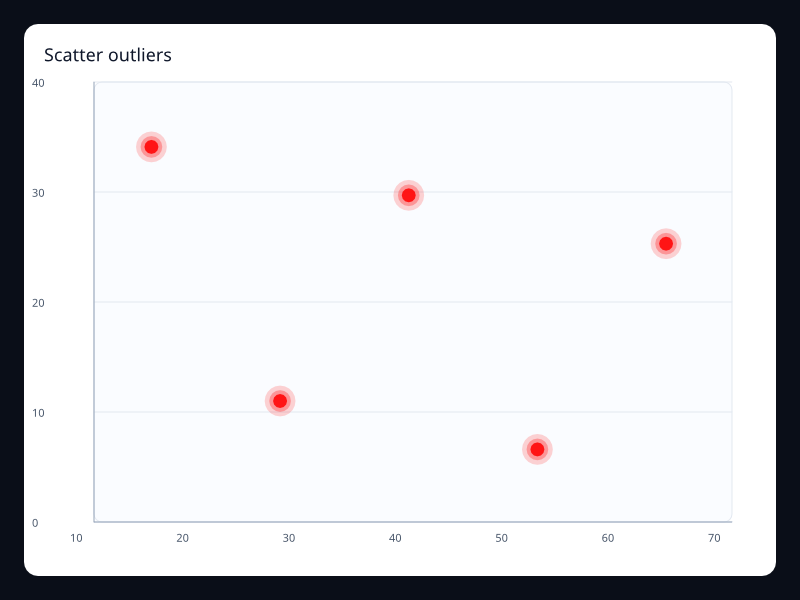
Scatter outliers
Scatter chart with emphasized outlier points.
- Data
- Vec<(f32, f32)> plus effect scatter styling.
- Use when
- Use it to make exceptions visible.
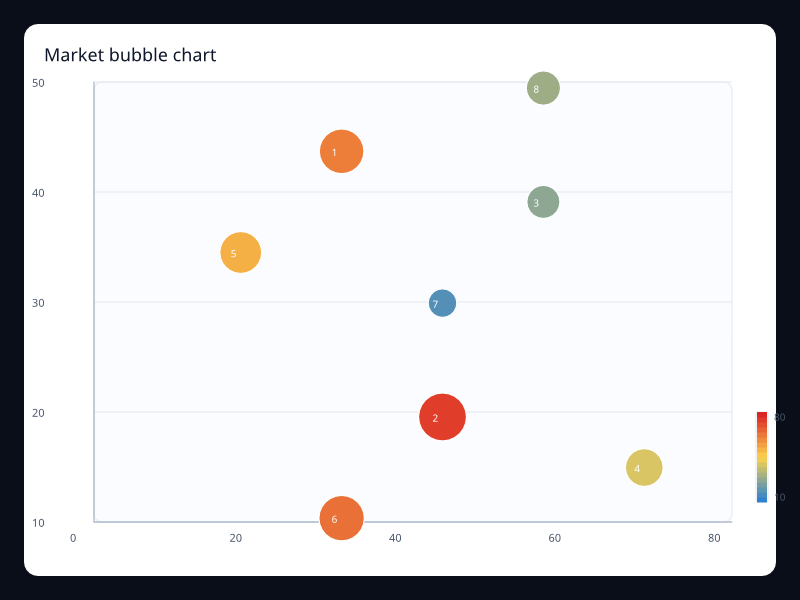
Market bubble chart
Bubble chart encoding market size as radius.
- Data
- Vec<(x, y, size)>.
- Use when
- Use it for three-dimensional business comparisons.
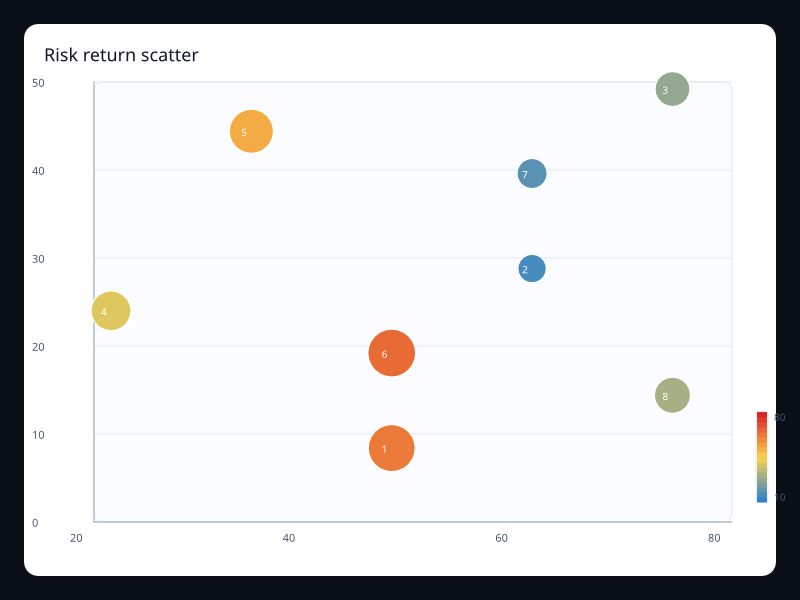
Risk return scatter
Scatter chart with bubble size for exposure.
- Data
- Vec<(risk, return, exposure)>.
- Use when
- Use it for portfolio-style comparisons.
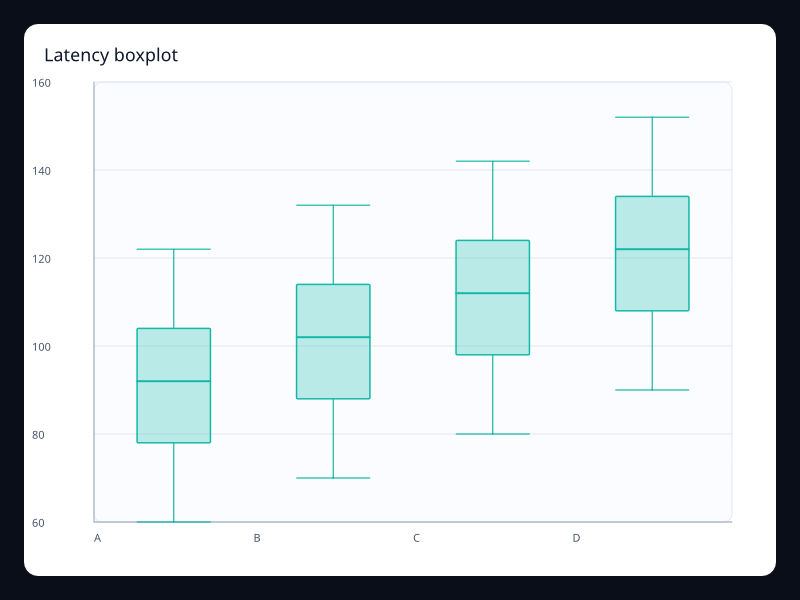
Latency boxplot
Distribution summary for latency groups.
- Data
- Five-number summary rows.
- Use when
- Use it when distribution matters more than averages.
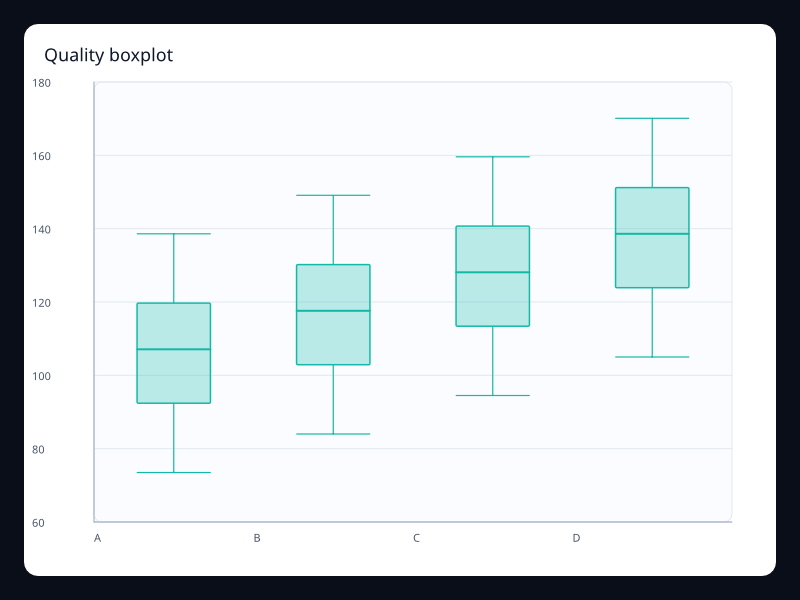
Quality boxplot
Boxplot comparing quality ranges.
- Data
- Five-number summary rows.
- Use when
- Use it for process quality and batch comparisons.
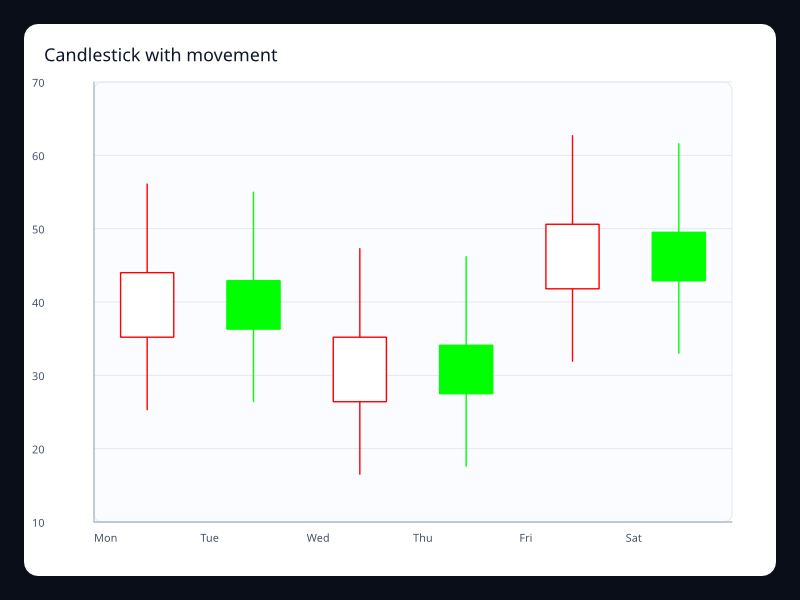
Candlestick with movement
Open-close-low-high financial movement.
- Data
- Rows of open, close, low, high values.
- Use when
- Use it for market and range-over-time data.
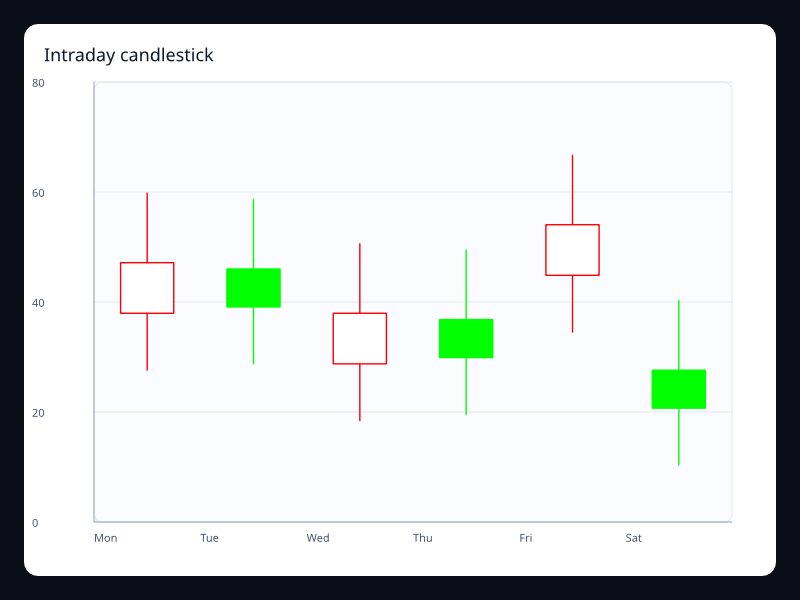
Intraday candlestick
Candlestick variant with tighter movement.
- Data
- OHLC rows.
- Use when
- Use it for intraday or short-range market views.
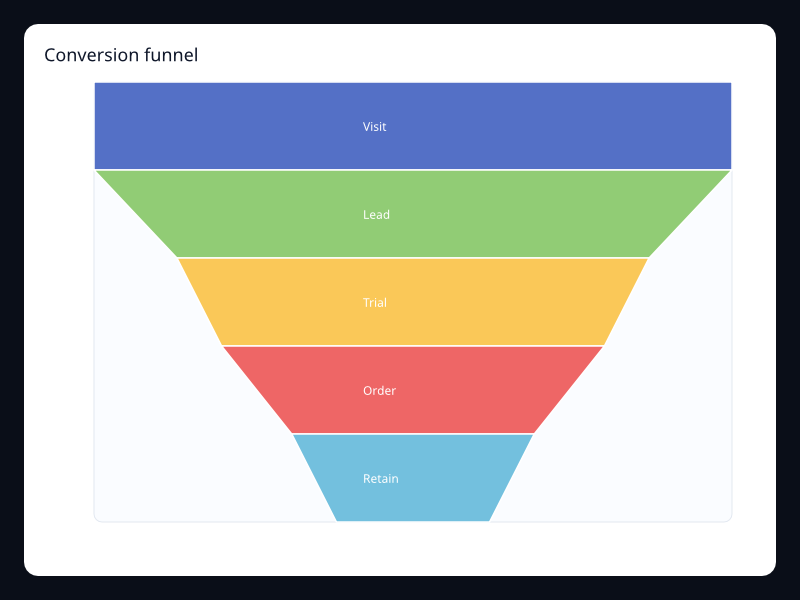
Conversion funnel
Stages drawn as a narrowing funnel.
- Data
- Ordered label/value pairs.
- Use when
- Use it for sales or onboarding funnels.
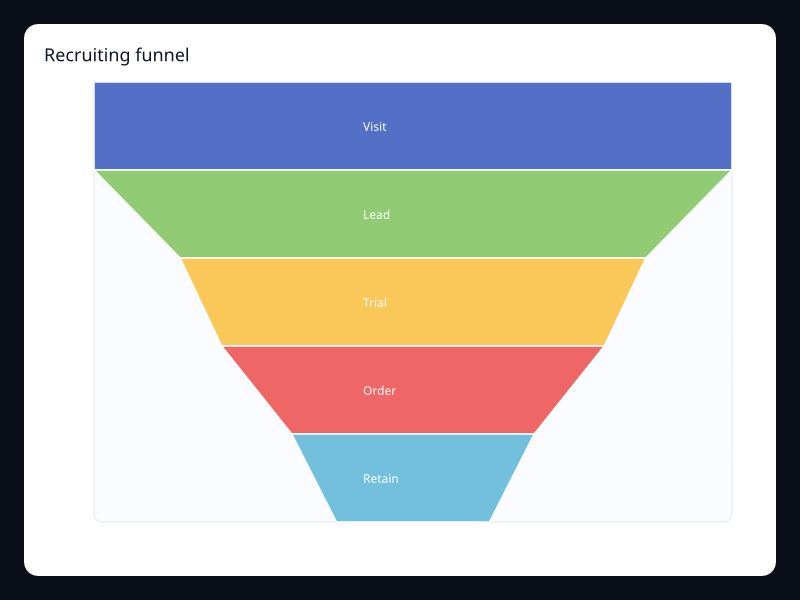
Recruiting funnel
Funnel chart for hiring stages.
- Data
- Ordered label/value pairs.
- Use when
- Use it when stage drop-off matters.
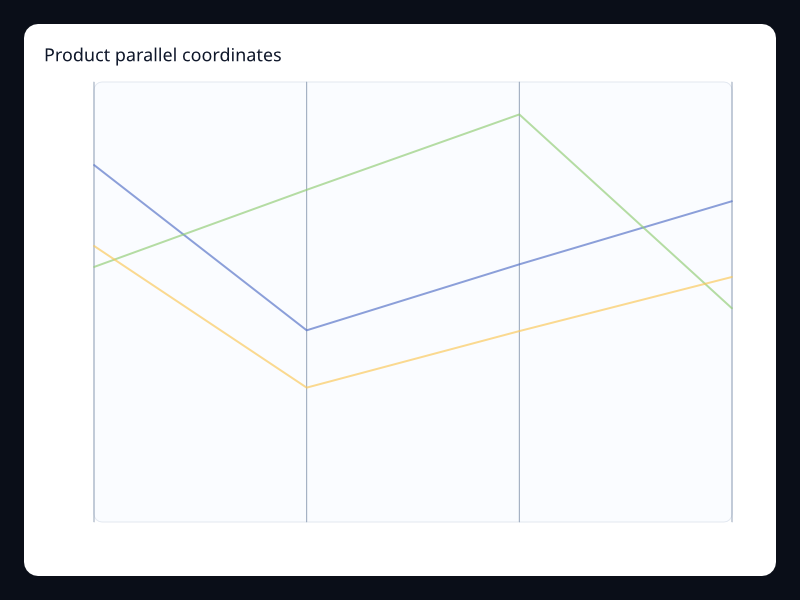
Product parallel coordinates
Rows crossing multiple dimensions.
- Data
- Vec<Vec<f32>> observations.
- Use when
- Use it for multidimensional comparison.
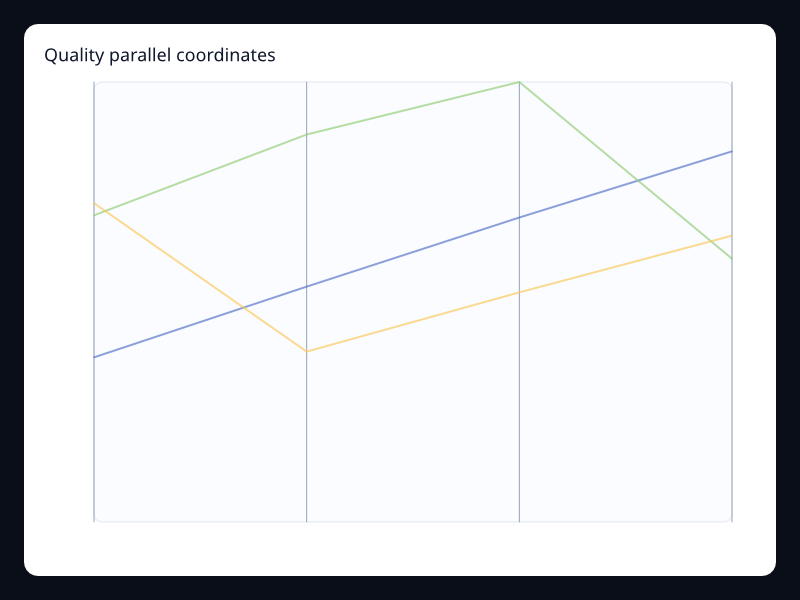
Quality parallel coordinates
Parallel coordinates for quality dimensions.
- Data
- Vec<Vec<f32>> observations.
- Use when
- Use it for filtering and comparing profiles.
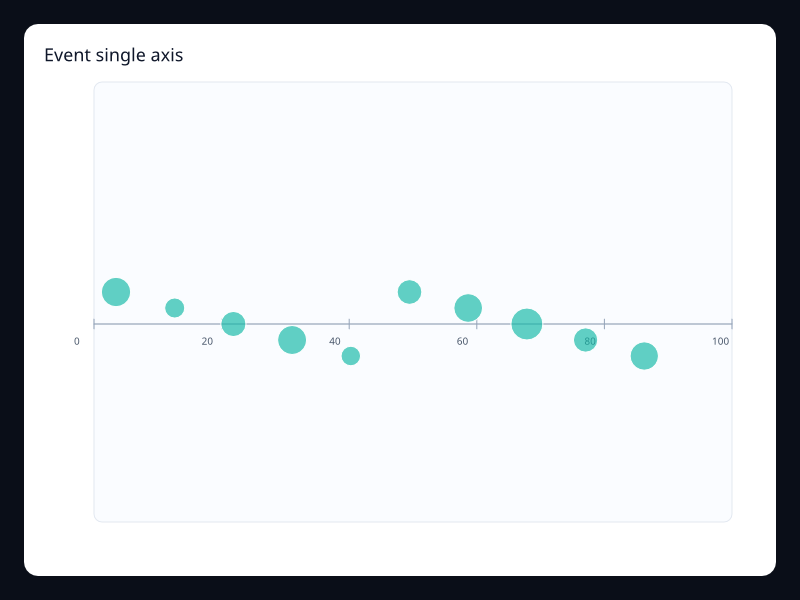
Event single axis
Weighted events along a single timeline.
- Data
- Vec<(value, size)>.
- Use when
- Use it for event density and distributions.
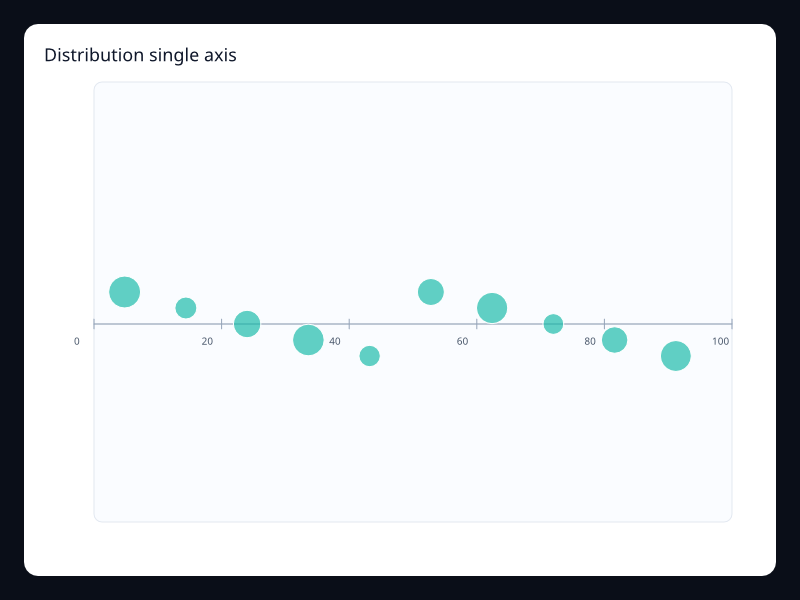
Distribution single axis
Weighted samples on one numeric scale.
- Data
- Vec<(value, size)>.
- Use when
- Use it when a second axis adds noise.
Chart family
Heatmap and calendar
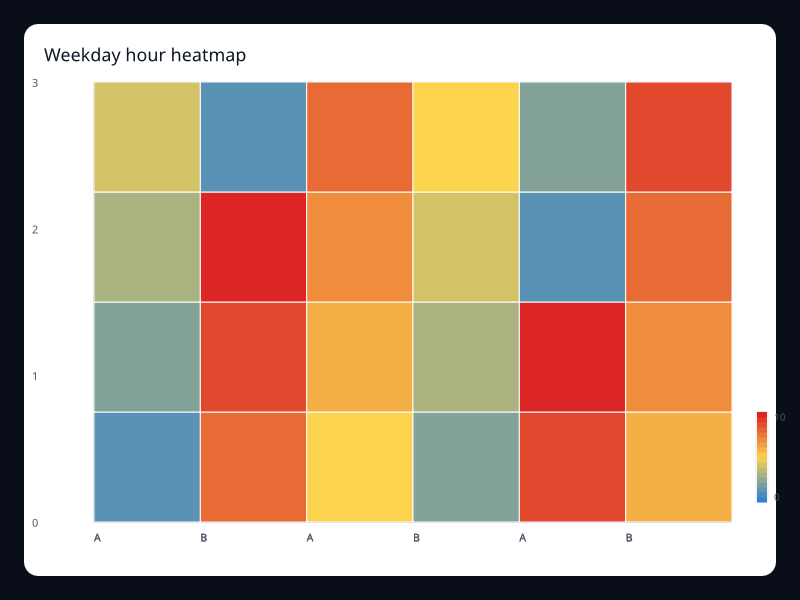
Weekday hour heatmap
Matrix heatmap for activity by hour and weekday.
- Data
- x index, y index, value triples.
- Use when
- Use it for operational intensity matrices.
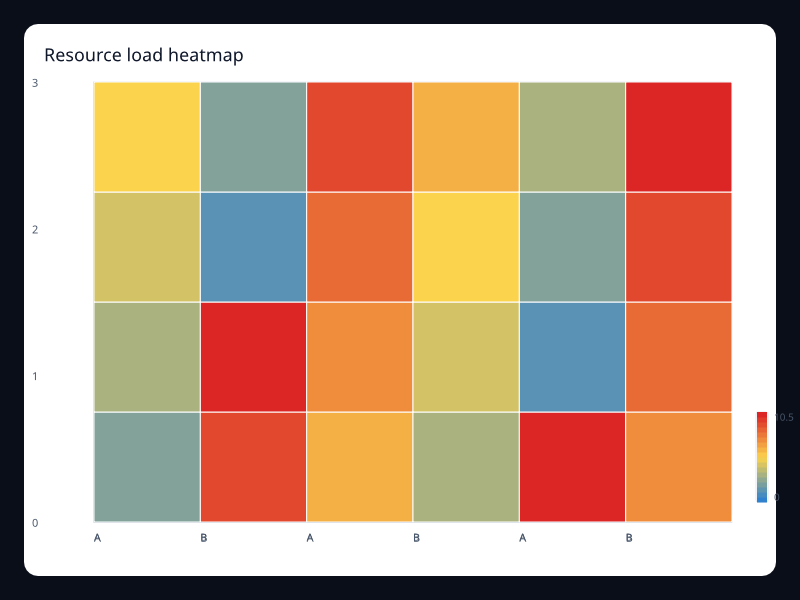
Resource load heatmap
Heatmap showing resource load across services.
- Data
- Matrix value triples.
- Use when
- Use it for capacity and utilization panels.
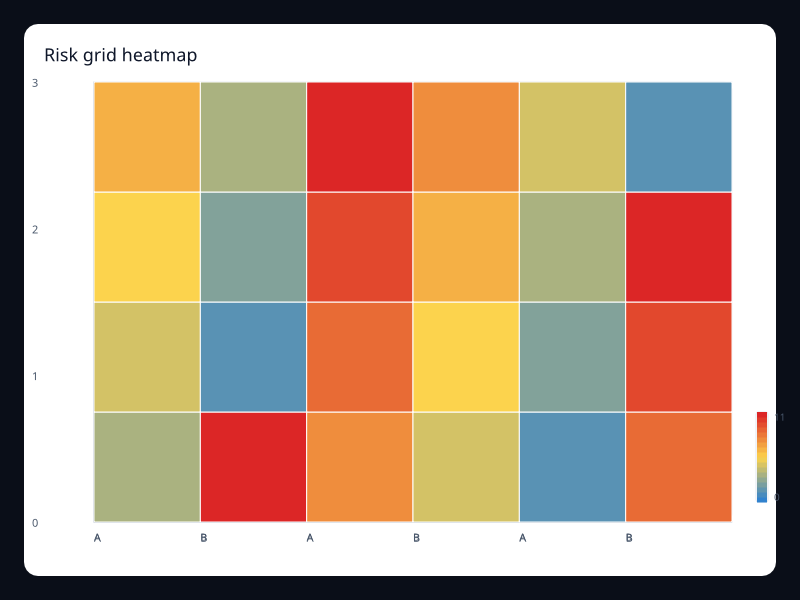
Risk grid heatmap
Risk values in a two-axis matrix.
- Data
- Matrix value triples.
- Use when
- Use it for risk and priority matrices.
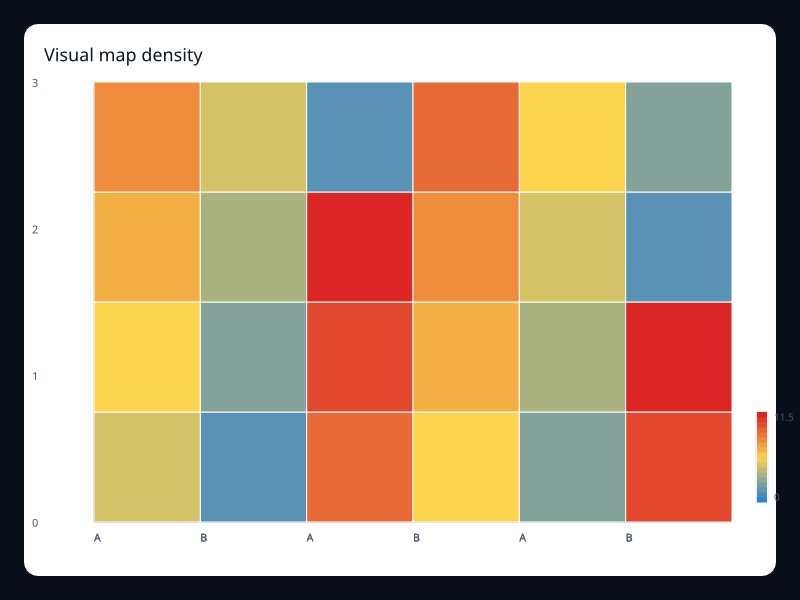
Visual map density
Heatmap with explicit visual map color scale.
- Data
- HeatmapSeries plus VisualMap.
- Use when
- Use it when color needs a visible numeric range.
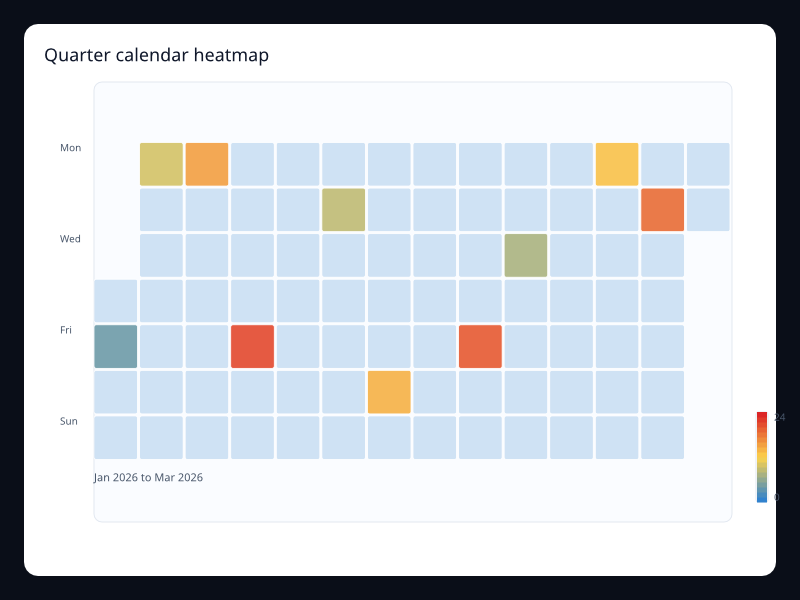
Quarter calendar heatmap
Calendar heatmap for a quarter of activity.
- Data
- Date/value pairs.
- Use when
- Use it for contribution and activity patterns.
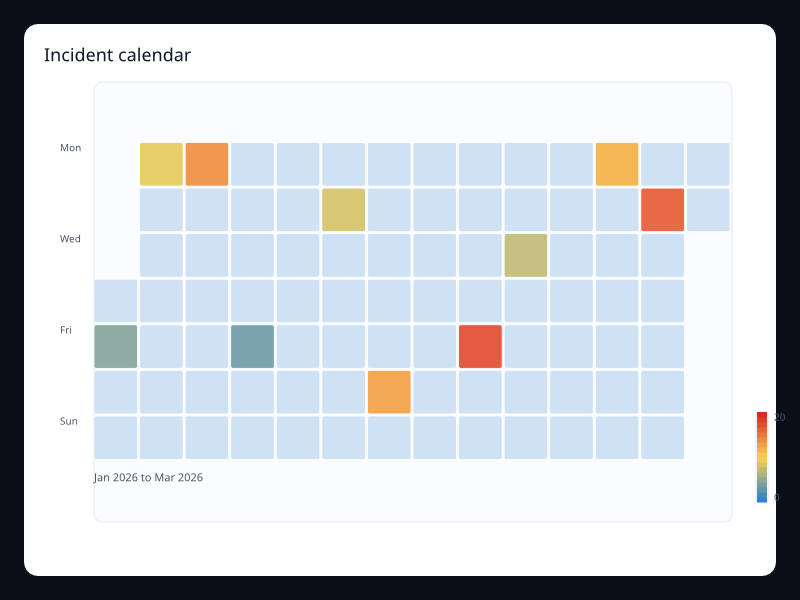
Incident calendar
Calendar heatmap for incident counts.
- Data
- Date/value pairs.
- Use when
- Use it for reliability and support reporting.
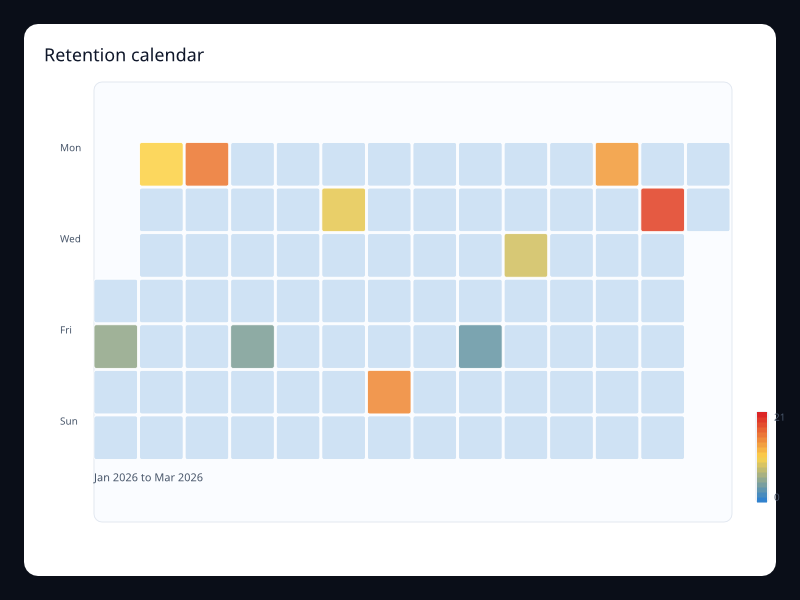
Retention calendar
Calendar heatmap for retained activity.
- Data
- Date/value pairs.
- Use when
- Use it for habit and retention surfaces.
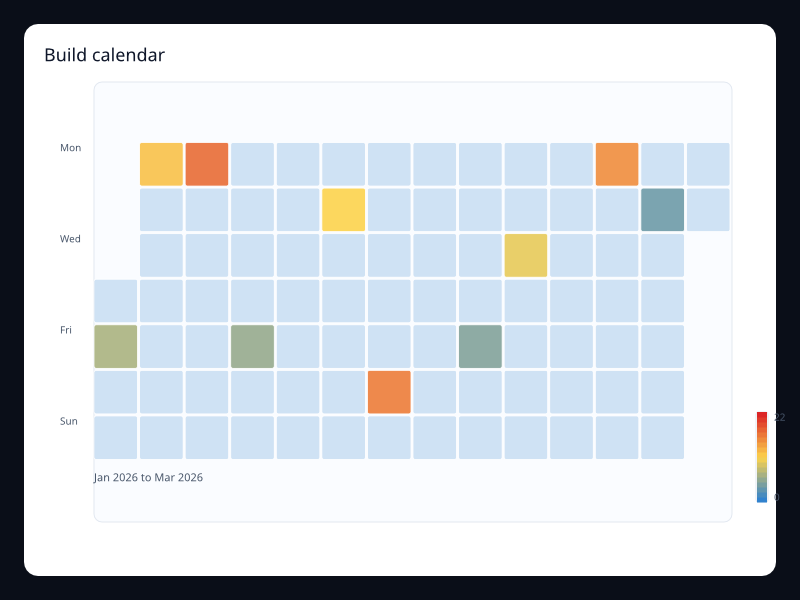
Build calendar
Calendar heatmap for build volume.
- Data
- Date/value pairs.
- Use when
- Use it for engineering operations.
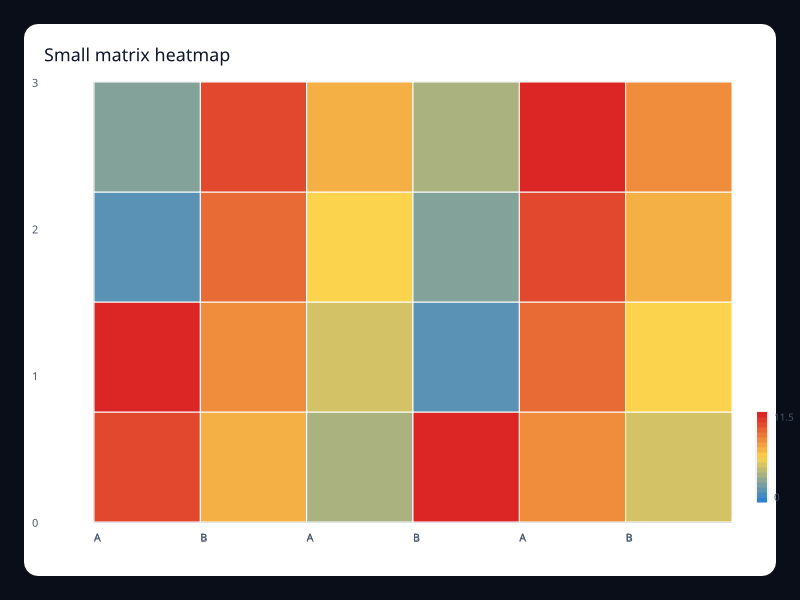
Small matrix heatmap
Compact heatmap for a small matrix.
- Data
- Matrix value triples.
- Use when
- Use it for dashboards with limited space.
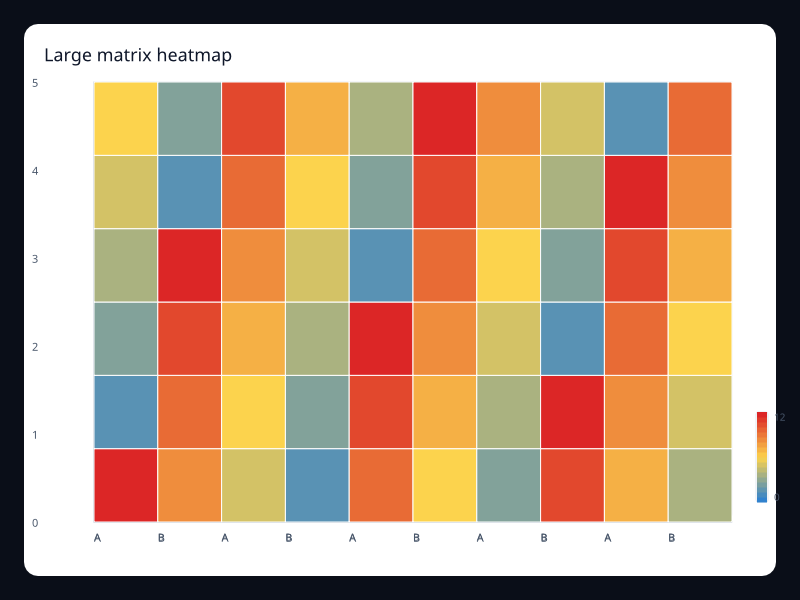
Large matrix heatmap
Larger heatmap with more cells.
- Data
- Dense matrix value triples.
- Use when
- Use it for activity grids with many columns.
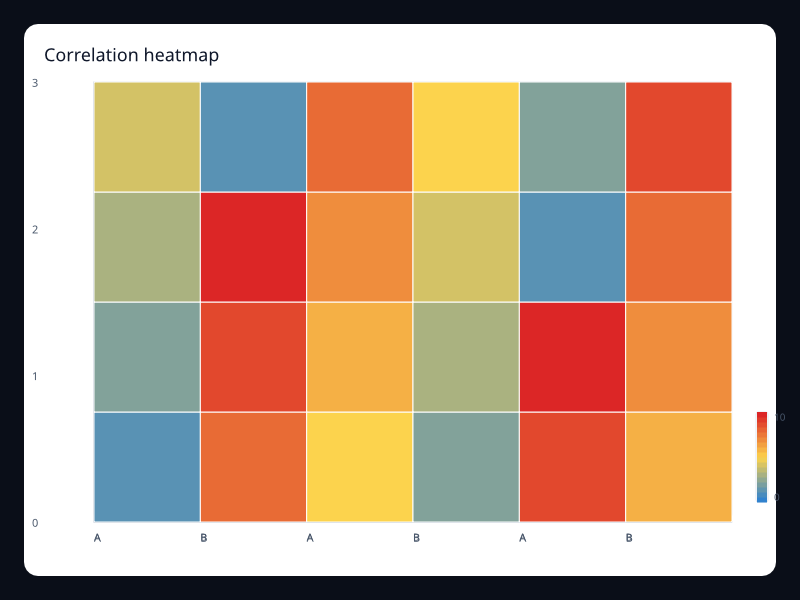
Correlation heatmap
Square-style heatmap for correlation-like data.
- Data
- Matrix value triples.
- Use when
- Use it for relationship strength matrices.
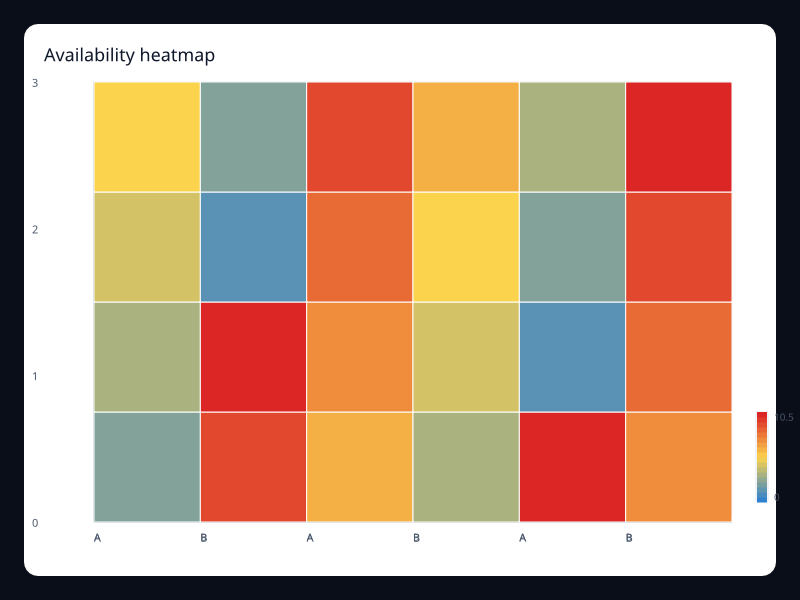
Availability heatmap
Availability values across services and periods.
- Data
- Matrix value triples.
- Use when
- Use it for SRE and operations dashboards.
Chart family
Hierarchy and flow
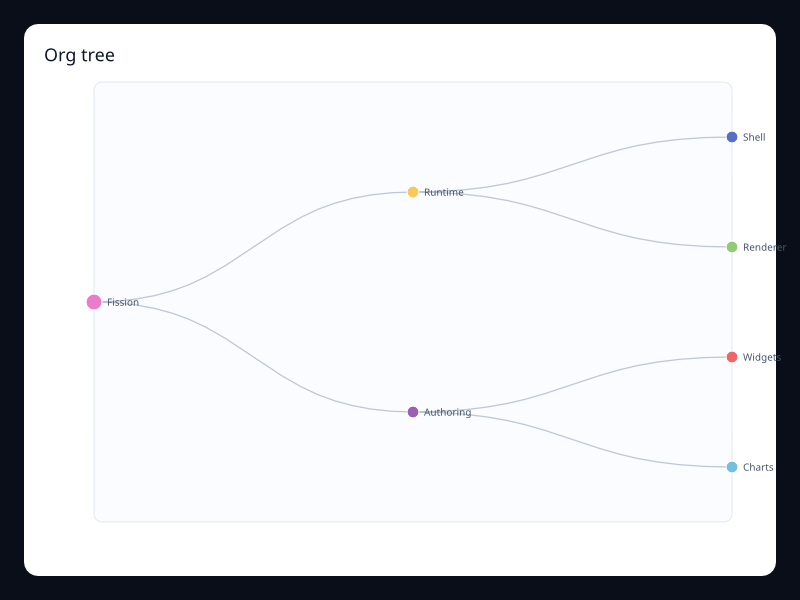
Org tree
Parent-child hierarchy as a tidy tree.
- Data
- Nested nodes.
- Use when
- Use it for organization and ownership charts.
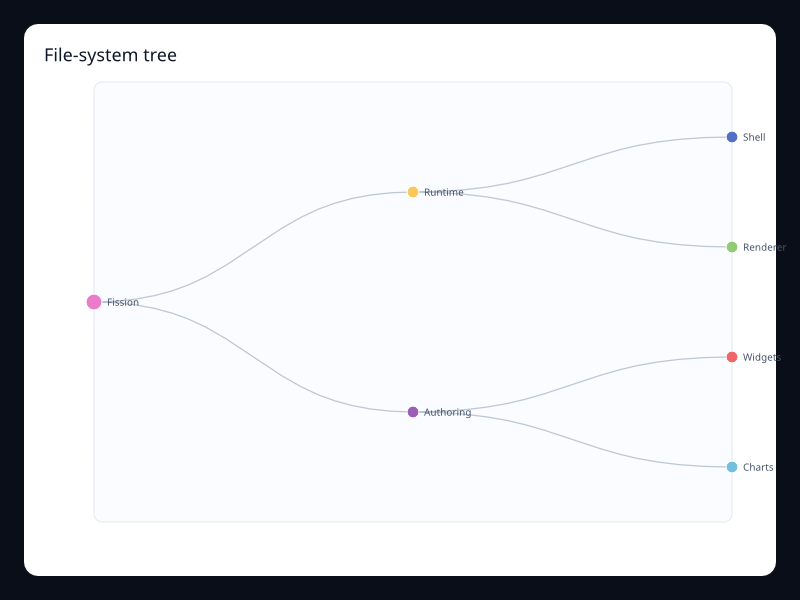
File-system tree
Nested file-style hierarchy.
- Data
- Nested nodes with values.
- Use when
- Use it for product and resource hierarchies.
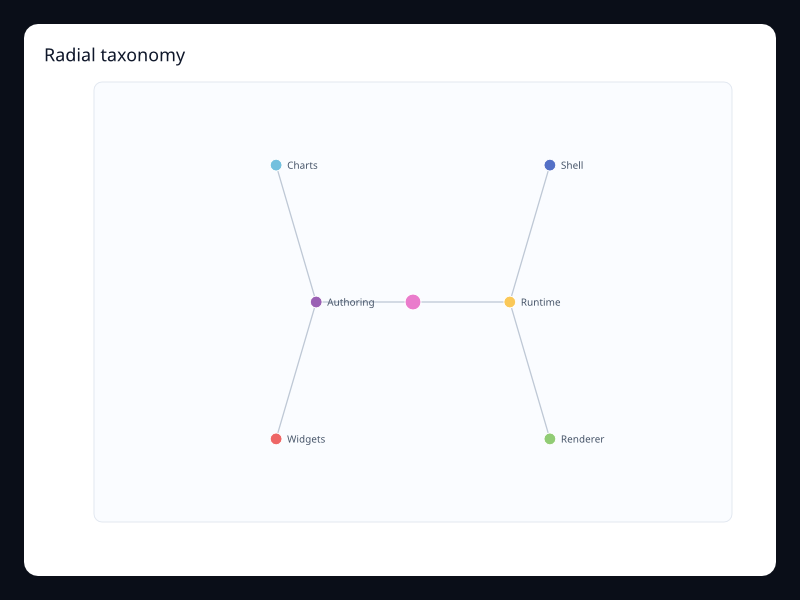
Radial taxonomy
Radial layout for a shallow taxonomy.
- Data
- Nested nodes.
- Use when
- Use it when hierarchy symmetry matters.
Budget treemap
Hierarchical values packed into rectangles.
- Data
- Nested value nodes.
- Use when
- Use it for budget or storage breakdowns.
Storage treemap
Treemap for storage allocation.
- Data
- Nested value nodes.
- Use when
- Use it for disk and memory allocation.
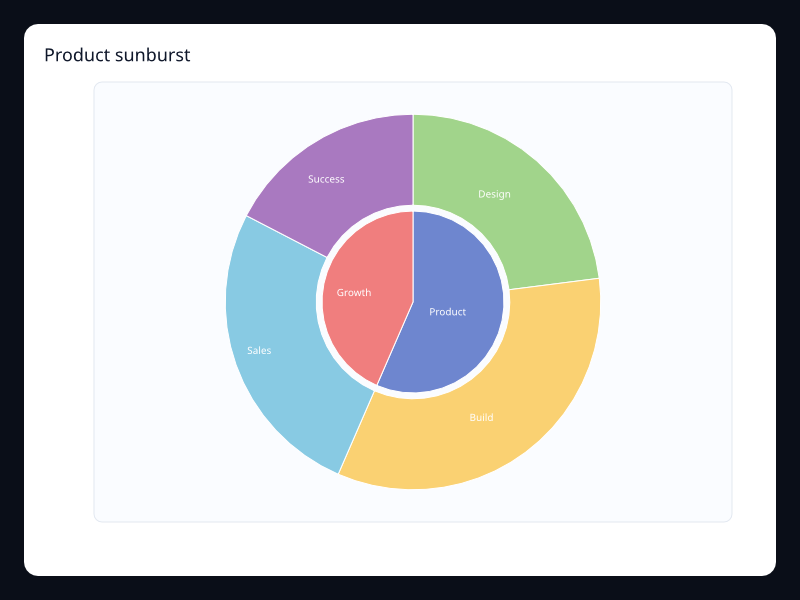
Product sunburst
Hierarchical values in concentric rings.
- Data
- Nested value nodes.
- Use when
- Use it for hierarchy depth and composition.
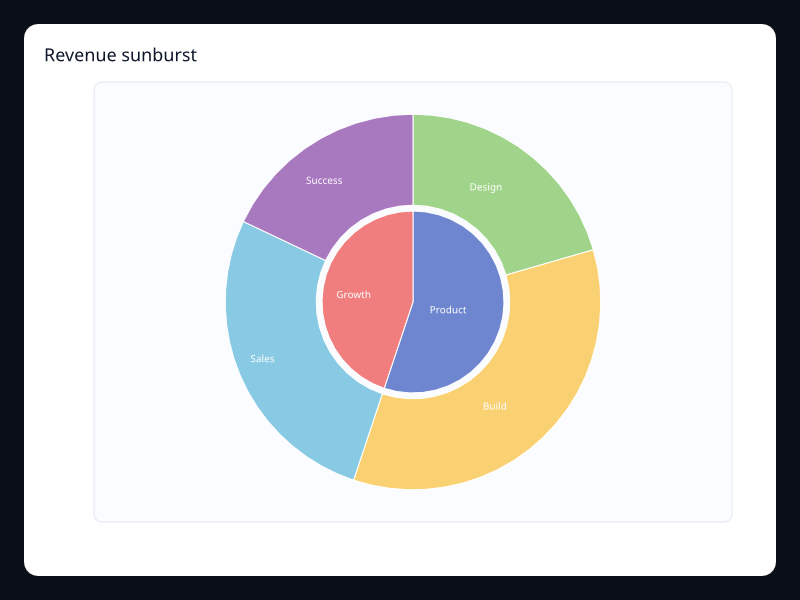
Revenue sunburst
Revenue hierarchy as radial rings.
- Data
- Nested value nodes.
- Use when
- Use it for nested part-to-whole data.
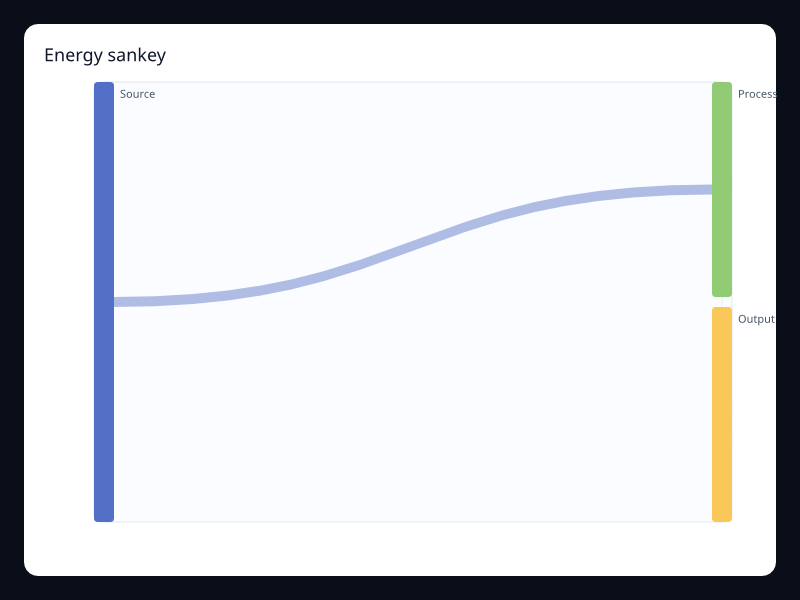
Energy sankey
Flow bands between stages.
- Data
- Node list plus edges.
- Use when
- Use it for material, energy, or revenue flow.
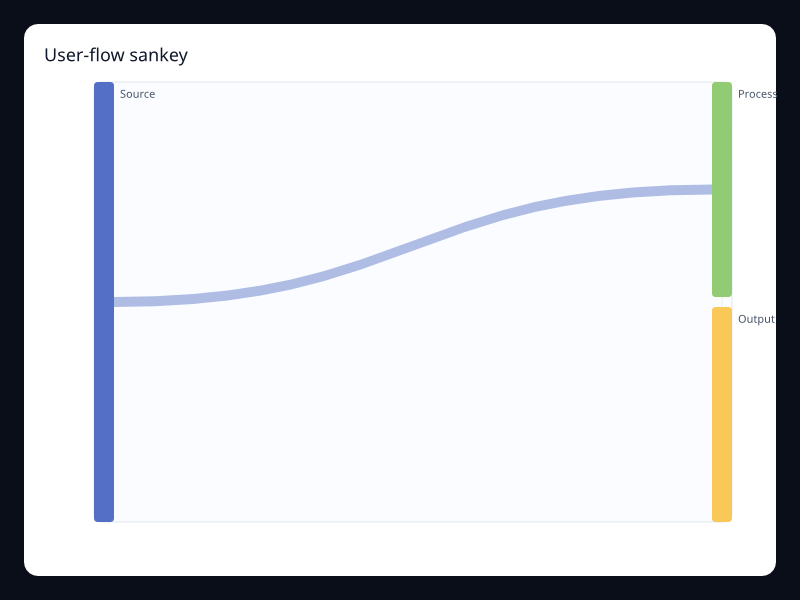
User-flow sankey
Sankey chart for user movement.
- Data
- Node list plus edges.
- Use when
- Use it for conversion path analysis.
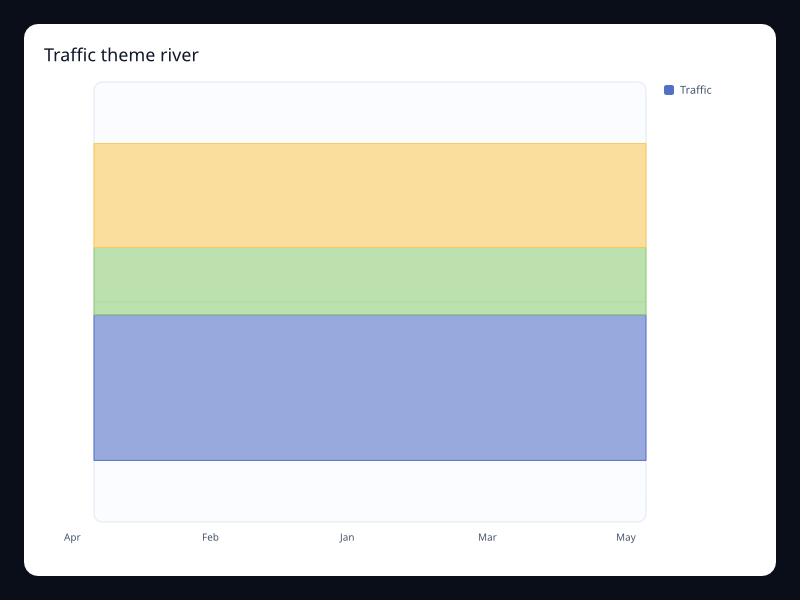
Traffic theme river
Flowing stacked categories over time.
- Data
- Time/value/category tuples.
- Use when
- Use it for composition changing over time.
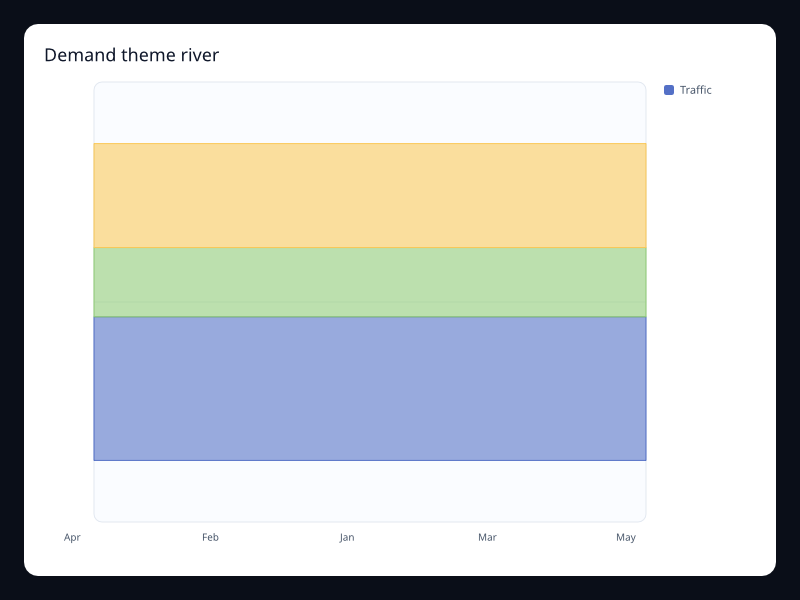
Demand theme river
Theme river chart for demand sources.
- Data
- Time/value/category tuples.
- Use when
- Use it for campaign or demand mix.
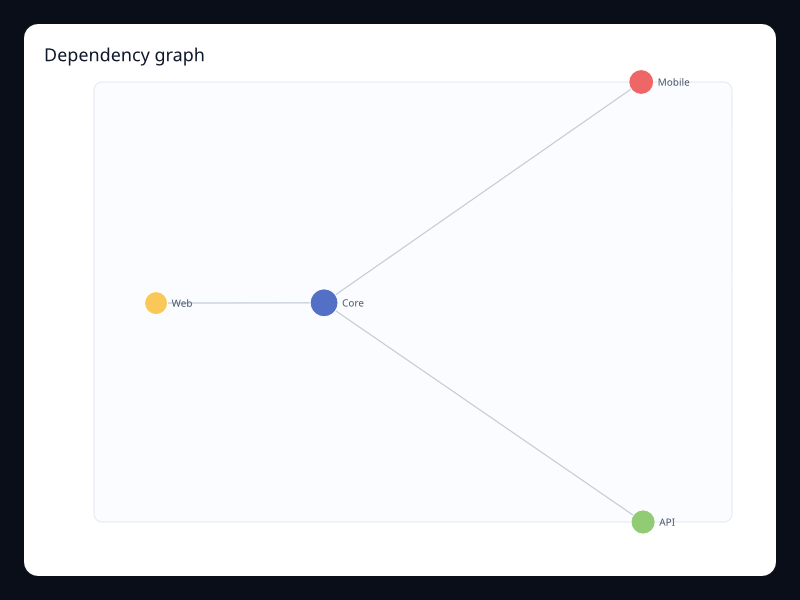
Dependency graph
Network nodes and edges.
- Data
- Graph nodes plus edges.
- Use when
- Use it for dependency and topology diagrams.
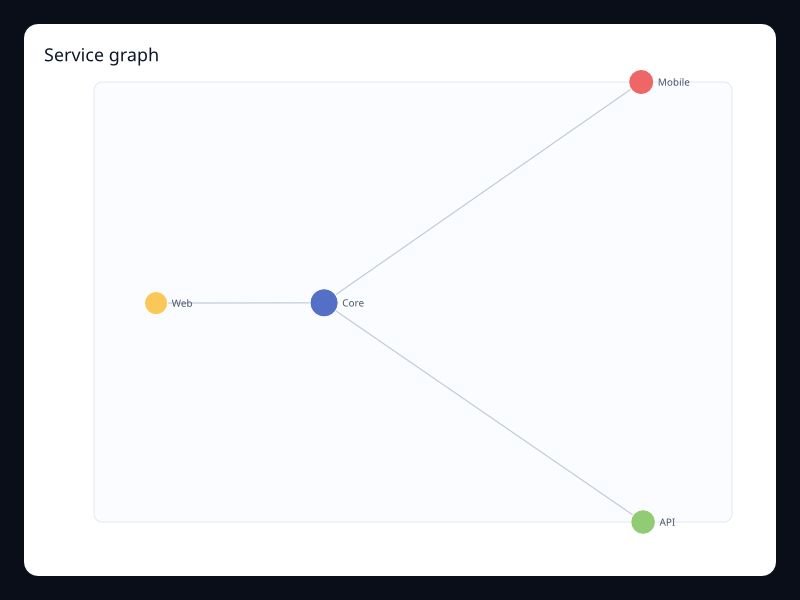
Service graph
Service topology network.
- Data
- Graph nodes plus edges.
- Use when
- Use it for systems maps and service graphs.
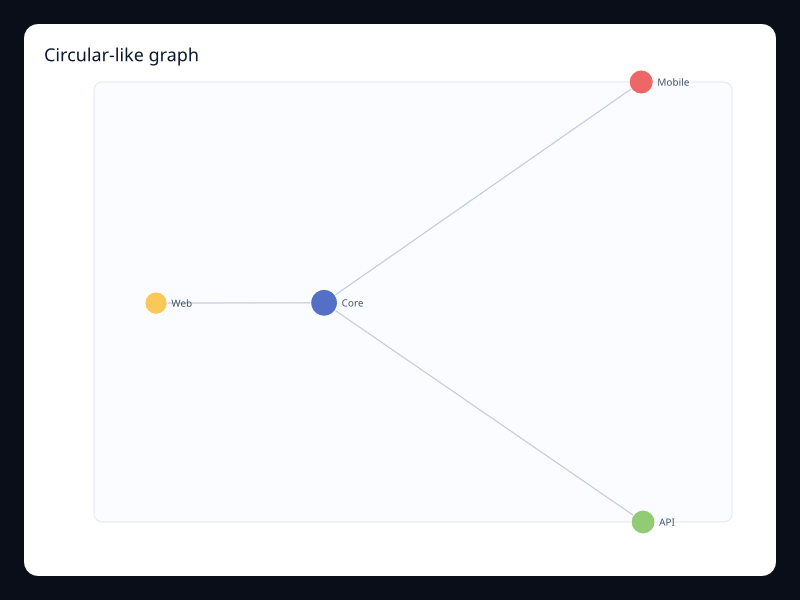
Circular-like graph
Network layout with larger central nodes.
- Data
- Graph nodes plus edges.
- Use when
- Use it for relationship overview surfaces.
Chart family
Geo and route
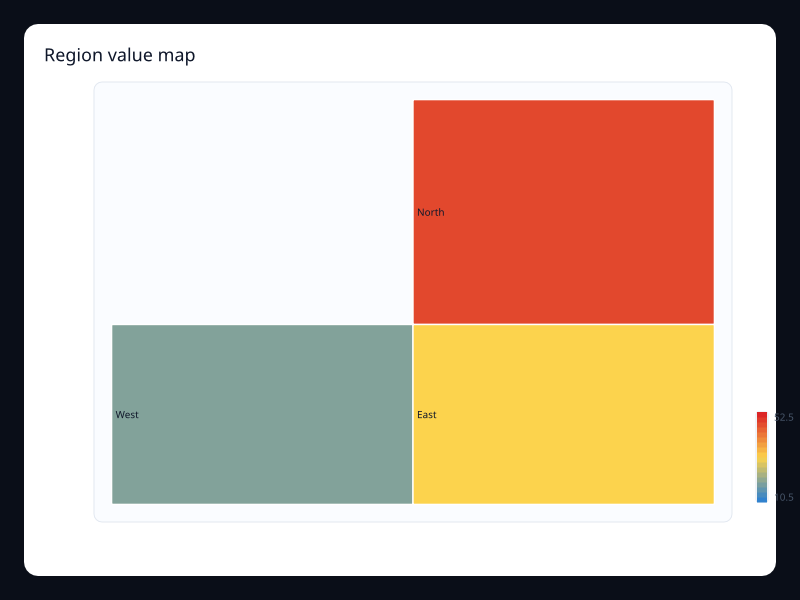
Region value map
GeoJSON-backed choropleth map.
- Data
- GeoJSON regions plus values.
- Use when
- Use it for geography-first comparisons.
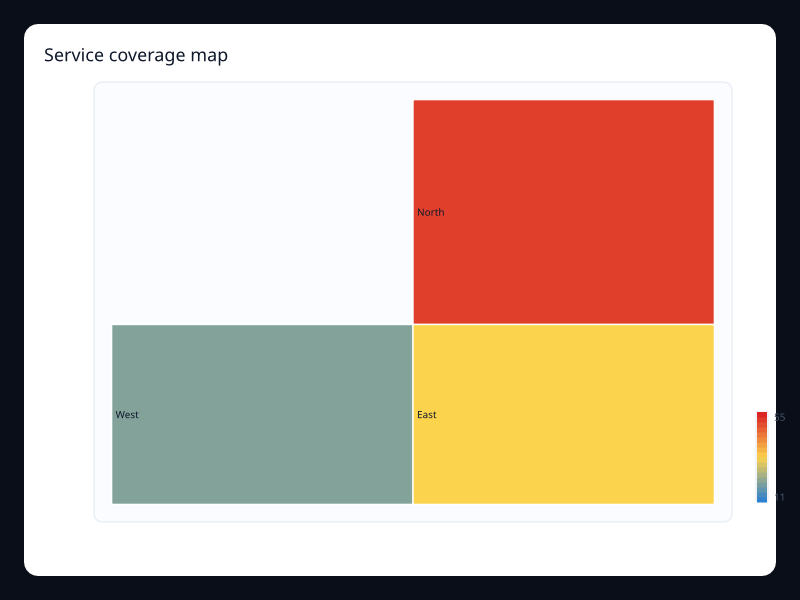
Service coverage map
Map with coverage values by region.
- Data
- GeoJSON regions plus values.
- Use when
- Use it for coverage and rollout screens.
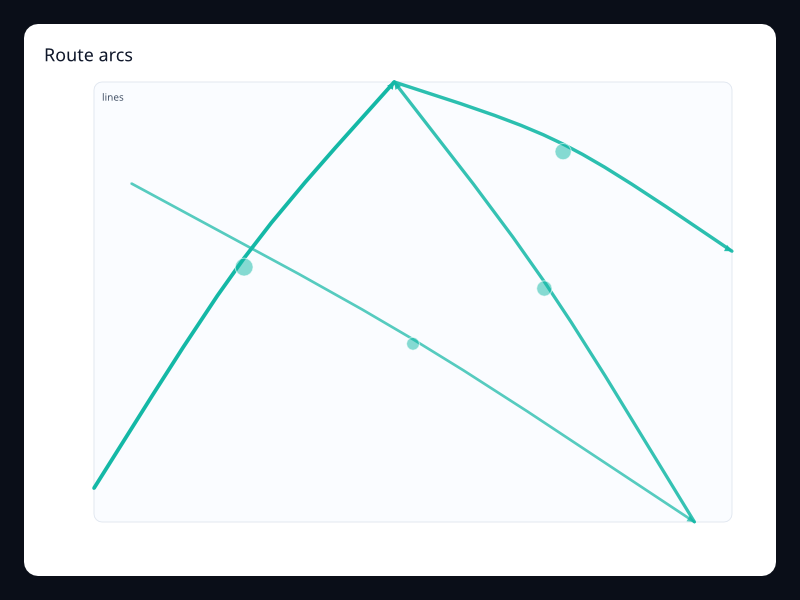
Route arcs
Curved route lines with direction.
- Data
- Line segments with values.
- Use when
- Use it for logistics and movement.
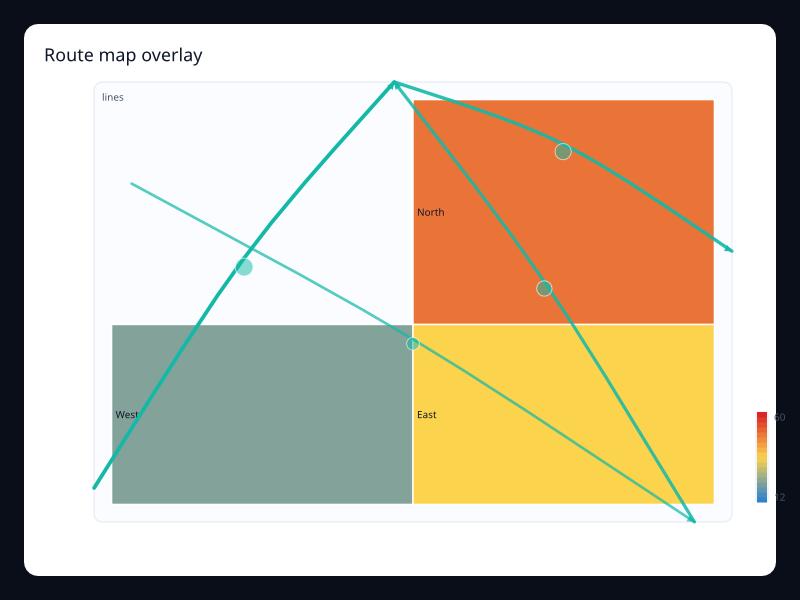
Route map overlay
Routes drawn over geographic regions.
- Data
- GeoJSON regions plus route segments.
- Use when
- Use it when geography and movement combine.
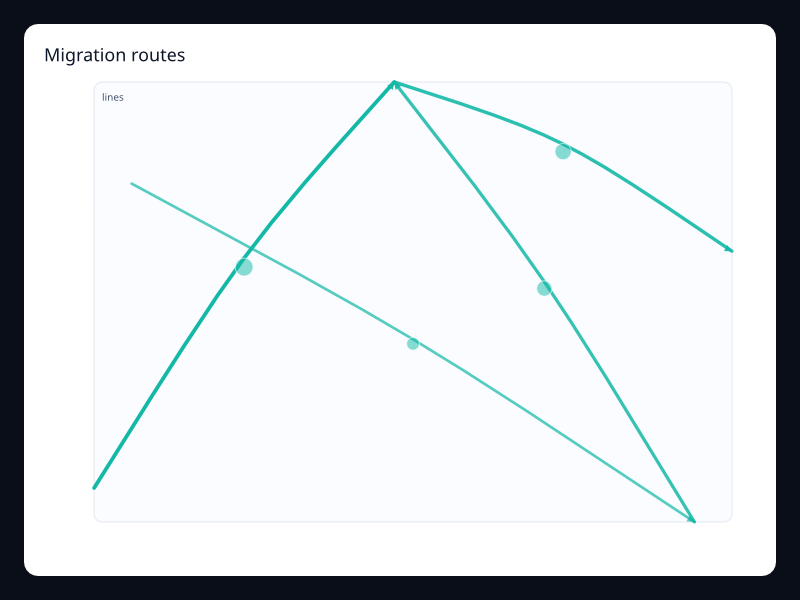
Migration routes
Route lines representing movement intensity.
- Data
- LineSegment values.
- Use when
- Use it for movement and transfer flows.
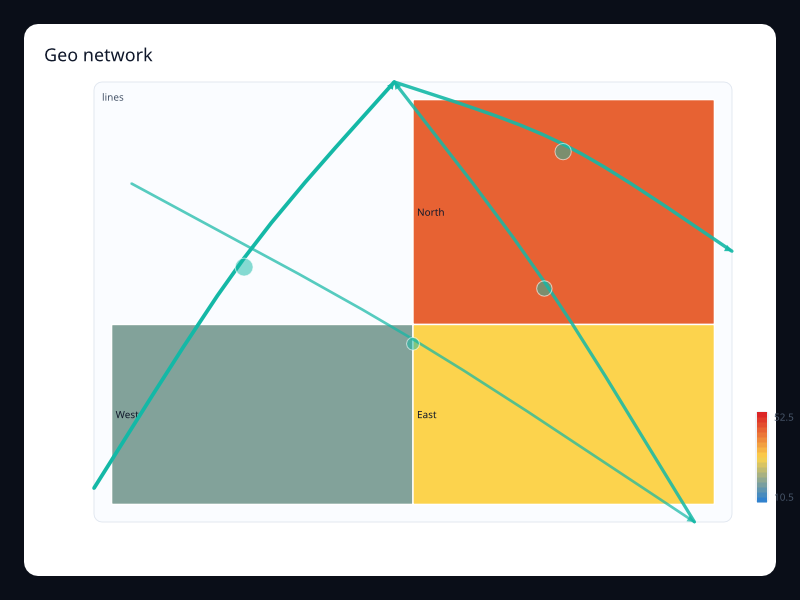
Geo network
Map with network-like route overlays.
- Data
- GeoJSON plus lines.
- Use when
- Use it for network coverage and paths.
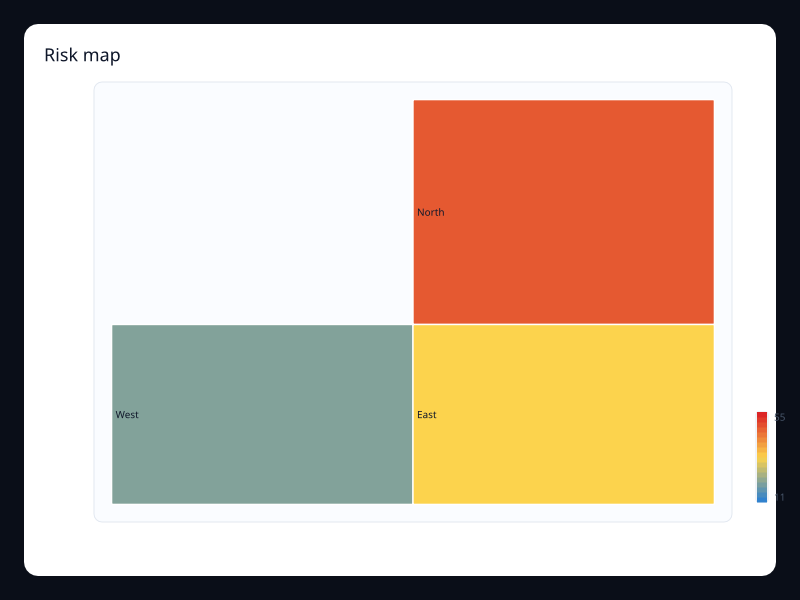
Risk map
Regions colored by risk score.
- Data
- GeoJSON regions plus numeric values.
- Use when
- Use it for geographic risk dashboards.
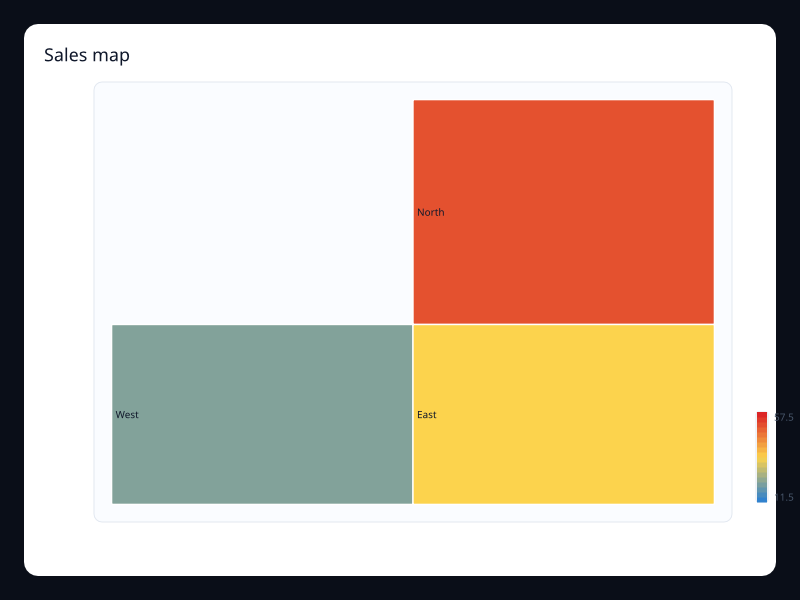
Sales map
Region sales values on a map.
- Data
- GeoJSON regions plus values.
- Use when
- Use it for regional business metrics.
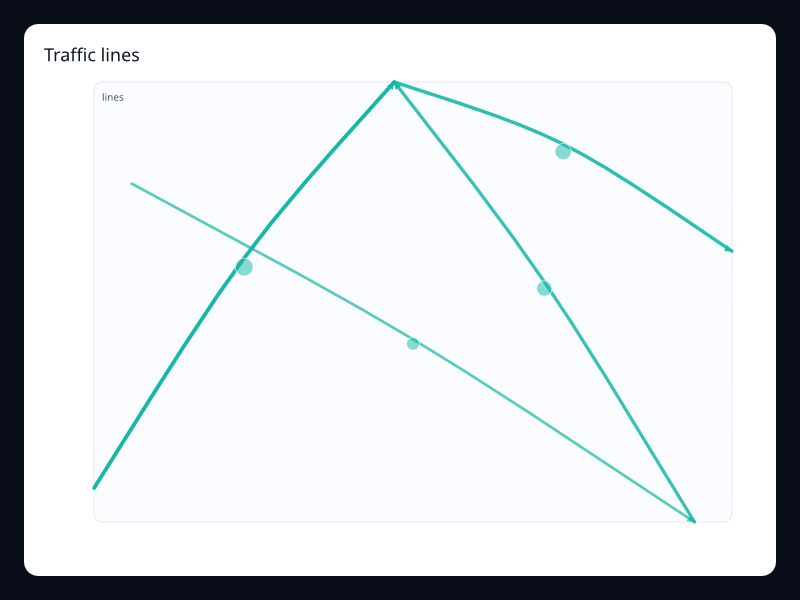
Traffic lines
Curved lines with different values.
- Data
- LineSegment values.
- Use when
- Use it for traffic or flow intensity.
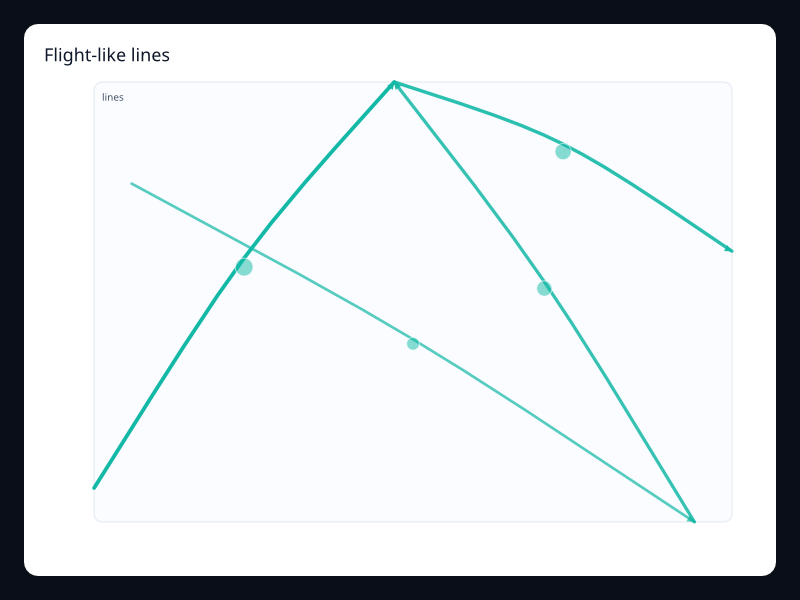
Flight-like lines
Directional curved lines with effect points.
- Data
- LineSegment values plus effect.
- Use when
- Use it for route animation-style visuals.
Chart family
Dataset and dynamic
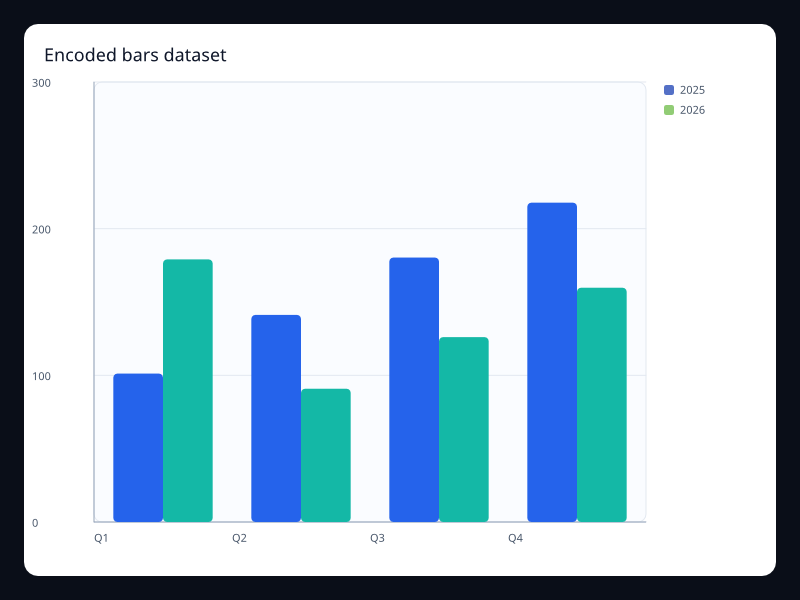
Encoded bars dataset
Grouped bars generated from named encoded fields.
- Data
- Records with category, group, and numeric value fields.
- Use when
- Use it when chart code should name fields once and reuse them across bar variants.
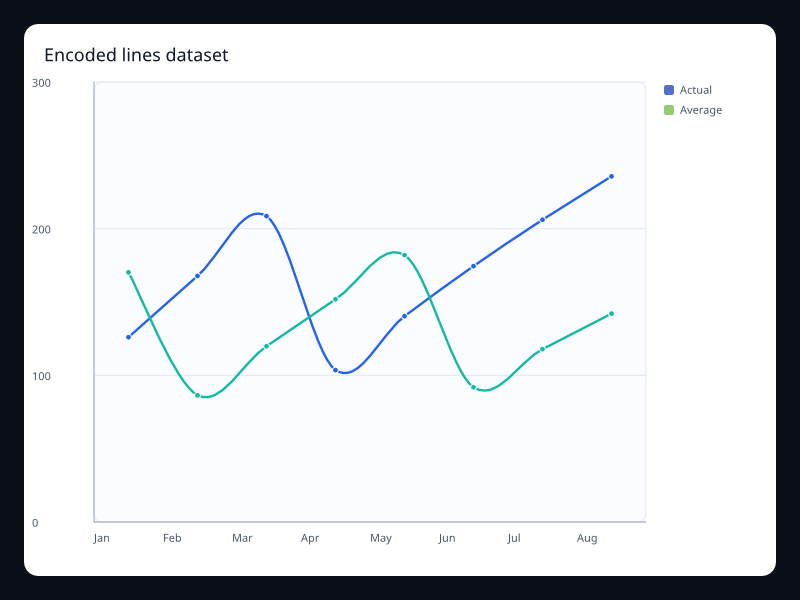
Encoded lines dataset
Line series generated from named encoded fields.
- Data
- Records with ordered label, measure, and series fields.
- Use when
- Use it when the same dataset powers several line views.
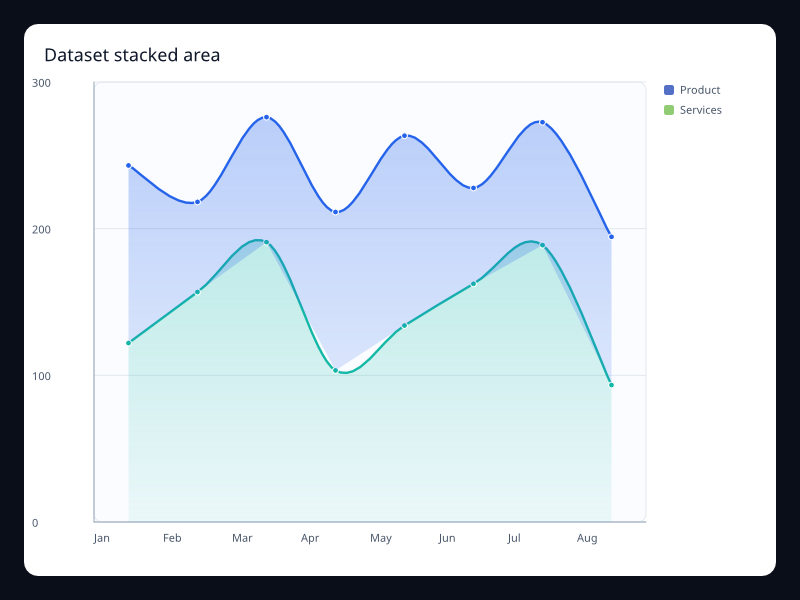
Dataset stacked area
Stacked area view built from reusable dataset-like series.
- Data
- Several named measures sharing ordered categories.
- Use when
- Use it when the data pipeline should stay visible instead of hidden in chart-specific arrays.
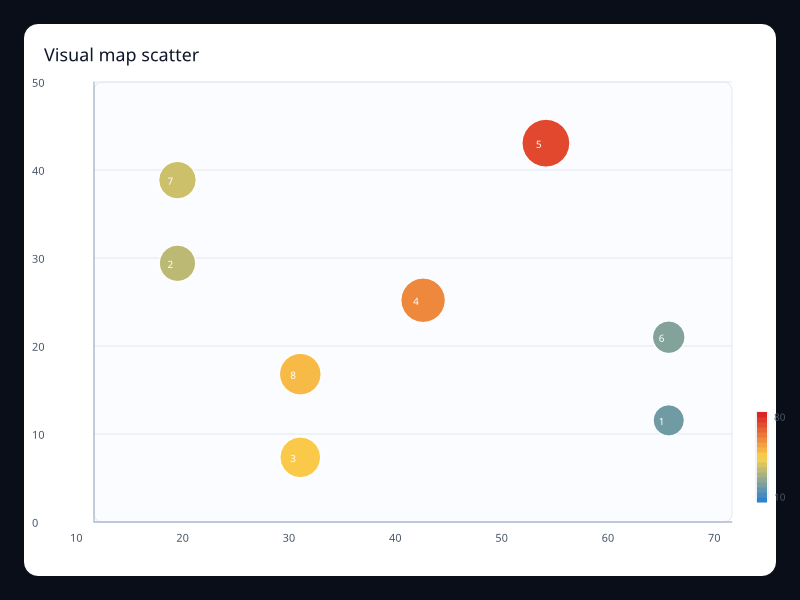
Visual map scatter
Bubble scatter with value-driven size and color scale.
- Data
- Triples of x, y, and magnitude values.
- Use when
- Use it when density and magnitude both matter.
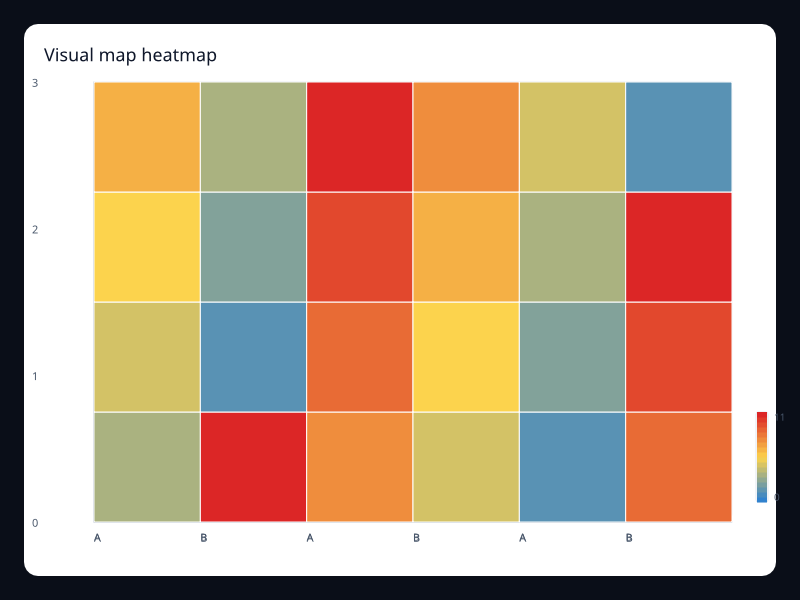
Visual map heatmap
Heatmap with a continuous value scale.
- Data
- Grid cell coordinates with numeric intensity.
- Use when
- Use it for dense comparisons where color communicates rank faster than labels.
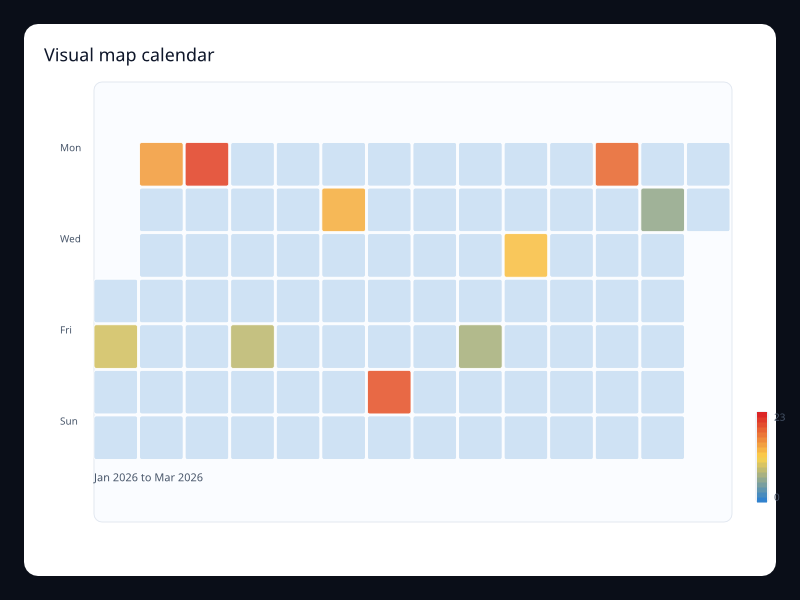
Visual map calendar
Calendar heatmap with a continuous value scale.
- Data
- Date/value pairs over a calendar range.
- Use when
- Use it to show daily volume, incidents, or activity in a compact year-like shape.
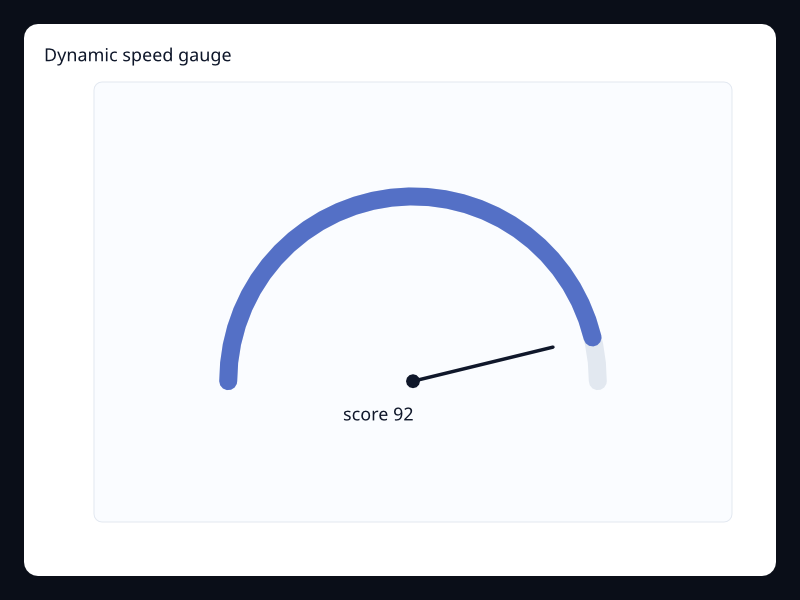
Dynamic speed gauge
Gauge configured for a changing bounded measure.
- Data
- Single label/value pair in a known range.
- Use when
- Use it for operational status values where one number dominates the view.
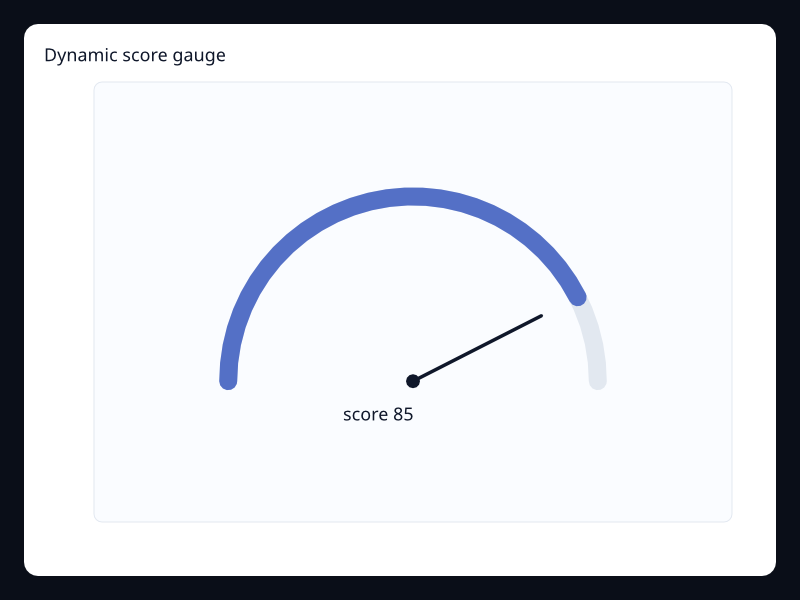
Dynamic score gauge
Gauge configured for a score or quality metric.
- Data
- Single label/value pair scaled into a gauge arc.
- Use when
- Use it for scorecards where the main result should be immediately visible.
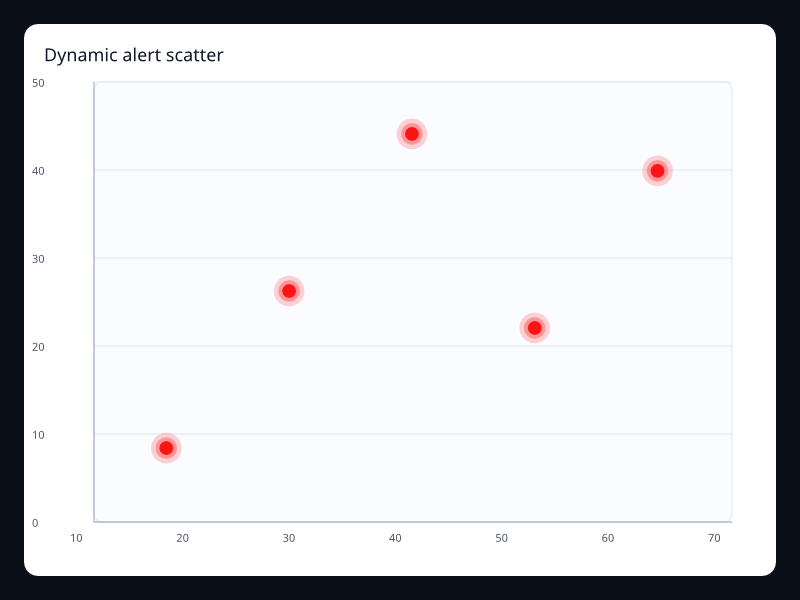
Dynamic alert scatter
Effect scatter highlighting important points over numeric axes.
- Data
- Small list of highlighted x/y samples.
- Use when
- Use it when outliers or active alerts need immediate attention.
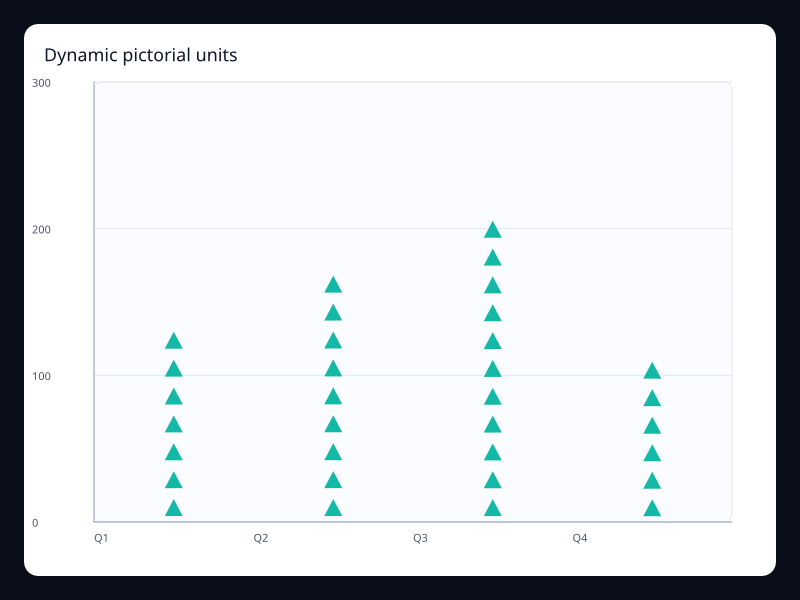
Dynamic pictorial units
Pictorial bar using symbolic marks for count-like values.
- Data
- Category labels plus numeric values and a symbol choice.
- Use when
- Use it for unit counts that benefit from a branded or icon-like visual form.
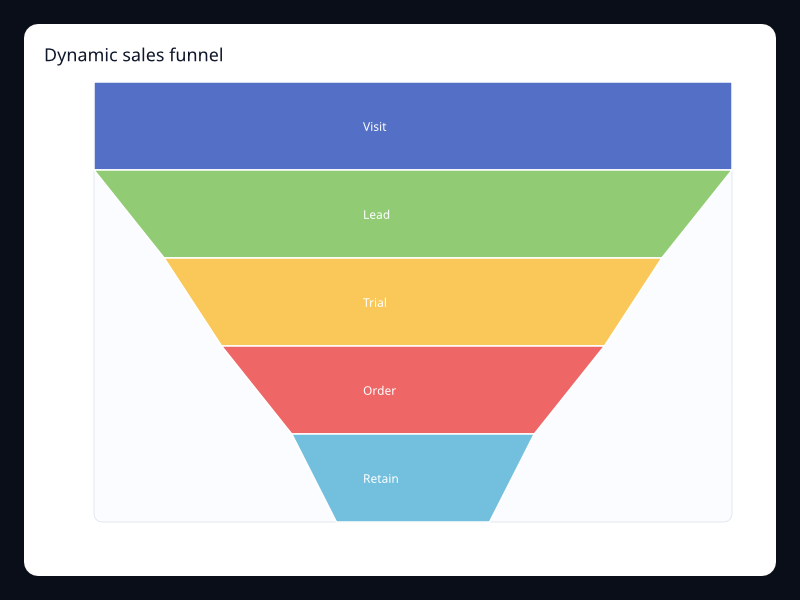
Dynamic sales funnel
Funnel showing staged conversion through a pipeline.
- Data
- Stage/value pairs ordered by process position.
- Use when
- Use it when the loss between stages matters more than exact axis measurement.
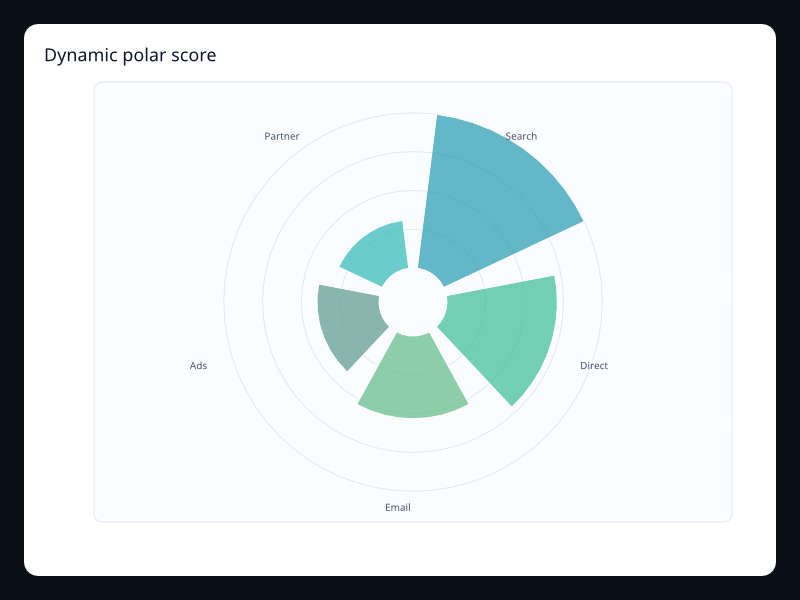
Dynamic polar score
Polar bars arranged around a radial scale.
- Data
- Label/value pairs mapped around a circle.
- Use when
- Use it for cyclic or radial score comparisons.
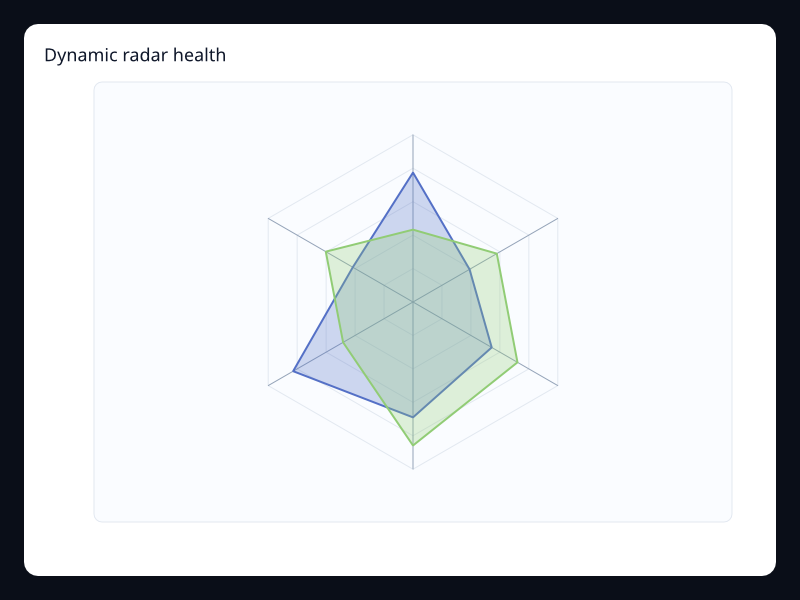
Dynamic radar health
Radar profile with multiple dimensions on one shape.
- Data
- Several same-length vectors across named indicators.
- Use when
- Use it for multidimensional status summaries.
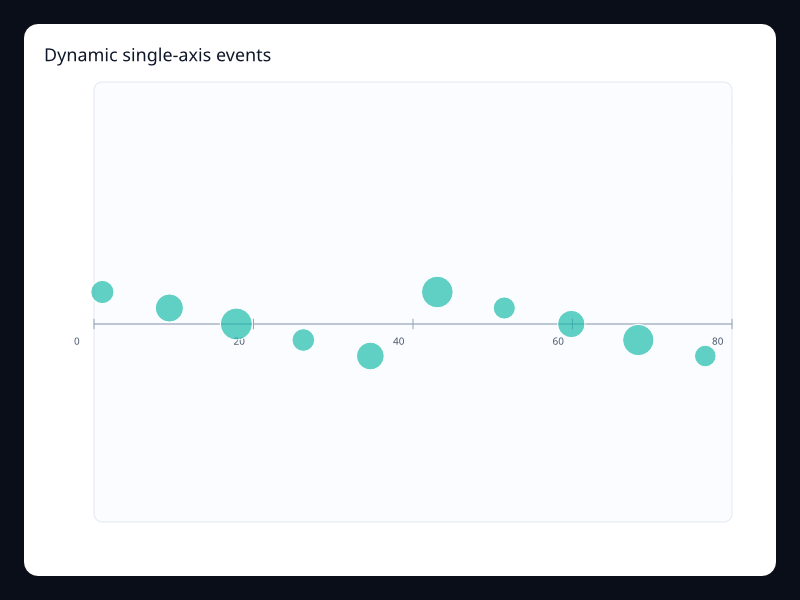
Dynamic single-axis events
Single-axis event distribution with value-coded marks.
- Data
- Position/value pairs on one continuous axis.
- Use when
- Use it for timelines or compact event strips.
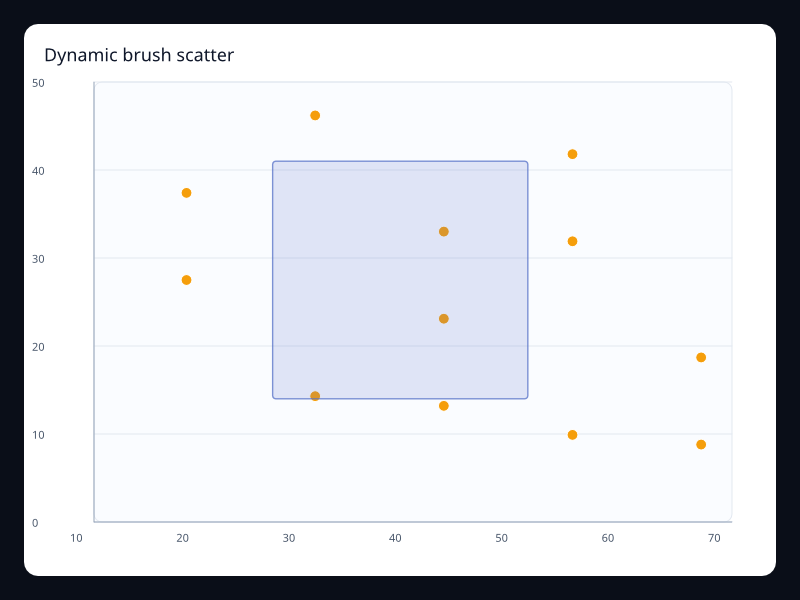
Dynamic brush scatter
Scatter chart with a visible brush selection preview.
- Data
- Point samples plus a brush rectangle.
- Use when
- Use it when users need to select a region before drilling into data.
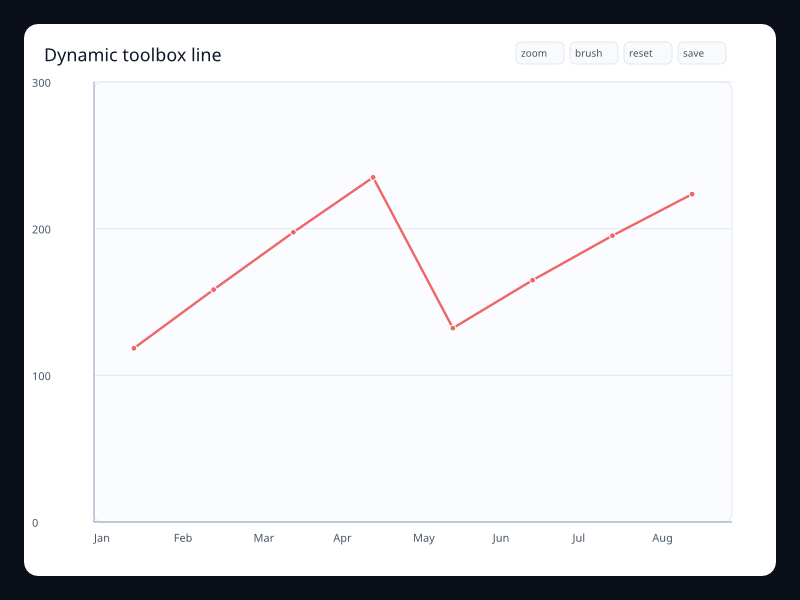
Dynamic toolbox line
Line chart with explicit chart utility actions.
- Data
- Ordered samples plus toolbox action configuration.
- Use when
- Use it when zoom, brush, restore, and export controls belong with the chart.
Chart family
Statistical
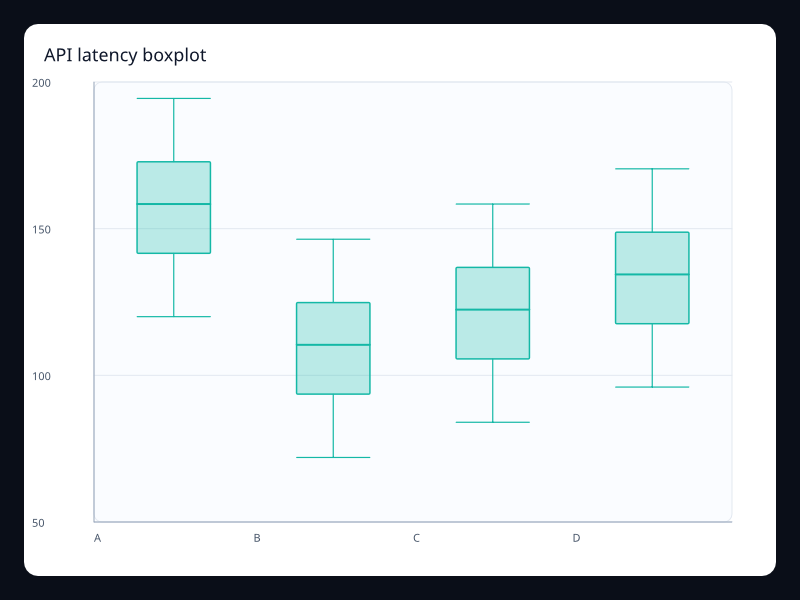
API latency boxplot
API latency boxplot uses Fission Charts typed Rust data to render a production-ready statistical view.
- Data
- Five-number summaries across service groups.
- Use when
- Use it to compare distributions instead of averages.
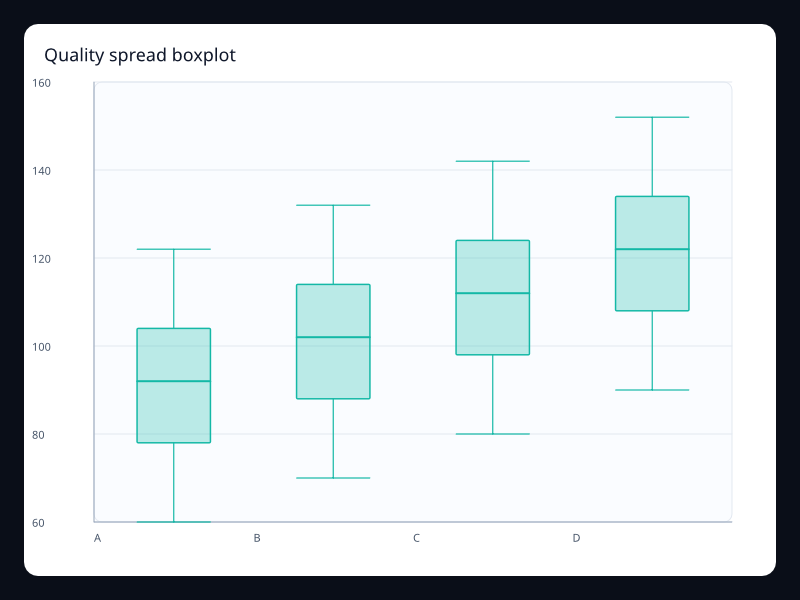
Quality spread boxplot
Quality spread boxplot uses Fission Charts typed Rust data to render a production-ready statistical view.
- Data
- Five-number summaries for quality scores.
- Use when
- Use it when spread and outliers matter.
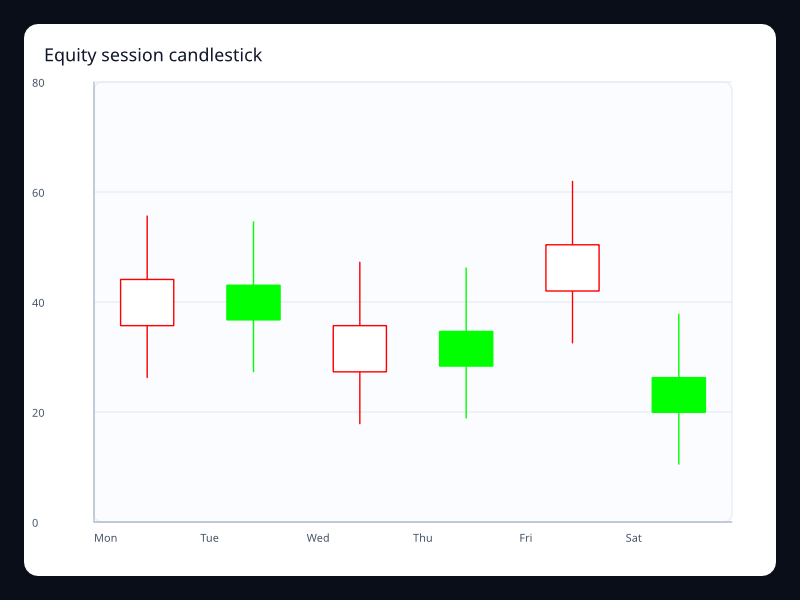
Equity session candlestick
Equity session candlestick uses Fission Charts typed Rust data to render a production-ready statistical view.
- Data
- Open, close, low, and high values by period.
- Use when
- Use it for financial price movement.
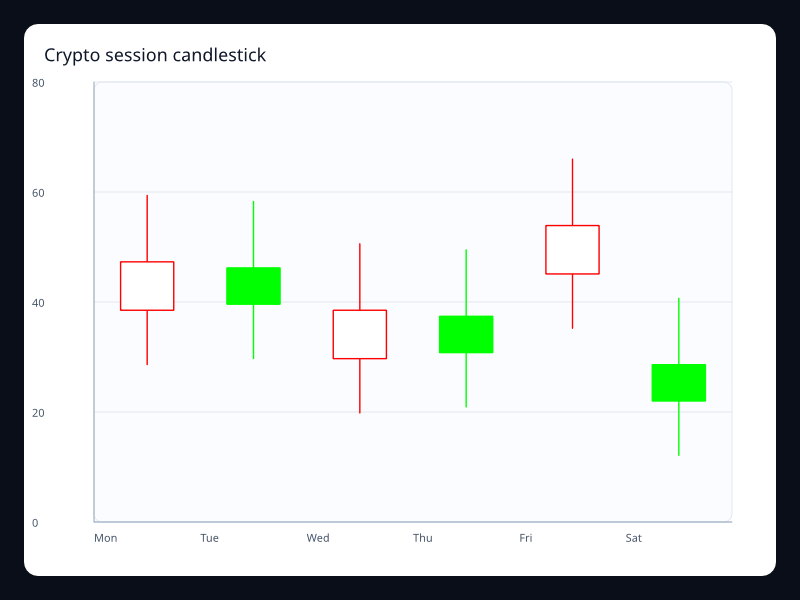
Crypto session candlestick
Crypto session candlestick uses Fission Charts typed Rust data to render a production-ready statistical view.
- Data
- OHLC values over intraday buckets.
- Use when
- Use it when price direction and range must be visible together.
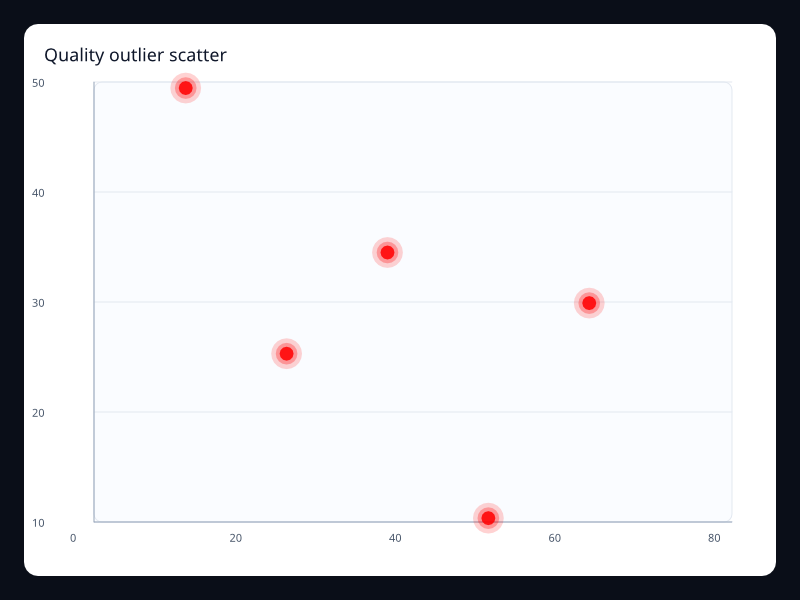
Quality outlier scatter
Quality outlier scatter uses Fission Charts typed Rust data to render a production-ready statistical view.
- Data
- Highlighted x/y points over value axes.
- Use when
- Use it when outliers should attract attention immediately.
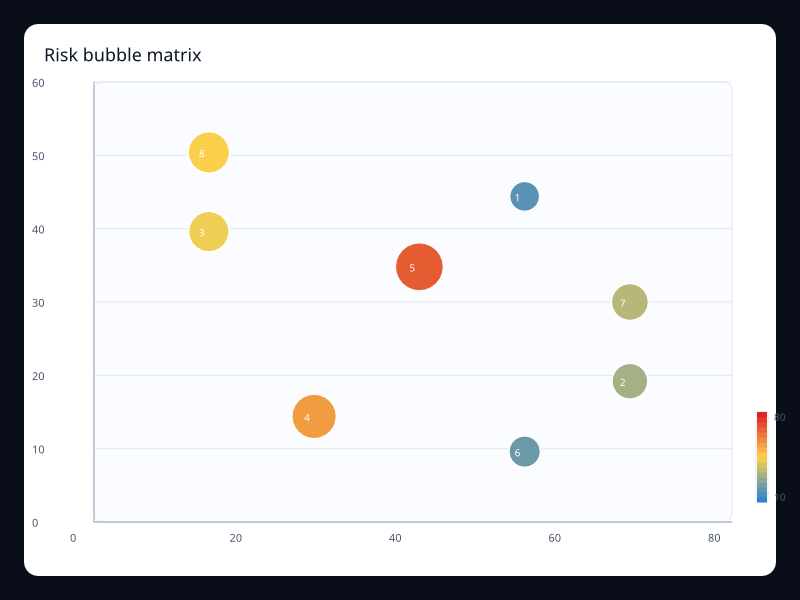
Risk bubble matrix
Risk bubble matrix uses Fission Charts typed Rust data to render a production-ready statistical view.
- Data
- X, y, and magnitude triples.
- Use when
- Use it when size carries a third measure.
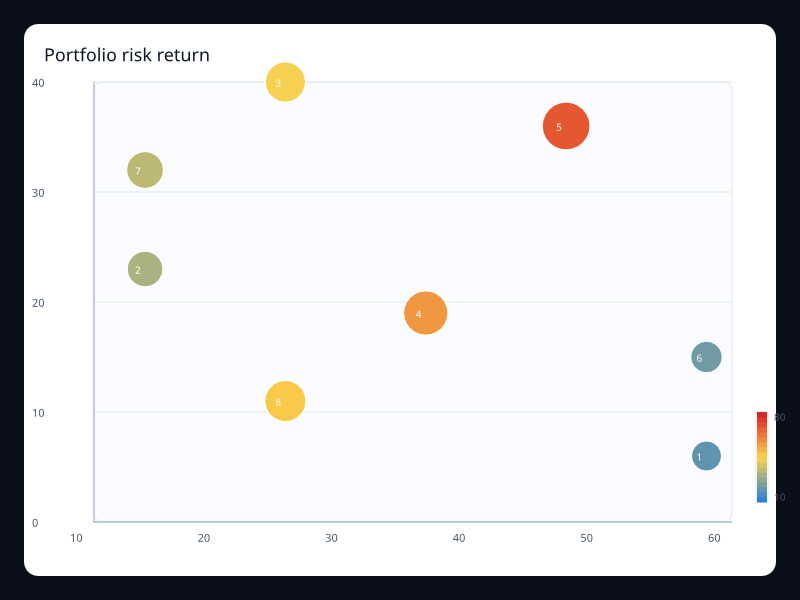
Portfolio risk return
Portfolio risk return uses Fission Charts typed Rust data to render a production-ready statistical view.
- Data
- Risk, return, and exposure values.
- Use when
- Use it to compare assets or initiatives with three measures.
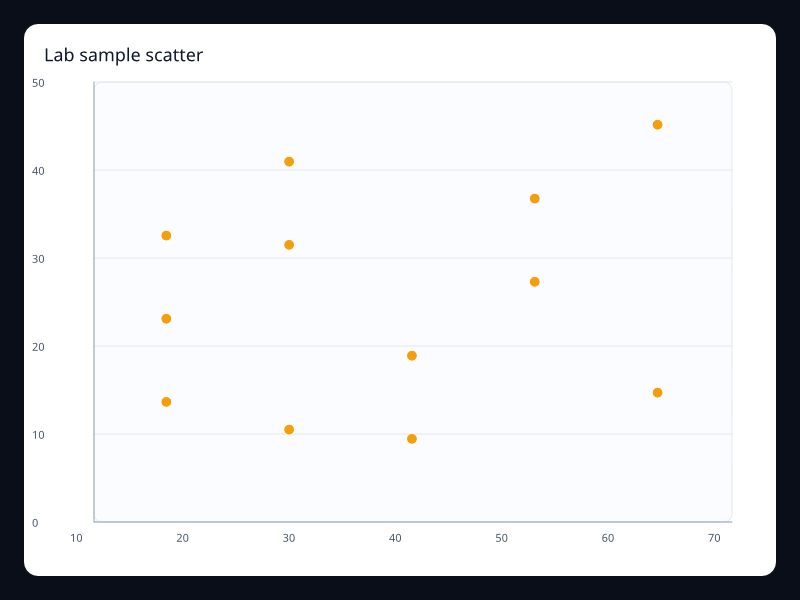
Lab sample scatter
Lab sample scatter uses Fission Charts typed Rust data to render a production-ready statistical view.
- Data
- Independent x/y samples.
- Use when
- Use it for correlation and clustering questions.
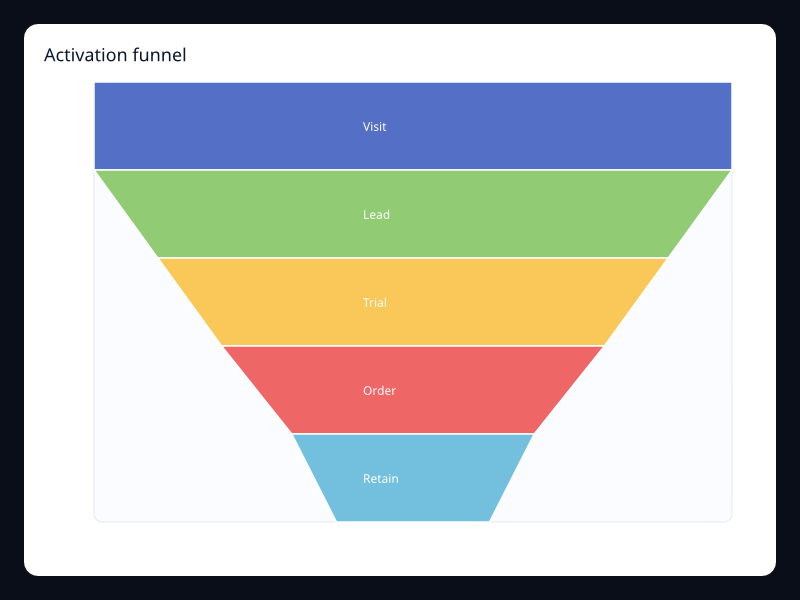
Activation funnel
Activation funnel uses Fission Charts typed Rust data to render a production-ready statistical view.
- Data
- Ordered conversion stage values.
- Use when
- Use it when conversion loss matters more than a shared axis.
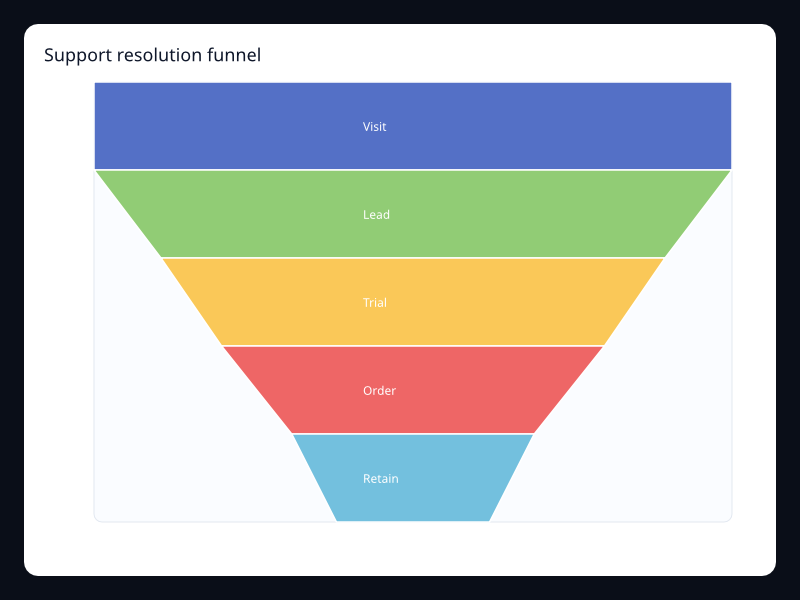
Support resolution funnel
Support resolution funnel uses Fission Charts typed Rust data to render a production-ready statistical view.
- Data
- Stage/value pairs through a process.
- Use when
- Use it for operational process attrition.
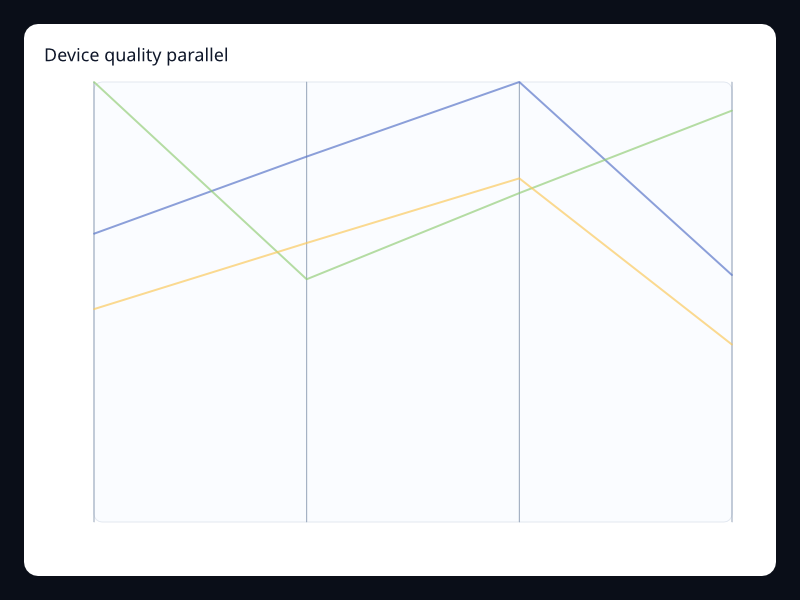
Device quality parallel
Device quality parallel uses Fission Charts typed Rust data to render a production-ready statistical view.
- Data
- Rows of comparable numeric dimensions.
- Use when
- Use it when each item has several independent measures.
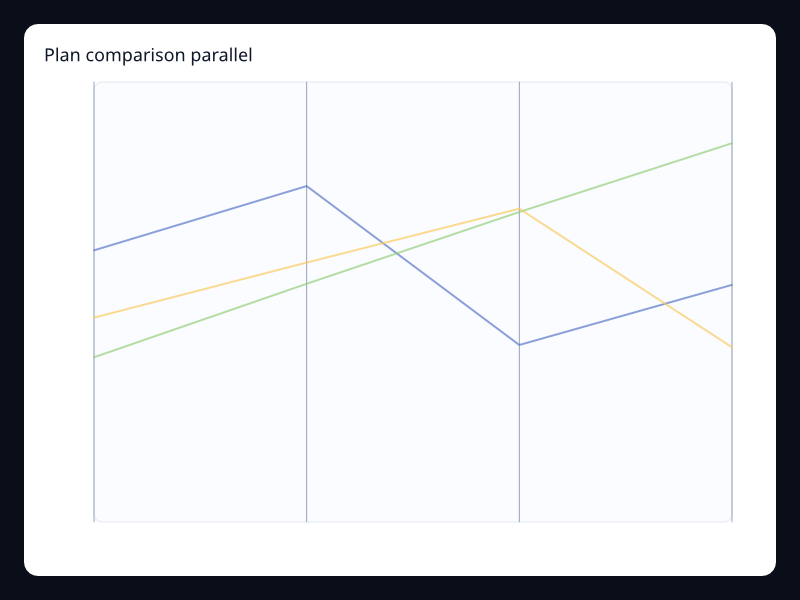
Plan comparison parallel
Plan comparison parallel uses Fission Charts typed Rust data to render a production-ready statistical view.
- Data
- Multi-dimensional rows on parallel axes.
- Use when
- Use it when tradeoffs across measures matter.
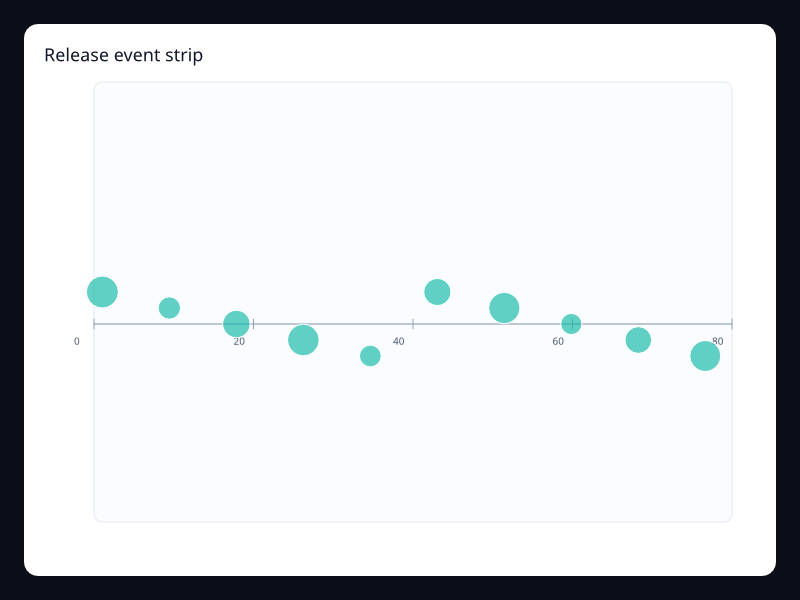
Release event strip
Release event strip uses Fission Charts typed Rust data to render a production-ready statistical view.
- Data
- Position/value pairs on one axis.
- Use when
- Use it for compact event timelines.
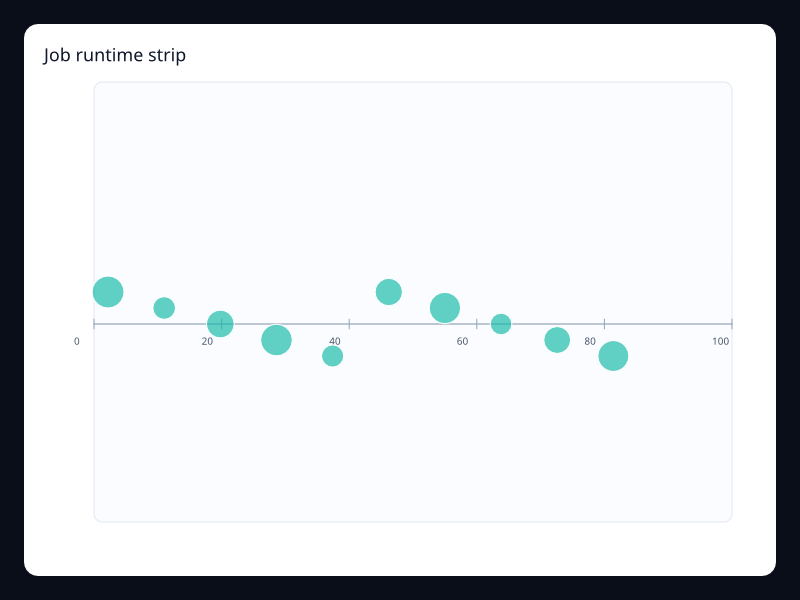
Job runtime strip
Job runtime strip uses Fission Charts typed Rust data to render a production-ready statistical view.
- Data
- Job positions with duration or intensity values.
- Use when
- Use it for queue and schedule views.
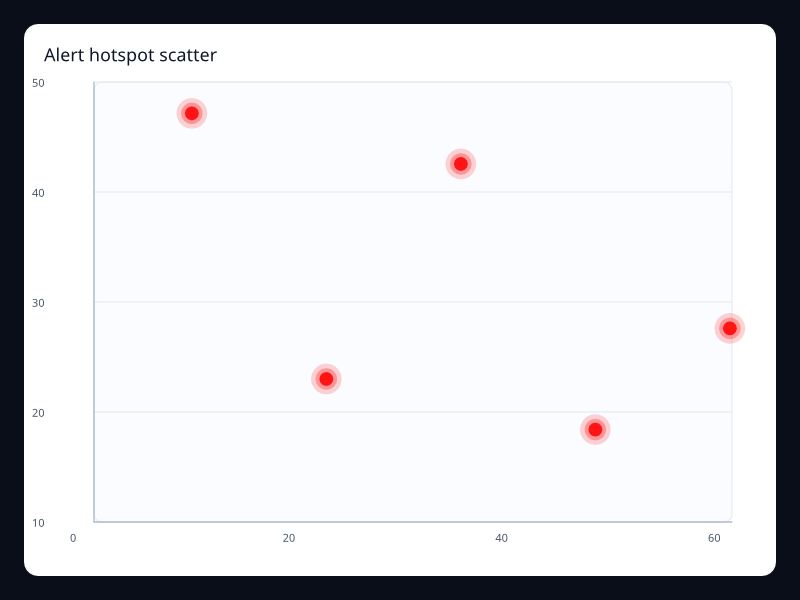
Alert hotspot scatter
Alert hotspot scatter uses Fission Charts typed Rust data to render a production-ready statistical view.
- Data
- Selected alert points over numeric axes.
- Use when
- Use it when only important events should pulse visually.
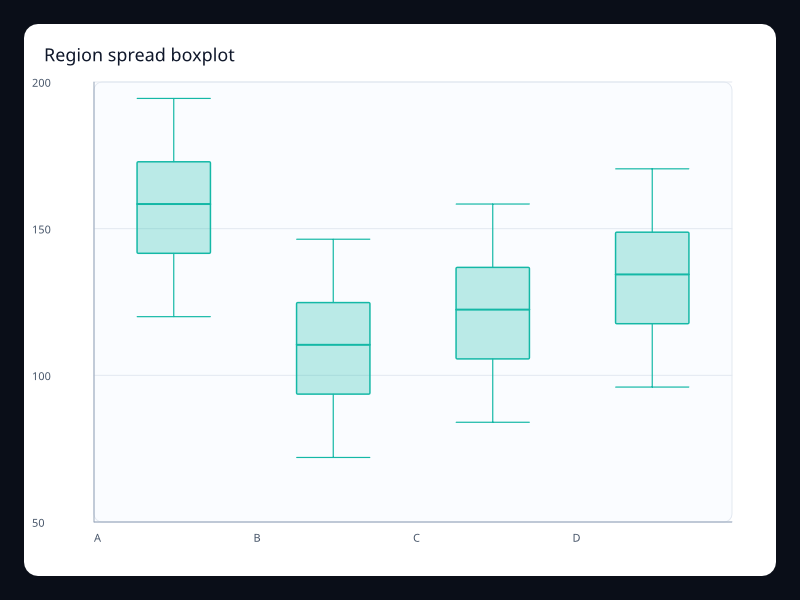
Region spread boxplot
Region spread boxplot uses Fission Charts typed Rust data to render a production-ready statistical view.
- Data
- Five-number summaries by region.
- Use when
- Use it for distribution comparison across regions.
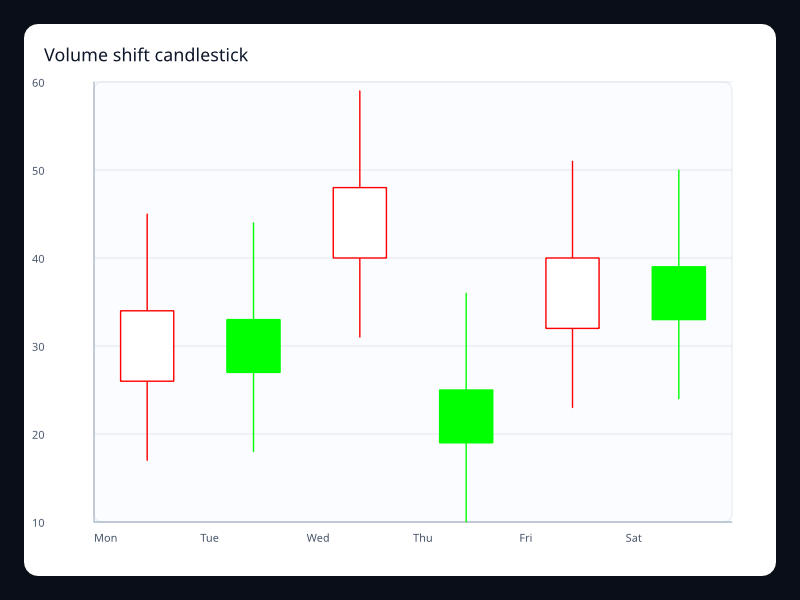
Volume shift candlestick
Volume shift candlestick uses Fission Charts typed Rust data to render a production-ready statistical view.
- Data
- OHLC-like movement values by period.
- Use when
- Use it when directional change and range both matter.
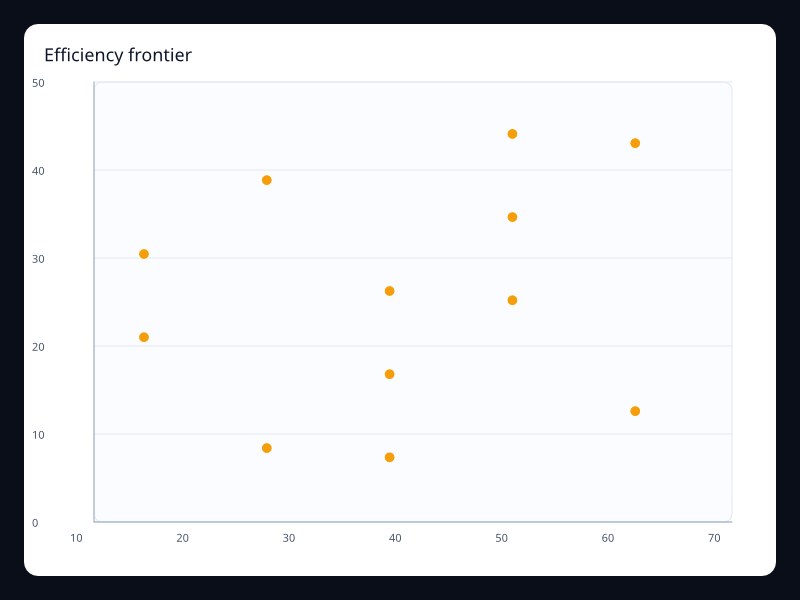
Efficiency frontier
Efficiency frontier uses Fission Charts typed Rust data to render a production-ready statistical view.
- Data
- Efficiency points over value axes.
- Use when
- Use it to identify leading and lagging points.
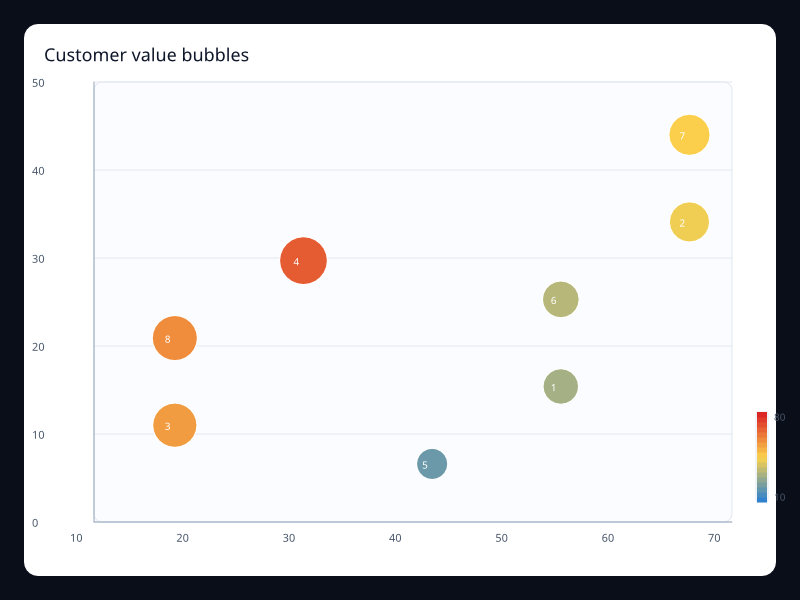
Customer value bubbles
Customer value bubbles uses Fission Charts typed Rust data to render a production-ready statistical view.
- Data
- X, y, and value triples for customers or segments.
- Use when
- Use it when business value should influence point size.
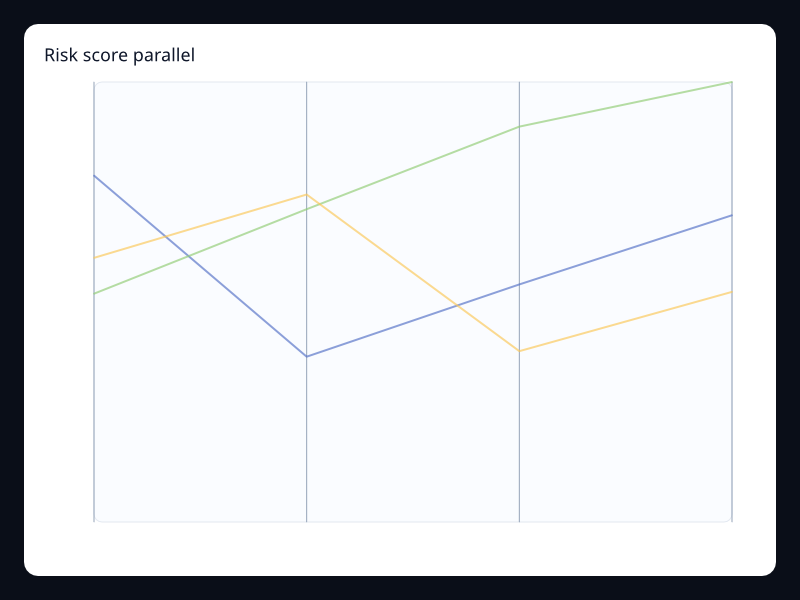
Risk score parallel
Risk score parallel uses Fission Charts typed Rust data to render a production-ready statistical view.
- Data
- Rows of risk dimensions on parallel axes.
- Use when
- Use it for multidimensional risk assessment.
Chart family
Radial
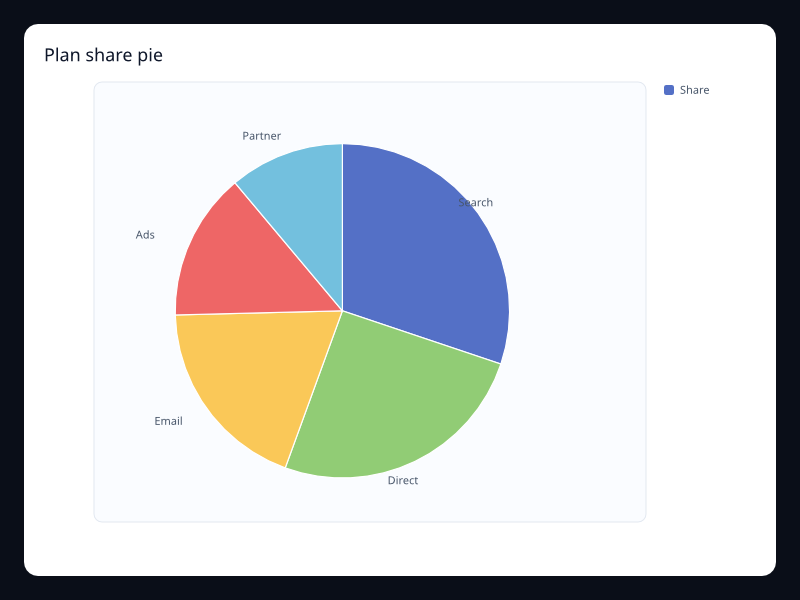
Plan share pie
Plan share pie uses Fission Charts typed Rust data to render a production-ready radial view.
- Data
- Label/value pairs for a small whole.
- Use when
- Use it when part-to-whole reading is the main task.
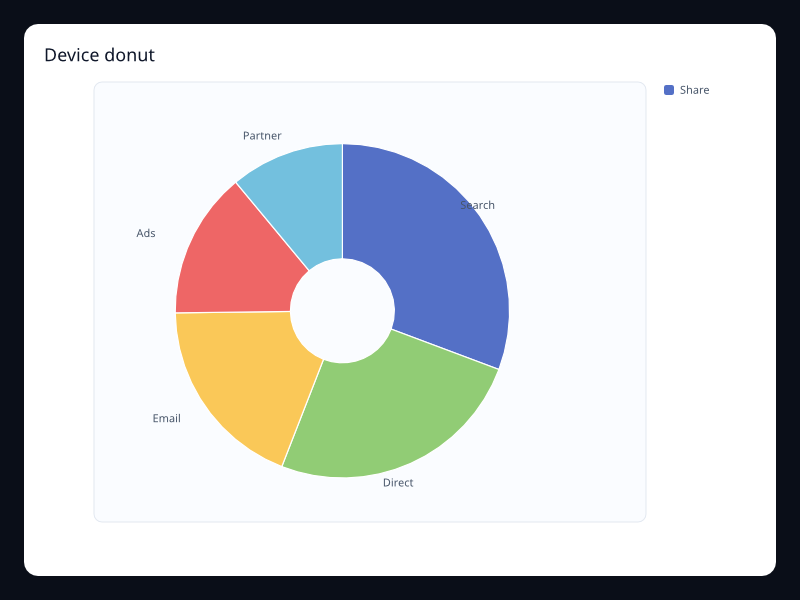
Device donut
Device donut uses Fission Charts typed Rust data to render a production-ready radial view.
- Data
- Label/value pairs with an open center.
- Use when
- Use it when the center can carry a total or primary label.
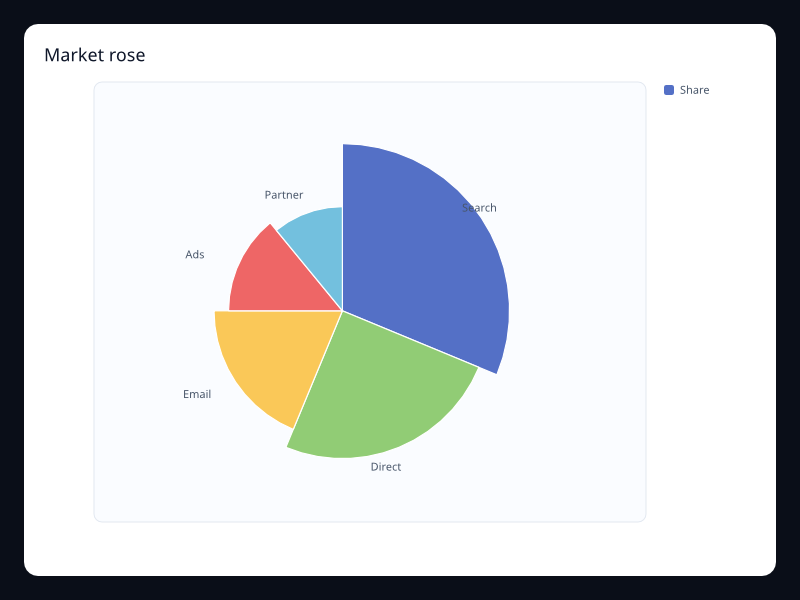
Market rose
Market rose uses Fission Charts typed Rust data to render a production-ready radial view.
- Data
- Label/value pairs with radius emphasis.
- Use when
- Use it when presentation value is high and categories are few.
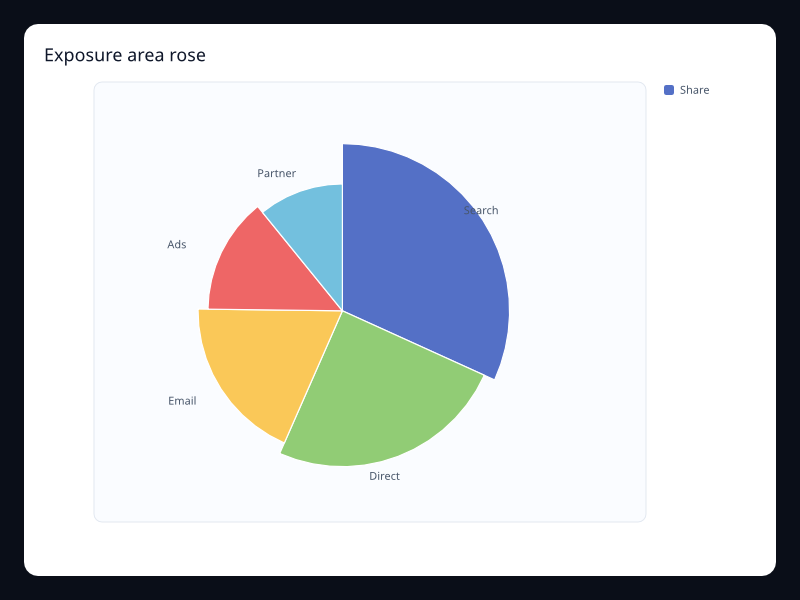
Exposure area rose
Exposure area rose uses Fission Charts typed Rust data to render a production-ready radial view.
- Data
- Label/value pairs with area-oriented rose layout.
- Use when
- Use it when relative shape is more important than a precise angle.
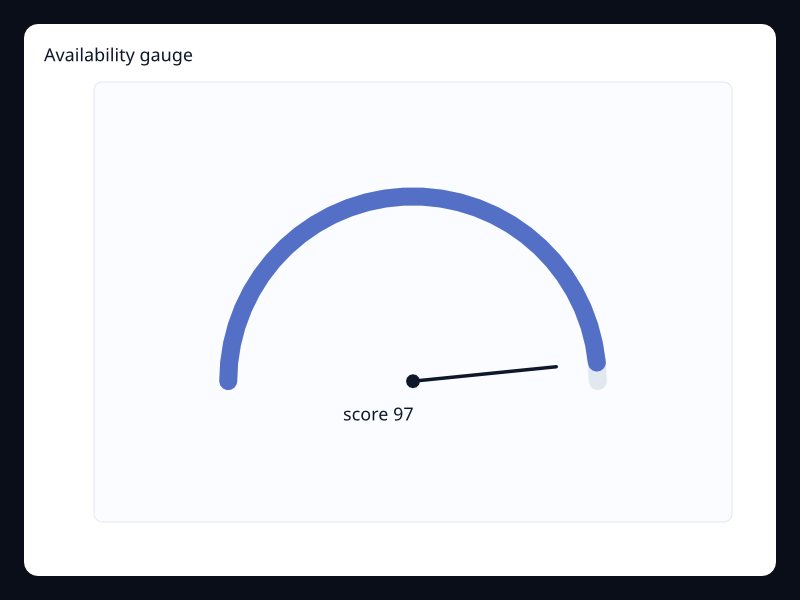
Availability gauge
Availability gauge uses Fission Charts typed Rust data to render a production-ready radial view.
- Data
- One bounded value mapped to an arc.
- Use when
- Use it when a single current status dominates the screen.
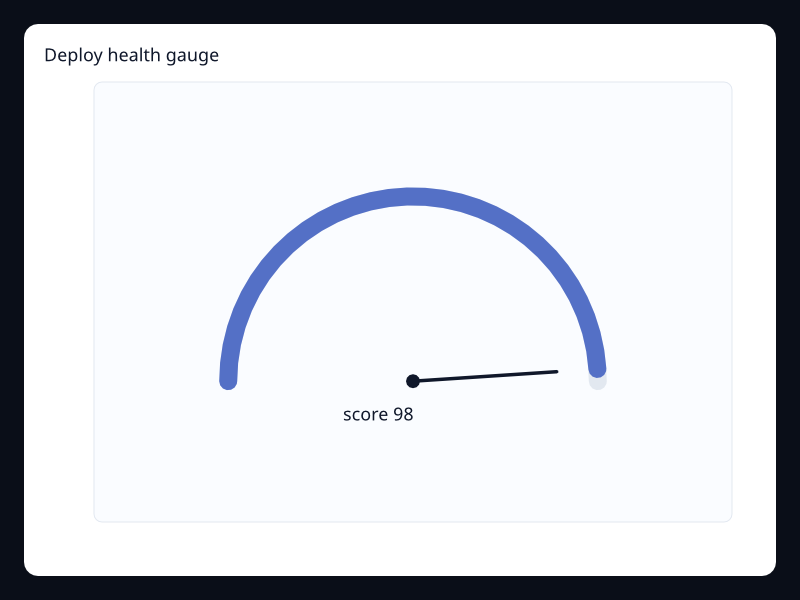
Deploy health gauge
Deploy health gauge uses Fission Charts typed Rust data to render a production-ready radial view.
- Data
- Single score value in a bounded range.
- Use when
- Use it for health and readiness summaries.
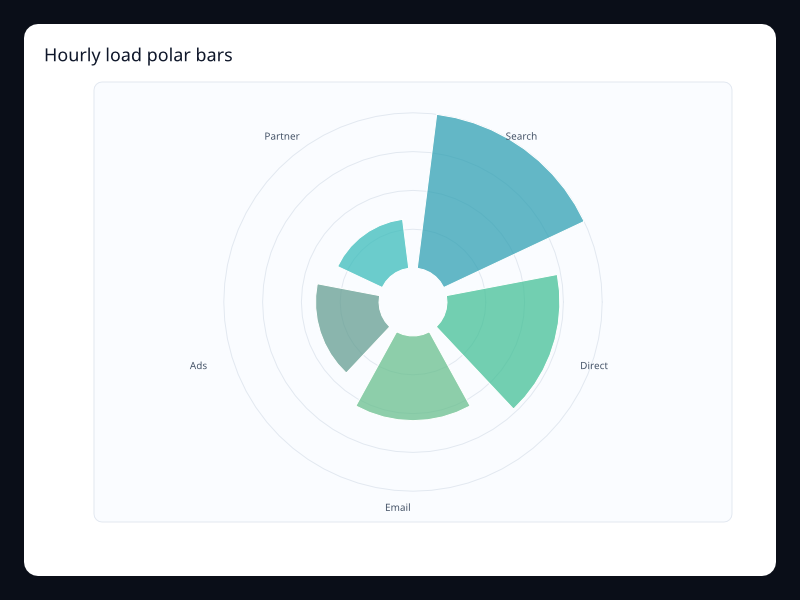
Hourly load polar bars
Hourly load polar bars uses Fission Charts typed Rust data to render a production-ready radial view.
- Data
- Label/value pairs around a circle.
- Use when
- Use it when cyclic position is meaningful.
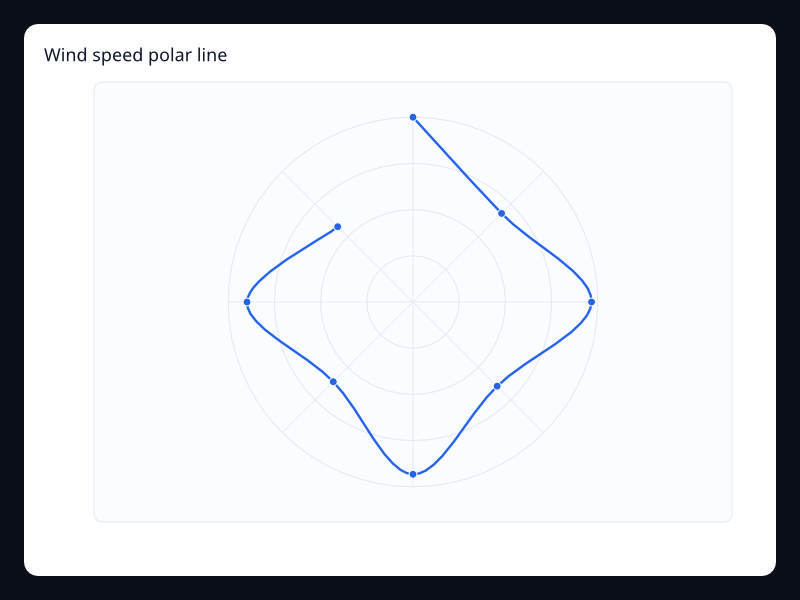
Wind speed polar line
Wind speed polar line uses Fission Charts typed Rust data to render a production-ready radial view.
- Data
- Angle/radius samples.
- Use when
- Use it for directional or cyclic measures.
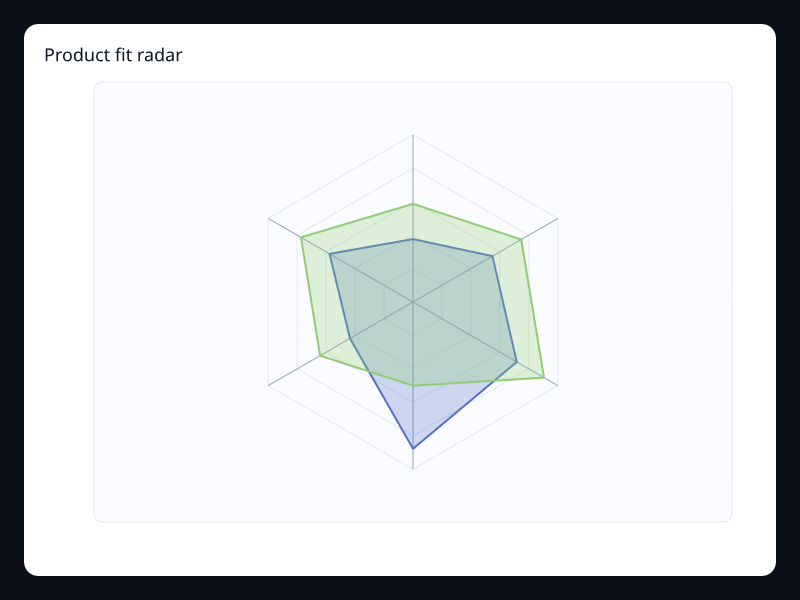
Product fit radar
Product fit radar uses Fission Charts typed Rust data to render a production-ready radial view.
- Data
- Several same-length dimensional vectors.
- Use when
- Use it to compare shapes across a few dimensions.
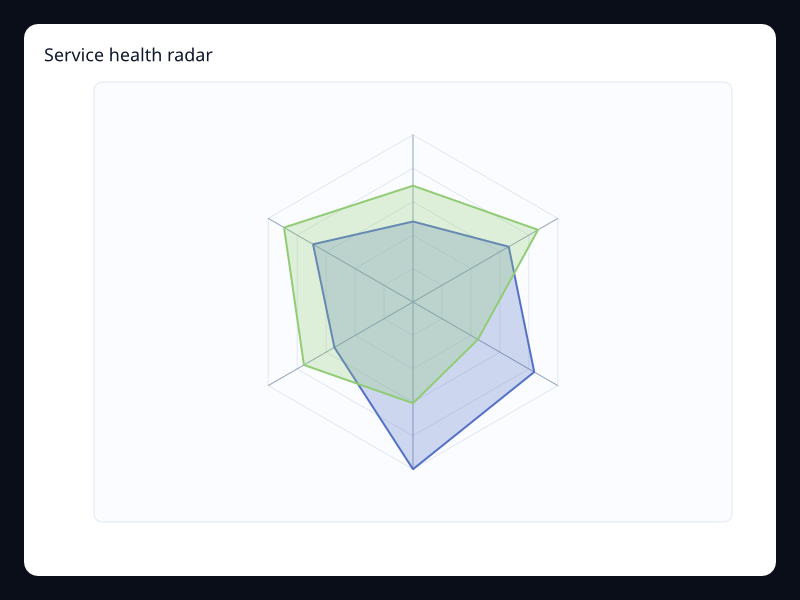
Service health radar
Service health radar uses Fission Charts typed Rust data to render a production-ready radial view.
- Data
- Health dimensions on a radial profile.
- Use when
- Use it for compact status summaries.
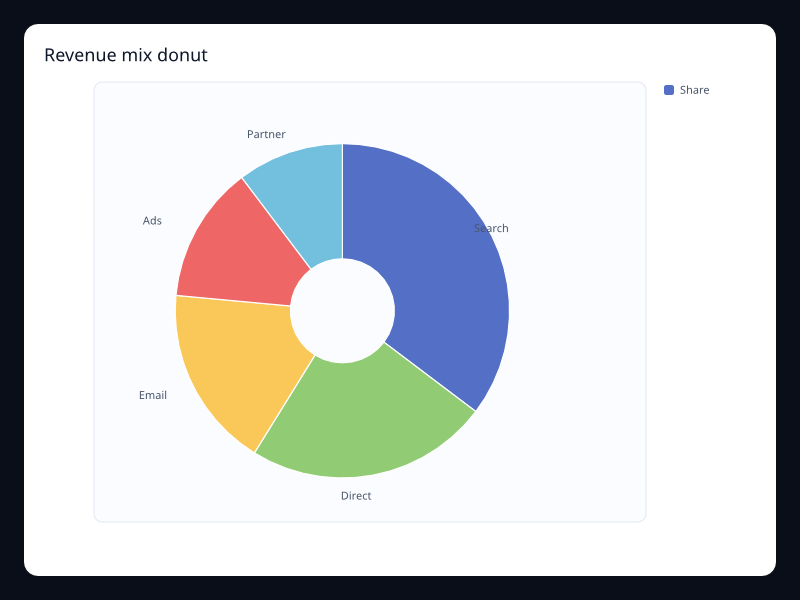
Revenue mix donut
Revenue mix donut uses Fission Charts typed Rust data to render a production-ready radial view.
- Data
- Revenue categories as label/value pairs.
- Use when
- Use it when contribution to total revenue matters.
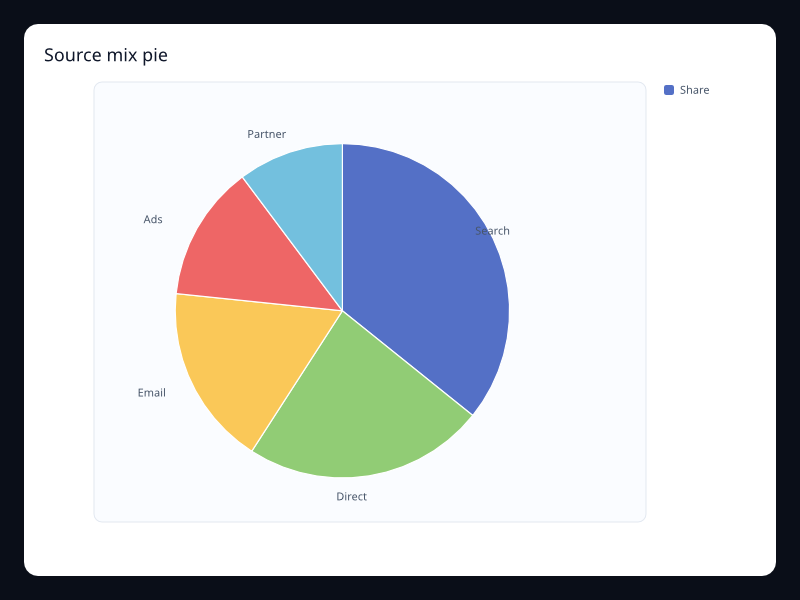
Source mix pie
Source mix pie uses Fission Charts typed Rust data to render a production-ready radial view.
- Data
- Traffic or source categories with values.
- Use when
- Use it for small source distributions.
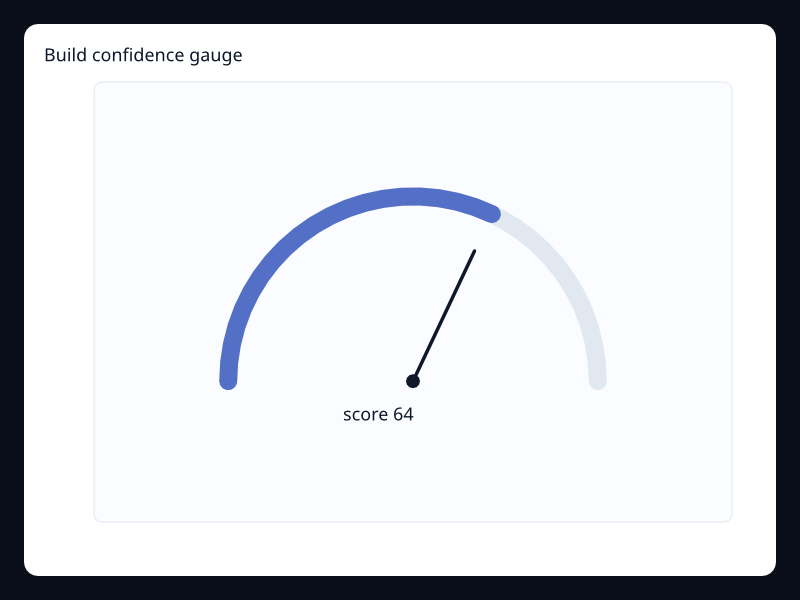
Build confidence gauge
Build confidence gauge uses Fission Charts typed Rust data to render a production-ready radial view.
- Data
- One confidence score on a gauge arc.
- Use when
- Use it when a status panel needs a primary quality number.
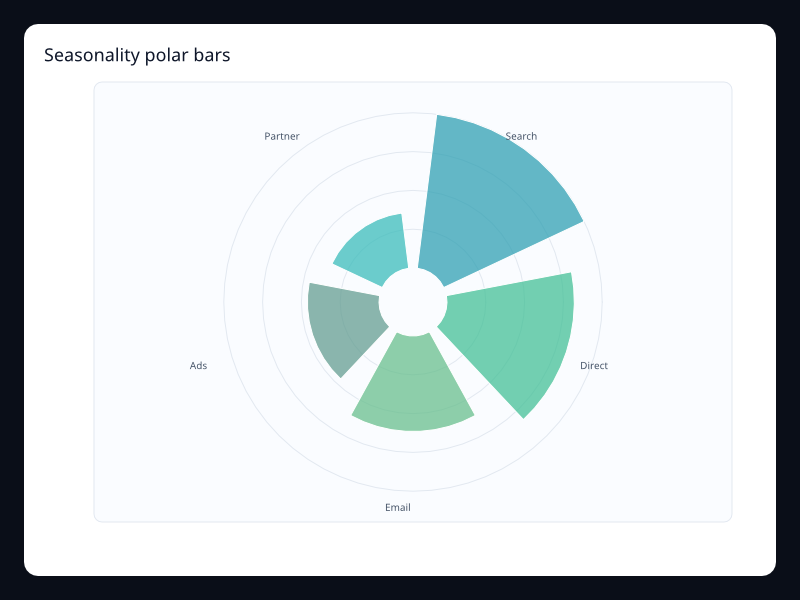
Seasonality polar bars
Seasonality polar bars uses Fission Charts typed Rust data to render a production-ready radial view.
- Data
- Cyclic label/value pairs.
- Use when
- Use it when the shape wraps around a repeated cycle.
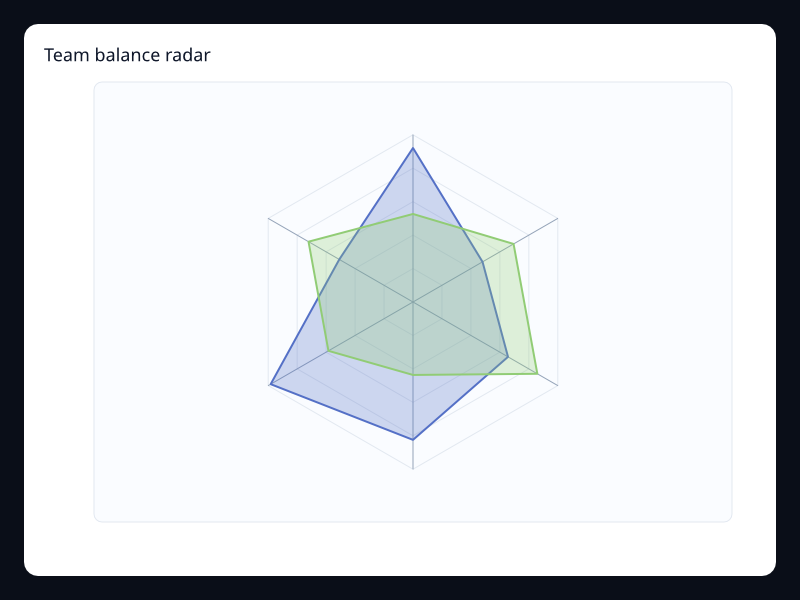
Team balance radar
Team balance radar uses Fission Charts typed Rust data to render a production-ready radial view.
- Data
- Team capability vectors.
- Use when
- Use it when balance across dimensions is the main reading.
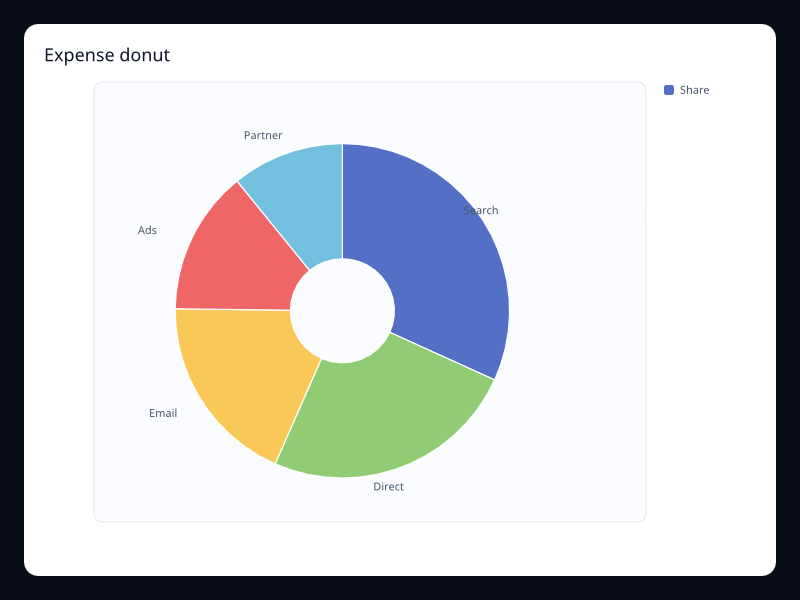
Expense donut
Expense donut uses Fission Charts typed Rust data to render a production-ready radial view.
- Data
- Expense categories as a small whole.
- Use when
- Use it for budget composition.
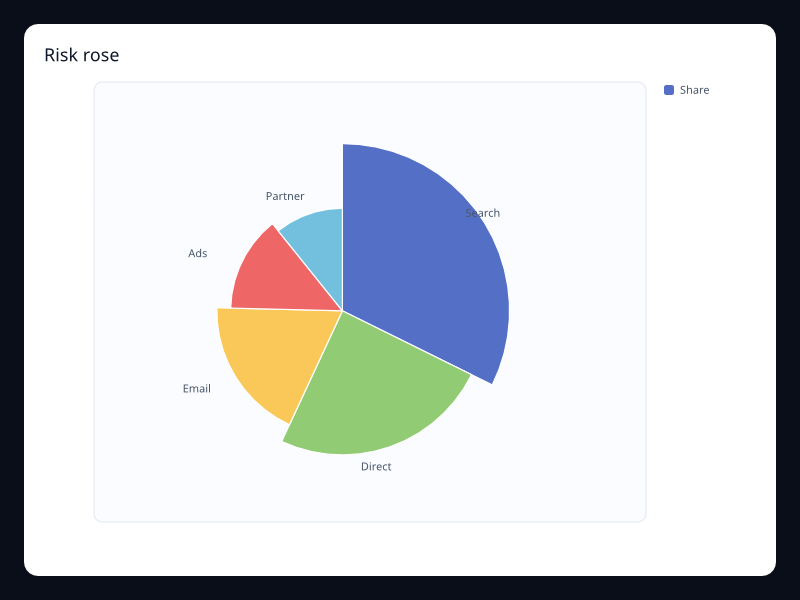
Risk rose
Risk rose uses Fission Charts typed Rust data to render a production-ready radial view.
- Data
- Risk category values in radial form.
- Use when
- Use it for executive risk snapshots where visual emphasis helps.
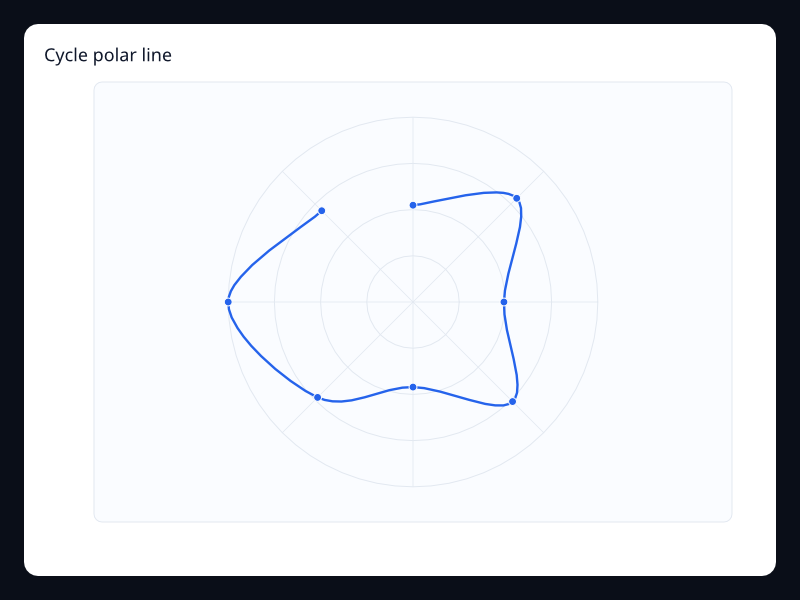
Cycle polar line
Cycle polar line uses Fission Charts typed Rust data to render a production-ready radial view.
- Data
- Angle/radius samples around a cycle.
- Use when
- Use it for circular process metrics.
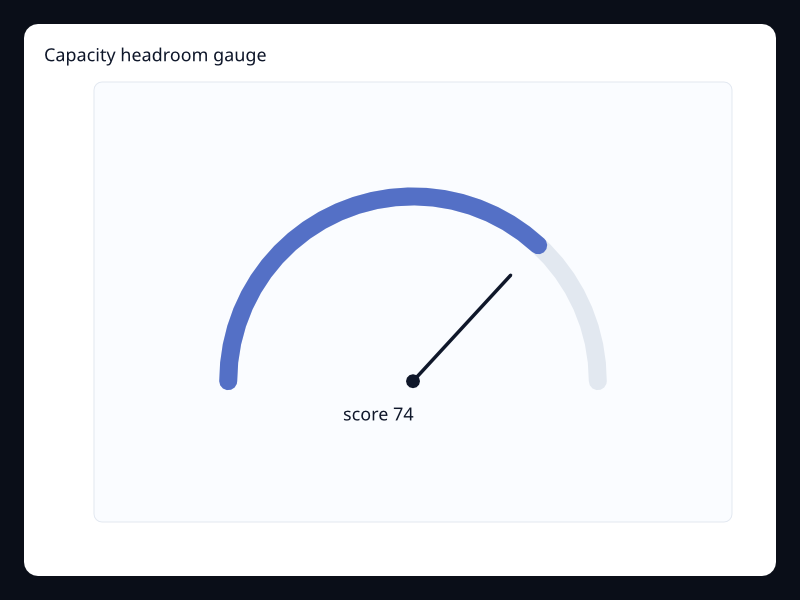
Capacity headroom gauge
Capacity headroom gauge uses Fission Charts typed Rust data to render a production-ready radial view.
- Data
- Single capacity value in a bounded range.
- Use when
- Use it when headroom is the only number that matters.
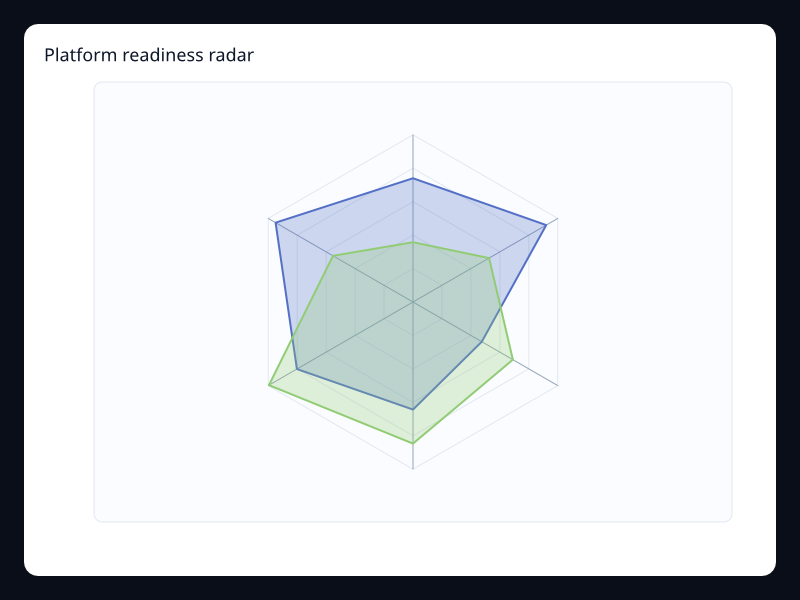
Platform readiness radar
Platform readiness radar uses Fission Charts typed Rust data to render a production-ready radial view.
- Data
- Platform dimensions as comparable vectors.
- Use when
- Use it to summarize readiness across product areas.
Chart family
Heatmap
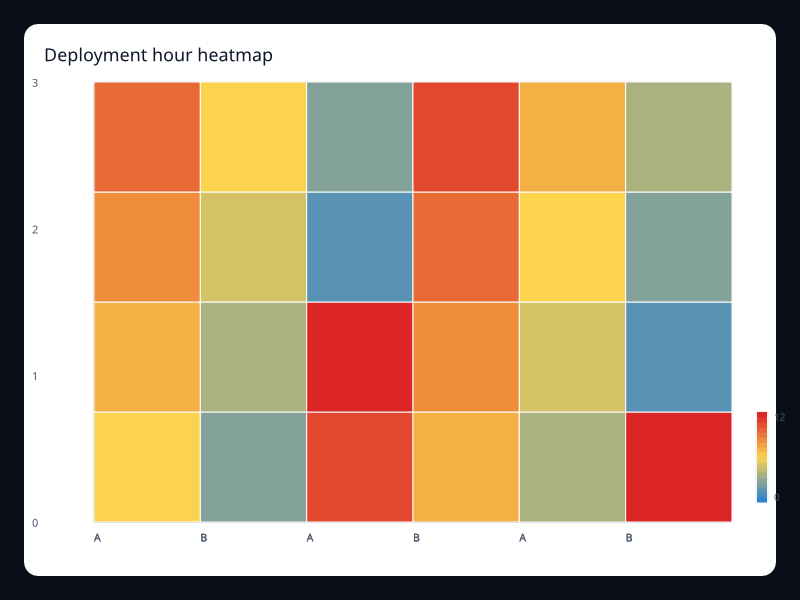
Deployment hour heatmap
Deployment hour heatmap uses Fission Charts typed Rust data to render a production-ready heatmap view.
- Data
- Grid coordinates with numeric intensity.
- Use when
- Use it to find concentration by hour and day.
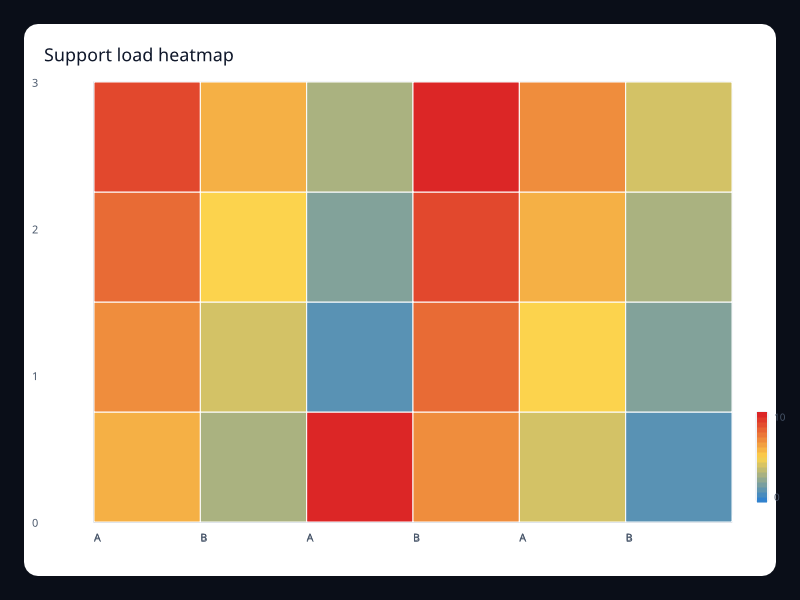
Support load heatmap
Support load heatmap uses Fission Charts typed Rust data to render a production-ready heatmap view.
- Data
- Two-dimensional grid cells with values.
- Use when
- Use it for workload concentration.
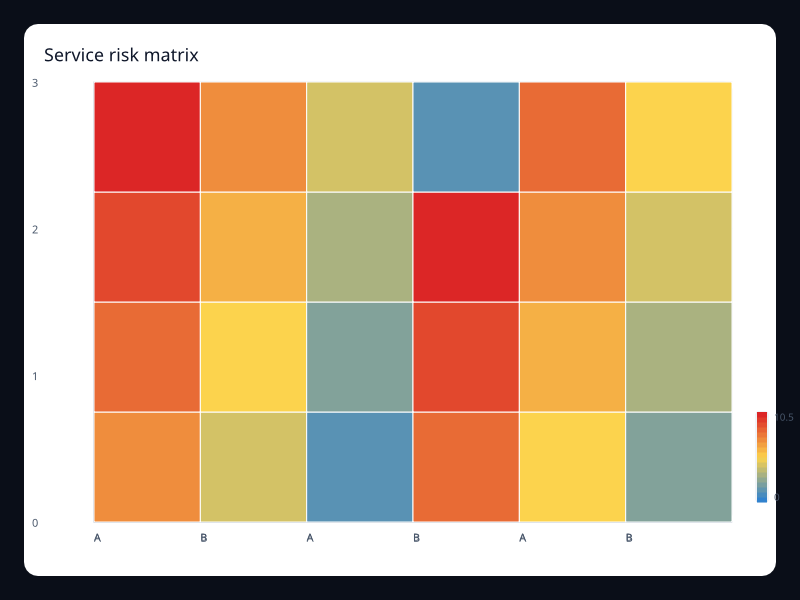
Service risk matrix
Service risk matrix uses Fission Charts typed Rust data to render a production-ready heatmap view.
- Data
- Larger matrix of risk values.
- Use when
- Use it when dense matrix comparison matters.
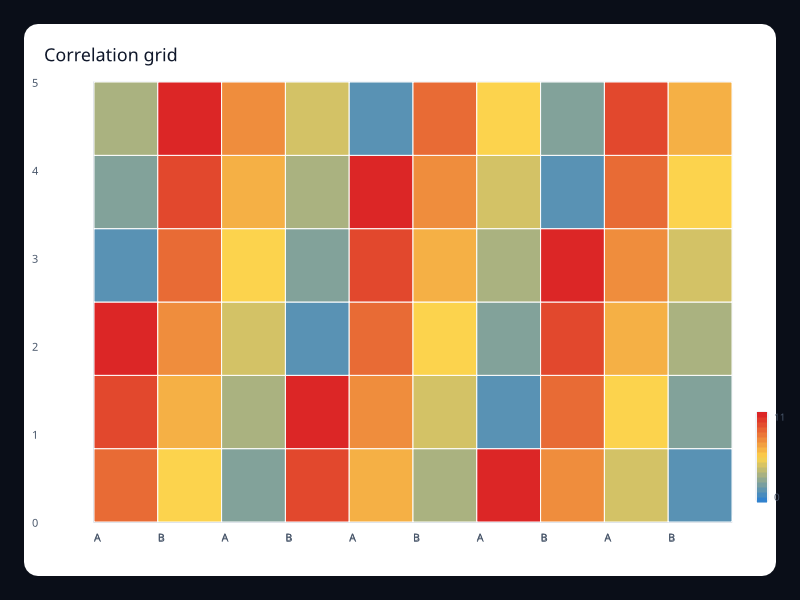
Correlation grid
Correlation grid uses Fission Charts typed Rust data to render a production-ready heatmap view.
- Data
- Grid of pairwise values.
- Use when
- Use it for correlation-like analysis.
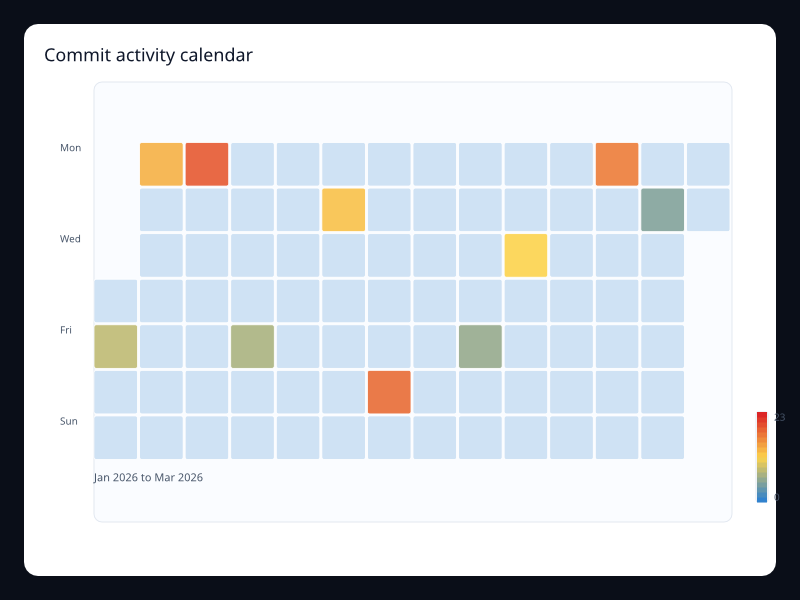
Commit activity calendar
Commit activity calendar uses Fission Charts typed Rust data to render a production-ready heatmap view.
- Data
- Date/value pairs over a calendar range.
- Use when
- Use it to show daily activity patterns.
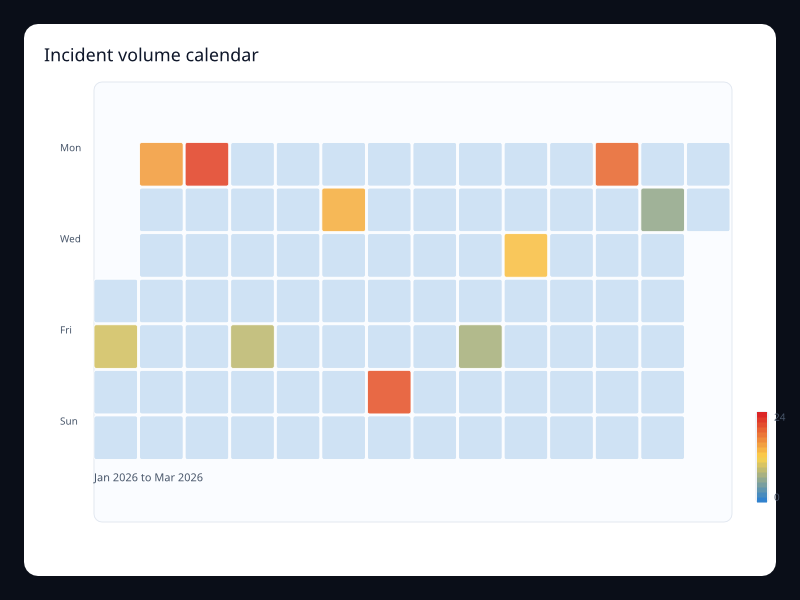
Incident volume calendar
Incident volume calendar uses Fission Charts typed Rust data to render a production-ready heatmap view.
- Data
- Daily incident counts over a date range.
- Use when
- Use it when the calendar shape carries meaning.
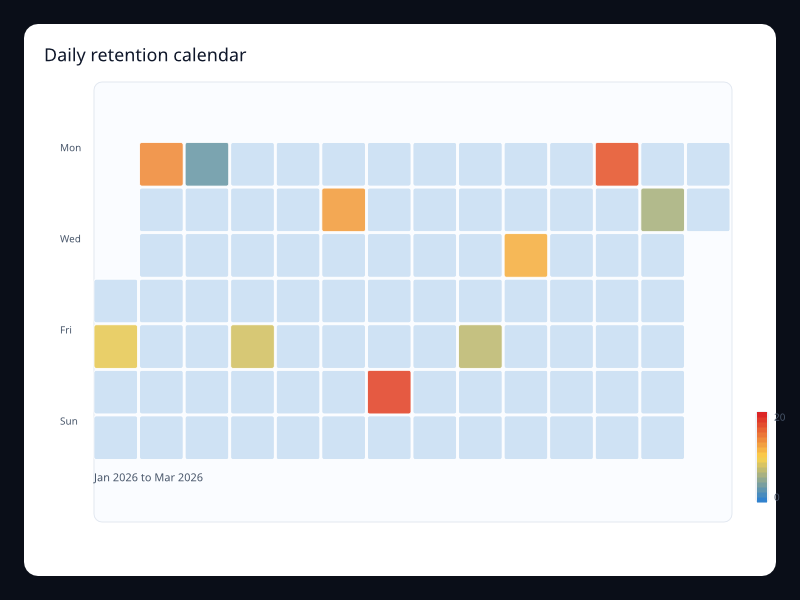
Daily retention calendar
Daily retention calendar uses Fission Charts typed Rust data to render a production-ready heatmap view.
- Data
- Date/value pairs for retention events.
- Use when
- Use it to scan day-level consistency.
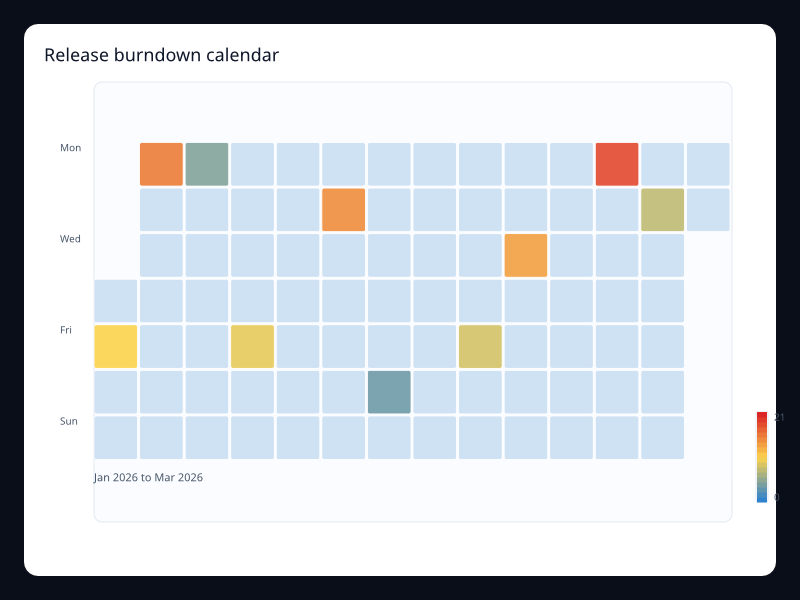
Release burndown calendar
Release burndown calendar uses Fission Charts typed Rust data to render a production-ready heatmap view.
- Data
- Daily values across a release period.
- Use when
- Use it for calendar-driven delivery views.
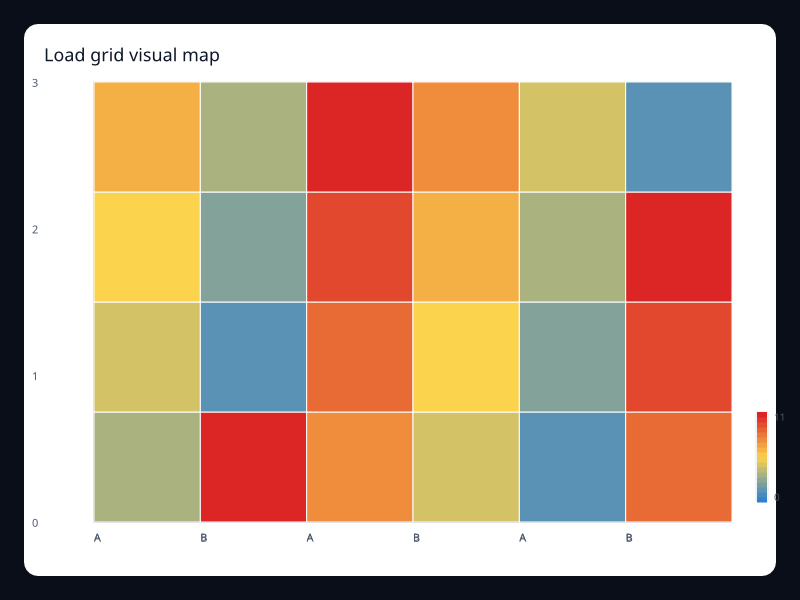
Load grid visual map
Load grid visual map uses Fission Charts typed Rust data to render a production-ready heatmap view.
- Data
- Numeric grid values mapped to color.
- Use when
- Use it when color should explain intensity.
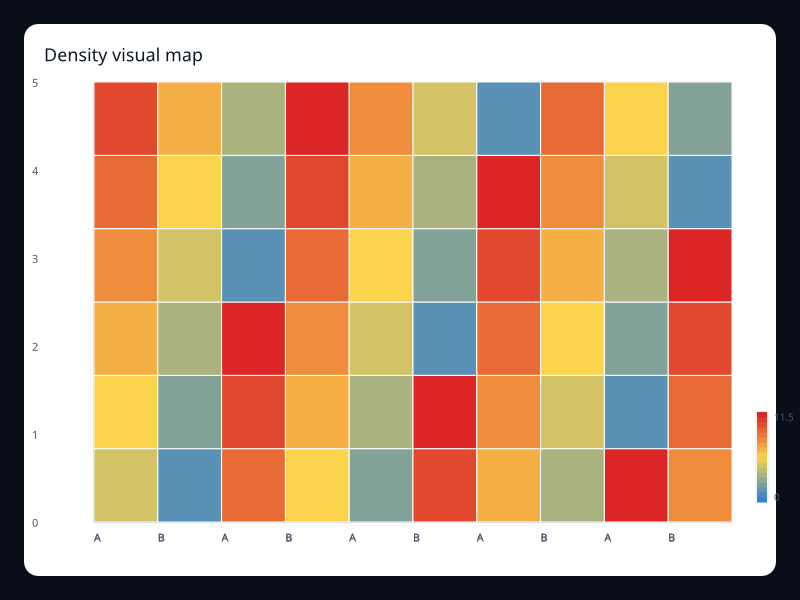
Density visual map
Density visual map uses Fission Charts typed Rust data to render a production-ready heatmap view.
- Data
- Dense grid with continuous color scale.
- Use when
- Use it for density and occupancy surfaces.
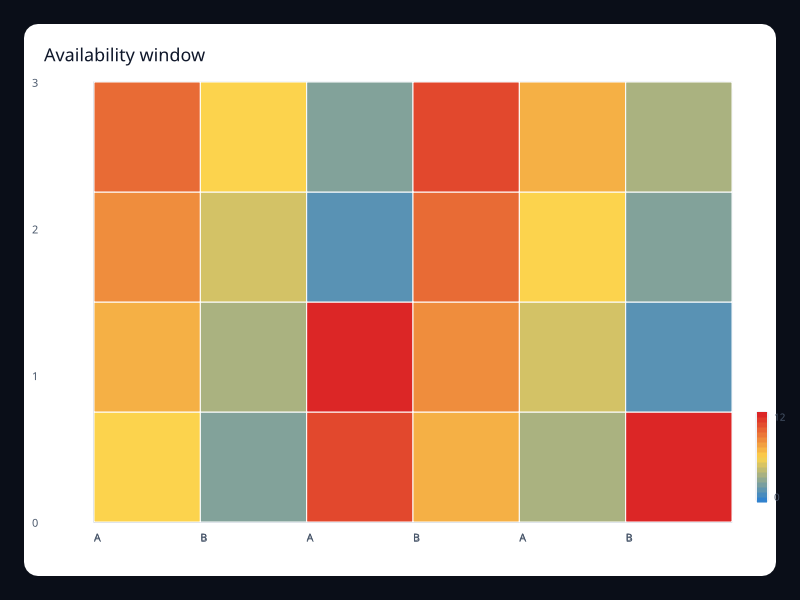
Availability window
Availability window uses Fission Charts typed Rust data to render a production-ready heatmap view.
- Data
- Grid values representing availability.
- Use when
- Use it to compare uptime windows.
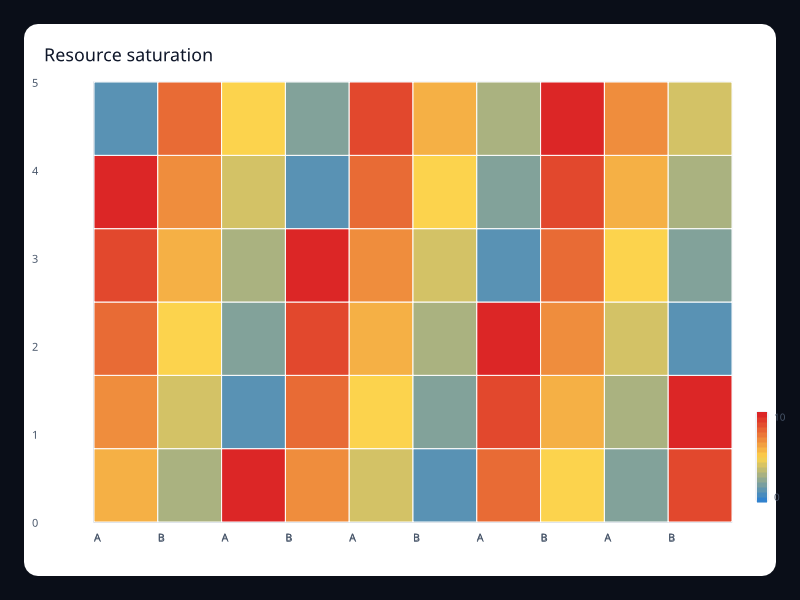
Resource saturation
Resource saturation uses Fission Charts typed Rust data to render a production-ready heatmap view.
- Data
- Resource and time values on a matrix.
- Use when
- Use it for infrastructure saturation.
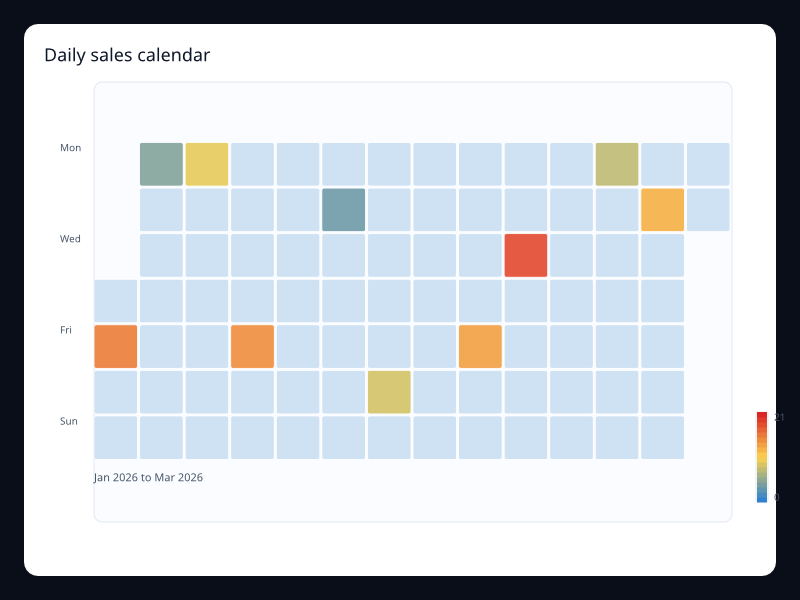
Daily sales calendar
Daily sales calendar uses Fission Charts typed Rust data to render a production-ready heatmap view.
- Data
- Daily sales values over a date range.
- Use when
- Use it when weekday and date position matter.
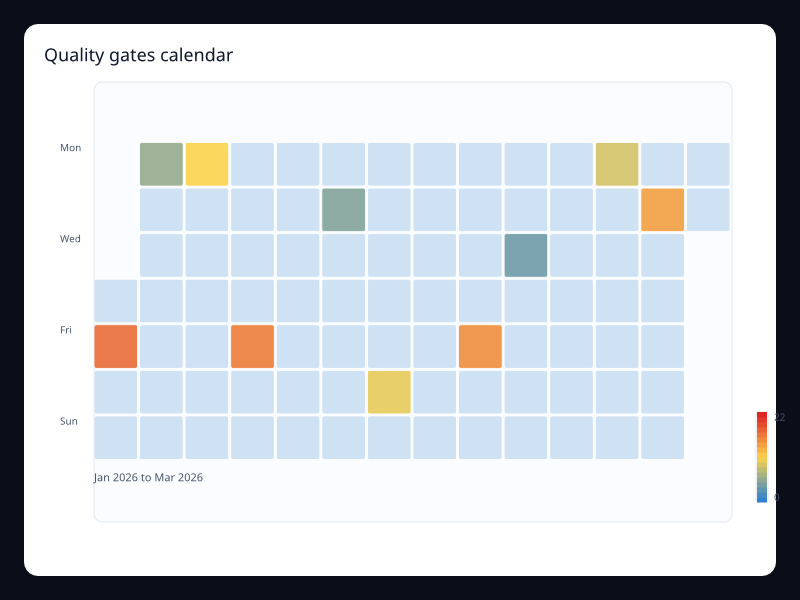
Quality gates calendar
Quality gates calendar uses Fission Charts typed Rust data to render a production-ready heatmap view.
- Data
- Daily quality values.
- Use when
- Use it for quality gate consistency over time.
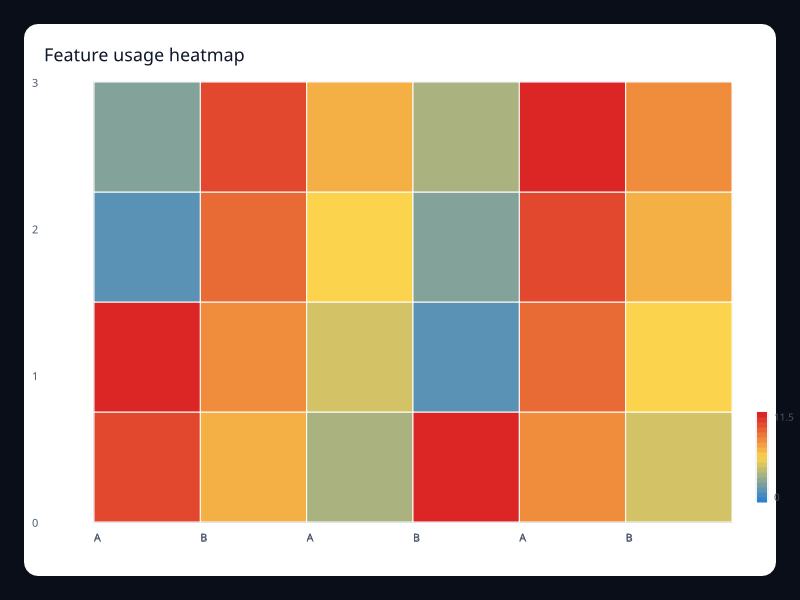
Feature usage heatmap
Feature usage heatmap uses Fission Charts typed Rust data to render a production-ready heatmap view.
- Data
- Feature/category values on a two-dimensional grid.
- Use when
- Use it to find usage hotspots.
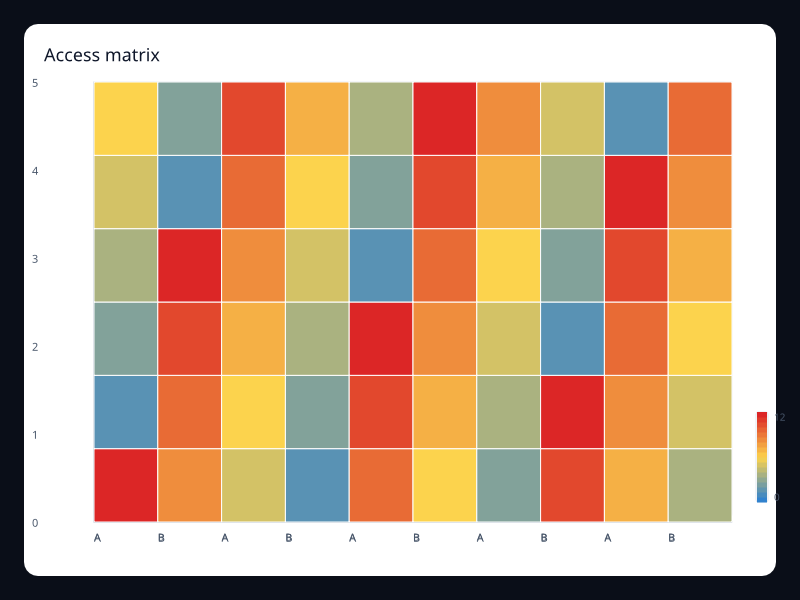
Access matrix
Access matrix uses Fission Charts typed Rust data to render a production-ready heatmap view.
- Data
- Permission-like matrix values.
- Use when
- Use it for dense access and security matrices.
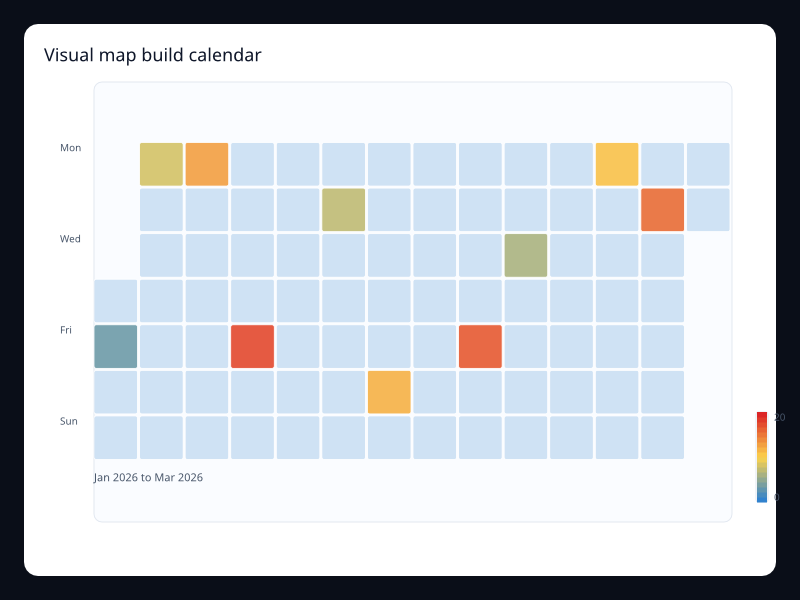
Visual map build calendar
Visual map build calendar uses Fission Charts typed Rust data to render a production-ready heatmap view.
- Data
- Daily build values with a color scale.
- Use when
- Use it when calendar and intensity both matter.
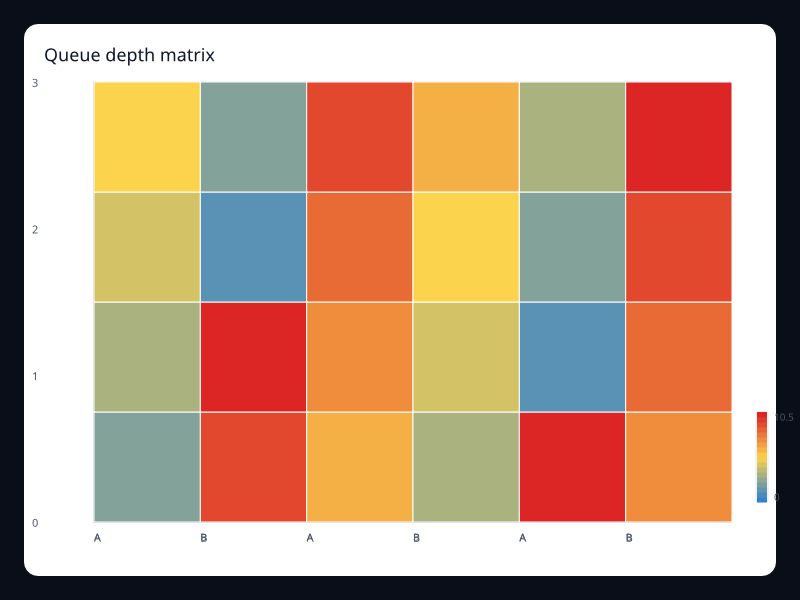
Queue depth matrix
Queue depth matrix uses Fission Charts typed Rust data to render a production-ready heatmap view.
- Data
- Queue depth by queue and time bucket.
- Use when
- Use it for operational queues.
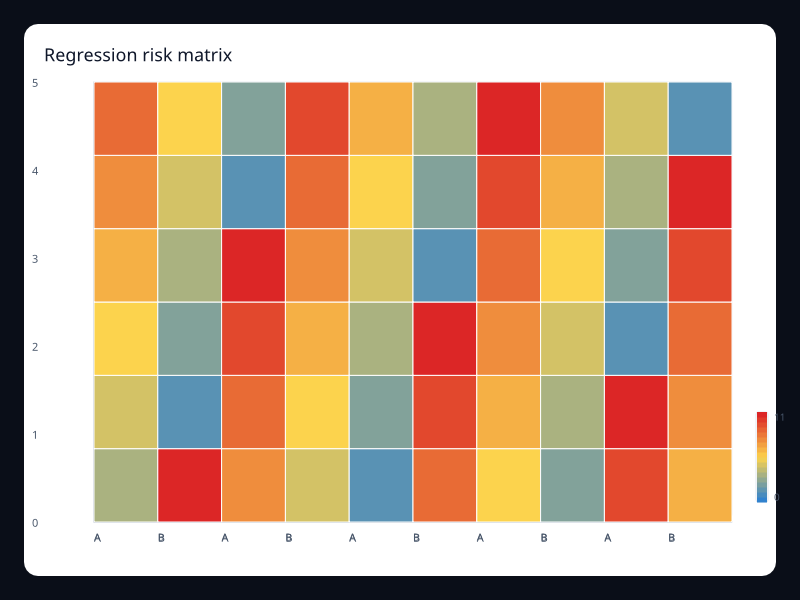
Regression risk matrix
Regression risk matrix uses Fission Charts typed Rust data to render a production-ready heatmap view.
- Data
- Risk values by component and area.
- Use when
- Use it before releases to focus attention.
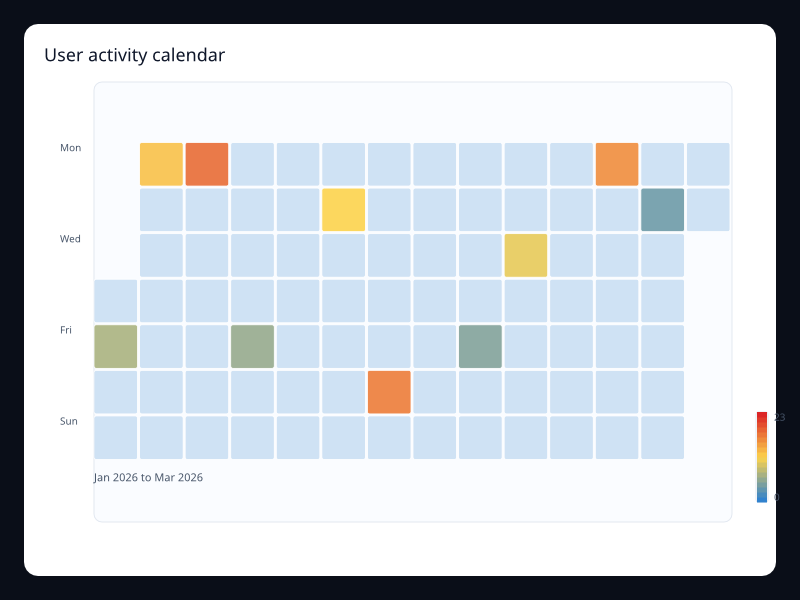
User activity calendar
User activity calendar uses Fission Charts typed Rust data to render a production-ready heatmap view.
- Data
- Date/value activity pairs.
- Use when
- Use it to show consistency and spikes over time.
Chart family
Hierarchy
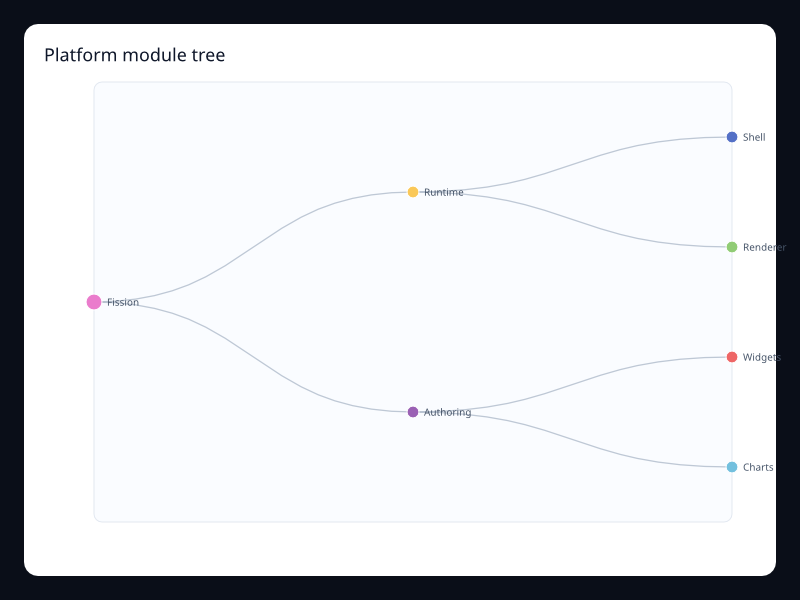
Platform module tree
Platform module tree uses Fission Charts typed Rust data to render a production-ready hierarchy view.
- Data
- Nested named nodes with values.
- Use when
- Use it for ownership and dependency hierarchy.
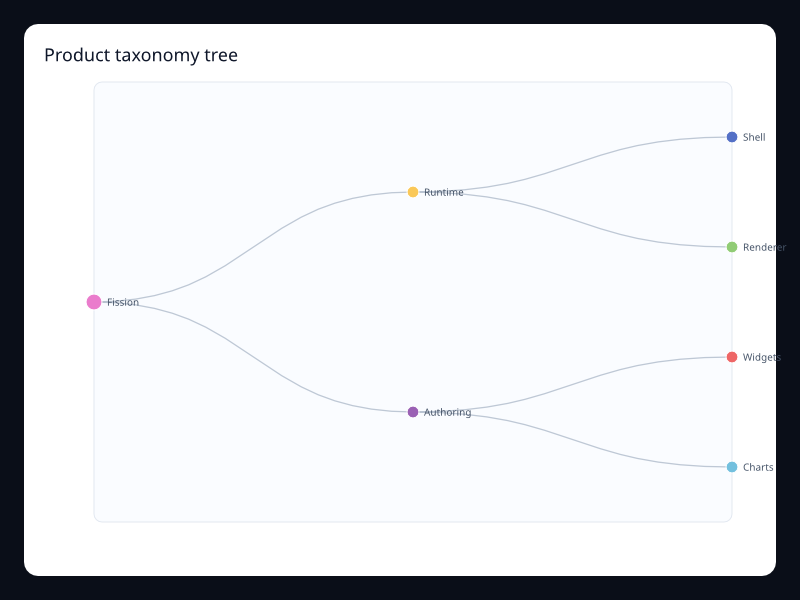
Product taxonomy tree
Product taxonomy tree uses Fission Charts typed Rust data to render a production-ready hierarchy view.
- Data
- Nested product categories.
- Use when
- Use it when users browse hierarchical structure.
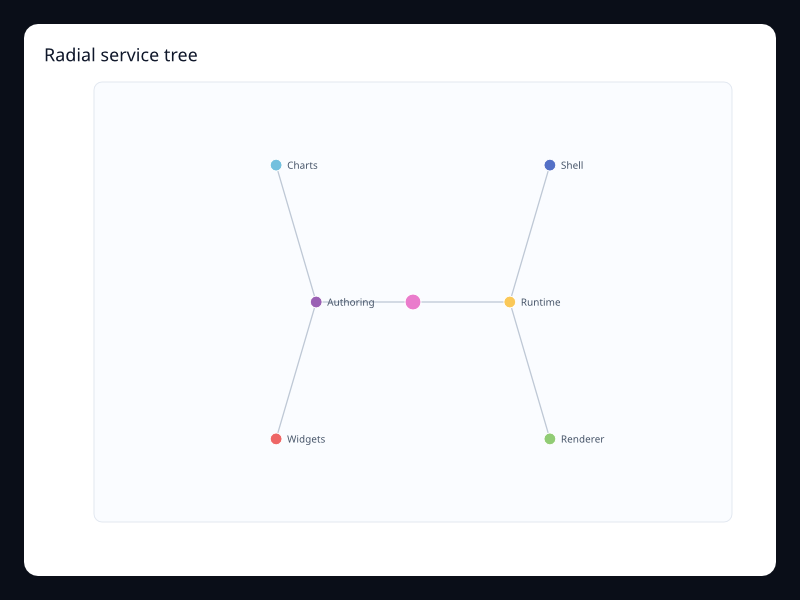
Radial service tree
Radial service tree uses Fission Charts typed Rust data to render a production-ready hierarchy view.
- Data
- Nested nodes arranged radially.
- Use when
- Use it when a compact hierarchy is needed.
Cost center treemap
Cost center treemap uses Fission Charts typed Rust data to render a production-ready hierarchy view.
- Data
- Hierarchical values sized by area.
- Use when
- Use it for part-to-whole hierarchy analysis.
Storage class treemap
Storage class treemap uses Fission Charts typed Rust data to render a production-ready hierarchy view.
- Data
- Nested values by storage class.
- Use when
- Use it when area should communicate magnitude.
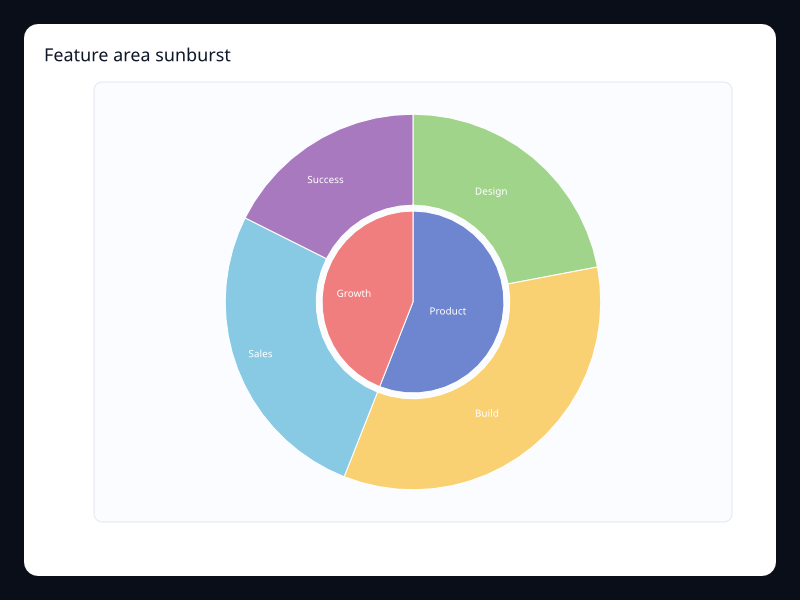
Feature area sunburst
Feature area sunburst uses Fission Charts typed Rust data to render a production-ready hierarchy view.
- Data
- Nested values in radial layers.
- Use when
- Use it for hierarchical composition with depth.
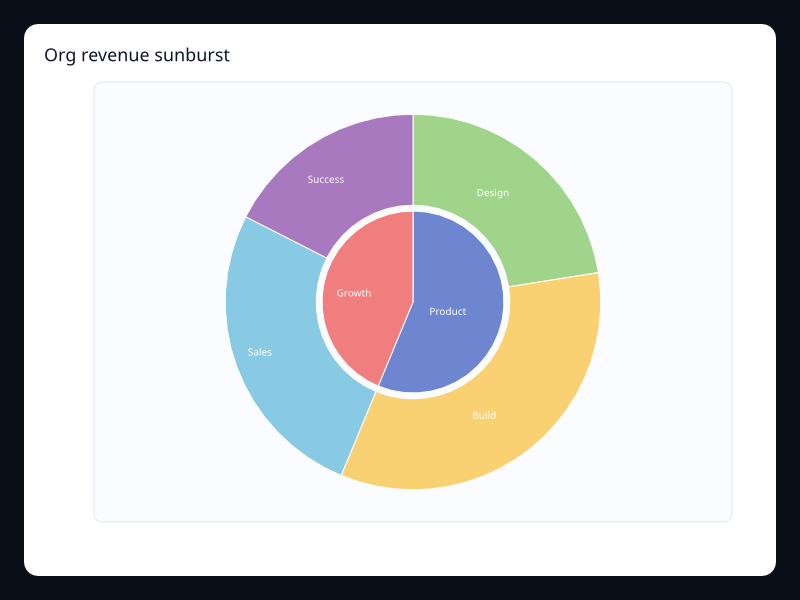
Org revenue sunburst
Org revenue sunburst uses Fission Charts typed Rust data to render a production-ready hierarchy view.
- Data
- Hierarchy values as radial rings.
- Use when
- Use it when hierarchy and whole composition both matter.
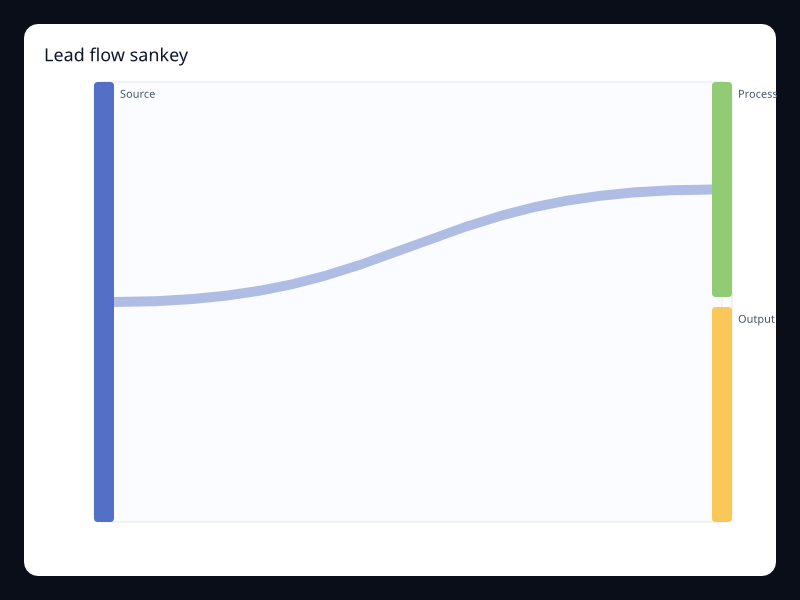
Lead flow sankey
Lead flow sankey uses Fission Charts typed Rust data to render a production-ready hierarchy view.
- Data
- Nodes and directed weighted links.
- Use when
- Use it when movement between stages is the question.
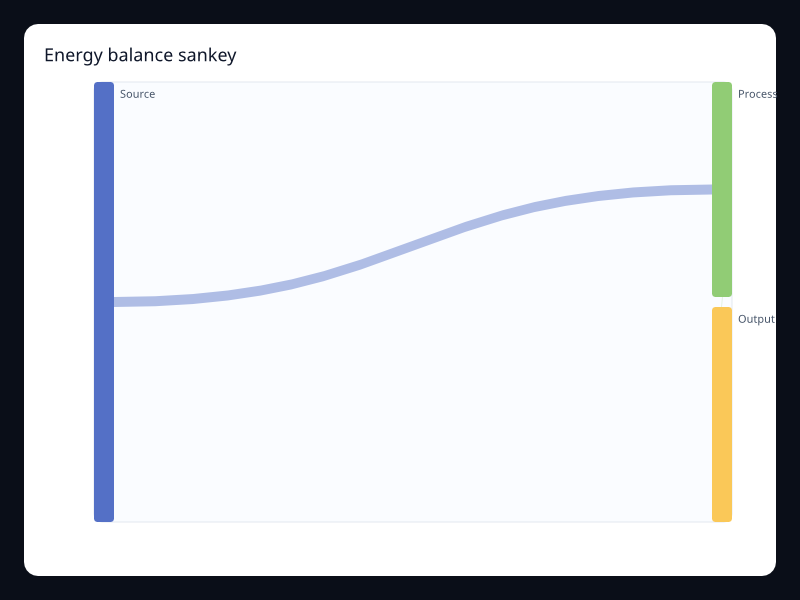
Energy balance sankey
Energy balance sankey uses Fission Charts typed Rust data to render a production-ready hierarchy view.
- Data
- Flow nodes and links.
- Use when
- Use it for transfer and loss diagrams.
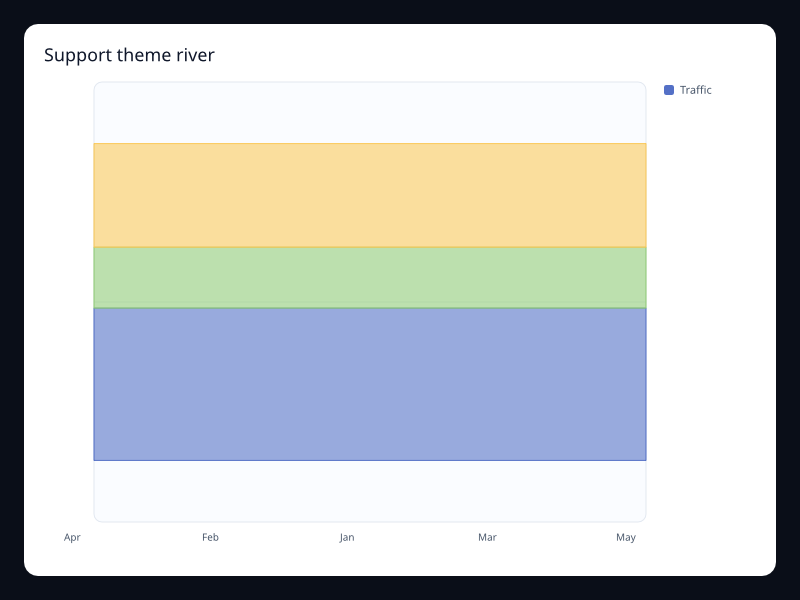
Support theme river
Support theme river uses Fission Charts typed Rust data to render a production-ready hierarchy view.
- Data
- Stacked stream values by time and category.
- Use when
- Use it for shifting composition over time.
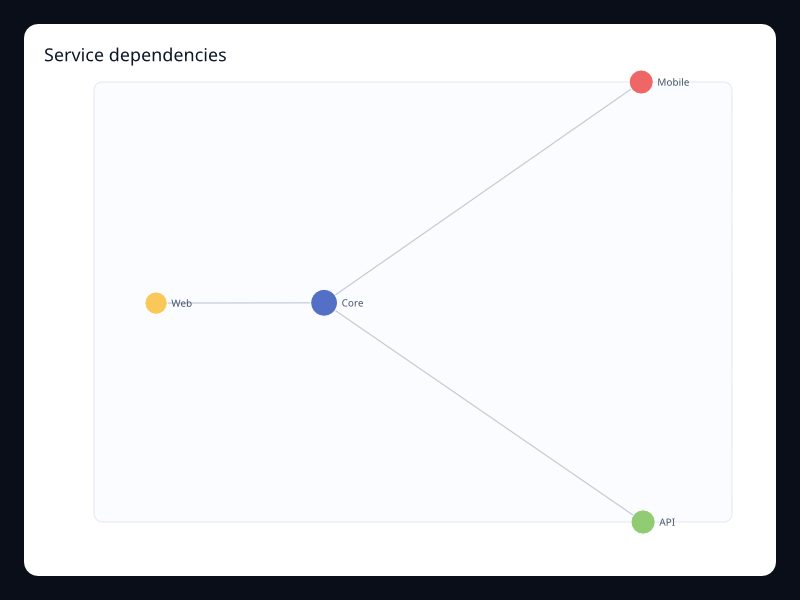
Service dependencies
Service dependencies uses Fission Charts typed Rust data to render a production-ready hierarchy view.
- Data
- Nodes and links with values.
- Use when
- Use it to explain relationship topology.
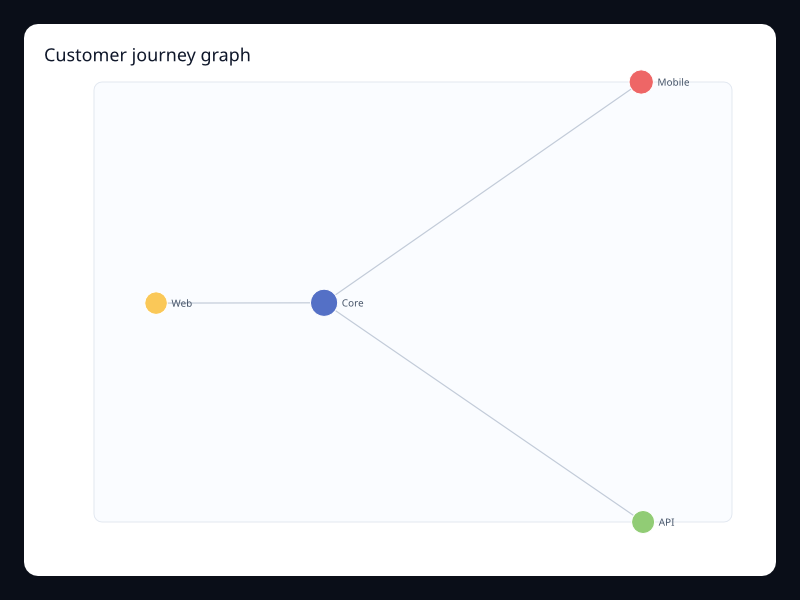
Customer journey graph
Customer journey graph uses Fission Charts typed Rust data to render a production-ready hierarchy view.
- Data
- Relationship nodes and edges.
- Use when
- Use it when paths and relationships matter more than axes.
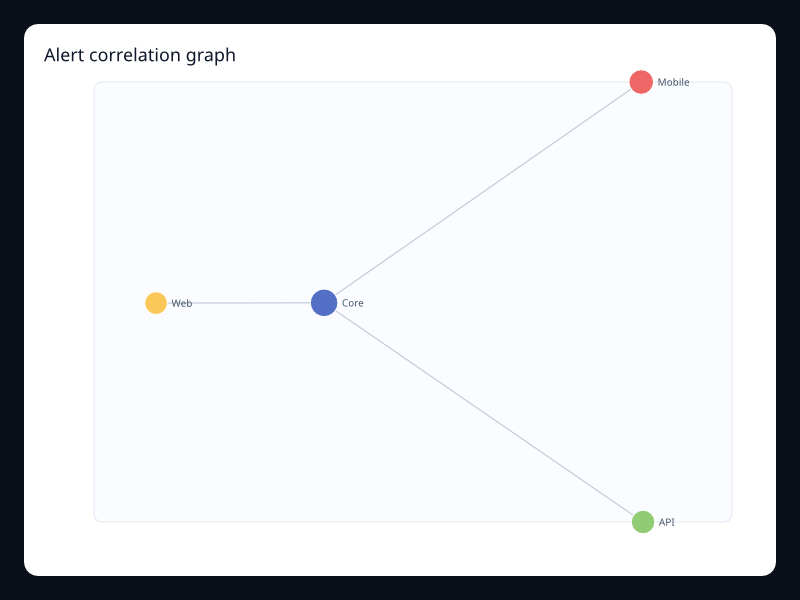
Alert correlation graph
Alert correlation graph uses Fission Charts typed Rust data to render a production-ready hierarchy view.
- Data
- Related alert nodes and links.
- Use when
- Use it for incident analysis.
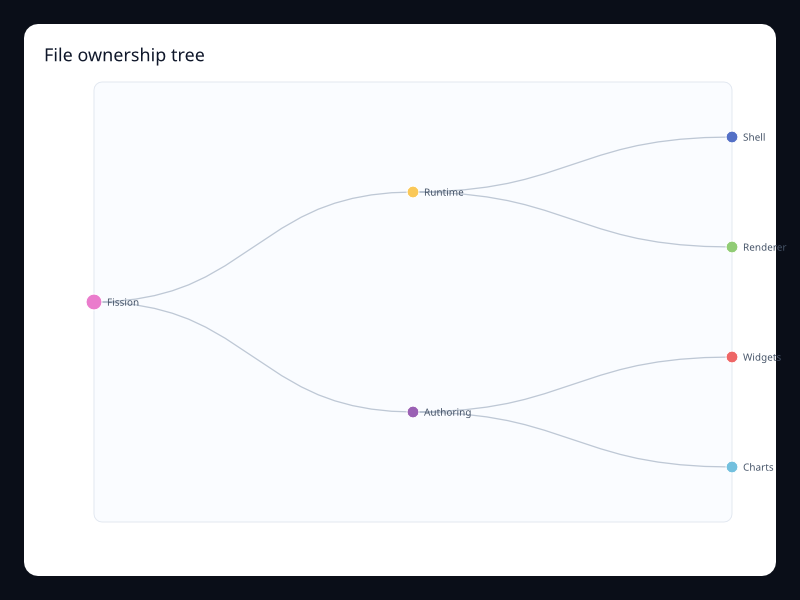
File ownership tree
File ownership tree uses Fission Charts typed Rust data to render a production-ready hierarchy view.
- Data
- Nested file or team ownership nodes.
- Use when
- Use it for repository and ownership views.
Budget allocation treemap
Budget allocation treemap uses Fission Charts typed Rust data to render a production-ready hierarchy view.
- Data
- Nested budget values sized by area.
- Use when
- Use it for budget share exploration.
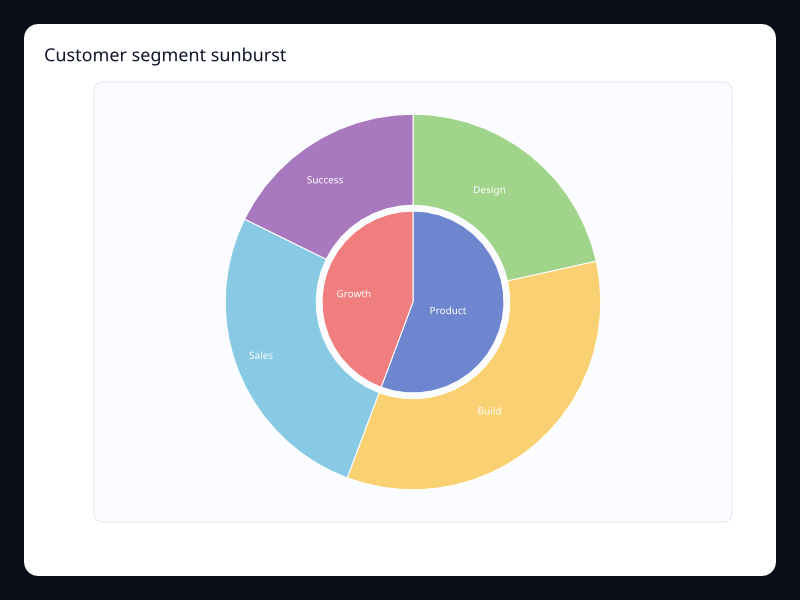
Customer segment sunburst
Customer segment sunburst uses Fission Charts typed Rust data to render a production-ready hierarchy view.
- Data
- Nested customer groups by value.
- Use when
- Use it for segment hierarchy and share.
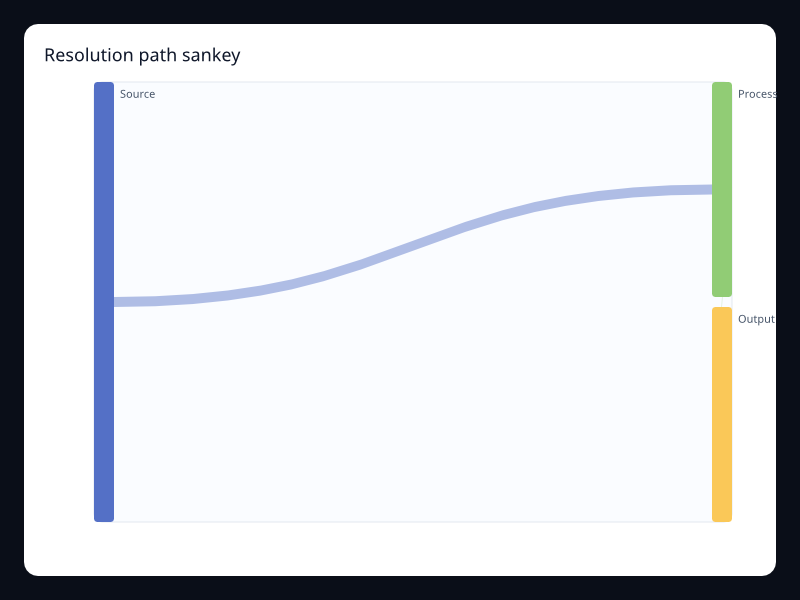
Resolution path sankey
Resolution path sankey uses Fission Charts typed Rust data to render a production-ready hierarchy view.
- Data
- Support stages as flow links.
- Use when
- Use it to analyze process movement.
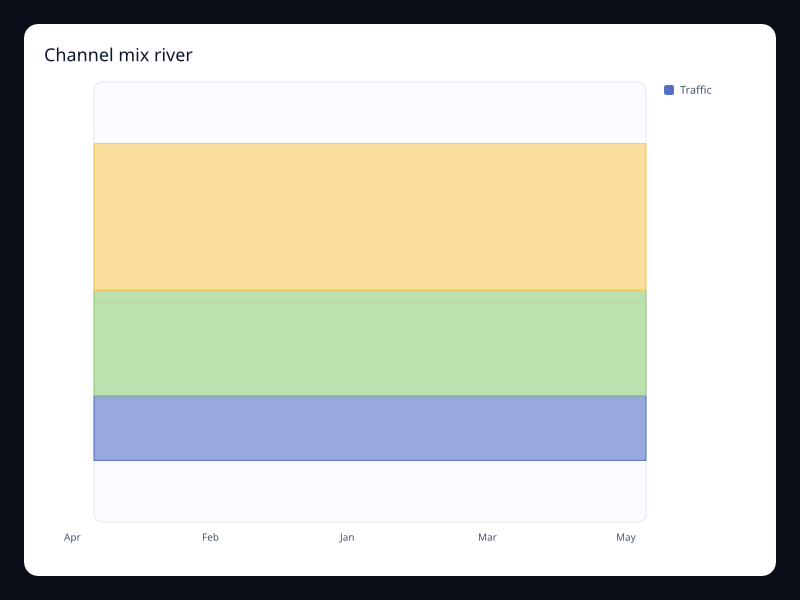
Channel mix river
Channel mix river uses Fission Charts typed Rust data to render a production-ready hierarchy view.
- Data
- Channel values over time.
- Use when
- Use it to show mix changes without losing continuity.
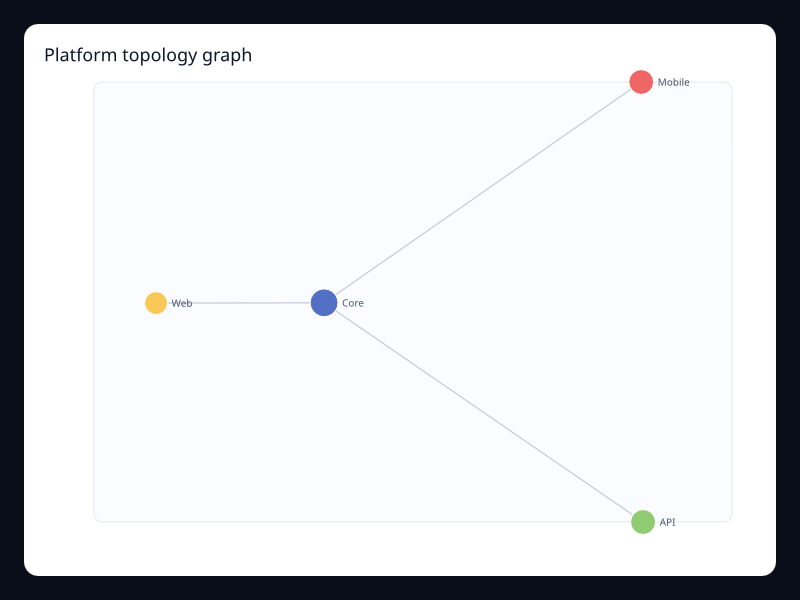
Platform topology graph
Platform topology graph uses Fission Charts typed Rust data to render a production-ready hierarchy view.
- Data
- Platform nodes and dependency edges.
- Use when
- Use it for system overview screens.
Chart family
Geo
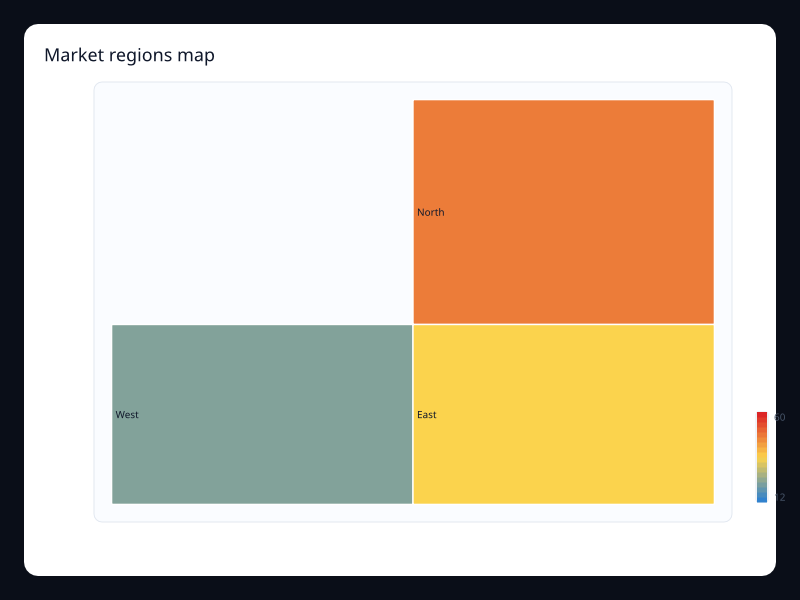
Market regions map
Market regions map uses Fission Charts typed Rust data to render a production-ready geo view.
- Data
- Named regions with values.
- Use when
- Use it for regional comparisons where shape matters.
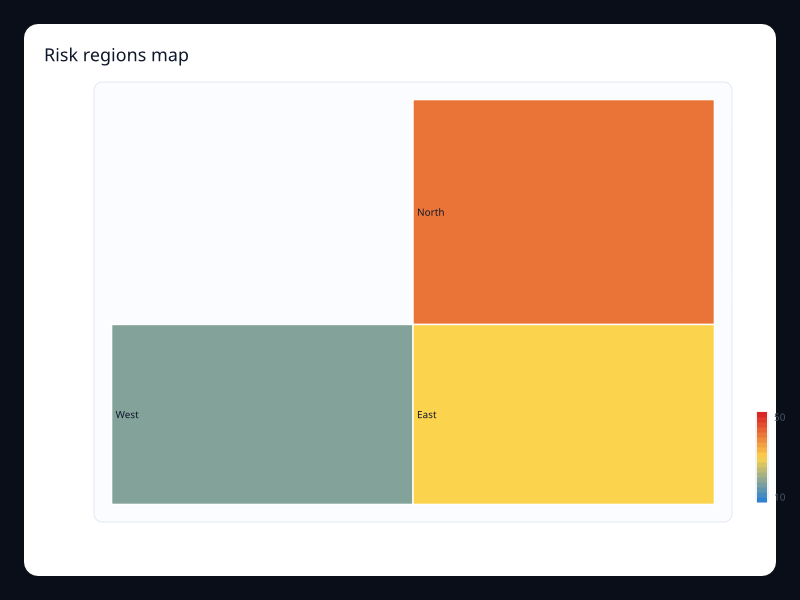
Risk regions map
Risk regions map uses Fission Charts typed Rust data to render a production-ready geo view.
- Data
- Region values mapped to color.
- Use when
- Use it to scan geographic risk.
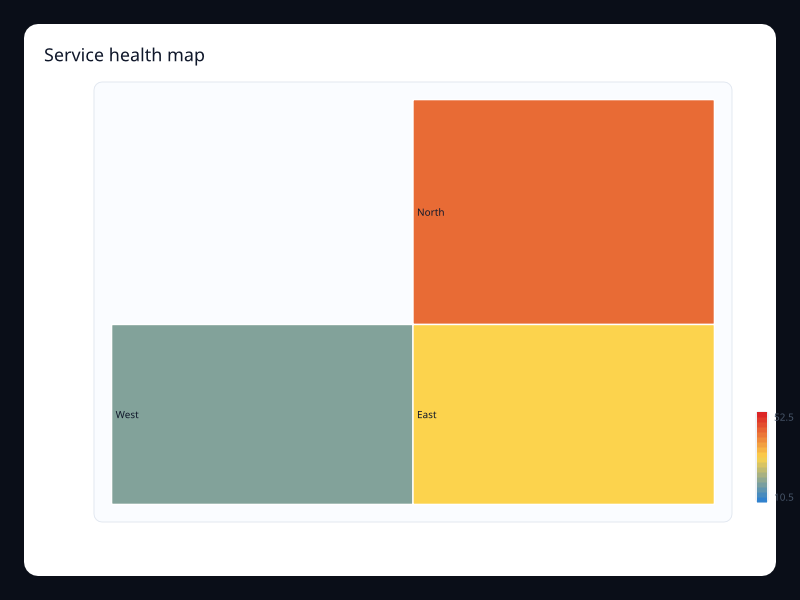
Service health map
Service health map uses Fission Charts typed Rust data to render a production-ready geo view.
- Data
- Region health values.
- Use when
- Use it for operational geography.
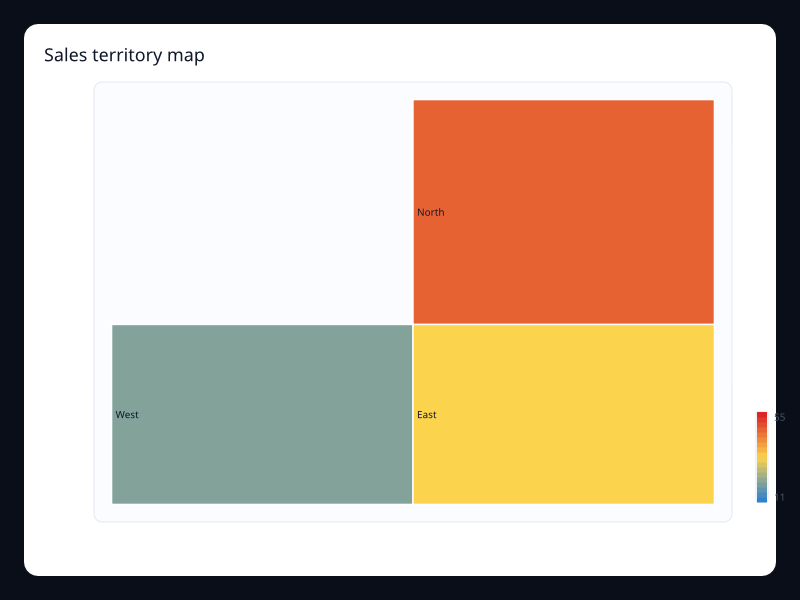
Sales territory map
Sales territory map uses Fission Charts typed Rust data to render a production-ready geo view.
- Data
- Territory values over named regions.
- Use when
- Use it when territory is the mental model.
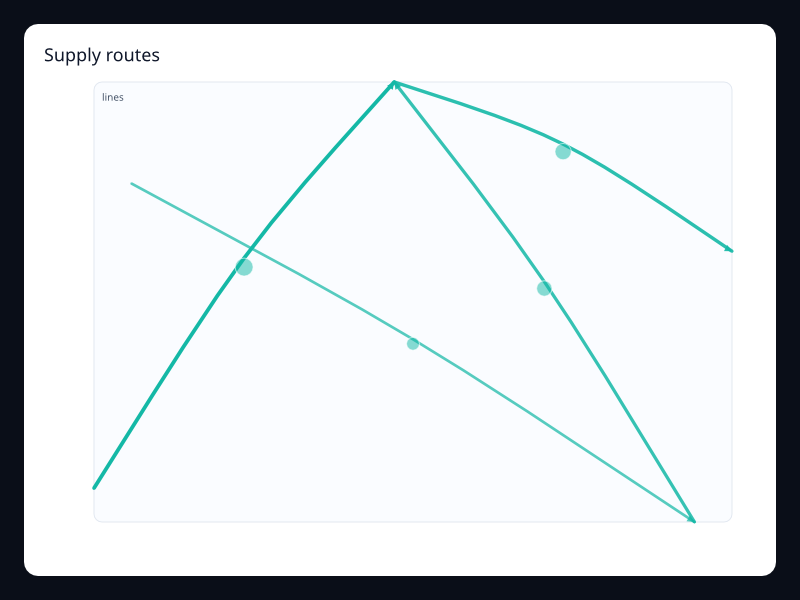
Supply routes
Supply routes uses Fission Charts typed Rust data to render a production-ready geo view.
- Data
- Coordinate pairs representing routes.
- Use when
- Use it for route and movement diagrams.
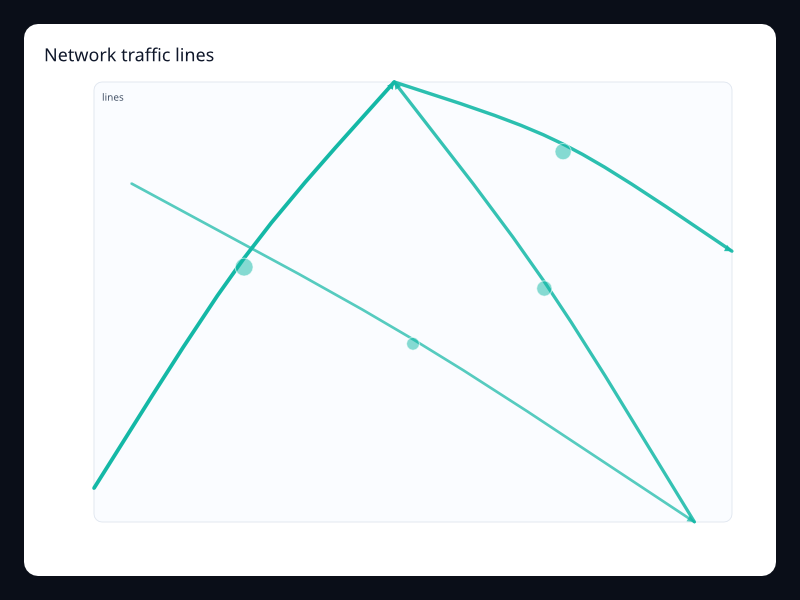
Network traffic lines
Network traffic lines uses Fission Charts typed Rust data to render a production-ready geo view.
- Data
- Route lines with effect markers.
- Use when
- Use it for flow over a spatial surface.
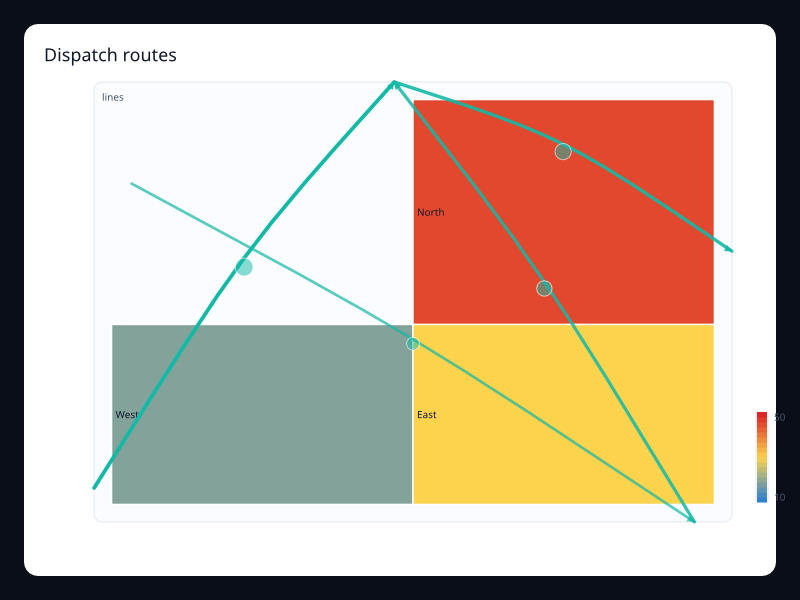
Dispatch routes
Dispatch routes uses Fission Charts typed Rust data to render a production-ready geo view.
- Data
- Map regions plus route lines.
- Use when
- Use it when routes need region context.
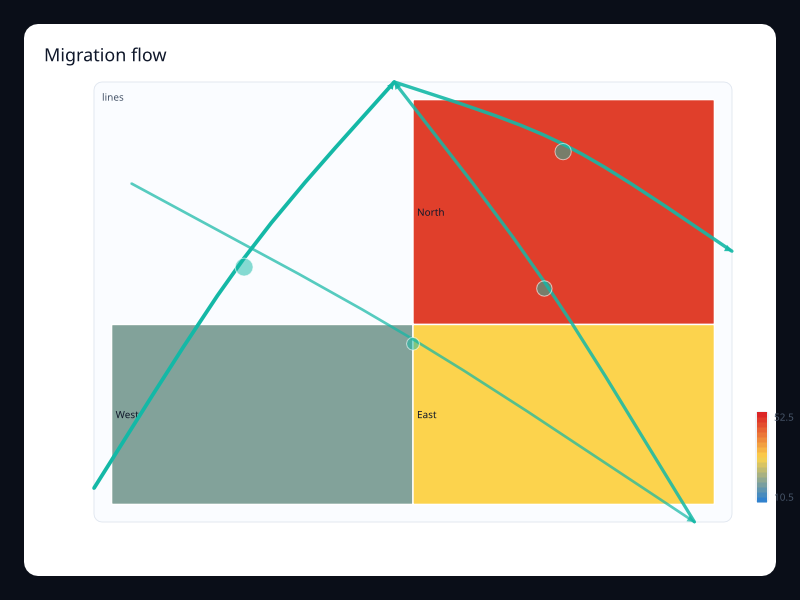
Migration flow
Migration flow uses Fission Charts typed Rust data to render a production-ready geo view.
- Data
- Region map plus movement routes.
- Use when
- Use it for source-to-destination stories.
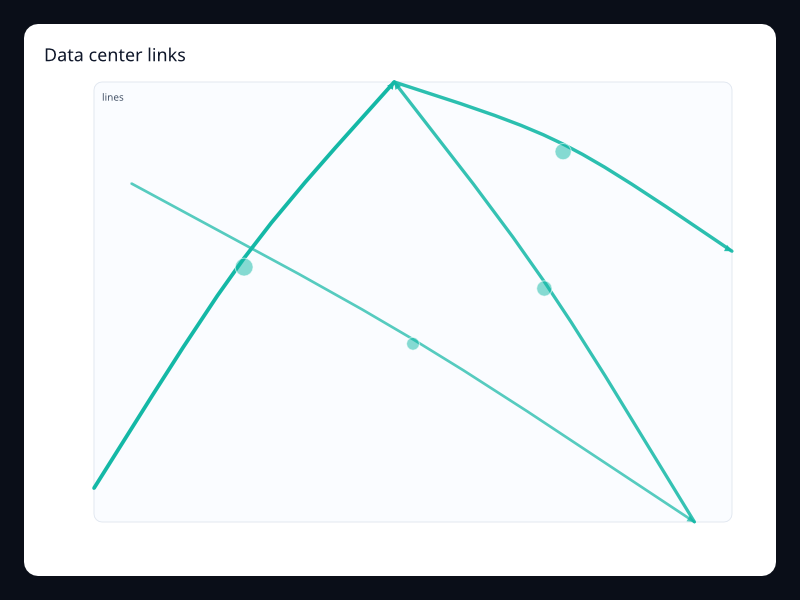
Data center links
Data center links uses Fission Charts typed Rust data to render a production-ready geo view.
- Data
- Route-like links between points.
- Use when
- Use it for infrastructure network views.
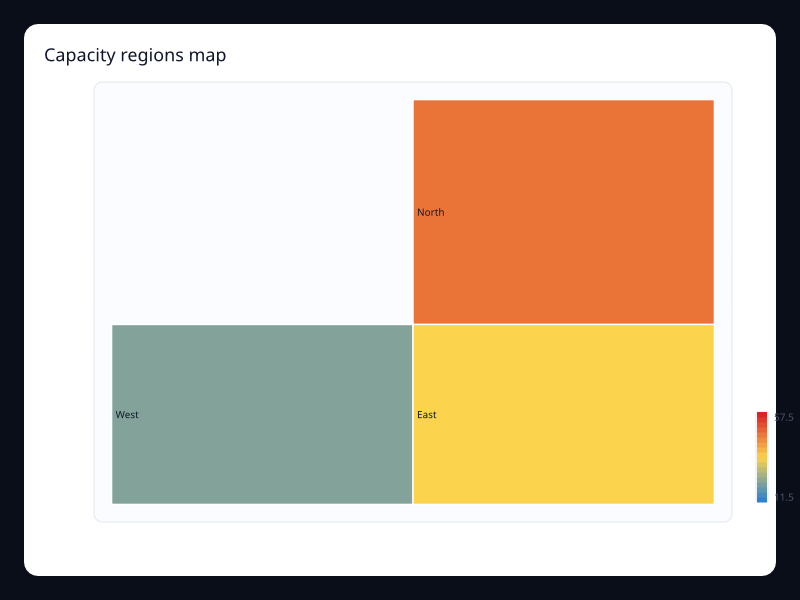
Capacity regions map
Capacity regions map uses Fission Charts typed Rust data to render a production-ready geo view.
- Data
- Region values with visual scale.
- Use when
- Use it for capacity by geography.
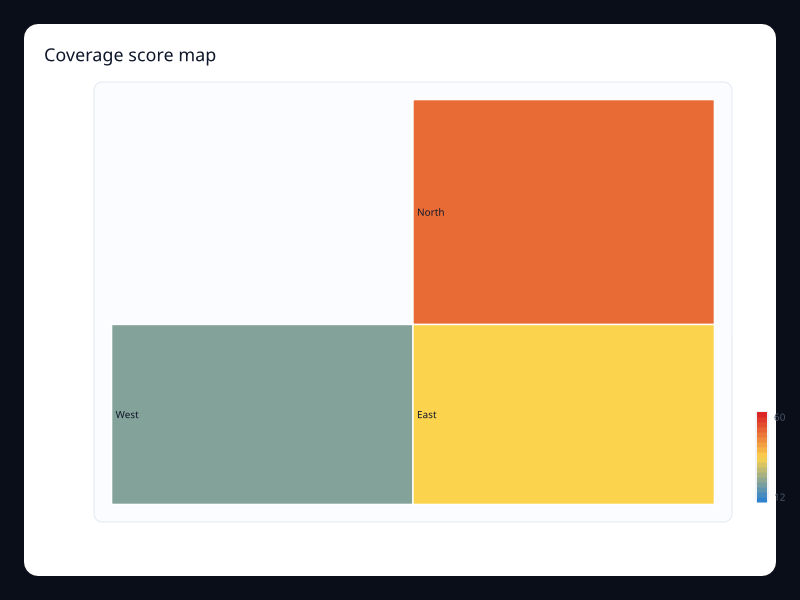
Coverage score map
Coverage score map uses Fission Charts typed Rust data to render a production-ready geo view.
- Data
- Coverage scores by region.
- Use when
- Use it for service coverage surfaces.
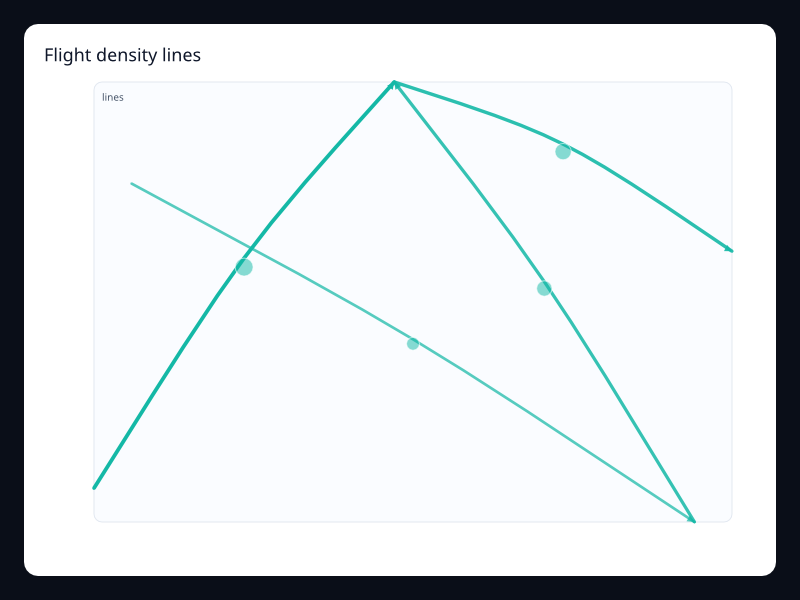
Flight density lines
Flight density lines uses Fission Charts typed Rust data to render a production-ready geo view.
- Data
- Dense route lines between points.
- Use when
- Use it for movement patterns.
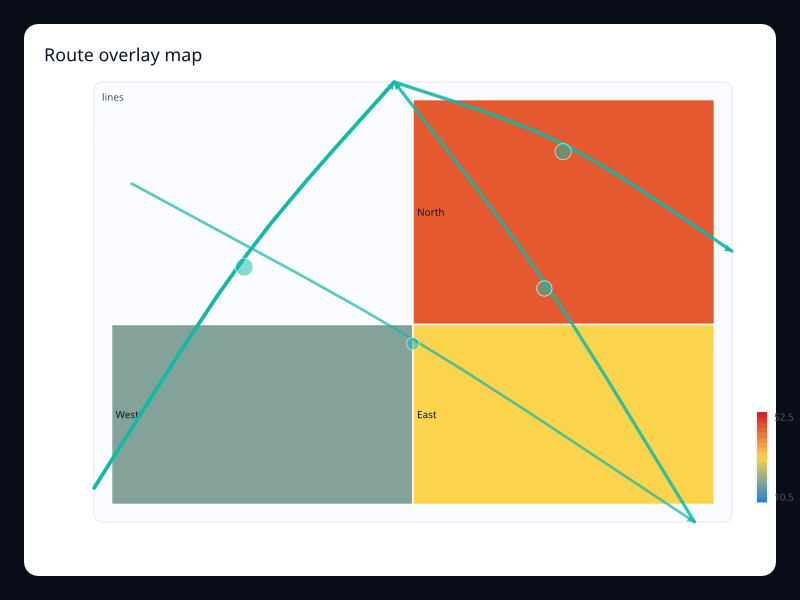
Route overlay map
Route overlay map uses Fission Charts typed Rust data to render a production-ready geo view.
- Data
- Map and line series together.
- Use when
- Use it when geography and movement are inseparable.
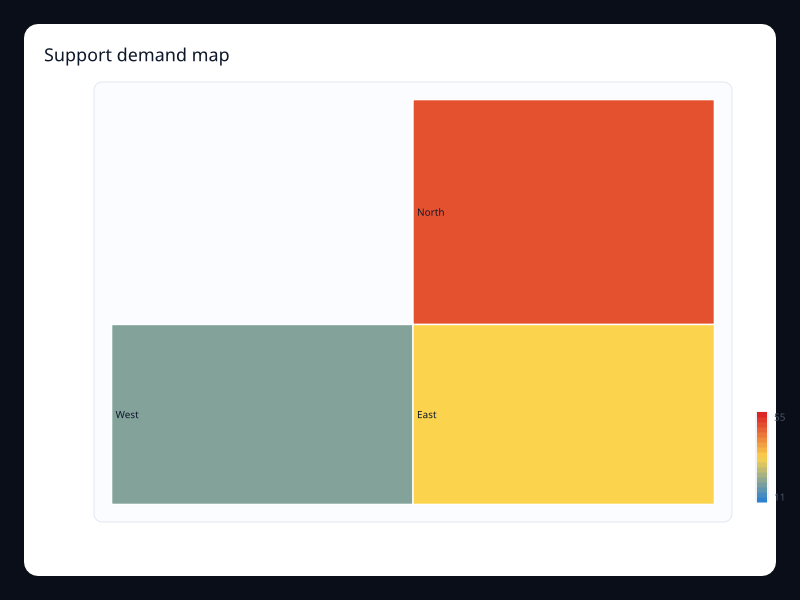
Support demand map
Support demand map uses Fission Charts typed Rust data to render a production-ready geo view.
- Data
- Demand values over regions.
- Use when
- Use it to allocate support capacity geographically.
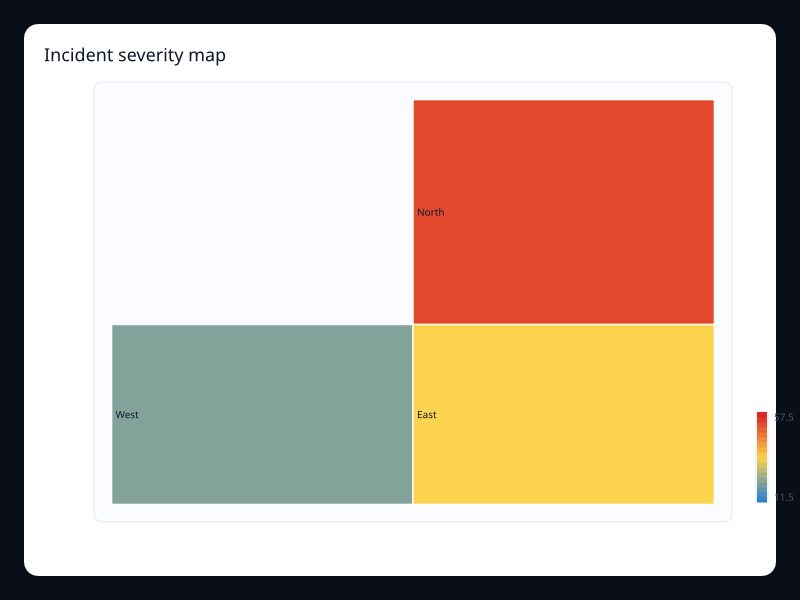
Incident severity map
Incident severity map uses Fission Charts typed Rust data to render a production-ready geo view.
- Data
- Severity values mapped to region color.
- Use when
- Use it for incident command views.
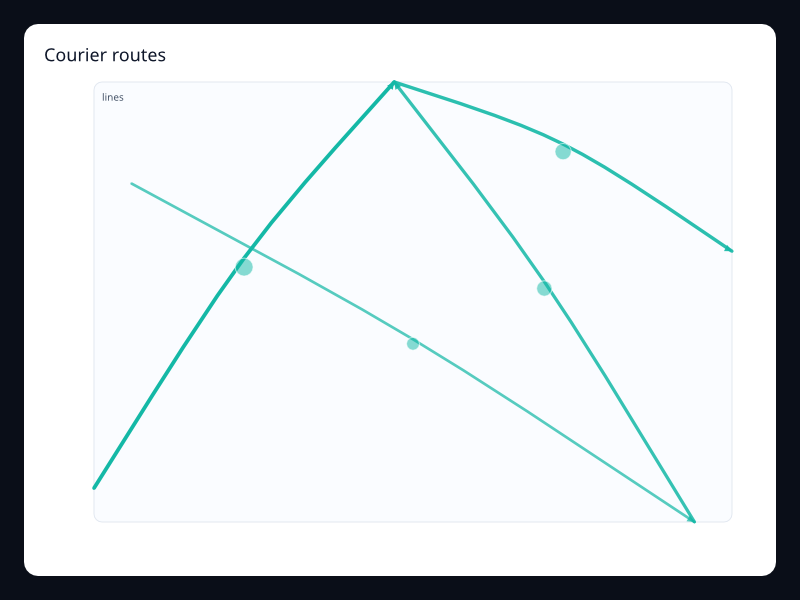
Courier routes
Courier routes uses Fission Charts typed Rust data to render a production-ready geo view.
- Data
- Point-to-point route lines.
- Use when
- Use it for logistics routing.
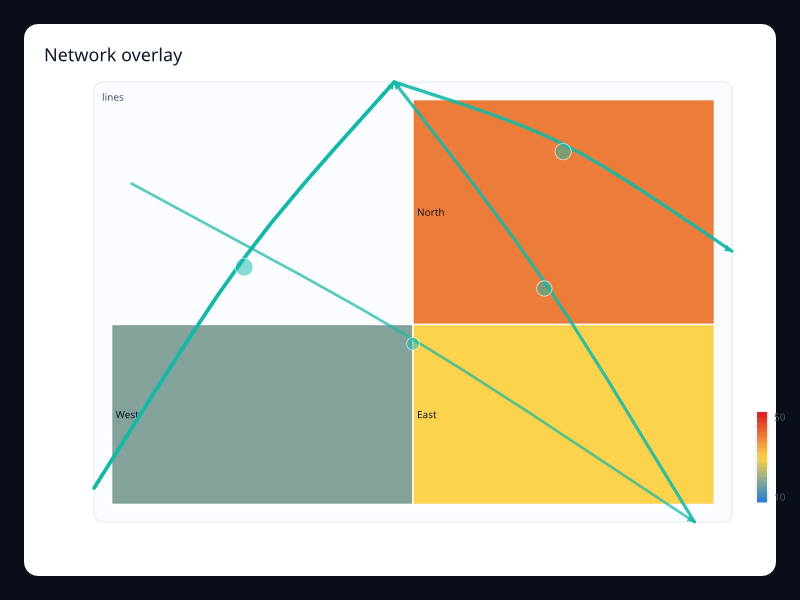
Network overlay
Network overlay uses Fission Charts typed Rust data to render a production-ready geo view.
- Data
- Region values with connection lines.
- Use when
- Use it for linked geographic systems.
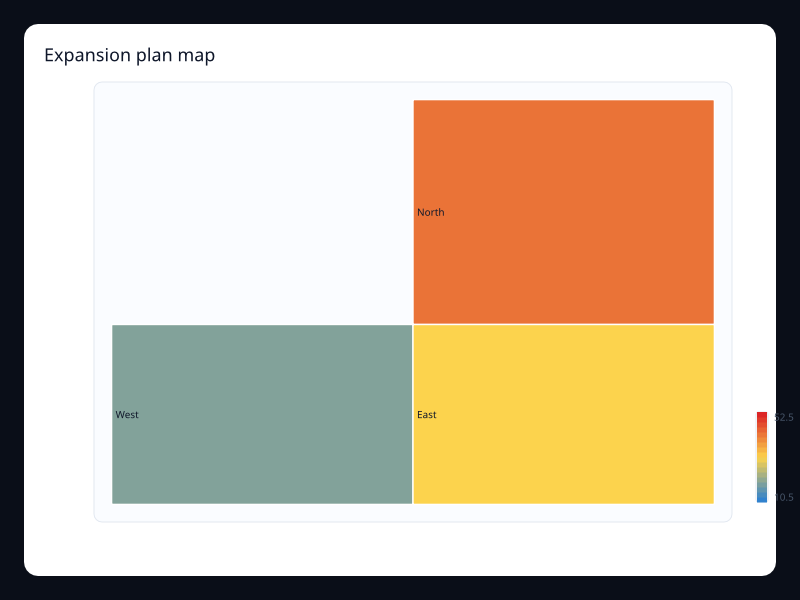
Expansion plan map
Expansion plan map uses Fission Charts typed Rust data to render a production-ready geo view.
- Data
- Planning values by region.
- Use when
- Use it for geographic planning dashboards.
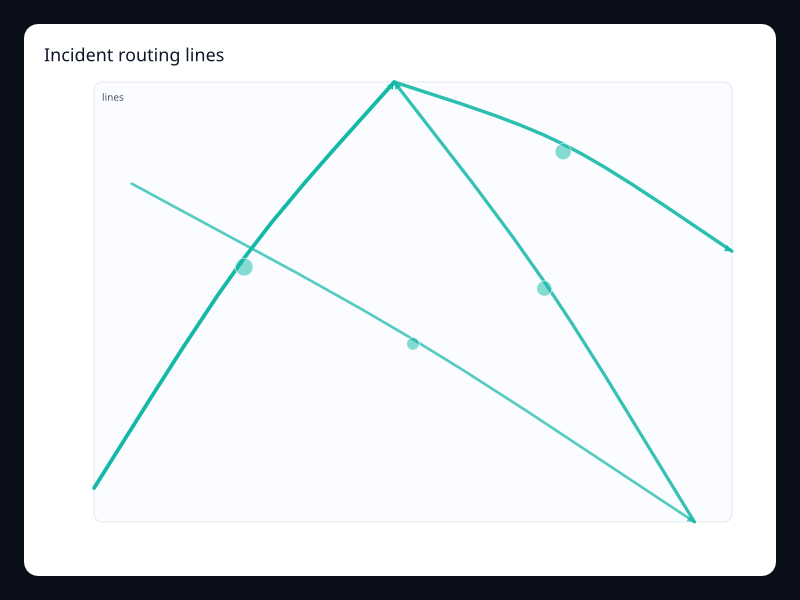
Incident routing lines
Incident routing lines uses Fission Charts typed Rust data to render a production-ready geo view.
- Data
- Routes representing response movement.
- Use when
- Use it for dispatch and response analytics.
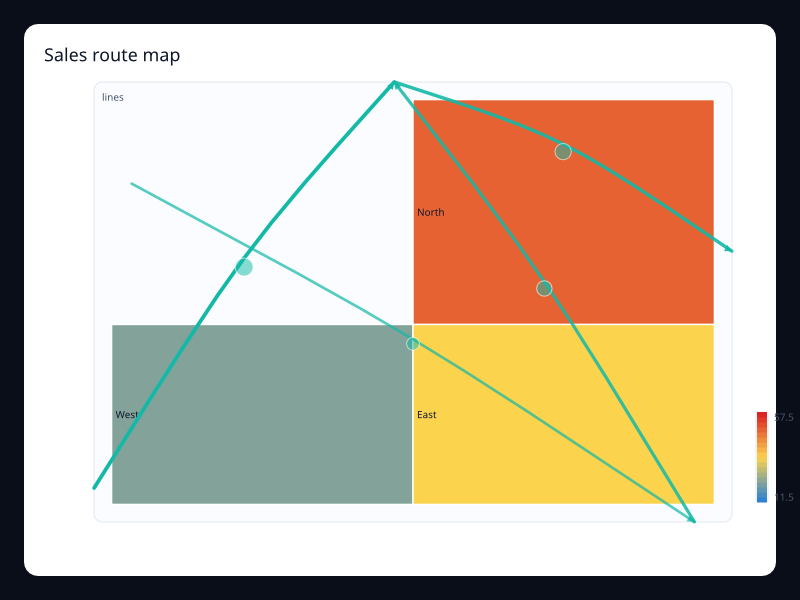
Sales route map
Sales route map uses Fission Charts typed Rust data to render a production-ready geo view.
- Data
- Sales territories with route overlays.
- Use when
- Use it for field team planning.
Chart family
Interaction
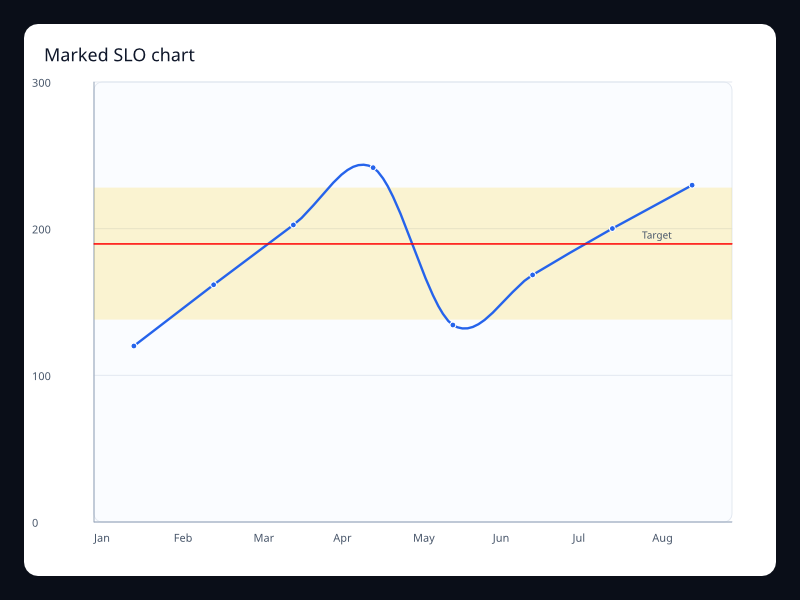
Marked SLO chart
Marked SLO chart uses Fission Charts typed Rust data to render a production-ready interaction view.
- Data
- Trend data plus mark lines and shaded bands.
- Use when
- Use it to keep thresholds in the chart instead of external notes.
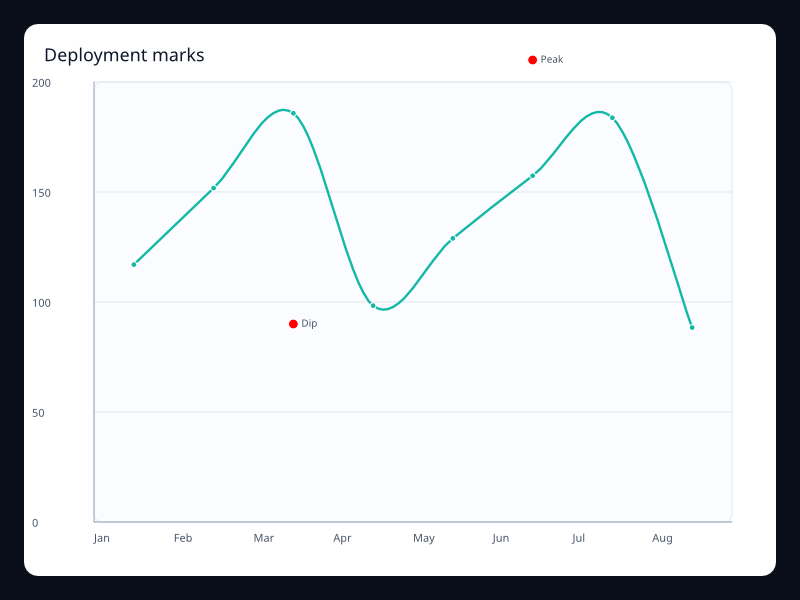
Deployment marks
Deployment marks uses Fission Charts typed Rust data to render a production-ready interaction view.
- Data
- Trend data with event mark points.
- Use when
- Use it when specific moments explain the data.
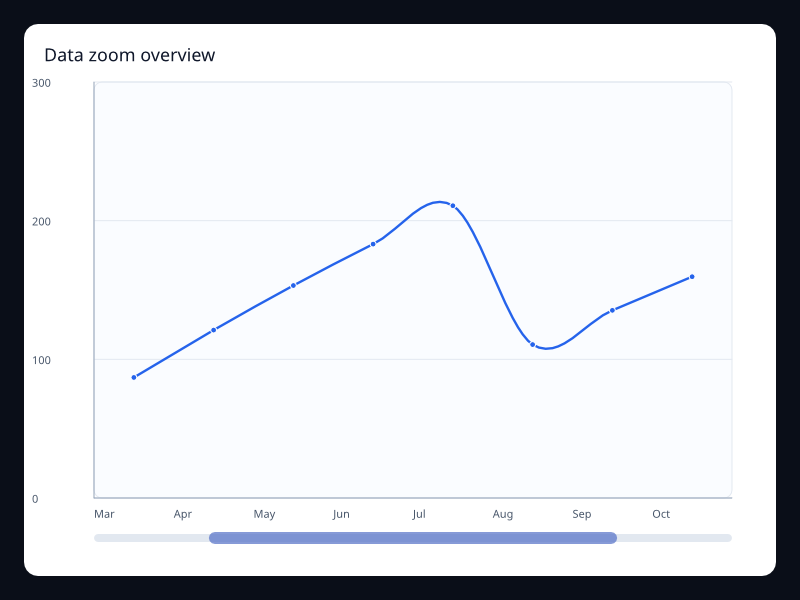
Data zoom overview
Data zoom overview uses Fission Charts typed Rust data to render a production-ready interaction view.
- Data
- Ordered data with a selected zoom range.
- Use when
- Use it for long series where one window is active.
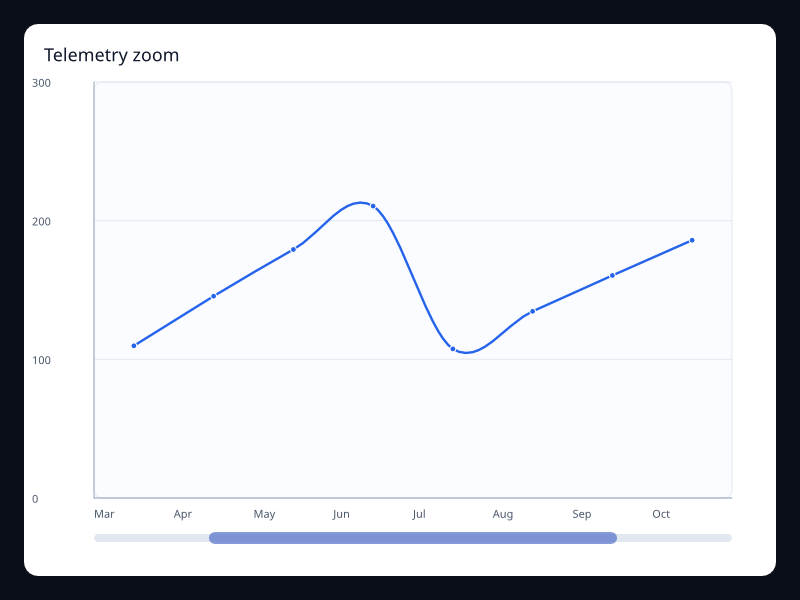
Telemetry zoom
Telemetry zoom uses Fission Charts typed Rust data to render a production-ready interaction view.
- Data
- Long ordered telemetry values with zoom.
- Use when
- Use it for monitoring and investigation.
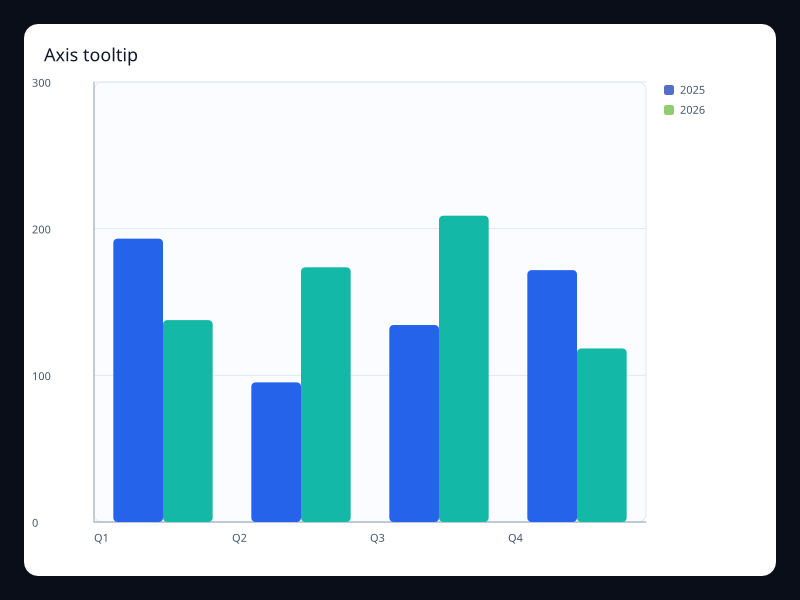
Axis tooltip
Axis tooltip uses Fission Charts typed Rust data to render a production-ready interaction view.
- Data
- Series data with axis-oriented tooltip intent.
- Use when
- Use it when the whole axis position is the hover target.
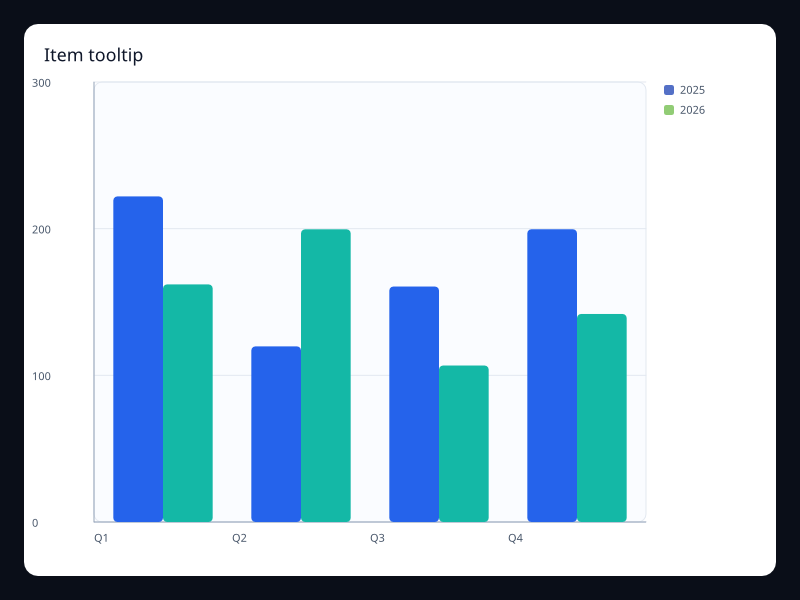
Item tooltip
Item tooltip uses Fission Charts typed Rust data to render a production-ready interaction view.
- Data
- Series data with item-level tooltip intent.
- Use when
- Use it when individual marks carry detail.
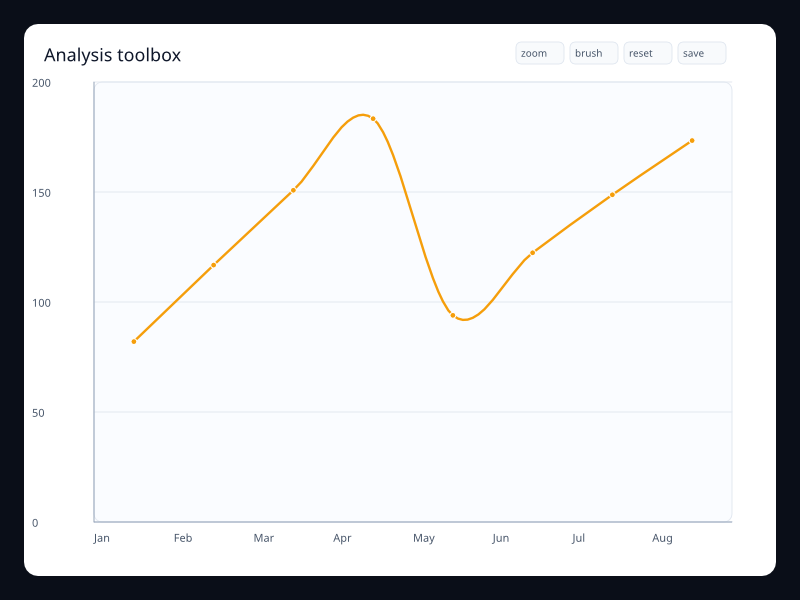
Analysis toolbox
Analysis toolbox uses Fission Charts typed Rust data to render a production-ready interaction view.
- Data
- Chart data with explicit utility actions.
- Use when
- Use it when analysis actions belong close to the chart.
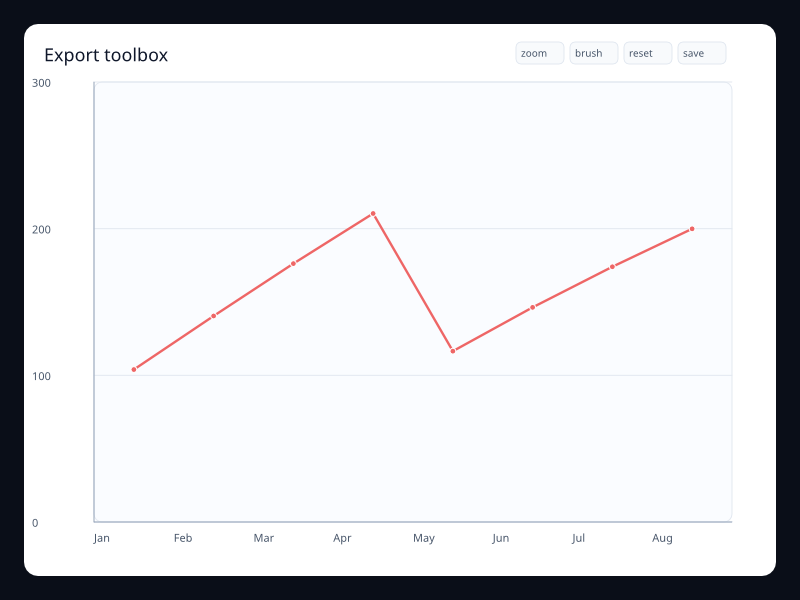
Export toolbox
Export toolbox uses Fission Charts typed Rust data to render a production-ready interaction view.
- Data
- Chart data with restore, brush, zoom, and save actions.
- Use when
- Use it when chart controls need a consistent built-in place.
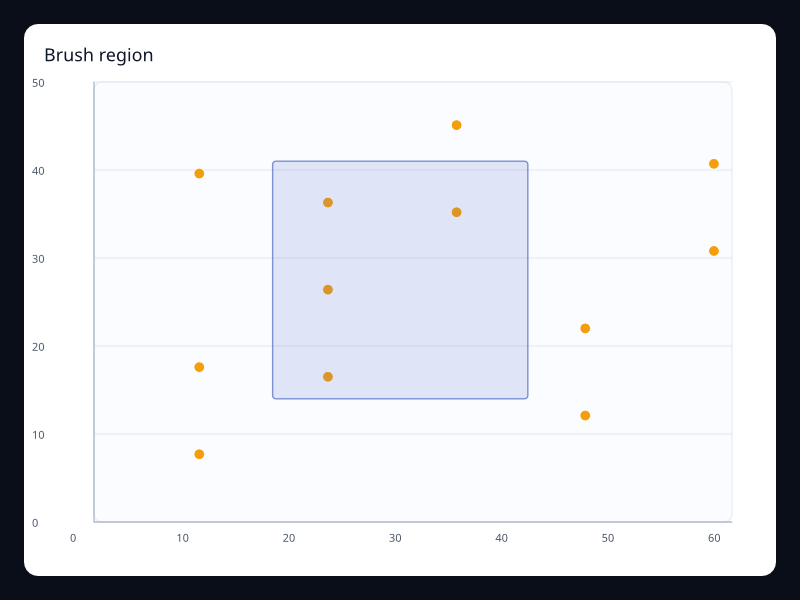
Brush region
Brush region uses Fission Charts typed Rust data to render a production-ready interaction view.
- Data
- Scatter points plus brush rectangle configuration.
- Use when
- Use it when users select data before drilling in.
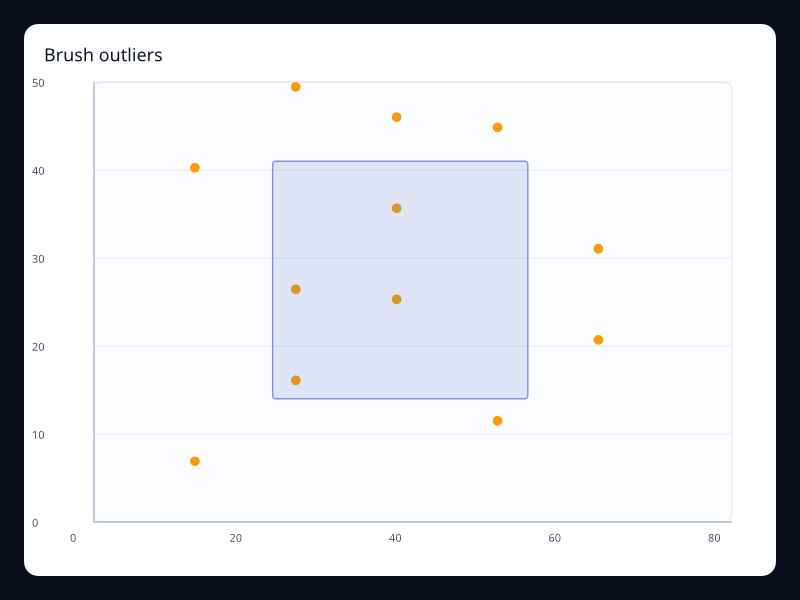
Brush outliers
Brush outliers uses Fission Charts typed Rust data to render a production-ready interaction view.
- Data
- Point data with visible brush preview.
- Use when
- Use it for exploratory selection.
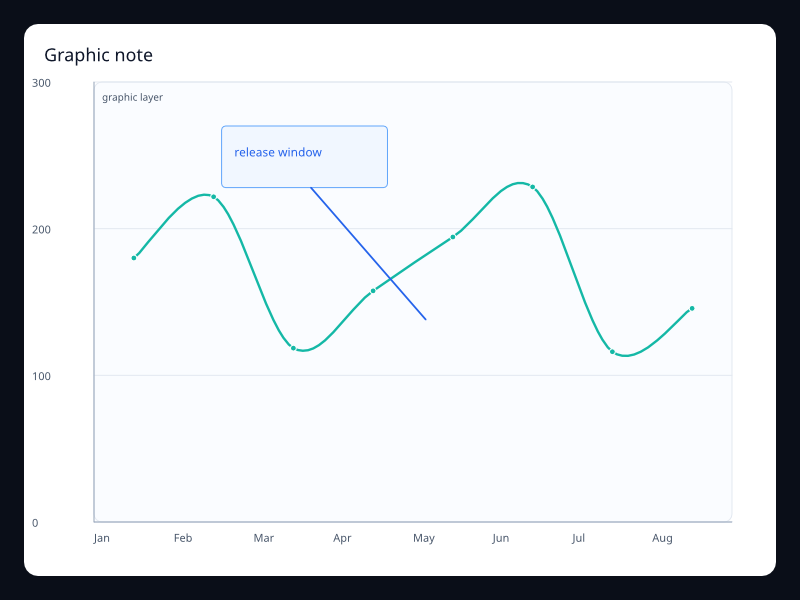
Graphic note
Graphic note uses Fission Charts typed Rust data to render a production-ready interaction view.
- Data
- Trend line with typed graphic overlay.
- Use when
- Use it to add explanations without leaving the chart model.
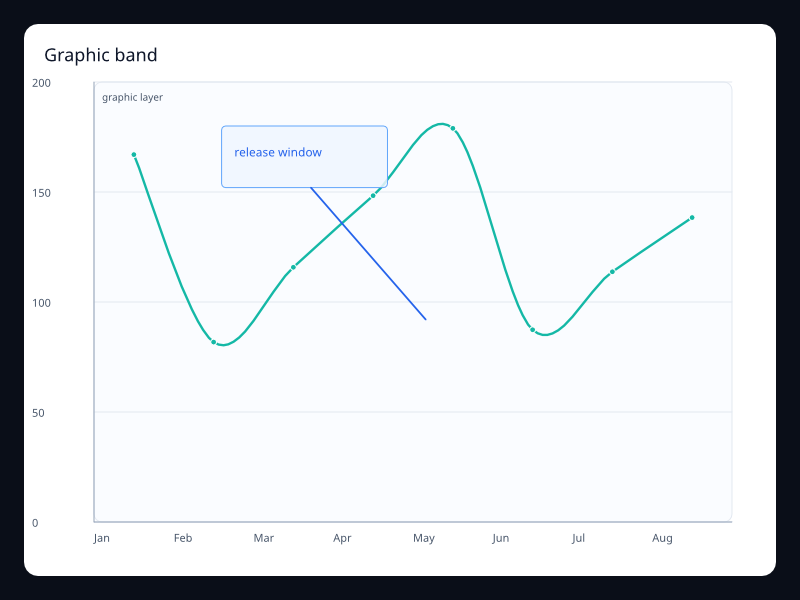
Graphic band
Graphic band uses Fission Charts typed Rust data to render a production-ready interaction view.
- Data
- Chart plus typed rect, text, and line graphics.
- Use when
- Use it for callouts and shaded product ranges.
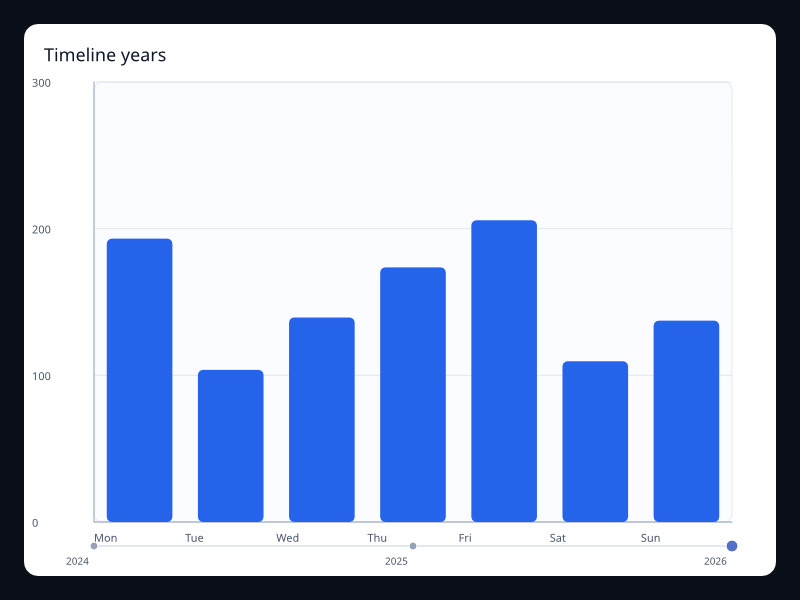
Timeline years
Timeline years uses Fission Charts typed Rust data to render a production-ready interaction view.
- Data
- Chart data with a timeline control.
- Use when
- Use it when the same view switches between periods.
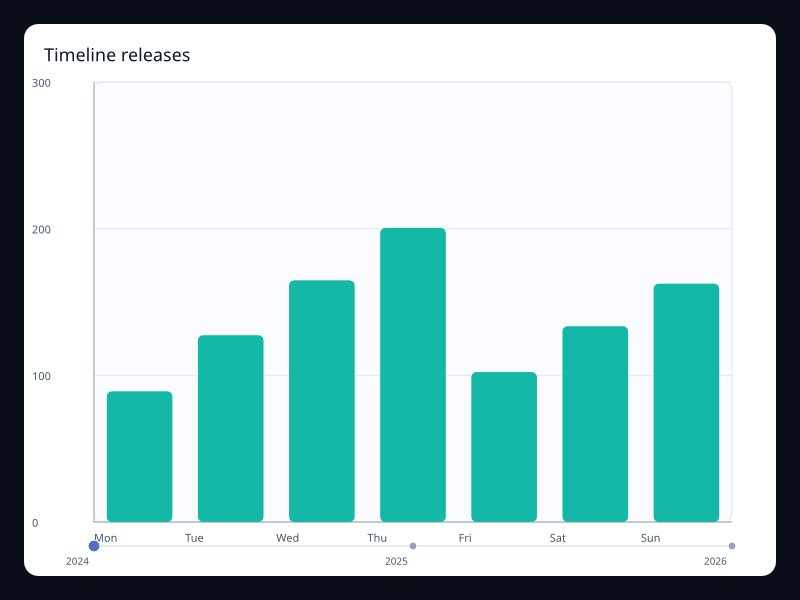
Timeline releases
Timeline releases uses Fission Charts typed Rust data to render a production-ready interaction view.
- Data
- Chart data with release timeline options.
- Use when
- Use it for versioned or period-based views.
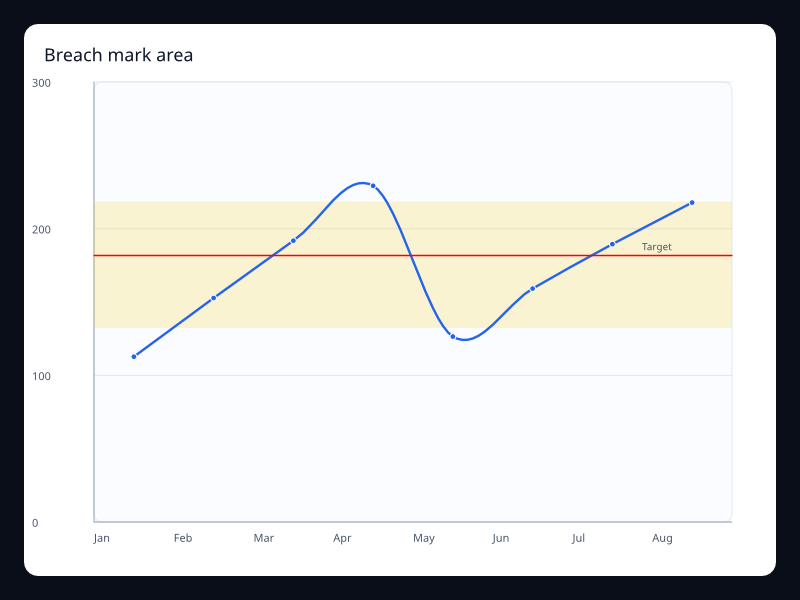
Breach mark area
Breach mark area uses Fission Charts typed Rust data to render a production-ready interaction view.
- Data
- Line values with highlighted breach band.
- Use when
- Use it when unsafe ranges need visible boundaries.
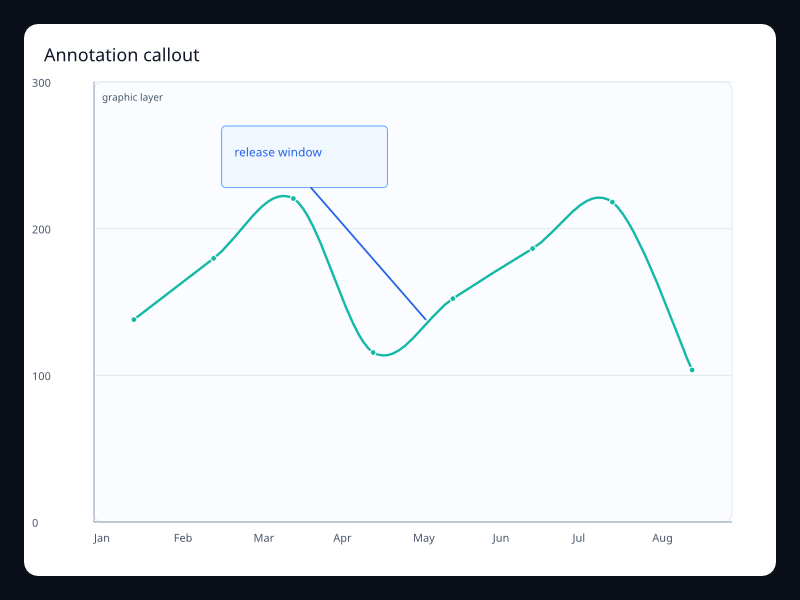
Annotation callout
Annotation callout uses Fission Charts typed Rust data to render a production-ready interaction view.
- Data
- Chart data with a typed text callout.
- Use when
- Use it for guided dashboards and reports.
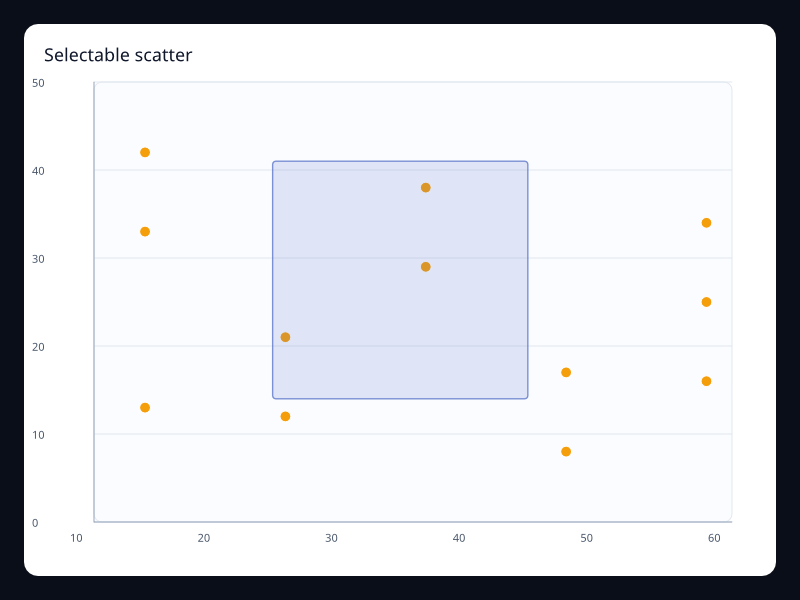
Selectable scatter
Selectable scatter uses Fission Charts typed Rust data to render a production-ready interaction view.
- Data
- Scatter points with selection configuration.
- Use when
- Use it when users inspect clusters interactively.
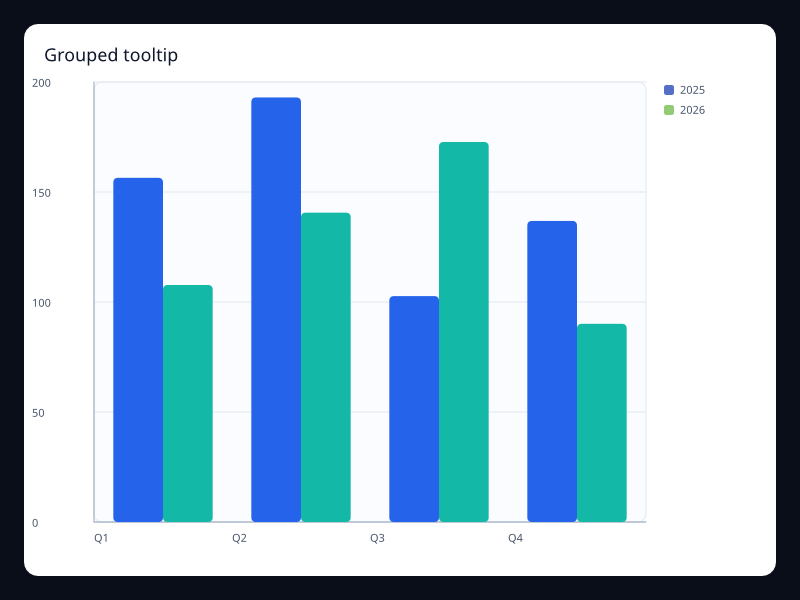
Grouped tooltip
Grouped tooltip uses Fission Charts typed Rust data to render a production-ready interaction view.
- Data
- Grouped series with tooltip intent.
- Use when
- Use it when comparison needs hover detail.
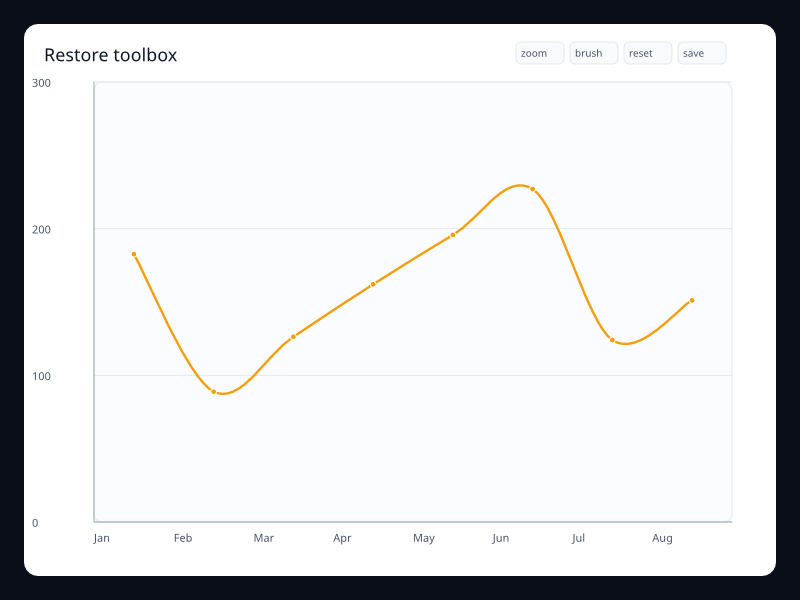
Restore toolbox
Restore toolbox uses Fission Charts typed Rust data to render a production-ready interaction view.
- Data
- Chart data with reset action included.
- Use when
- Use it when user exploration needs a safe reset.
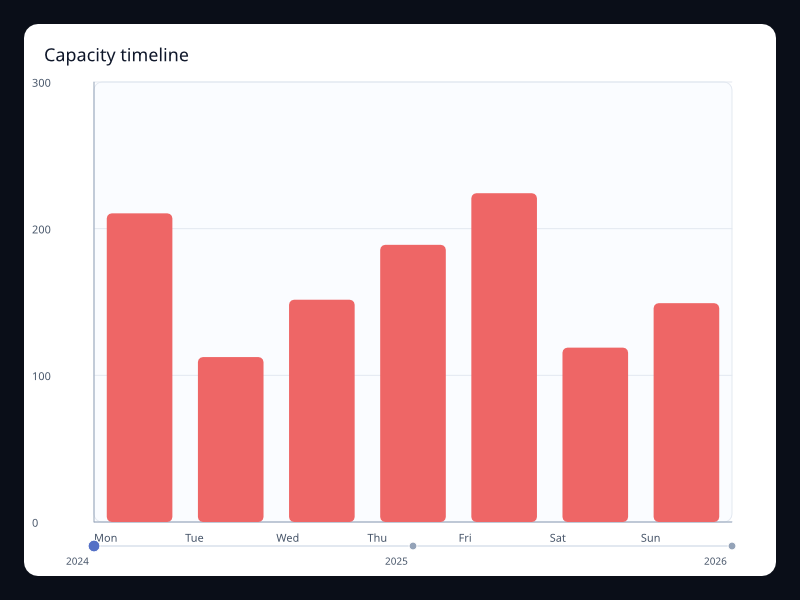
Capacity timeline
Capacity timeline uses Fission Charts typed Rust data to render a production-ready interaction view.
- Data
- Period labels with changing chart state.
- Use when
- Use it for capacity changes across time.
Chart family
Dataset
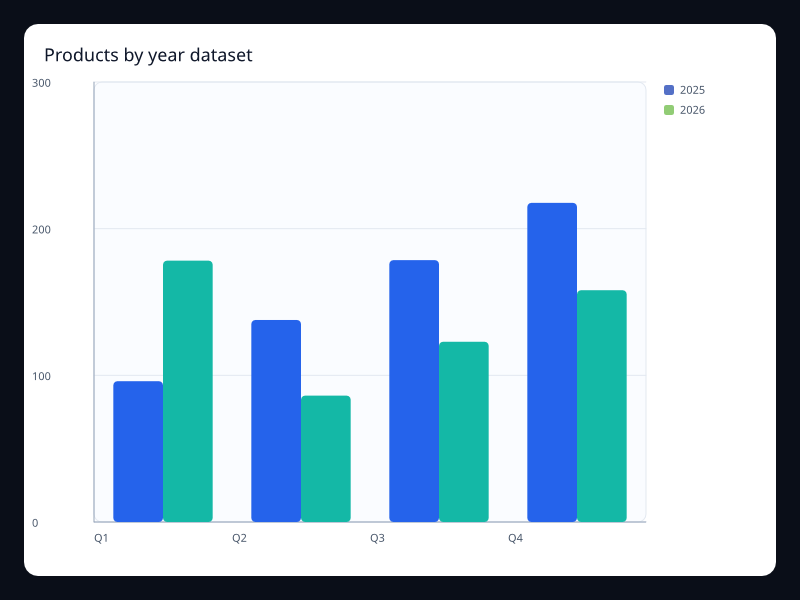
Products by year dataset
Products by year dataset uses Fission Charts typed Rust data to render a production-ready dataset view.
- Data
- Tabular product/year/value records.
- Use when
- Use it when several chart views should share one dataset.
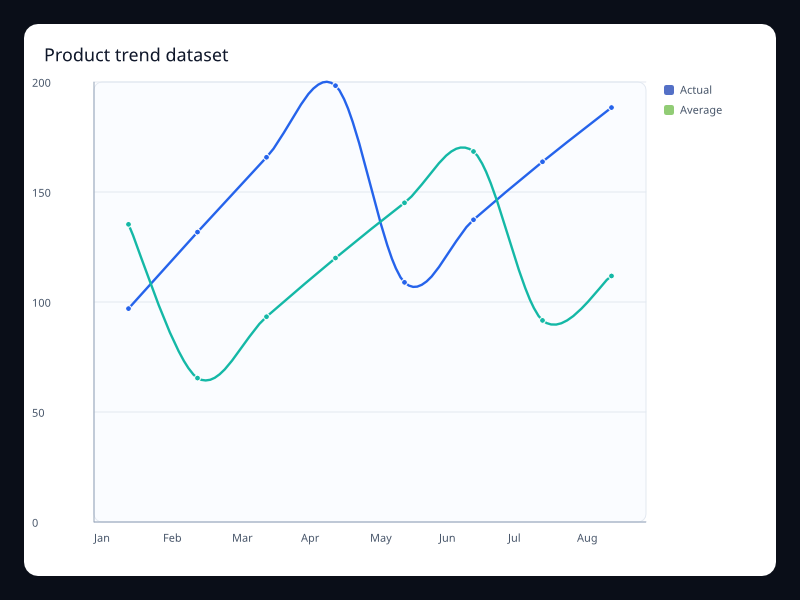
Product trend dataset
Product trend dataset uses Fission Charts typed Rust data to render a production-ready dataset view.
- Data
- Tabular data encoded into line series.
- Use when
- Use it when named fields should drive series values.
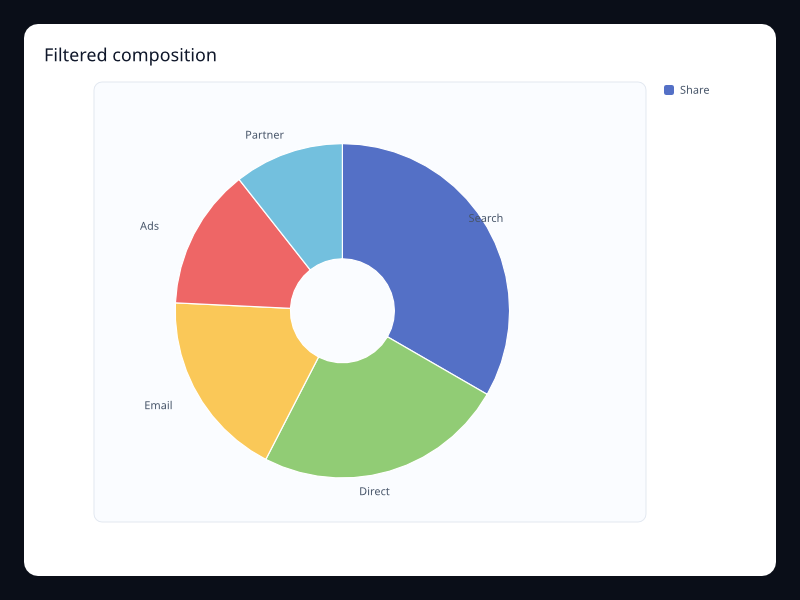
Filtered composition
Filtered composition uses Fission Charts typed Rust data to render a production-ready dataset view.
- Data
- Filtered label/value rows.
- Use when
- Use it when the chart represents a selected dataset slice.
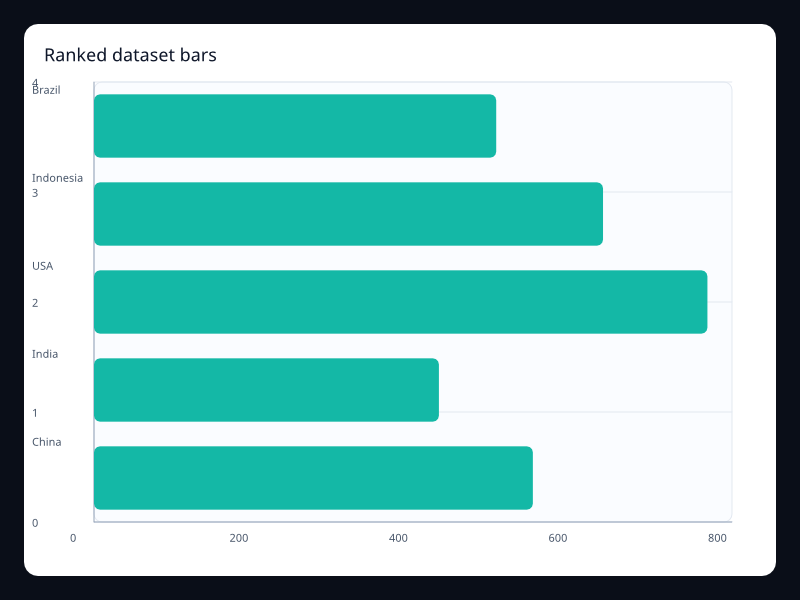
Ranked dataset bars
Ranked dataset bars uses Fission Charts typed Rust data to render a production-ready dataset view.
- Data
- Rows sorted into category/value pairs.
- Use when
- Use it when rank comes from data transformation.
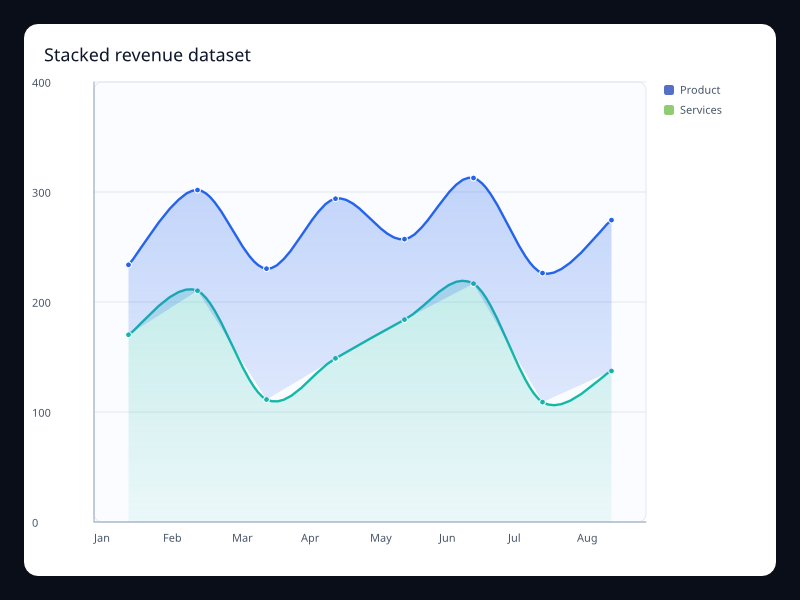
Stacked revenue dataset
Stacked revenue dataset uses Fission Charts typed Rust data to render a production-ready dataset view.
- Data
- Multiple encoded measures over one category axis.
- Use when
- Use it when stack series share the same source table.
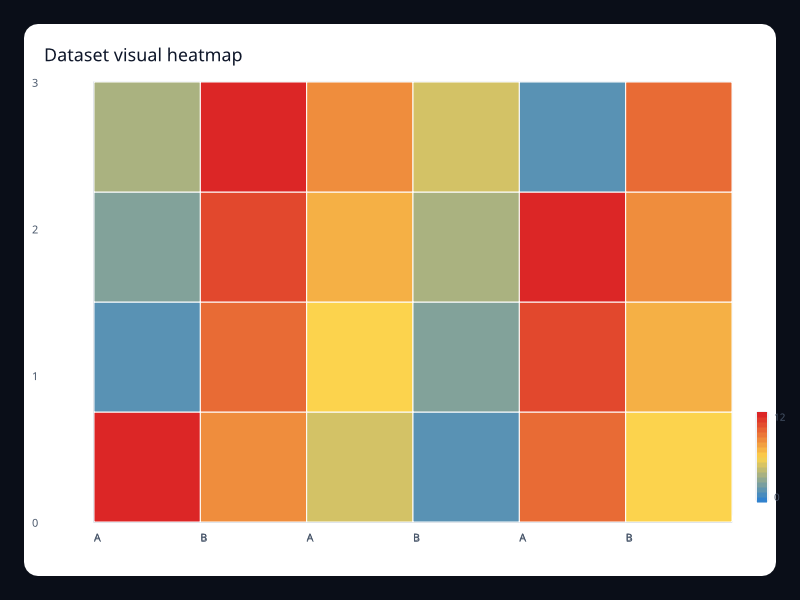
Dataset visual heatmap
Dataset visual heatmap uses Fission Charts typed Rust data to render a production-ready dataset view.
- Data
- Encoded grid cells with values.
- Use when
- Use it when heatmaps come from generic records.
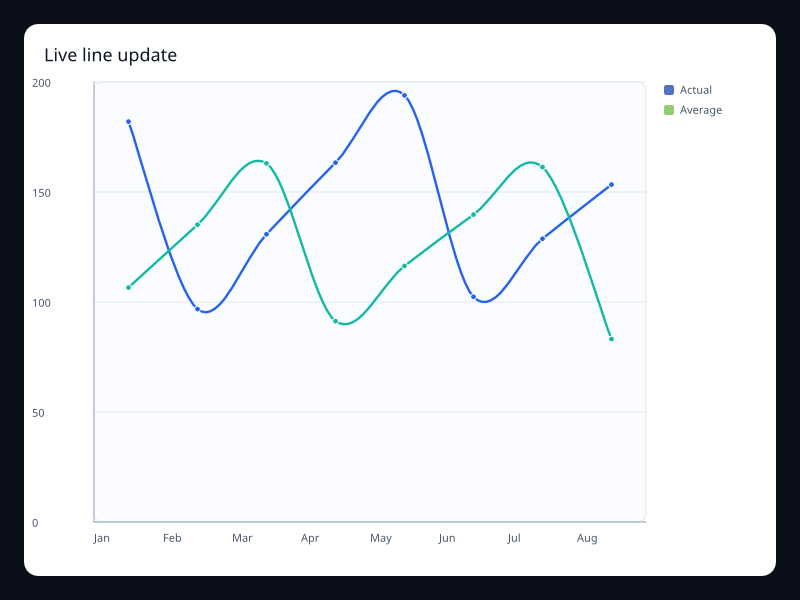
Live line update
Live line update uses Fission Charts typed Rust data to render a production-ready dataset view.
- Data
- Append-like ordered telemetry samples.
- Use when
- Use it for live monitoring views.
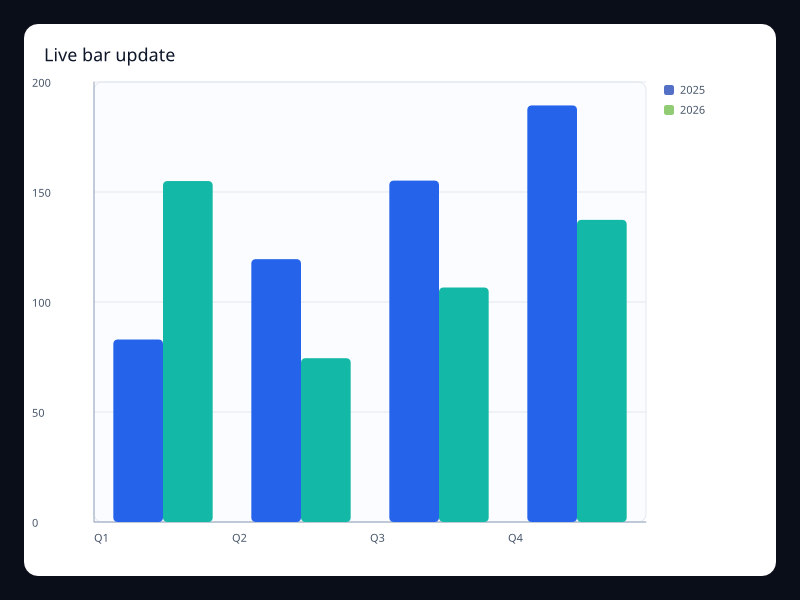
Live bar update
Live bar update uses Fission Charts typed Rust data to render a production-ready dataset view.
- Data
- Changing category values.
- Use when
- Use it for updating status summaries.
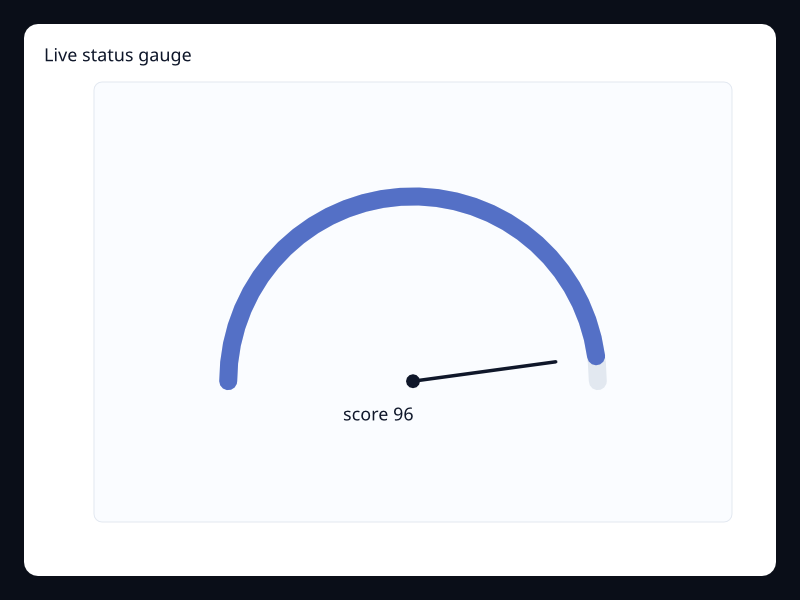
Live status gauge
Live status gauge uses Fission Charts typed Rust data to render a production-ready dataset view.
- Data
- Single changing status value.
- Use when
- Use it when a live number needs a strong visual shape.
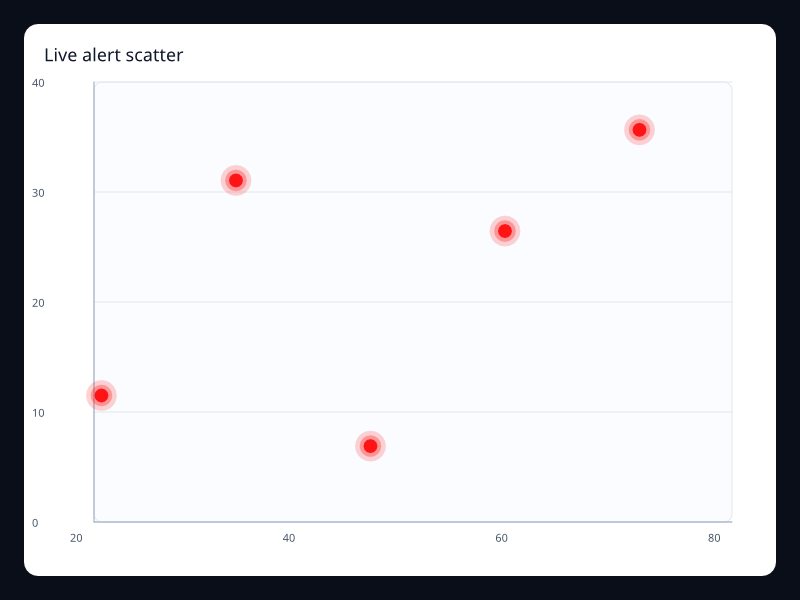
Live alert scatter
Live alert scatter uses Fission Charts typed Rust data to render a production-ready dataset view.
- Data
- Highlighted alert points.
- Use when
- Use it for active events and outliers.
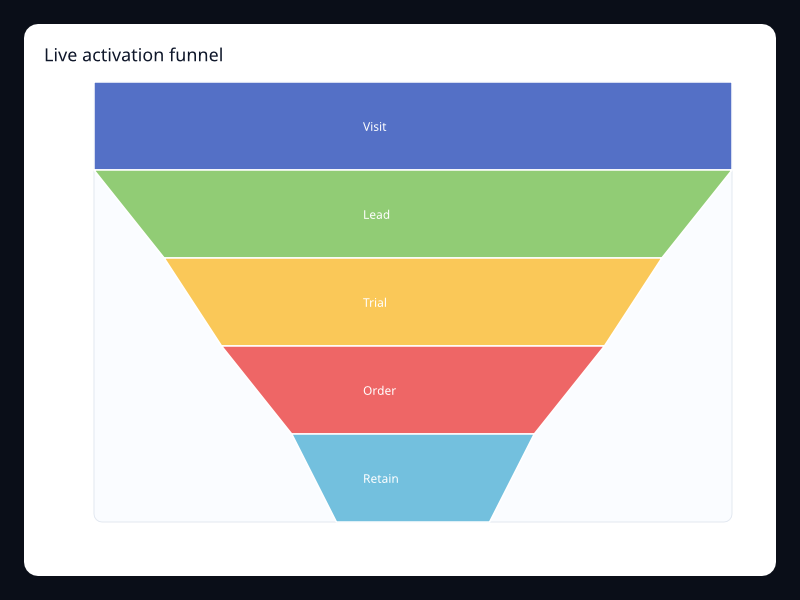
Live activation funnel
Live activation funnel uses Fission Charts typed Rust data to render a production-ready dataset view.
- Data
- Changing stage values.
- Use when
- Use it when pipeline stages update during the session.
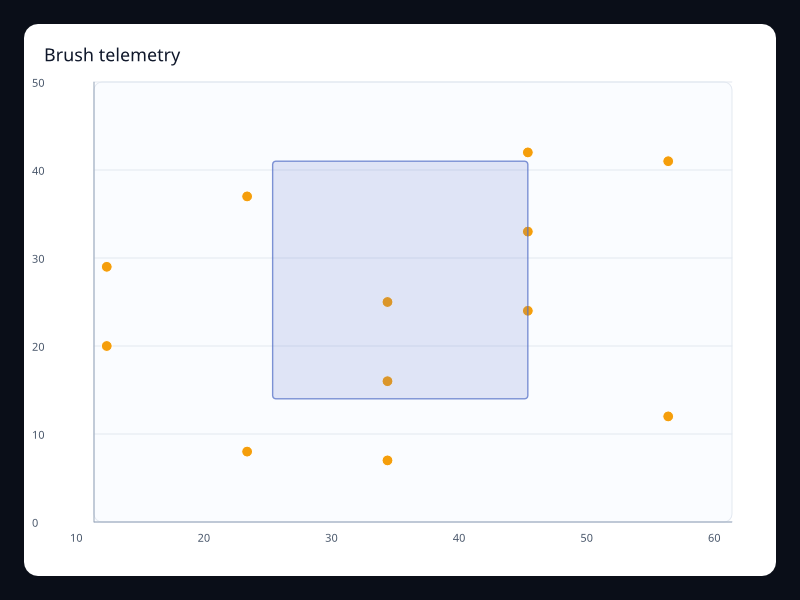
Brush telemetry
Brush telemetry uses Fission Charts typed Rust data to render a production-ready dataset view.
- Data
- Point samples with brush selection.
- Use when
- Use it for interactive telemetry exploration.
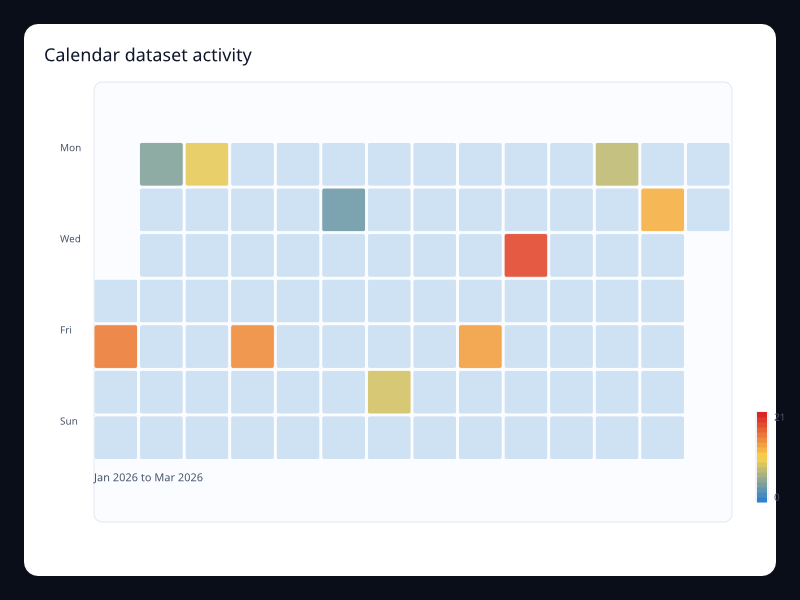
Calendar dataset activity
Calendar dataset activity uses Fission Charts typed Rust data to render a production-ready dataset view.
- Data
- Date/value rows mapped to a calendar.
- Use when
- Use it when dates are a first-class data field.
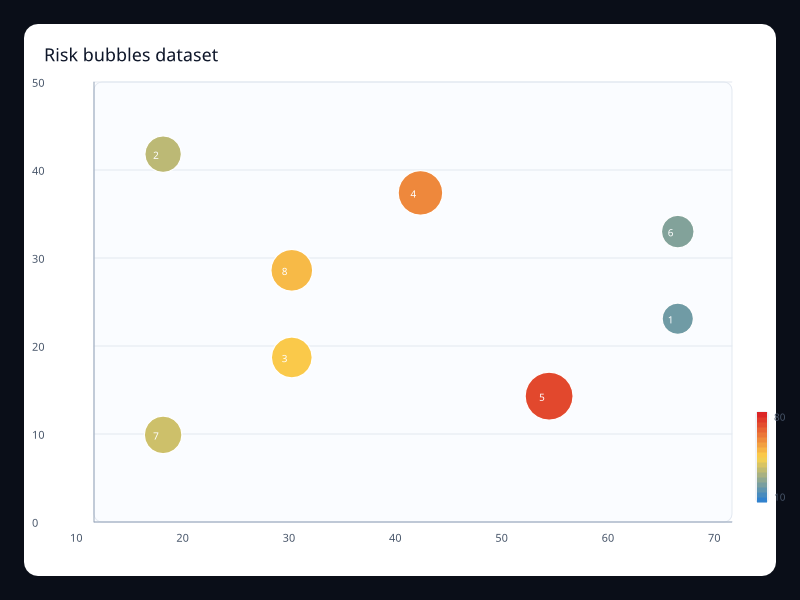
Risk bubbles dataset
Risk bubbles dataset uses Fission Charts typed Rust data to render a production-ready dataset view.
- Data
- Rows encoded into x, y, and size.
- Use when
- Use it when one table feeds bubble visualization.
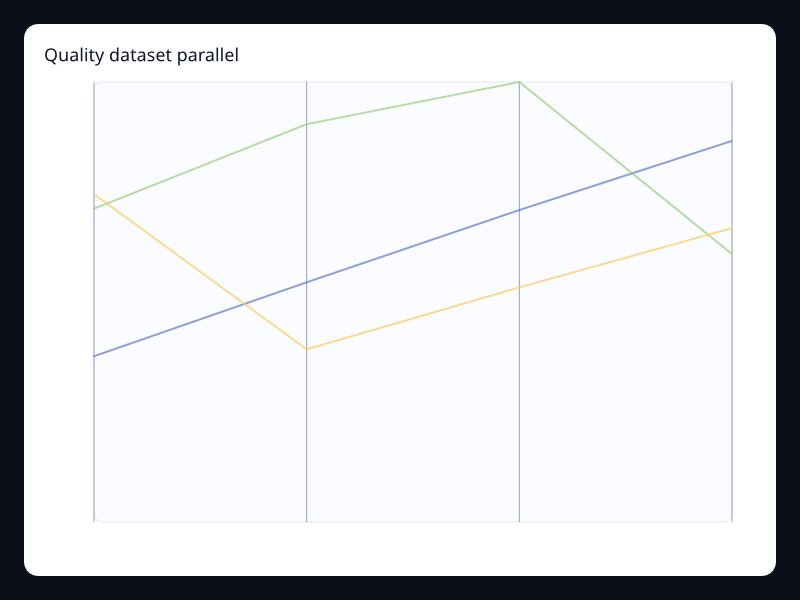
Quality dataset parallel
Quality dataset parallel uses Fission Charts typed Rust data to render a production-ready dataset view.
- Data
- Rows with several numeric dimensions.
- Use when
- Use it when the same table powers multidimensional analysis.
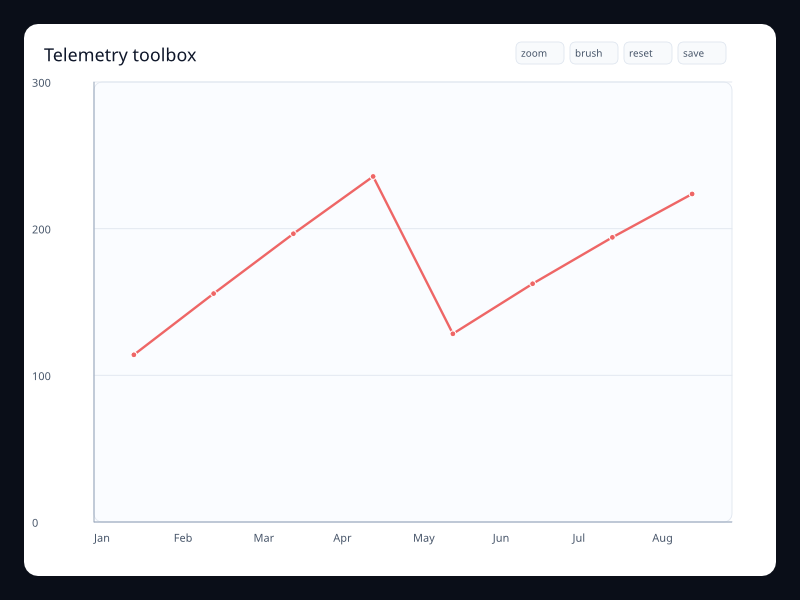
Telemetry toolbox
Telemetry toolbox uses Fission Charts typed Rust data to render a production-ready dataset view.
- Data
- Telemetry chart with built-in actions.
- Use when
- Use it when live charts need controlled exploration.
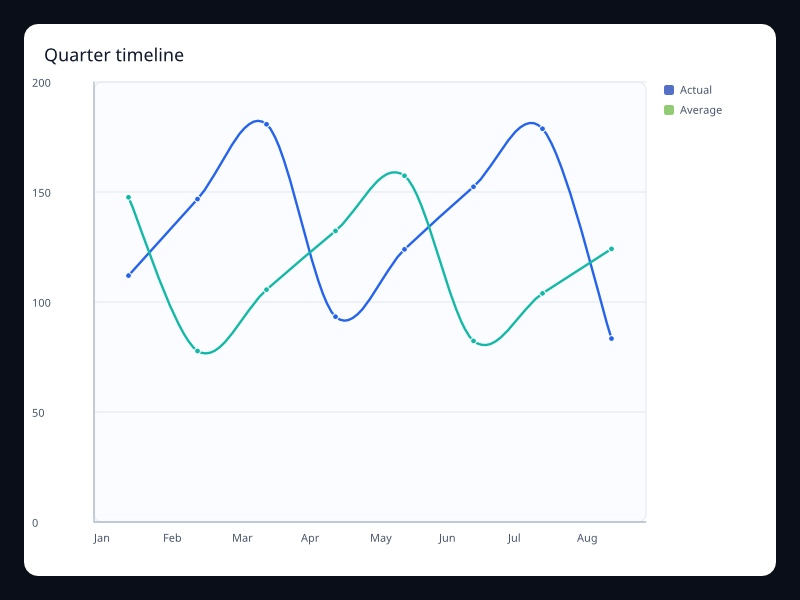
Quarter timeline
Quarter timeline uses Fission Charts typed Rust data to render a production-ready dataset view.
- Data
- Period labels switching chart state.
- Use when
- Use it for period-over-period analysis.
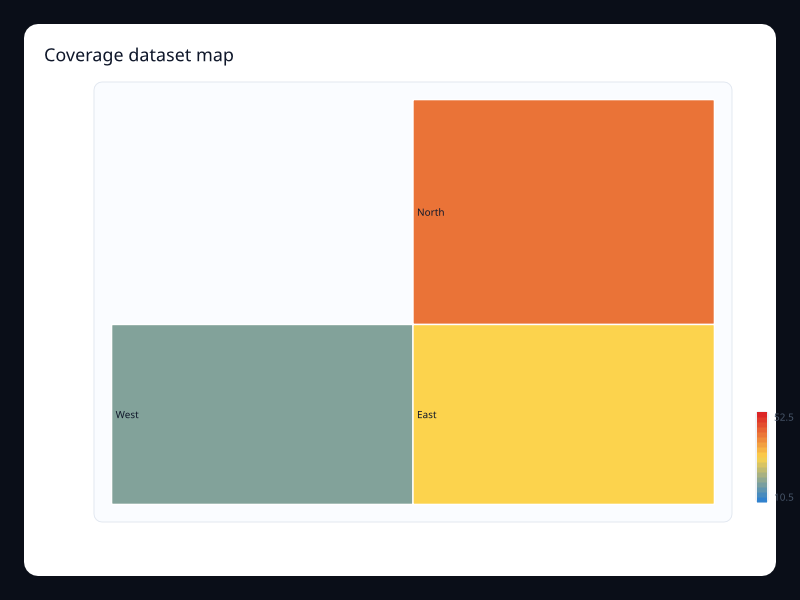
Coverage dataset map
Coverage dataset map uses Fission Charts typed Rust data to render a production-ready dataset view.
- Data
- Region/value rows.
- Use when
- Use it when geographic views come from named records.
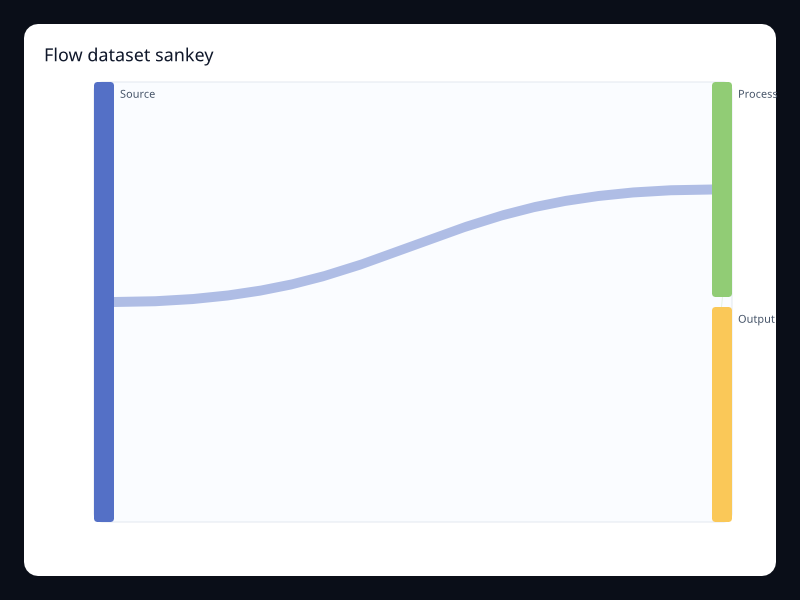
Flow dataset sankey
Flow dataset sankey uses Fission Charts typed Rust data to render a production-ready dataset view.
- Data
- Node and edge records.
- Use when
- Use it when flow data is modeled explicitly.
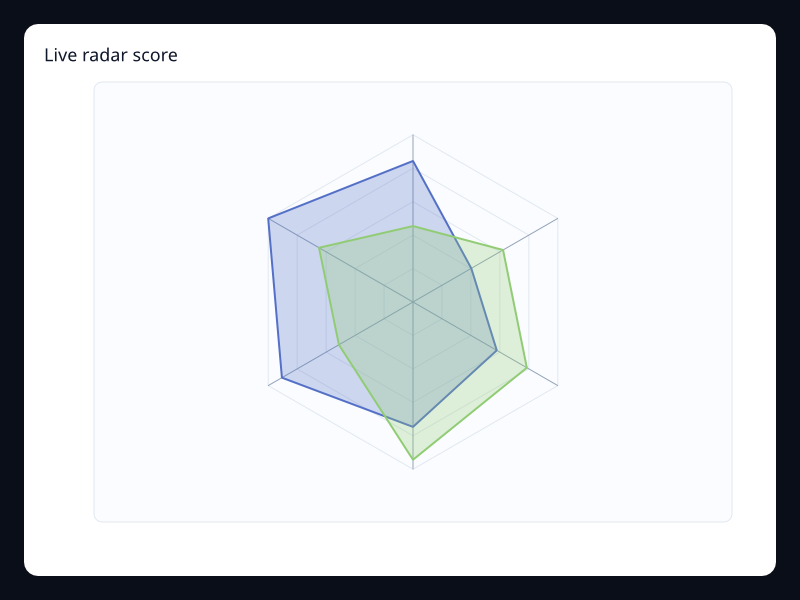
Live radar score
Live radar score uses Fission Charts typed Rust data to render a production-ready dataset view.
- Data
- Changing dimension vectors.
- Use when
- Use it for live multidimensional scorecards.
Chart family
Monitoring
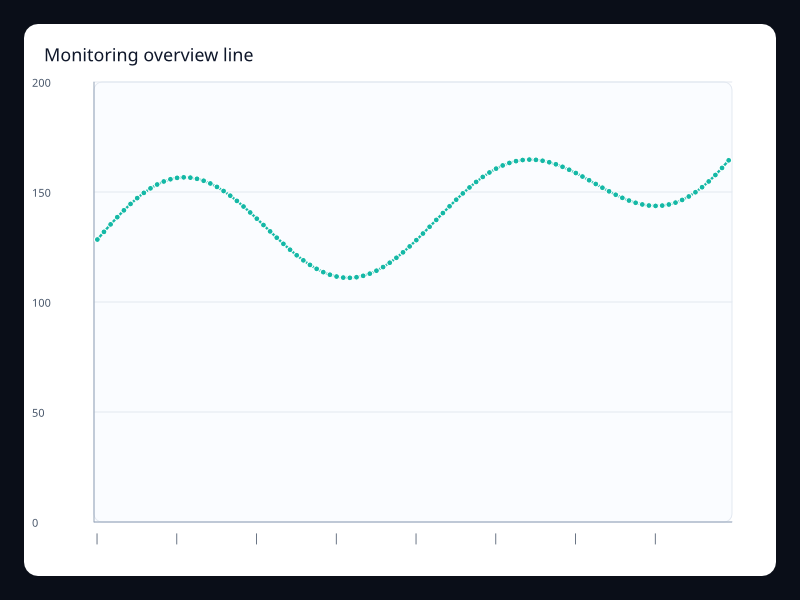
Monitoring overview line
Monitoring overview line uses Fission Charts typed Rust data to render a production-ready monitoring view.
- Data
- Dense telemetry samples.
- Use when
- Use it for top-level operational dashboards.
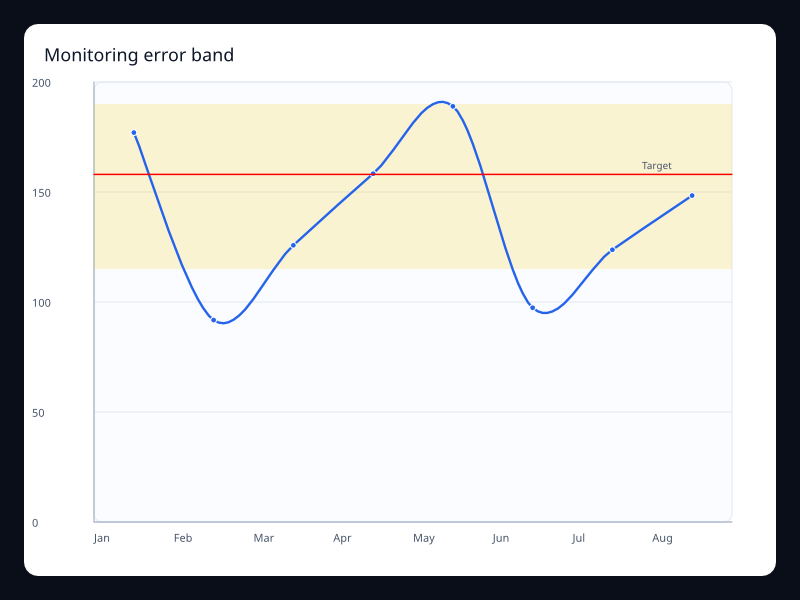
Monitoring error band
Monitoring error band uses Fission Charts typed Rust data to render a production-ready monitoring view.
- Data
- Error values with threshold band.
- Use when
- Use it when alert ranges must be visible.
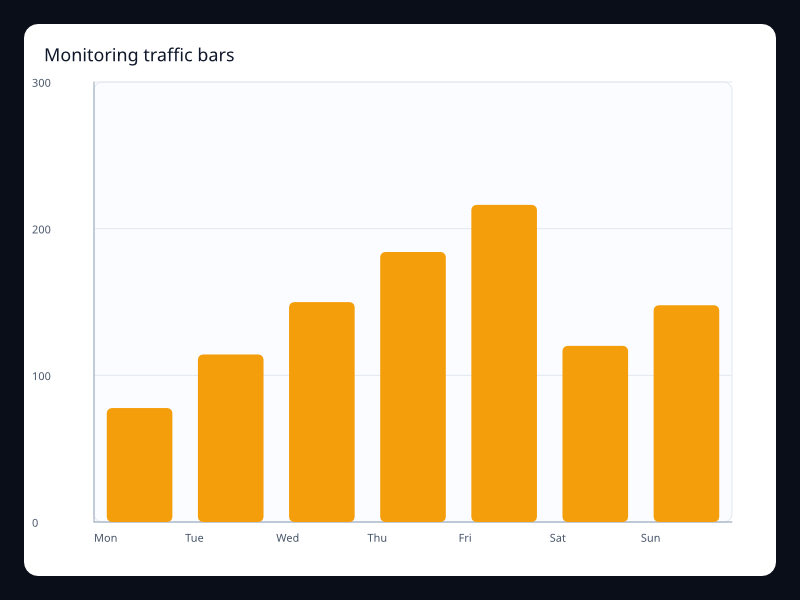
Monitoring traffic bars
Monitoring traffic bars uses Fission Charts typed Rust data to render a production-ready monitoring view.
- Data
- Traffic counts by category.
- Use when
- Use it for quick categorical traffic summaries.
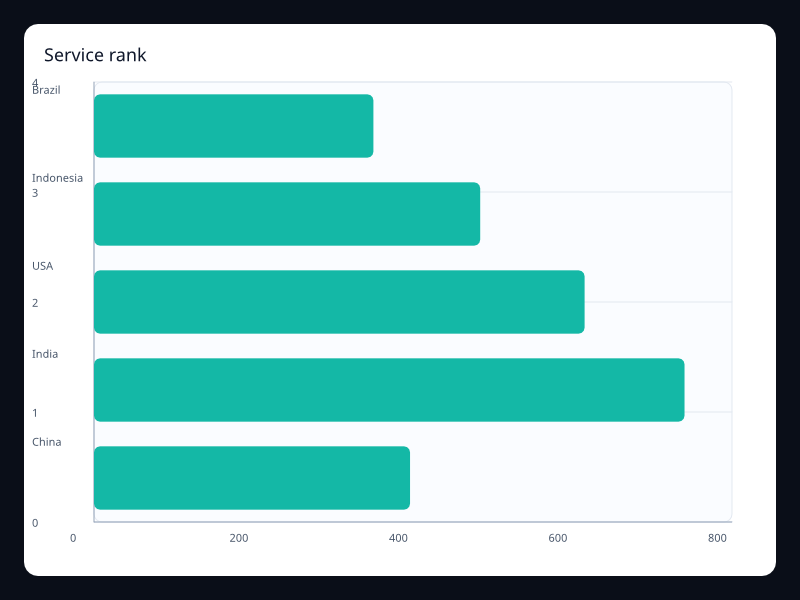
Service rank
Service rank uses Fission Charts typed Rust data to render a production-ready monitoring view.
- Data
- Services ranked by a value.
- Use when
- Use it to focus on the largest contributors.
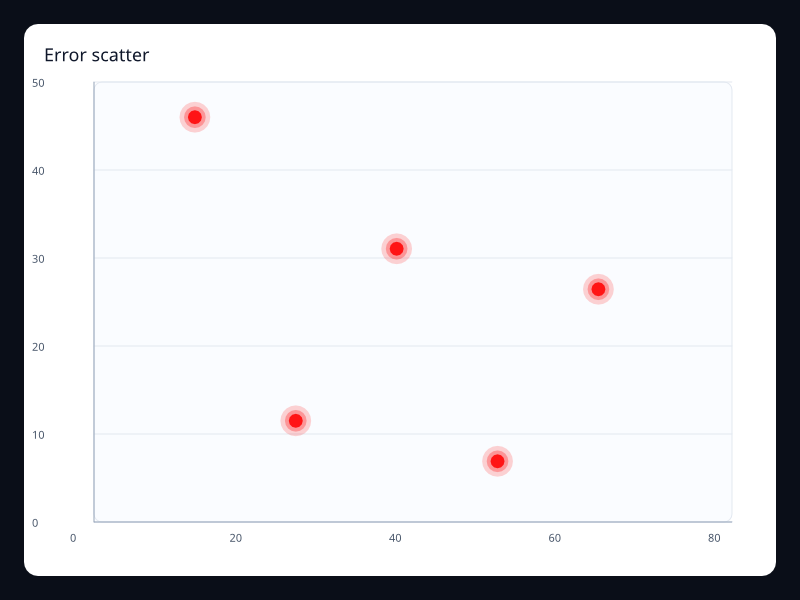
Error scatter
Error scatter uses Fission Charts typed Rust data to render a production-ready monitoring view.
- Data
- Highlighted error points.
- Use when
- Use it for outlier-heavy operational views.
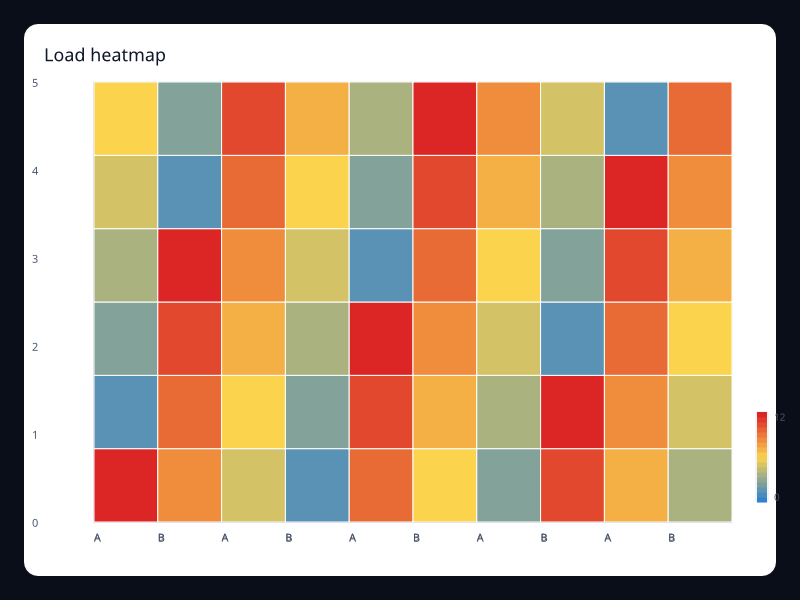
Load heatmap
Load heatmap uses Fission Charts typed Rust data to render a production-ready monitoring view.
- Data
- Resource load matrix.
- Use when
- Use it for time and resource concentration.
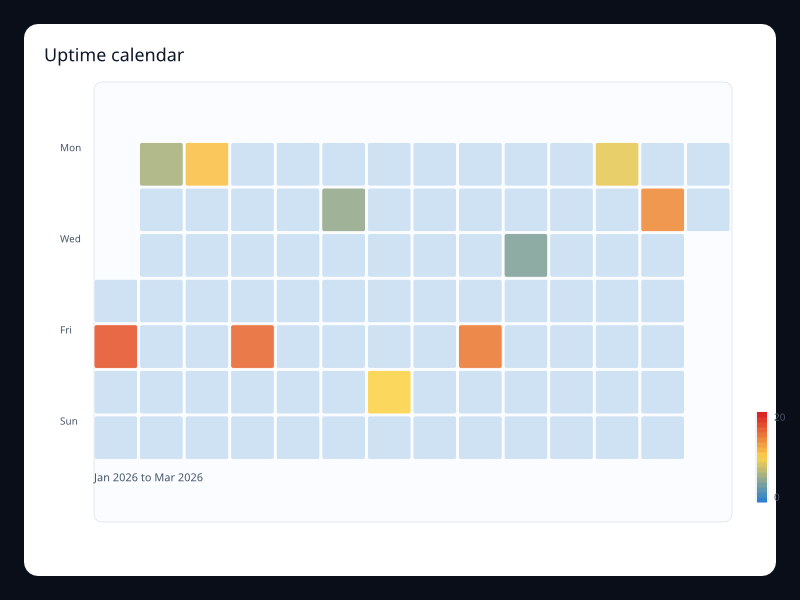
Uptime calendar
Uptime calendar uses Fission Charts typed Rust data to render a production-ready monitoring view.
- Data
- Daily uptime values.
- Use when
- Use it for long-term reliability summaries.
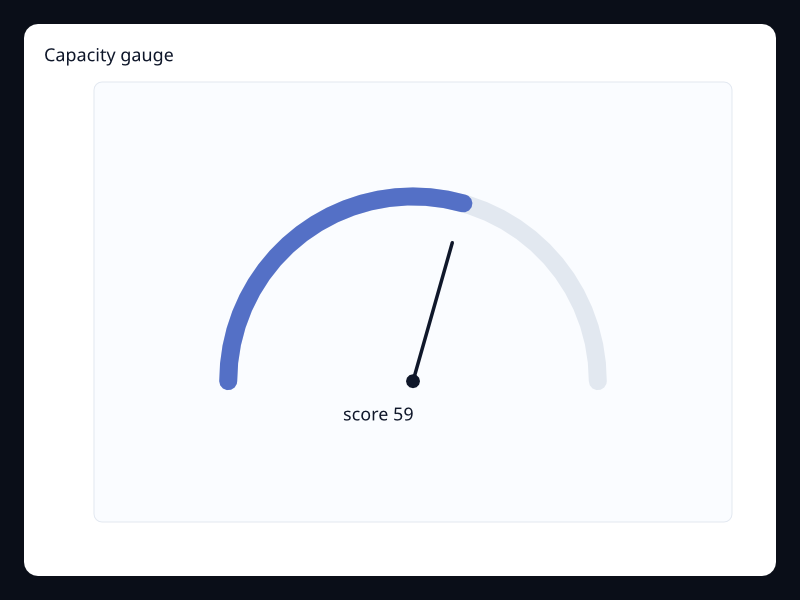
Capacity gauge
Capacity gauge uses Fission Charts typed Rust data to render a production-ready monitoring view.
- Data
- One capacity value in a bounded range.
- Use when
- Use it for critical status cards.
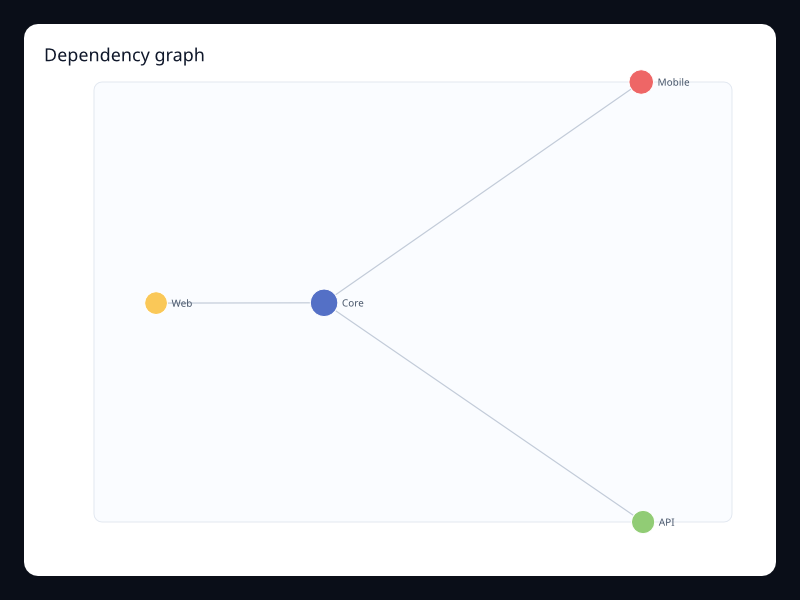
Dependency graph
Dependency graph uses Fission Charts typed Rust data to render a production-ready monitoring view.
- Data
- Service nodes and dependencies.
- Use when
- Use it for operational topology.
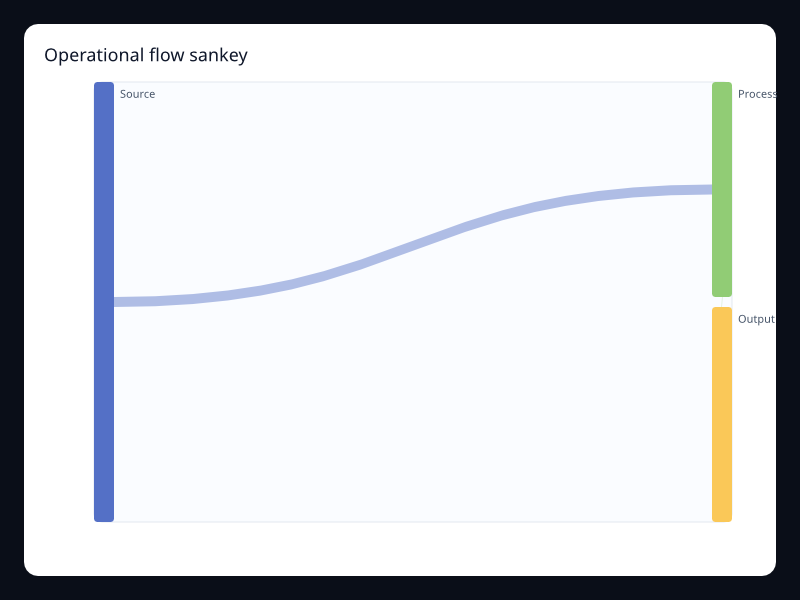
Operational flow sankey
Operational flow sankey uses Fission Charts typed Rust data to render a production-ready monitoring view.
- Data
- Flow nodes and links.
- Use when
- Use it for request and process flow.
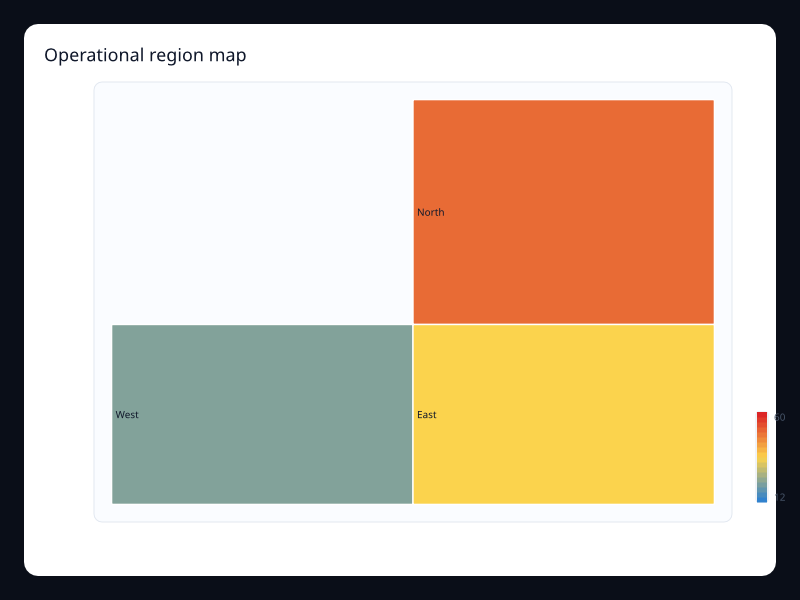
Operational region map
Operational region map uses Fission Charts typed Rust data to render a production-ready monitoring view.
- Data
- Region values with color scale.
- Use when
- Use it for geographic operations.
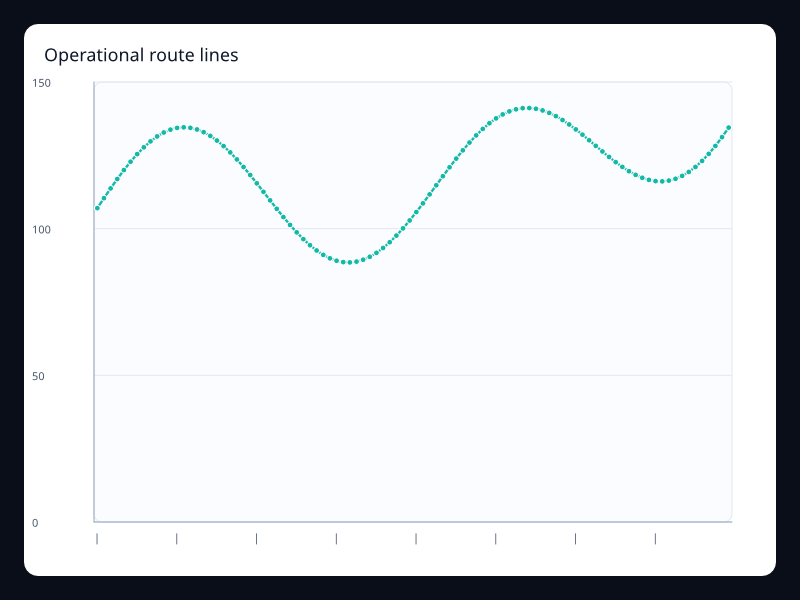
Operational route lines
Operational route lines uses Fission Charts typed Rust data to render a production-ready monitoring view.
- Data
- Connection lines with effect markers.
- Use when
- Use it for route and link movement.
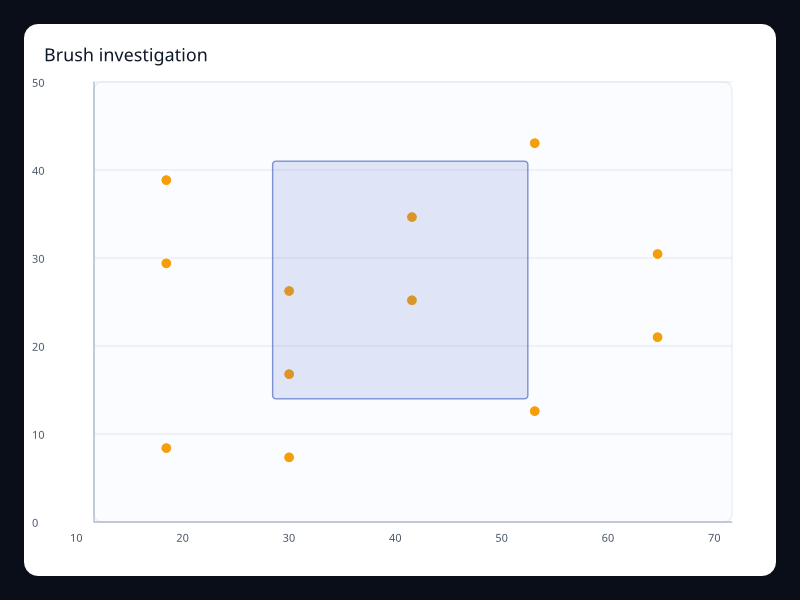
Brush investigation
Brush investigation uses Fission Charts typed Rust data to render a production-ready monitoring view.
- Data
- Scatter points and brush selection.
- Use when
- Use it when incidents require selecting a point range.
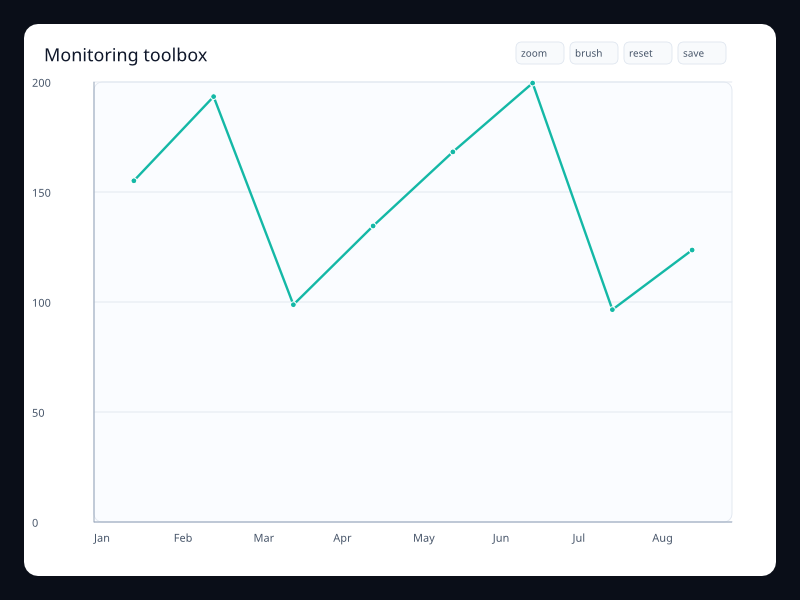
Monitoring toolbox
Monitoring toolbox uses Fission Charts typed Rust data to render a production-ready monitoring view.
- Data
- Line chart with analysis actions.
- Use when
- Use it when charts need local analysis controls.
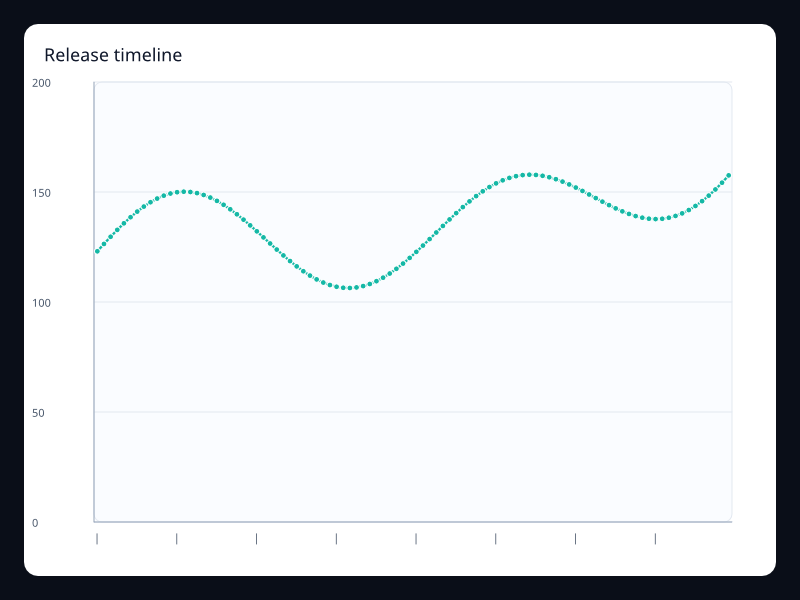
Release timeline
Release timeline uses Fission Charts typed Rust data to render a production-ready monitoring view.
- Data
- Timeline control over chart state.
- Use when
- Use it for release-based dashboards.
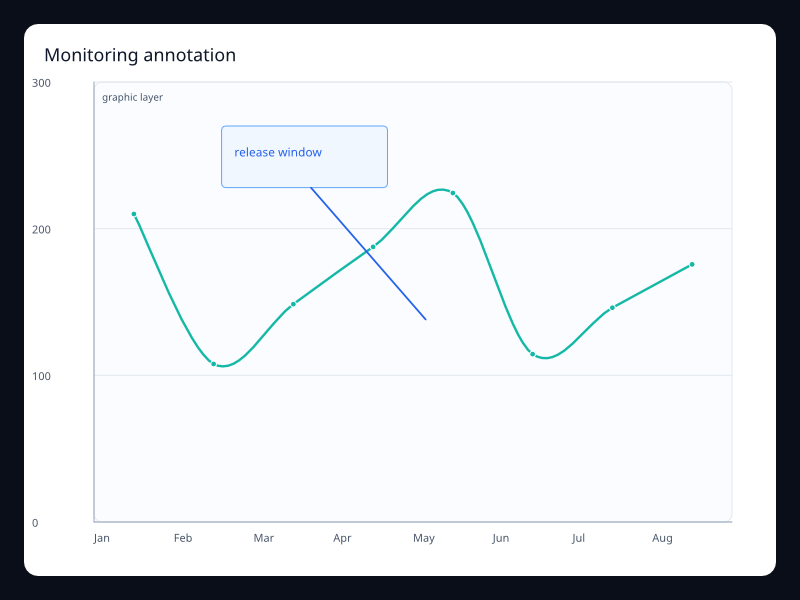
Monitoring annotation
Monitoring annotation uses Fission Charts typed Rust data to render a production-ready monitoring view.
- Data
- Trend with typed graphic callout.
- Use when
- Use it when dashboards need explanatory context.
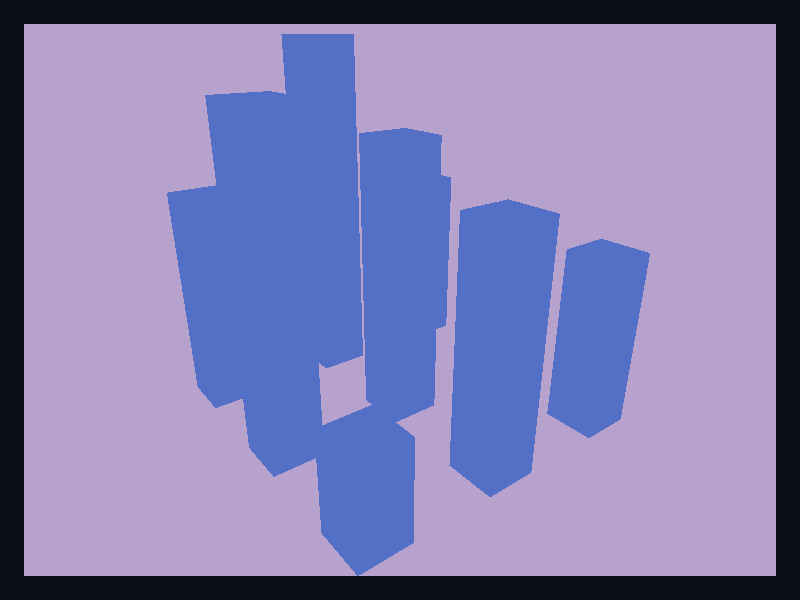
Monitoring 3D grid
Monitoring 3D grid uses Fission Charts typed Rust data to render a production-ready monitoring view.
- Data
- 3D grid bars for operational values.
- Use when
- Use it for spatial operational demonstrations.
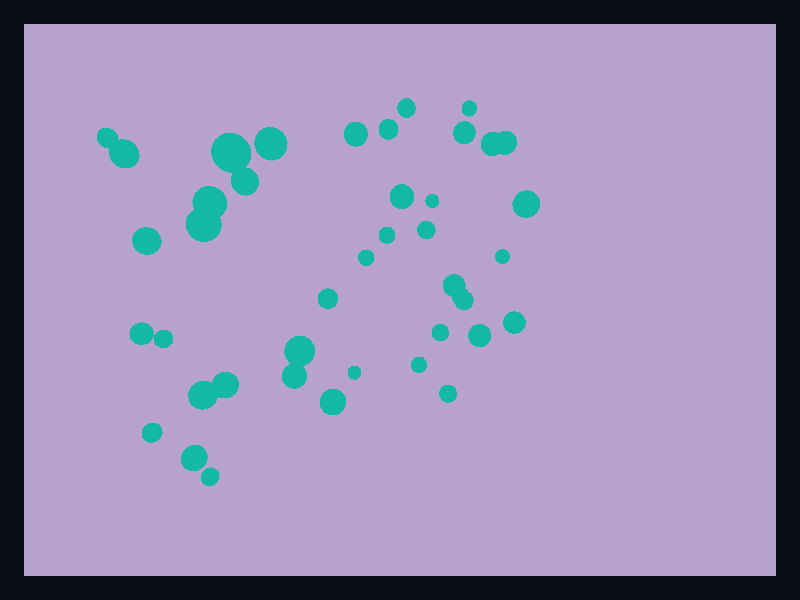
Monitoring 3D cloud
Monitoring 3D cloud uses Fission Charts typed Rust data to render a production-ready monitoring view.
- Data
- 3D point cloud of operational samples.
- Use when
- Use it for dense spatial monitoring views.
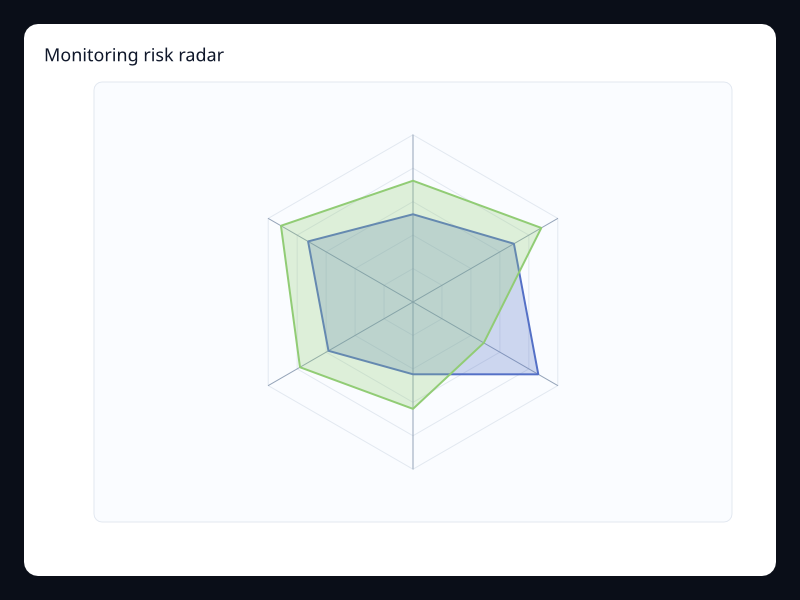
Monitoring risk radar
Monitoring risk radar uses Fission Charts typed Rust data to render a production-ready monitoring view.
- Data
- Multidimensional status vector.
- Use when
- Use it for status summaries across dimensions.
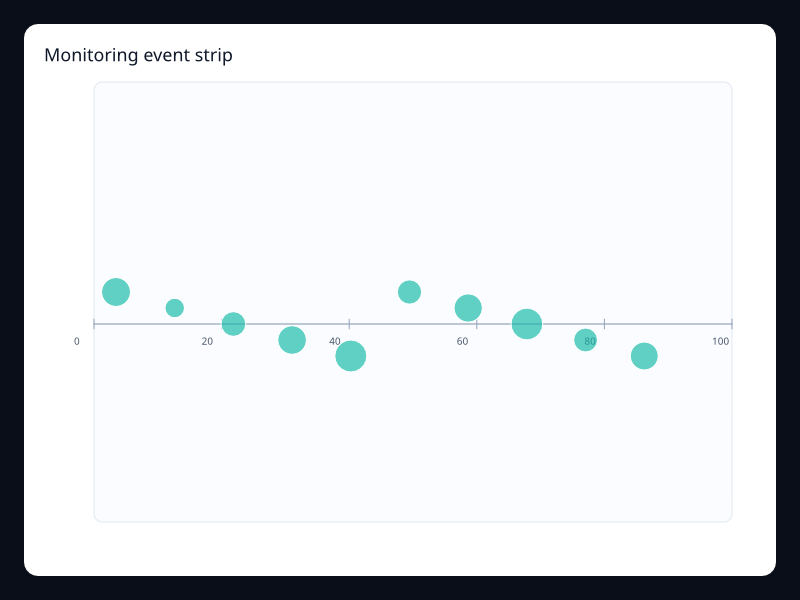
Monitoring event strip
Monitoring event strip uses Fission Charts typed Rust data to render a production-ready monitoring view.
- Data
- Event positions with value-coded marks.
- Use when
- Use it for compact event timeline rows.
Chart family
Analytics
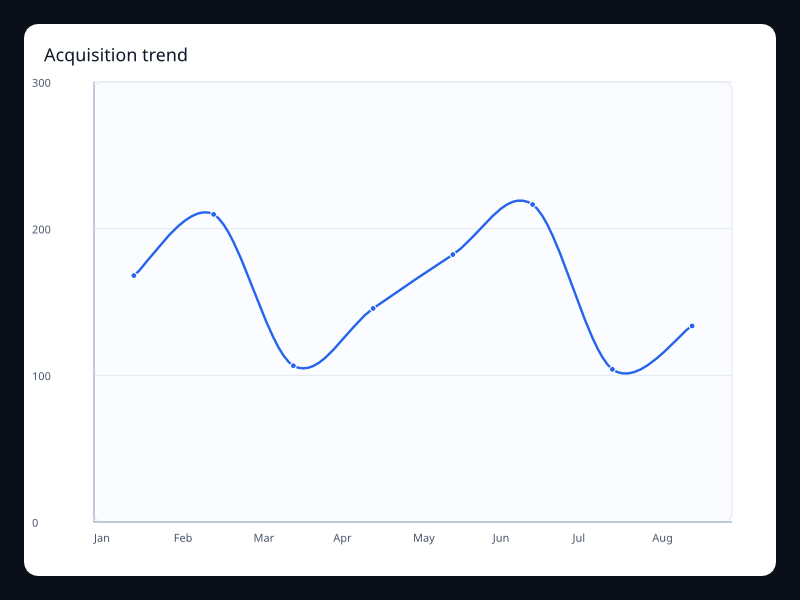
Acquisition trend
Acquisition trend uses Fission Charts typed Rust data to render a production-ready analytics view.
- Data
- Acquisition values over time.
- Use when
- Use it for growth dashboards.
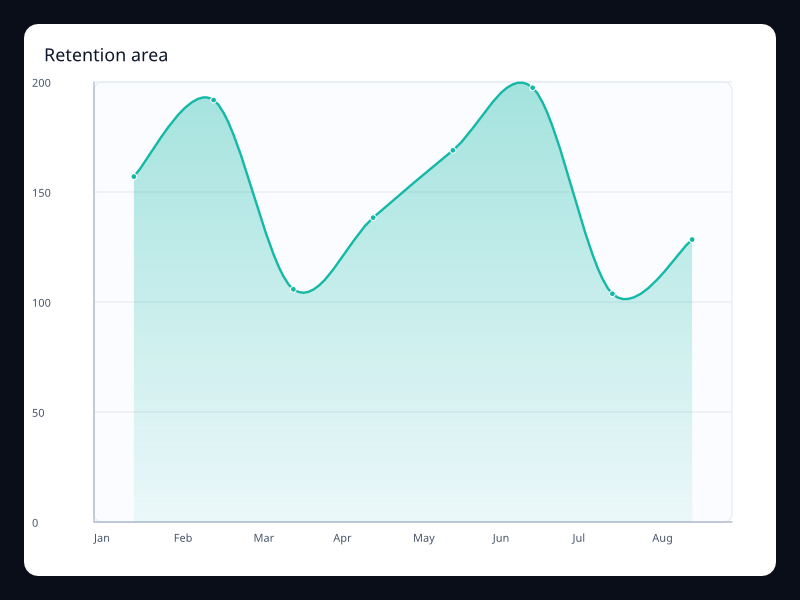
Retention area
Retention area uses Fission Charts typed Rust data to render a production-ready analytics view.
- Data
- Retention values with area fill.
- Use when
- Use it when volume and trend both matter.
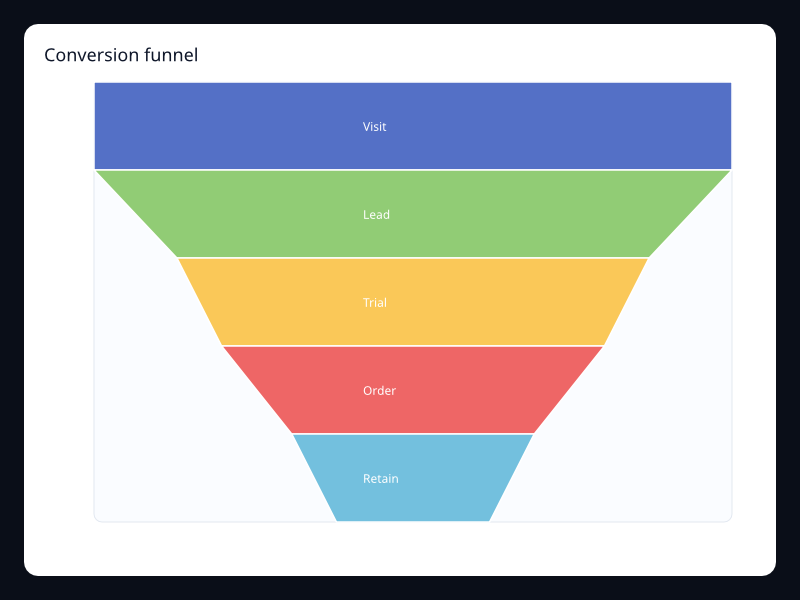
Conversion funnel
Conversion funnel uses Fission Charts typed Rust data to render a production-ready analytics view.
- Data
- Ordered conversion stage values.
- Use when
- Use it for product funnel analysis.
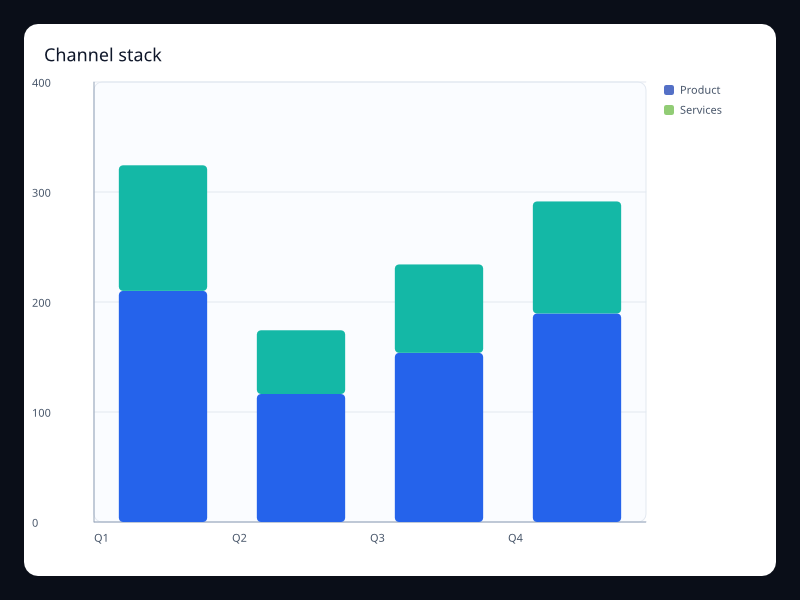
Channel stack
Channel stack uses Fission Charts typed Rust data to render a production-ready analytics view.
- Data
- Channel values stacked by category.
- Use when
- Use it for acquisition mix.
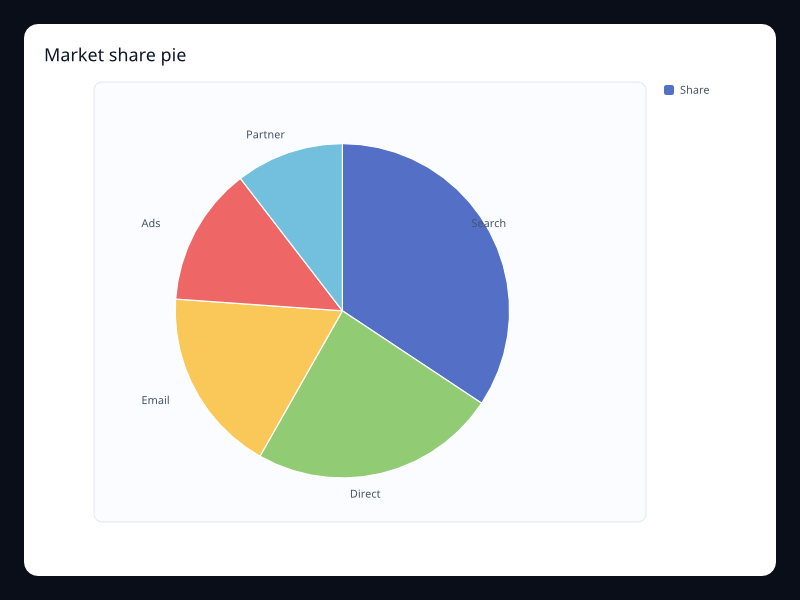
Market share pie
Market share pie uses Fission Charts typed Rust data to render a production-ready analytics view.
- Data
- Label/value market share pairs.
- Use when
- Use it for small whole comparisons.
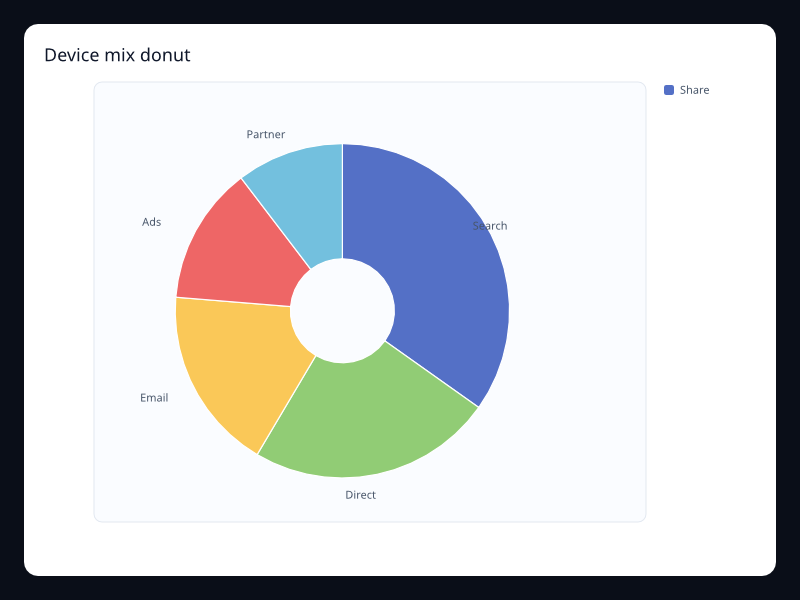
Device mix donut
Device mix donut uses Fission Charts typed Rust data to render a production-ready analytics view.
- Data
- Device values in a donut chart.
- Use when
- Use it when device share matters.
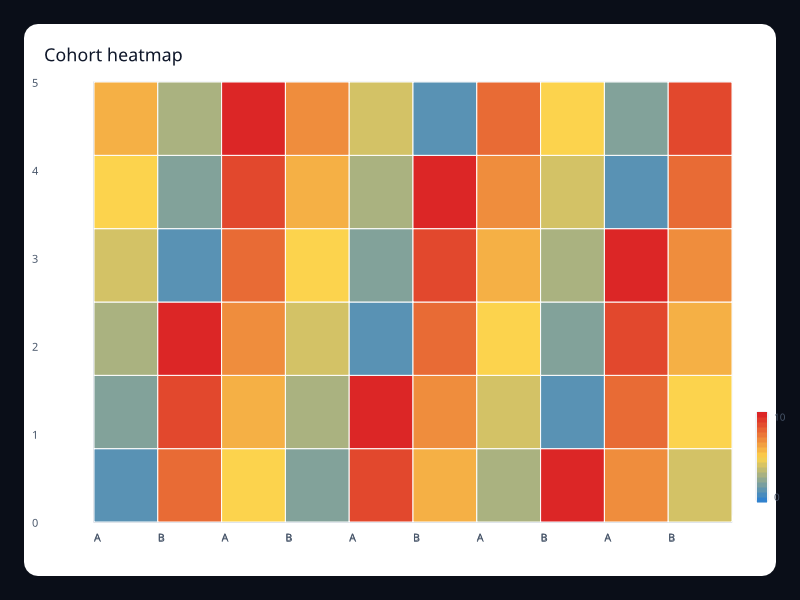
Cohort heatmap
Cohort heatmap uses Fission Charts typed Rust data to render a production-ready analytics view.
- Data
- Cohort matrix values.
- Use when
- Use it for retention and cohort intensity.
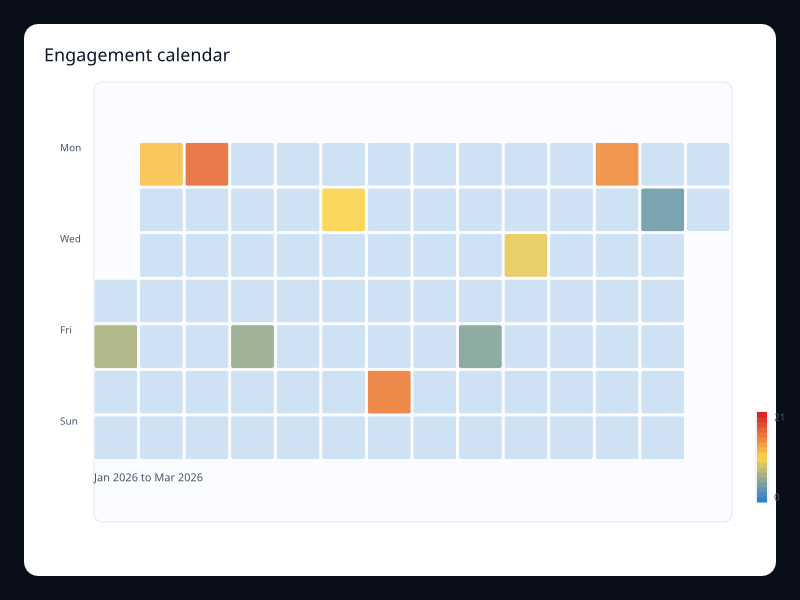
Engagement calendar
Engagement calendar uses Fission Charts typed Rust data to render a production-ready analytics view.
- Data
- Daily engagement values.
- Use when
- Use it for engagement consistency over time.
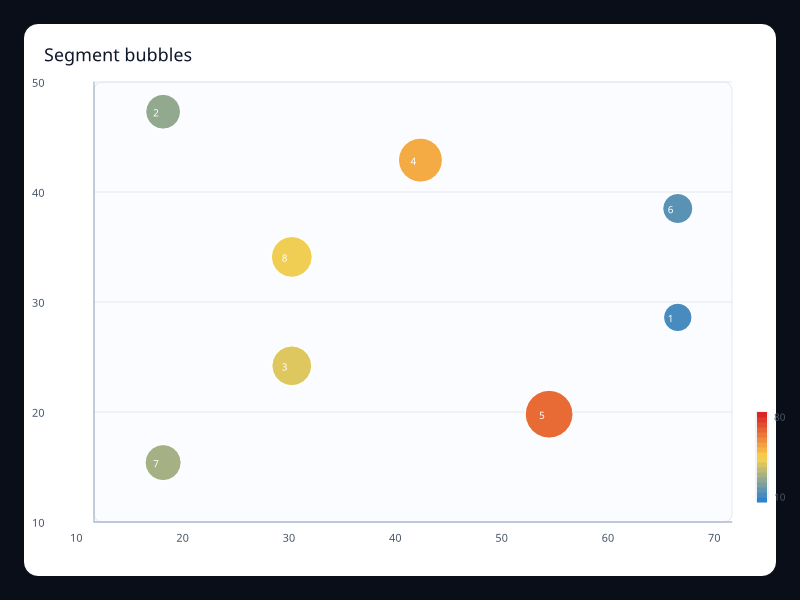
Segment bubbles
Segment bubbles uses Fission Charts typed Rust data to render a production-ready analytics view.
- Data
- Segment x, y, and value triples.
- Use when
- Use it for multidimensional segment comparison.
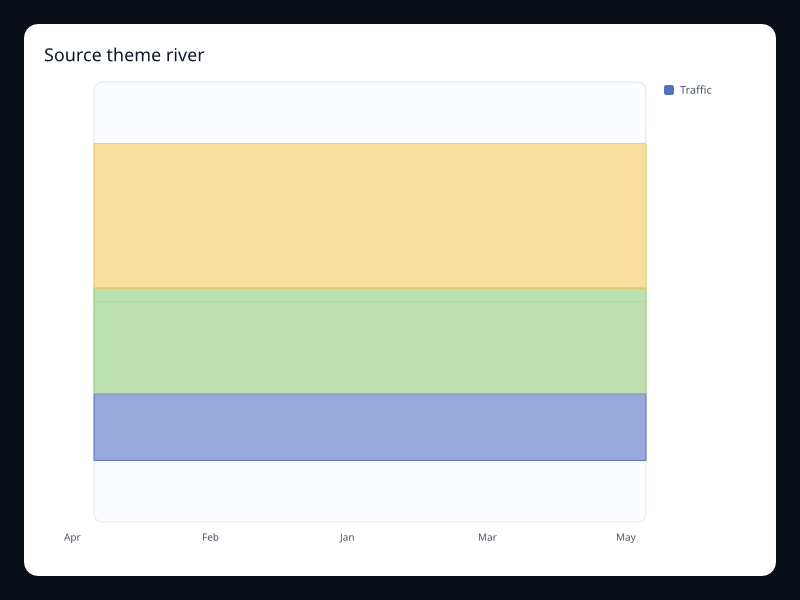
Source theme river
Source theme river uses Fission Charts typed Rust data to render a production-ready analytics view.
- Data
- Source values over time.
- Use when
- Use it for changing source composition.
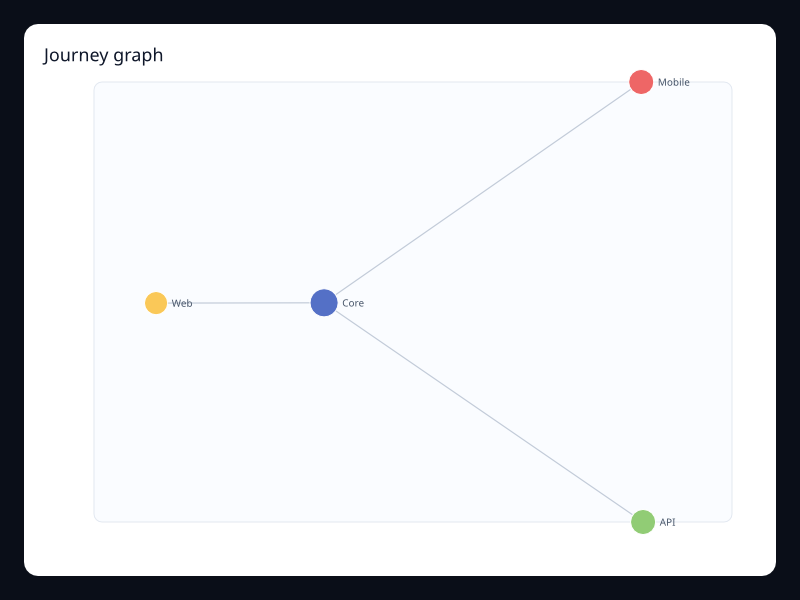
Journey graph
Journey graph uses Fission Charts typed Rust data to render a production-ready analytics view.
- Data
- Journey nodes and links.
- Use when
- Use it for relationship-heavy behavior views.
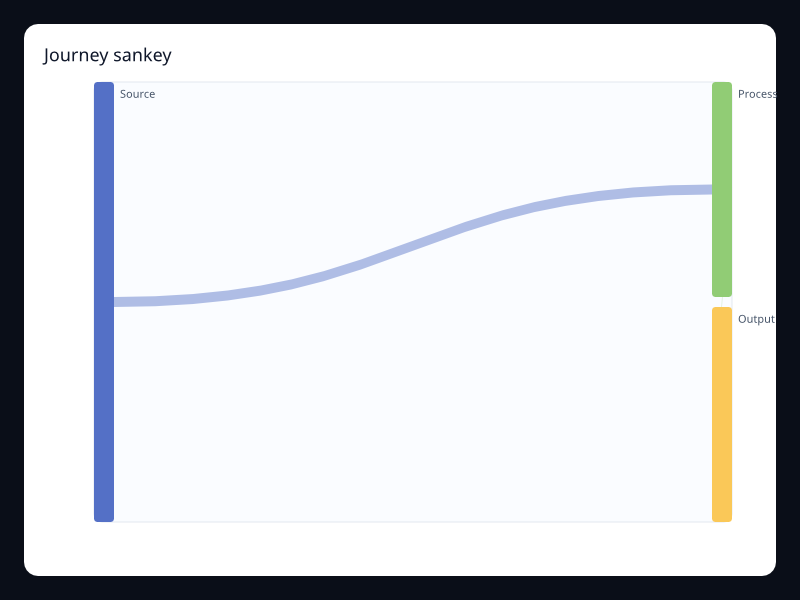
Journey sankey
Journey sankey uses Fission Charts typed Rust data to render a production-ready analytics view.
- Data
- Journey stages and flow links.
- Use when
- Use it for user movement between stages.
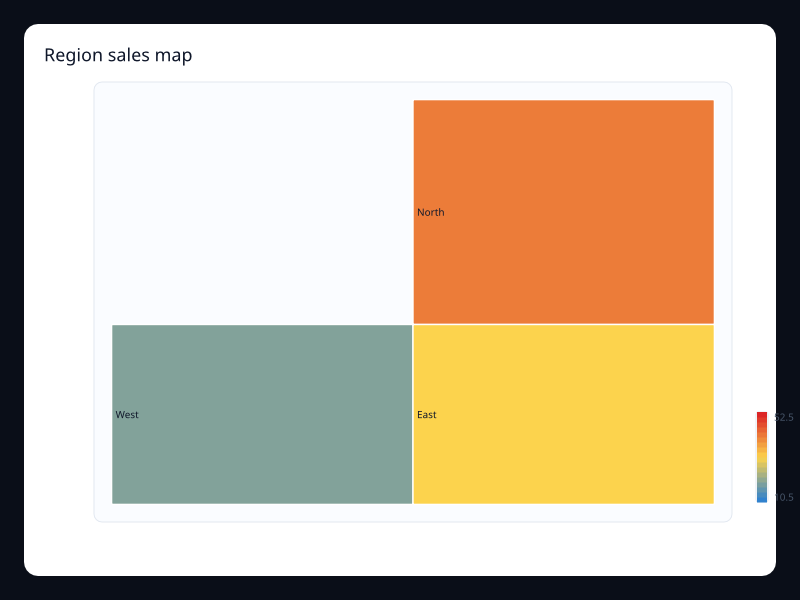
Region sales map
Region sales map uses Fission Charts typed Rust data to render a production-ready analytics view.
- Data
- Sales values by named region.
- Use when
- Use it for geographic sales analysis.
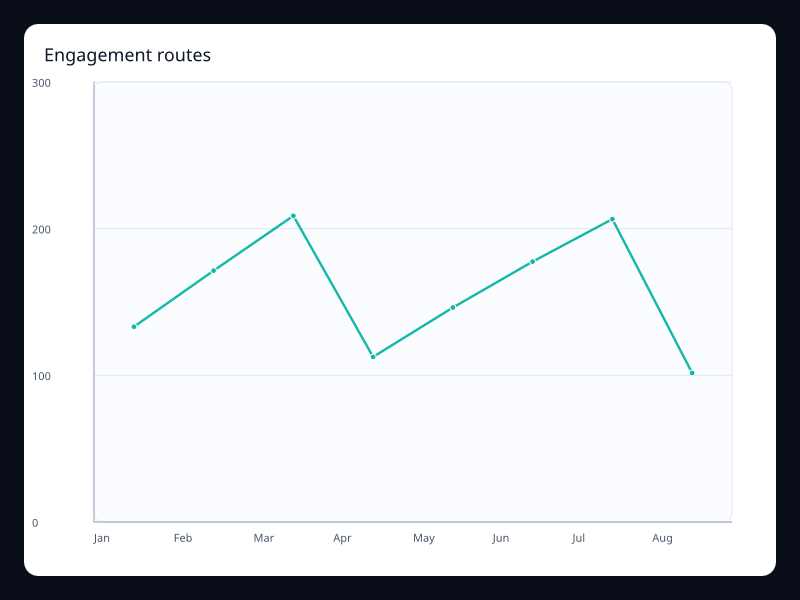
Engagement routes
Engagement routes uses Fission Charts typed Rust data to render a production-ready analytics view.
- Data
- Map plus route lines.
- Use when
- Use it for spatial engagement flows.
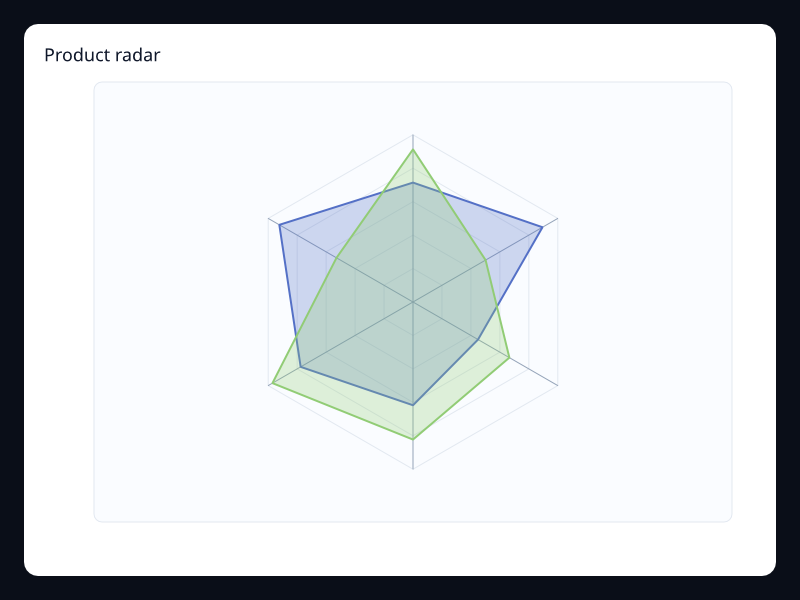
Product radar
Product radar uses Fission Charts typed Rust data to render a production-ready analytics view.
- Data
- Product dimensions as profile vectors.
- Use when
- Use it to compare product health dimensions.
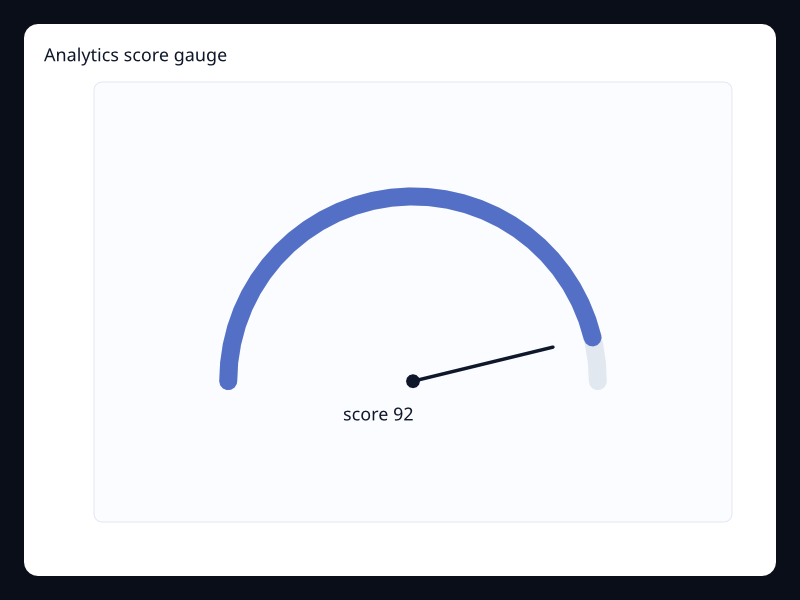
Analytics score gauge
Analytics score gauge uses Fission Charts typed Rust data to render a production-ready analytics view.
- Data
- One score value in a bounded range.
- Use when
- Use it for primary scorecards.
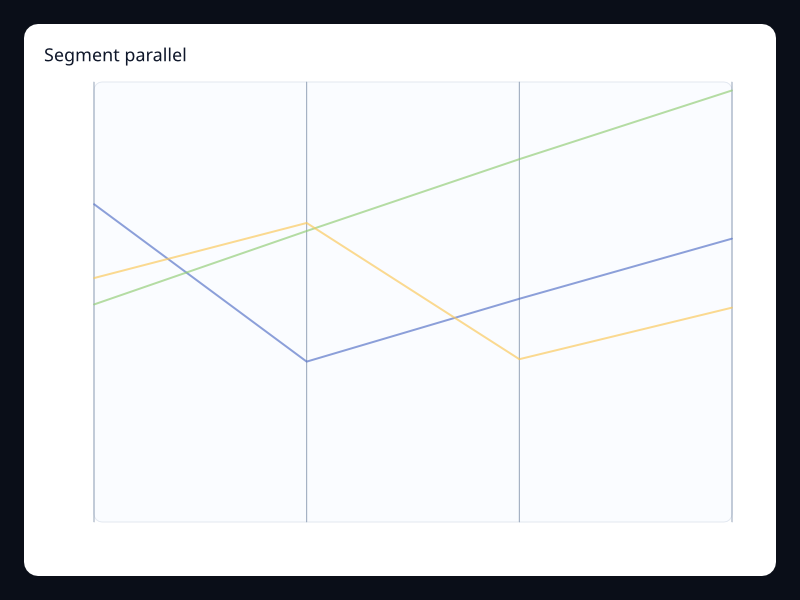
Segment parallel
Segment parallel uses Fission Charts typed Rust data to render a production-ready analytics view.
- Data
- Segment rows across several dimensions.
- Use when
- Use it for segment tradeoff analysis.
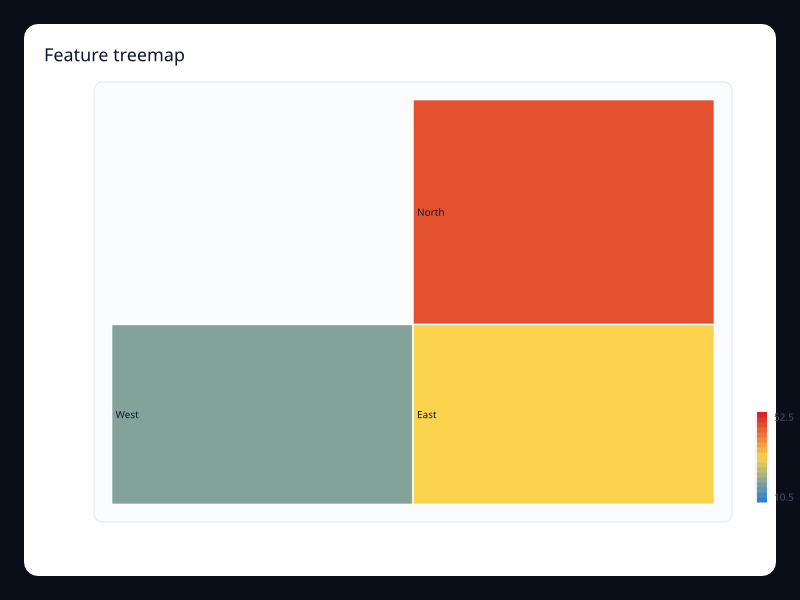
Feature treemap
Feature treemap uses Fission Charts typed Rust data to render a production-ready analytics view.
- Data
- Feature values in a hierarchy.
- Use when
- Use it for feature usage share.
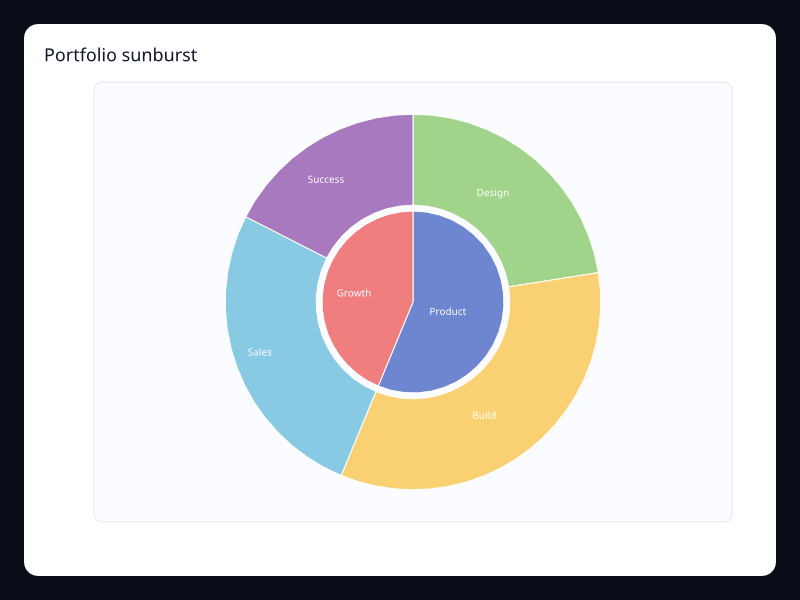
Portfolio sunburst
Portfolio sunburst uses Fission Charts typed Rust data to render a production-ready analytics view.
- Data
- Portfolio hierarchy in radial layers.
- Use when
- Use it for hierarchical portfolio composition.
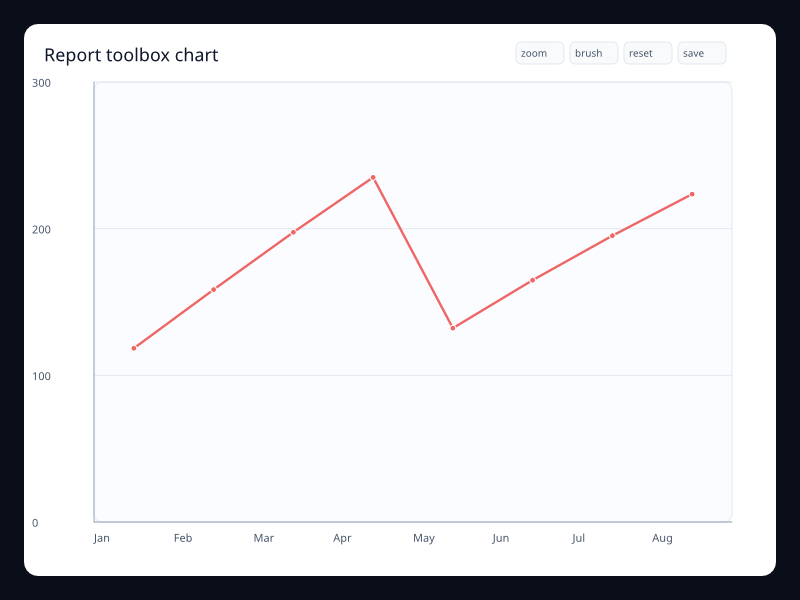
Report toolbox chart
Report toolbox chart uses Fission Charts typed Rust data to render a production-ready analytics view.
- Data
- Chart with report actions.
- Use when
- Use it when analytics views need built-in controls.