01State
Plain Rust data stays in charge.
Product truth is not hidden inside widgets or host callbacks.
Fission is a cross-platform user interface framework with one shared runtime, explicit state, explicit side effects, and a GPU-backed rendering pipeline.
You write app state as plain Rust data, update it with reducers, and let Fission keep layout, input, time, rendering, and platform boundaries consistent across every target.
Run a real app
cargo run -p counterCreate your own project
fission init my-appWhat Fission is
Fission keeps state flow, layout, semantics, input routing, and rendering in one runtime, while platform shells handle packaging, windows, browser surfaces, lifecycle, and operating-system integration.
State, reducers, layout, semantics, and rendering stay in one app model.
See the modelDesktop, web, Android, and iOS hosts already exist around the same app code.
See targetsLive tests, diagnostics, semantics, and layout inspection are part of the runtime story.
See testingProject setup and host generation are already part of the command-line workflow.
See host setupBeautiful charts
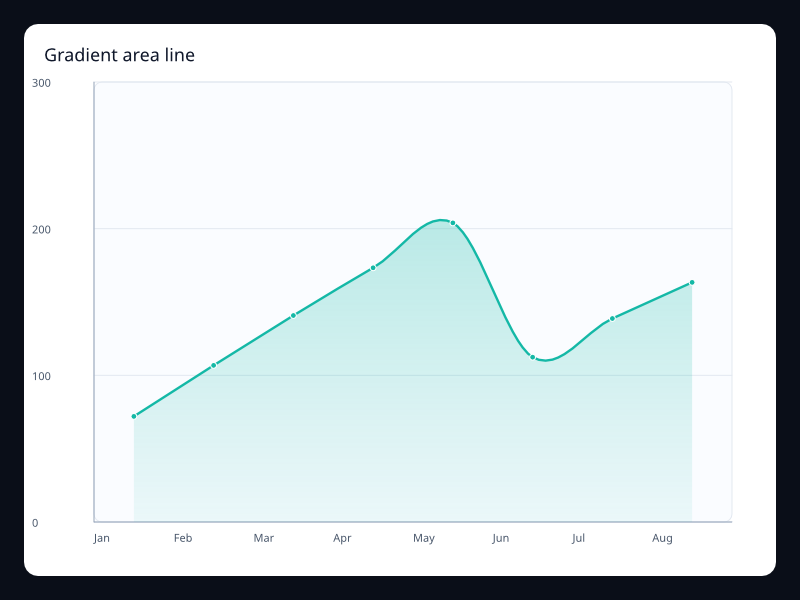
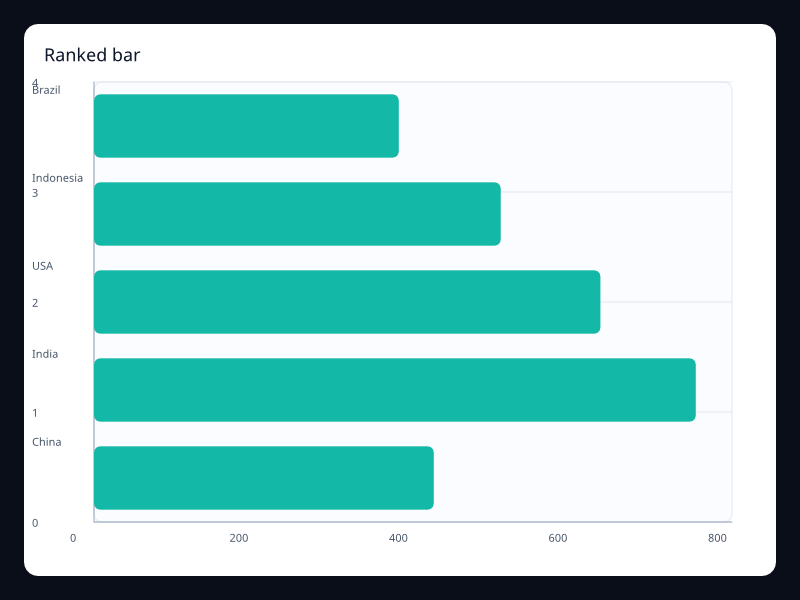
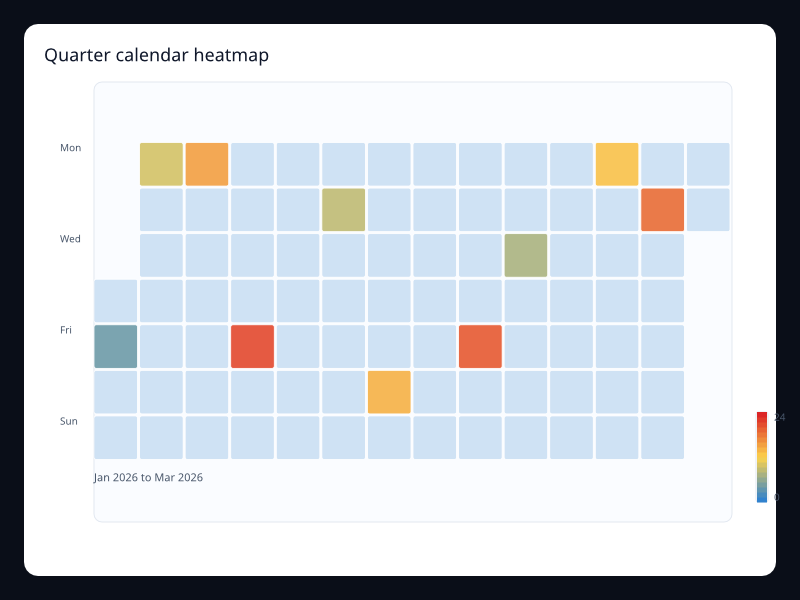
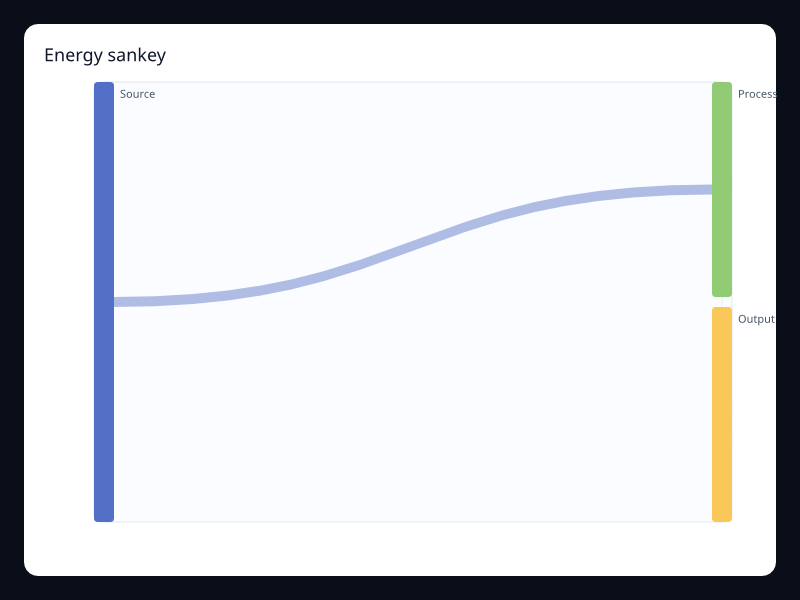
Fission Charts is the native charting layer for Fission apps, with more than 400 renderer-backed variants covering line, bar, area, pie, scatter, heatmap, financial, relationship, map, component, dynamic, and 3D chart work — without leaving the Rust UI model.
Why the model stays stable
Fission is strict about where state changes happen, where host work starts, and how rendering is produced.
fn reduce(state: &mut AppState, action: Action) {
  match action {
    Action::Inc => state.count += 1,
    Action::Reset => state.count = 0,
  }
}Product truth is not hidden inside widgets or host callbacks.
Typed actions and reducers keep behavior reviewable and testable.
Files, timers, authentication, and services do not leak through rendering.
Tests and diagnostics can inspect structure, semantics, and paint order directly.
Targets
Start on the host that answers your next product question fastest, then keep the shared model intact.
Fast local loop for reducers, overlays, layout, and diagnostics.
$cargo run -p counterDesktop pathBrowser host path and generated launcher folder around the same app model.
$./examples/web-smoke/platforms/web/run-browser.shWeb pathChecked-in emulator path and generated Android host folder.
$./examples/mobile-smoke/platforms/android/run-emulator.shAndroid pathChecked-in simulator path and generated iOS host folder.
$./examples/mobile-smoke/platforms/ios/run-sim.shiOS pathExamples
Start where your evaluation needs the most signal.
cargo run -p counterThe smallest complete Fission app loop: plain state, two reducers, a widget tree, and buttons bound with the public prelude macros.
cargo run -p inboxA product-like mail app that exercises portals, theme switching, locale switching, routing, and host capabilities in one shell.
cargo run -p fission-editor -- .The deepest example in the repo: custom editing surface, jobs, timers, portals, terminal panel, and extensive live tests.
The shared runtime is sitting right there. The next product question is one cargo command away.